Dolphin
The leading GameCube and Wii emulator
- Open SourceGitHub
- Dolphin TeamDeveloper
- 2 SystemsSupported
- 17 Oct 2026Page Updated
Details
- Developer
- Dolphin Team
- Source Code
- GitHub
- Page Updated
Supported Systems
Platform Support
- Windows
- Linux
- macOS
- Android
ScreenshotsView All (6)


Overview
Dolphin is an open source emulator for the Nintendo GameCube and Wii. It began in 2003 as a GameCube emulator and added Wii support once it became clear how similar the two consoles are. The project was open sourced in 2008 and has had a large, active development team ever since.
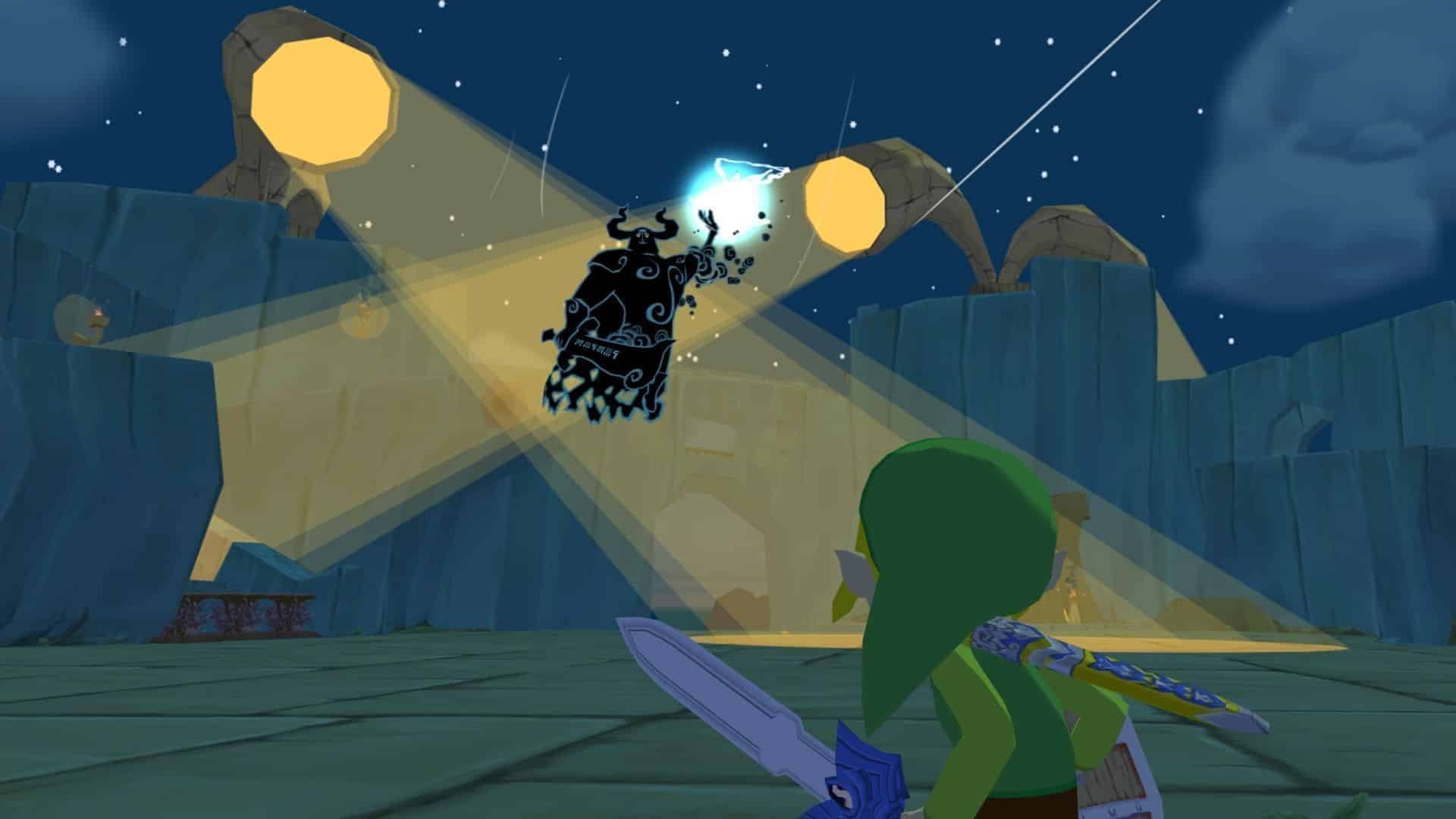
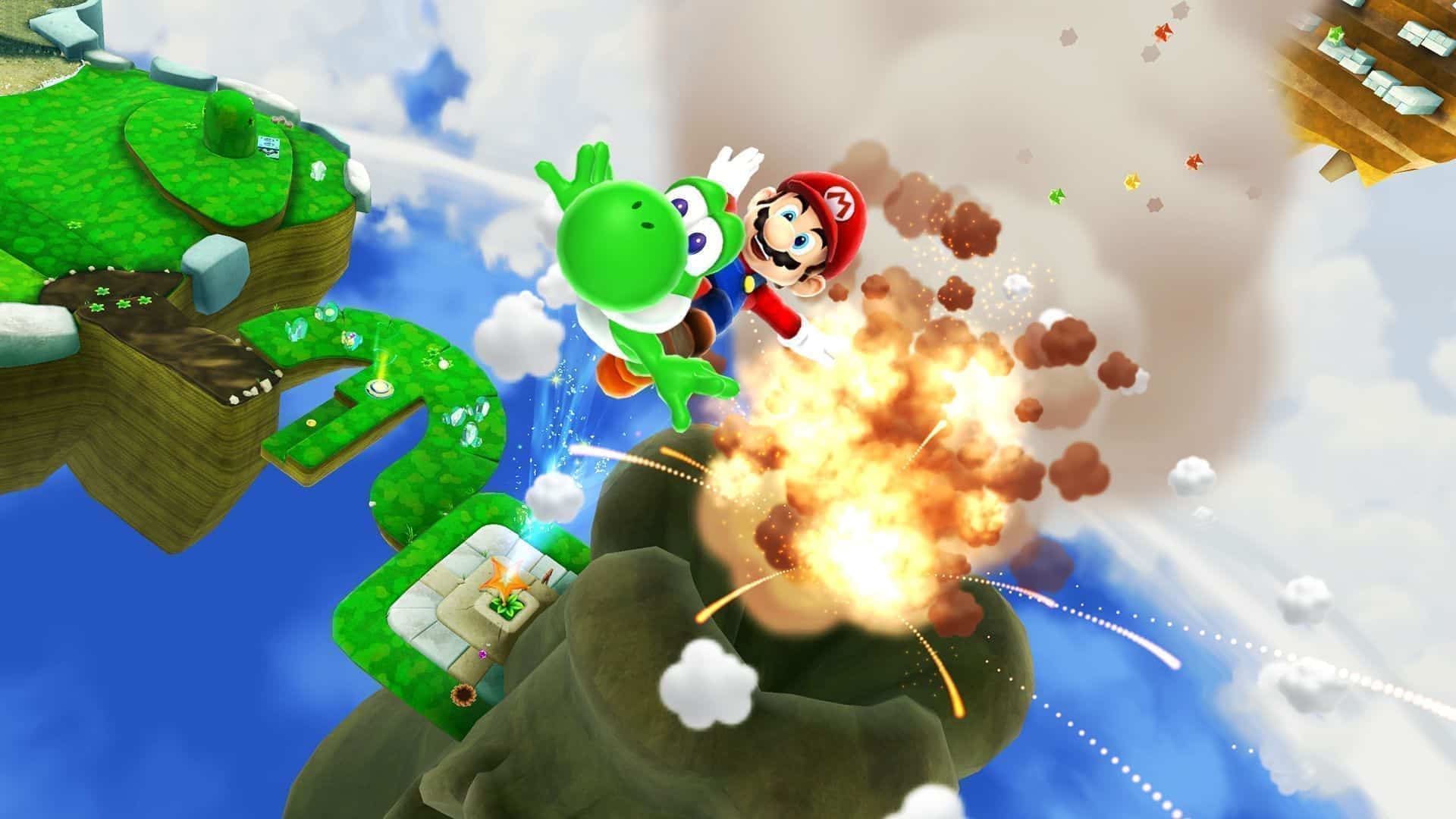
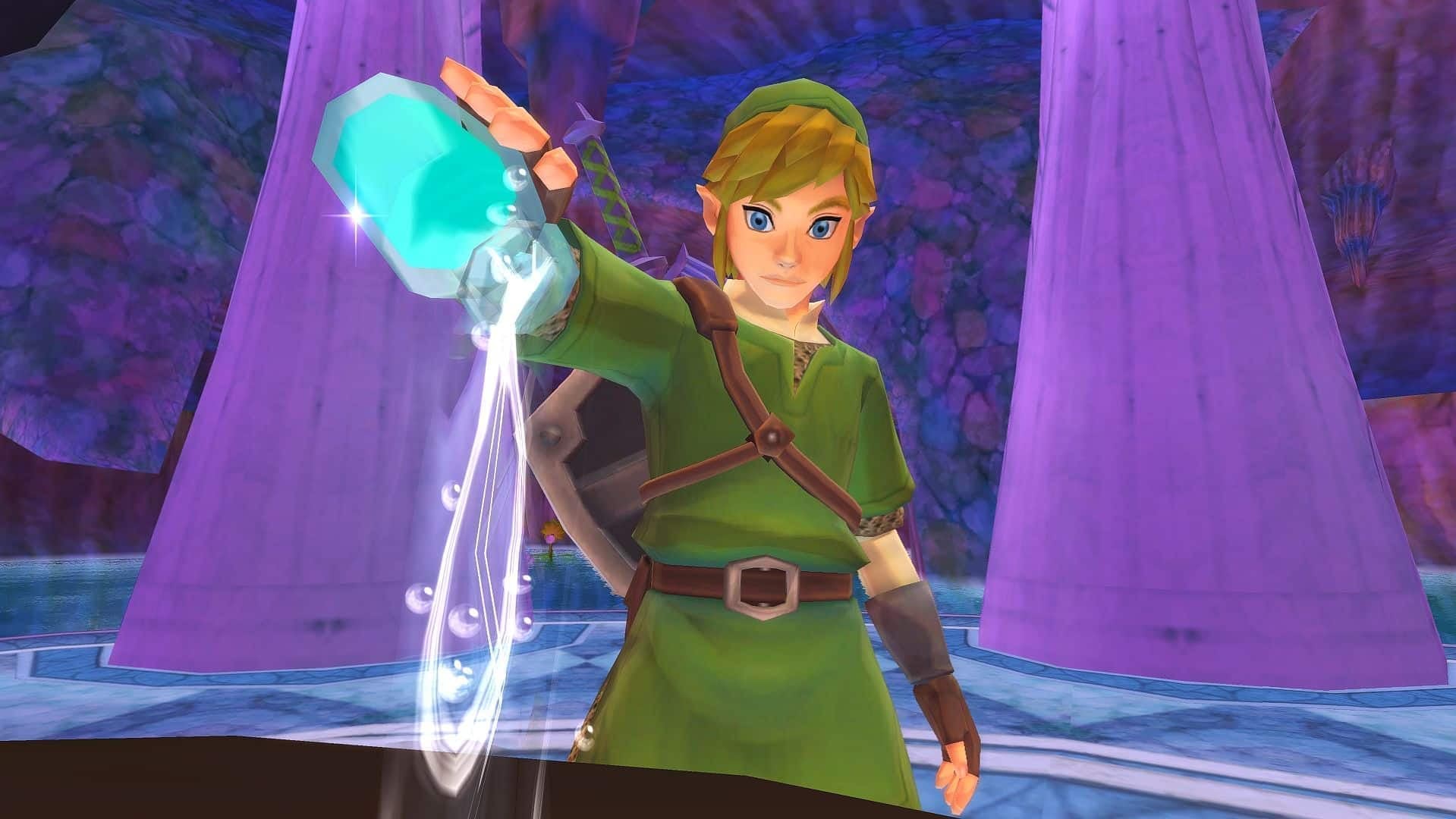
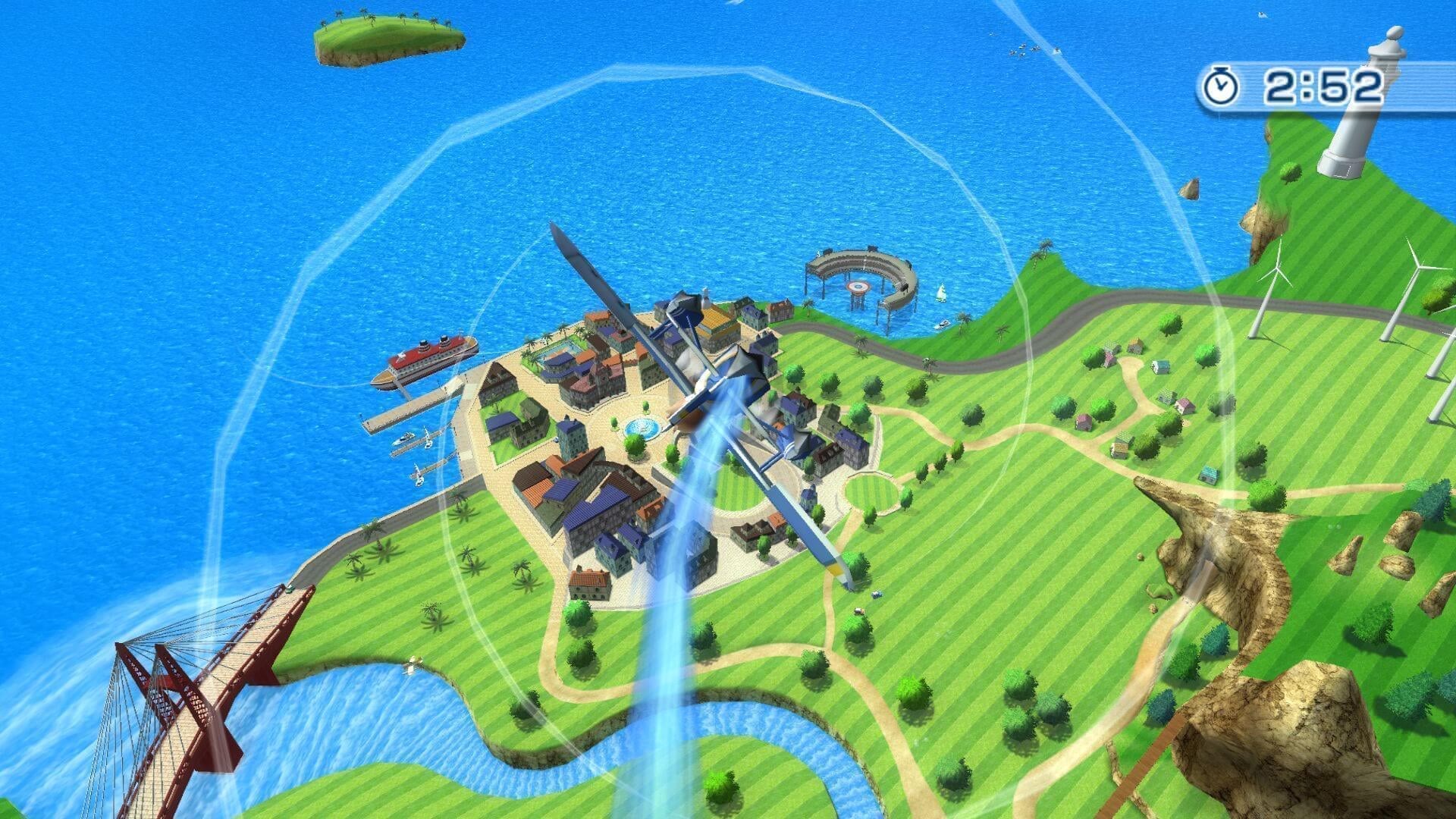
Dolphin now runs almost every GameCube and Wii game, and can render them at far higher resolutions than the original hardware, with widescreen hacks, texture packs and improved frame pacing. It supports real GameCube controllers and Wii Remotes, netplay, save states and cheats.
Official builds are available for Windows, macOS, Linux and Android. Dolphin runs well on most modern computers, although some demanding games benefit from a fast processor.
Which download to pick
There are two sets of buttons. The ones without a label are Dolphin’s numbered releases, which are the safest choice. The Development builds are made from the latest code between releases: they get new fixes and features first, but are tested less.
- Windows (x64): a 7z archive for 64-bit Windows. Extract it to a folder and run Dolphin from there.
- Mac OS X: a universal build that runs on both Intel and Apple Silicon Macs.
- Android: an APK for 64-bit devices.
System requirements
According to the project’s README, desktop builds need Windows 10 (version 1903 or later), Linux or macOS 11 Big Sur or later, a CPU with SSE2, and a graphics card that supports Direct3D 11.1 or OpenGL 3.3. A dual-core CPU of 3 GHz or more is recommended. The Android version needs Android 7.0 or later, a 64-bit processor and a GPU with OpenGL ES 3.0 support.
Getting started
Dolphin does not need a BIOS file: it skips the GameCube boot menu by default and boots games directly. Add the folder that holds your game dumps under Config > Paths (tick “Search Subfolders” if needed). Dolphin reads ISO, GCM, WBFS, CISO, GCZ, WIA and RVZ images, among others. Games must be dumped from discs you own.
Set up controllers from the Controllers window. For GameCube games, set each port you use to “Standard Controller” and press Configure to map it to a keyboard or gamepad. For Wii games, Wii Remotes can be emulated with a gamepad, or real Wii Remotes can be synced over Bluetooth.
Key Features
HD Rendering
Renders games far above the original resolution.
Netplay
Play online with netplay, plus save states and cheats.
Real Wii Remotes
Supports real GameCube controllers and Wii Remotes.
Four Platforms
Builds for Windows, macOS, Linux and Android.