Visual Boy Advance
Maintained continuation of Visual Boy Advance
- Open SourceGitHub
- VBA-M Development TeamDeveloper
- 2 SystemsSupported
- 27 Sep 2026Page Updated
Details
- Developer
- VBA-M Development Team
- Source Code
- GitHub
- Page Updated
Supported Systems
Platform Support
- Windows
- macOS
Screenshots
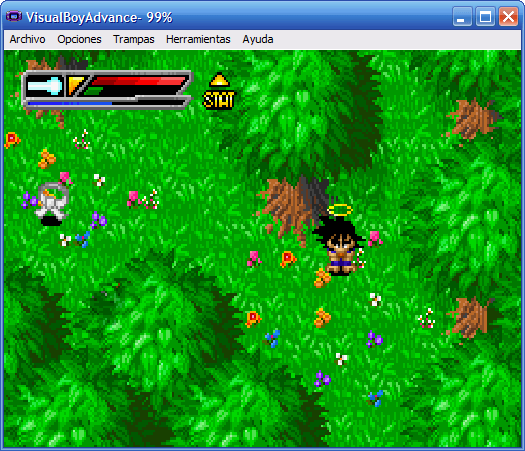
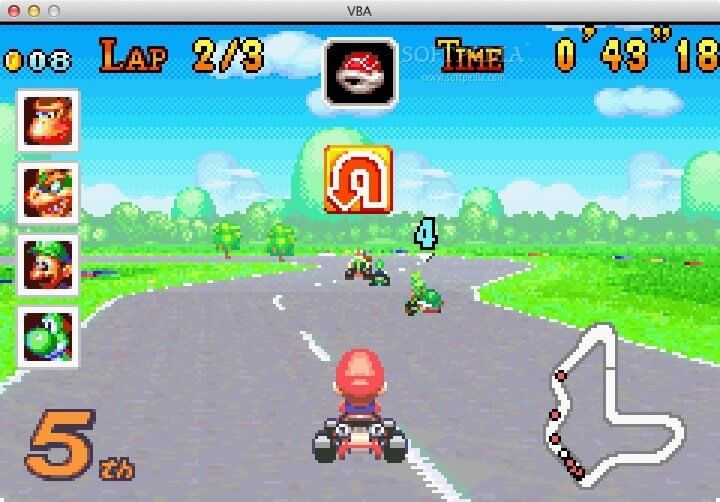
Overview
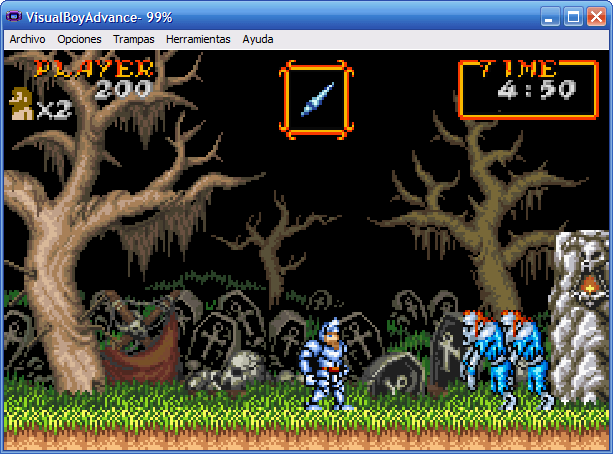
Visual Boy Advance-M (VBA-M) emulates the Game Boy, Game Boy Color and Game Boy Advance, as well as the Super Game Boy borders. It is the maintained continuation of the original Visual Boy Advance, which stopped development in the mid 2000s.
Several forks of Visual Boy Advance appeared after the original ended, each adding features such as link cable support. VBA-M merged these forks into a single project, and it remains in active development with official builds for Windows, macOS and Linux.
VBA-M is quick, easy to set up and runs the vast majority of games well. It supports save states, cheats, shaders and link cable emulation between two instances. For the most accurate Game Boy Advance emulation, mGBA is the usual alternative.
Which download to pick
- Windows (64-bit) is the right choice for most PCs. Windows (ARM64) is for Windows on Arm laptops, and Windows (32-bit) only for 32-bit copies of Windows.
- macOS (Apple Silicon) is for M-series Macs and macOS (64-bit) for Intel Macs. Mac OS X (32-bit) is the old 2.1.4 release, kept for older Macs.
- Linux is not VBA-M: it is version 1.7.1 of the original Visual Boy Advance, an SDL build from 2004. On Linux, VBA-M is better installed from your distribution’s packages (search for
visualboyadvance-morvbam) or from Flathub.
System requirements
VBA-M’s README lists Windows XP or newer, macOS or Linux. Almost any computer can run it. On older hardware the heavier scaling filters, such as xBRZ and ScaleFX, may be too slow, so leave them off.
Getting started
- A Game Boy Advance BIOS is optional; games start without one. To use a BIOS dumped from your own GBA, point VBA-M at it in the Game Boy Advance options and turn on “Use BIOS file”.
- Open a game from the File menu. Keyboard and joypad controls are set in the input options.
Key Features
Three Handhelds
Emulates Game Boy, Game Boy Color, GBA and Super Game Boy borders.
Save States
Supports save states and cheats across all three systems.
Shaders and Filters
Supports shaders and scaling filters such as xBRZ and ScaleFX.
Link Cable
Emulates the link cable between two instances.