mGBA
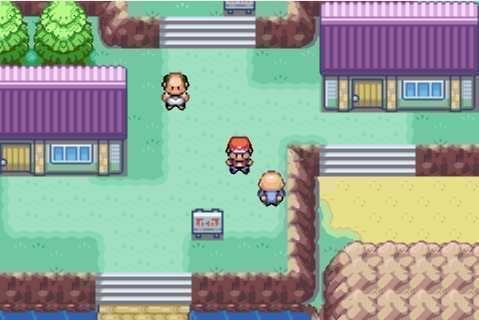
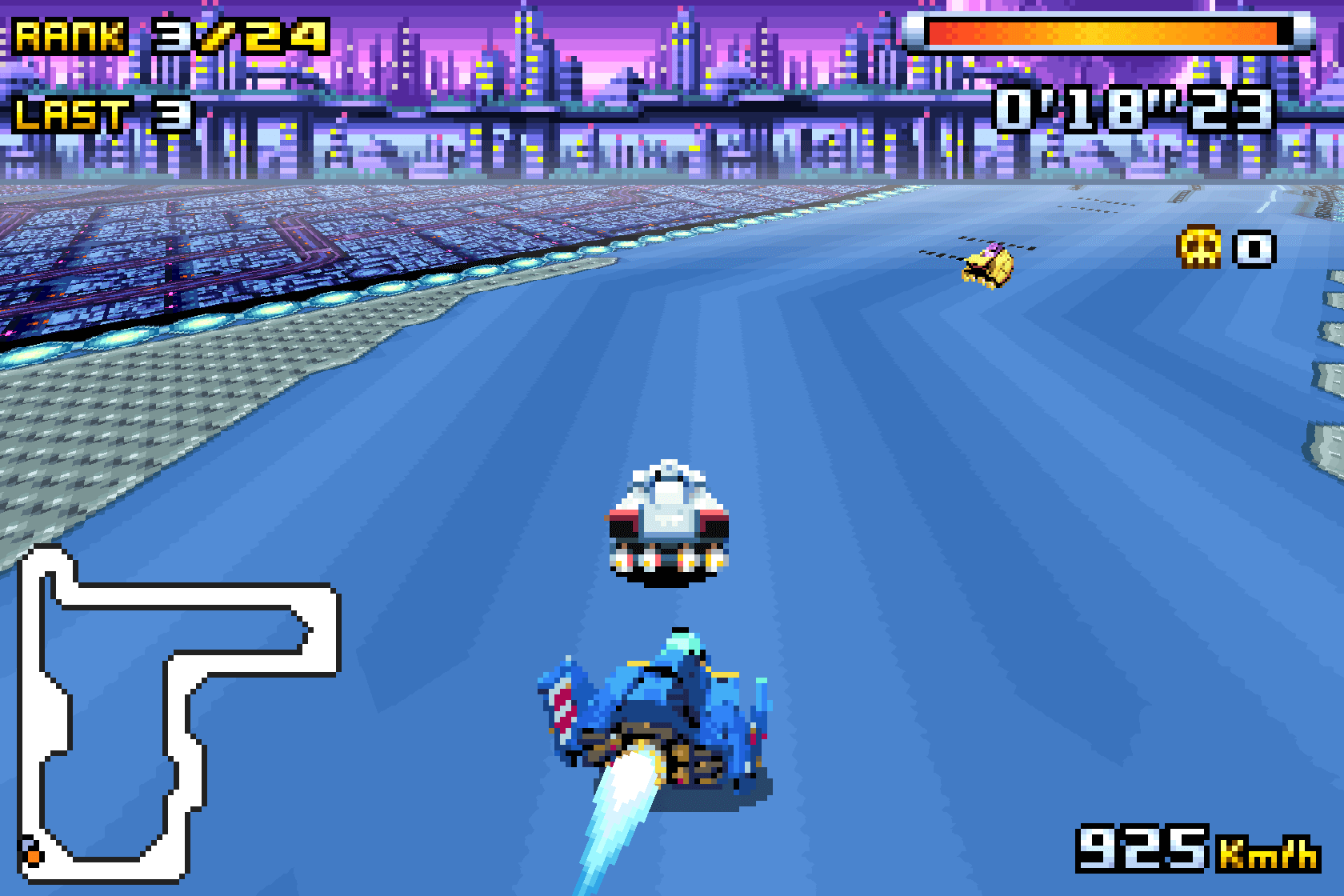
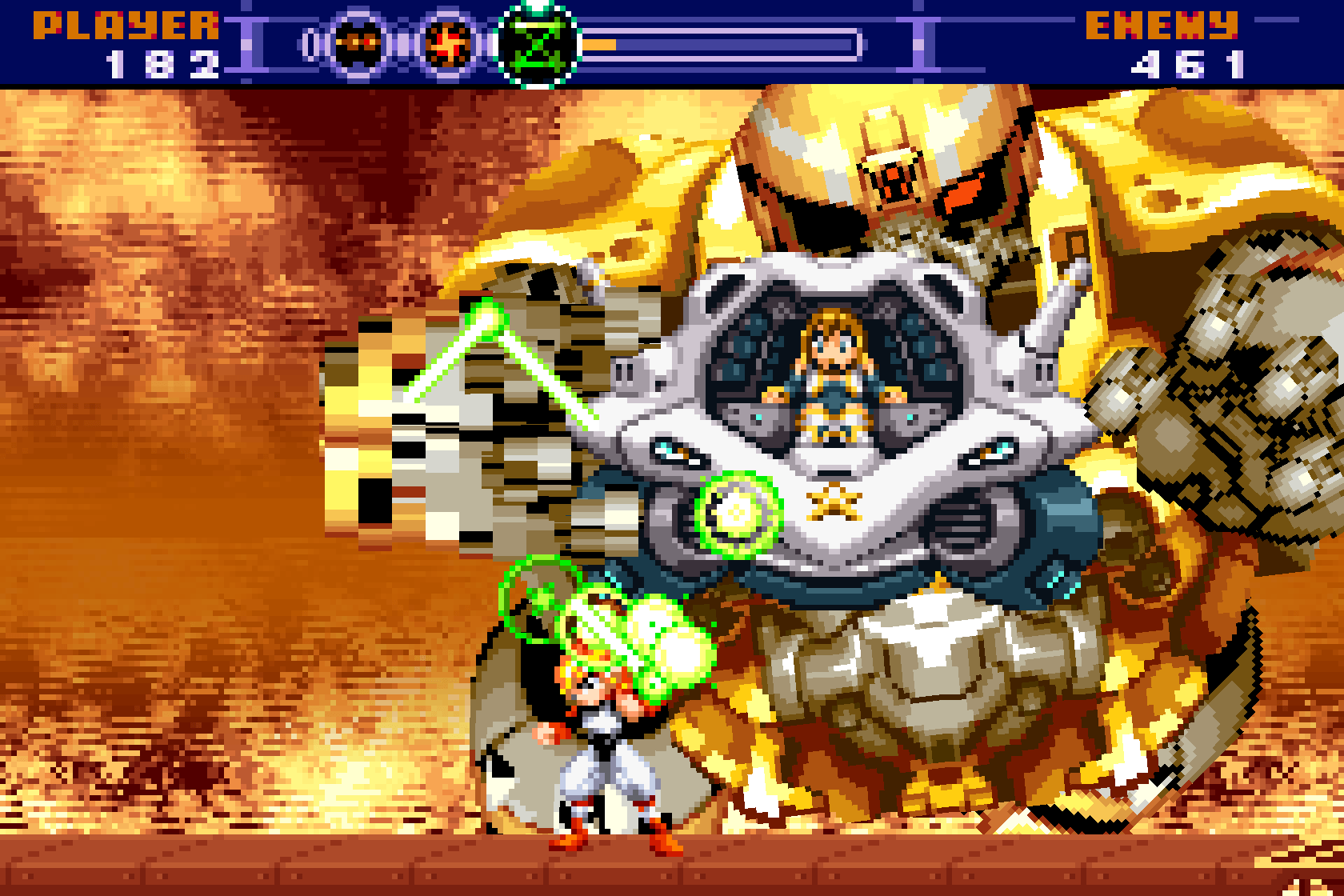
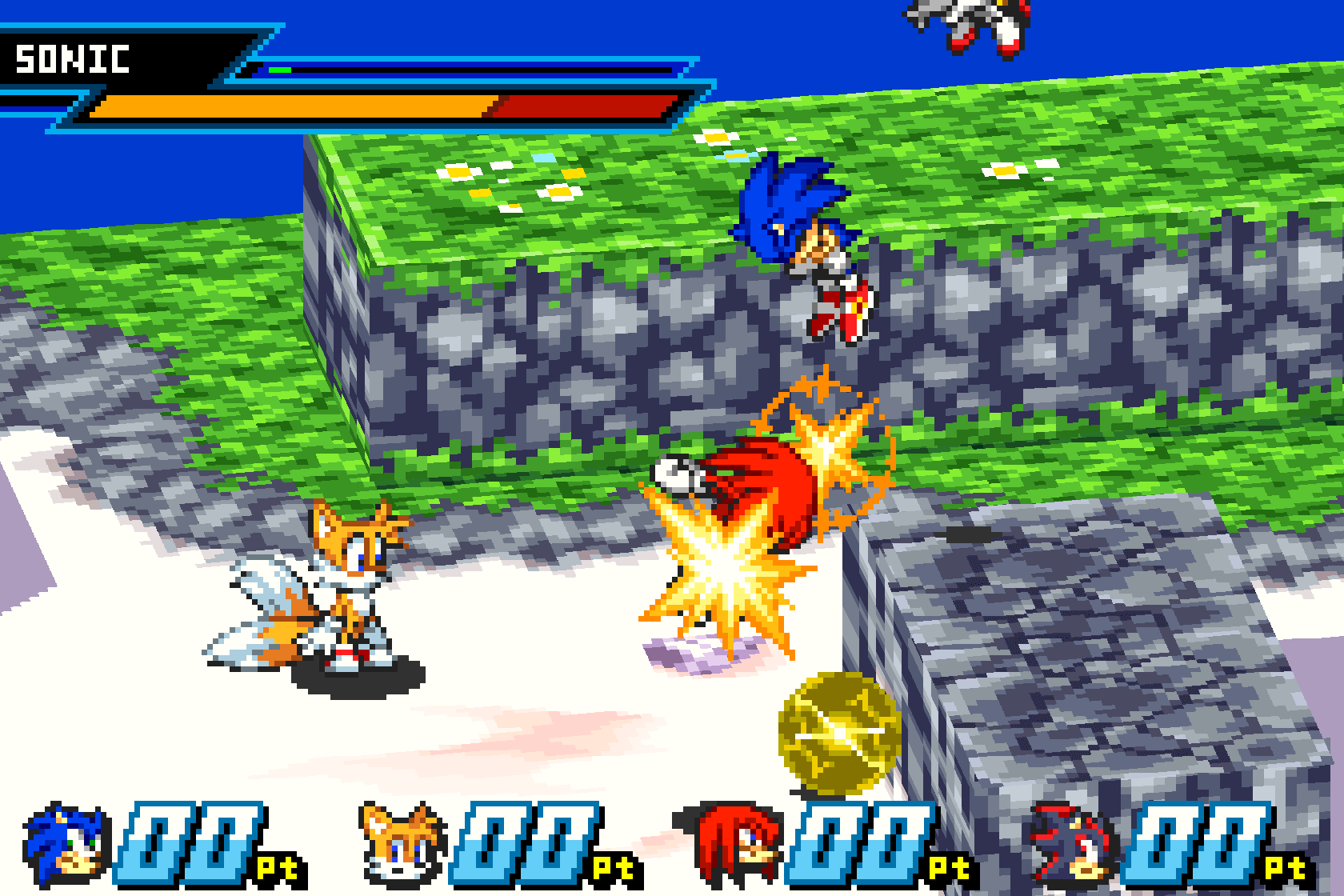
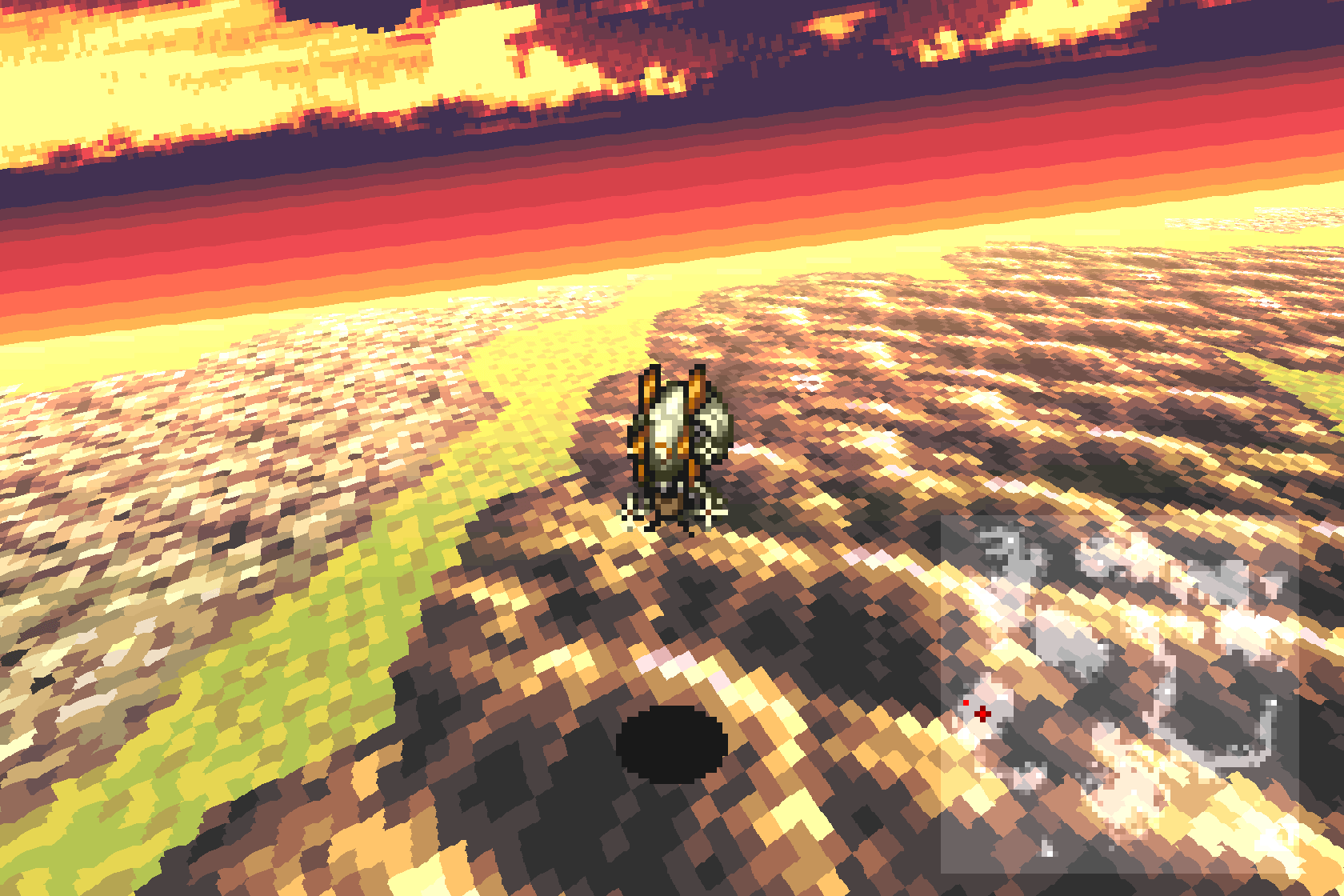
mGBA is an open source Game Boy Advance emulator created in 2013 by Vicki Pfau. Its goal is to be faster and more accurate than older GBA emulators while running on as many systems as possible, and it has succeeded at all three.
mGBA also emulates the Game Boy and Game Boy Color, and includes link cable support, a built-in debugger, cheats, shaders, rewind and scripting. It handles games that older emulators struggle with, and emulates hardware extras found in some cartridges, such as the real-time clock, rumble and solar sensor.
Official builds are available for Windows, macOS and Linux, and mGBA also runs on the Nintendo Switch, 3DS, Wii and PS Vita, and inside RetroArch. For many people it is now the default choice for Game Boy Advance games.
Which download to pick
All of the current buttons are the 0.10.5 stable release, with a few exceptions noted below.
- Windows: take the 64-bit build. The 32-bit build is only for old 32-bit copies of Windows. Both are portable archives, so extract them to a folder and run mGBA from there.
- Ubuntu: pick the build that matches your Ubuntu release name: Noble is 24.04, Jammy 22.04, Focal 20.04 and Bionic 18.04, while Oracular is 24.10. The Lunar and Mantic builds are older 0.10.3 releases, and Xenial, Hirsute and Eoan are older still, for systems that can’t run a newer build.
- Mac OS X: a disk image for macOS.
- Nintendo 3DS and Nintendo Switch: homebrew builds for consoles that can run homebrew. On the 3DS, Game Boy Advance games need a New 3DS.
System requirements
mGBA is light. Its README says any computer able to run Windows Vista or newer should handle emulation, and it needs OpenGL 1.1, or OpenGL 3.2 for shaders and advanced features. The desktop builds support Windows 7 or newer and OS X 10.9 or newer.
Getting started
- mGBA has its own BIOS implementation, so games run without a BIOS file. You can load a BIOS dumped from your own Game Boy Advance in the settings if you want the original boot screen and behaviour.
- Games load directly from .zip and .7z archives, and IPS, UPS and BPS patches are supported.
- Keyboard and gamepad controls can both be remapped.
- Save types, including flash memory size, and the real-time clock are detected automatically, so most games need no per-game setup.