Nestopia

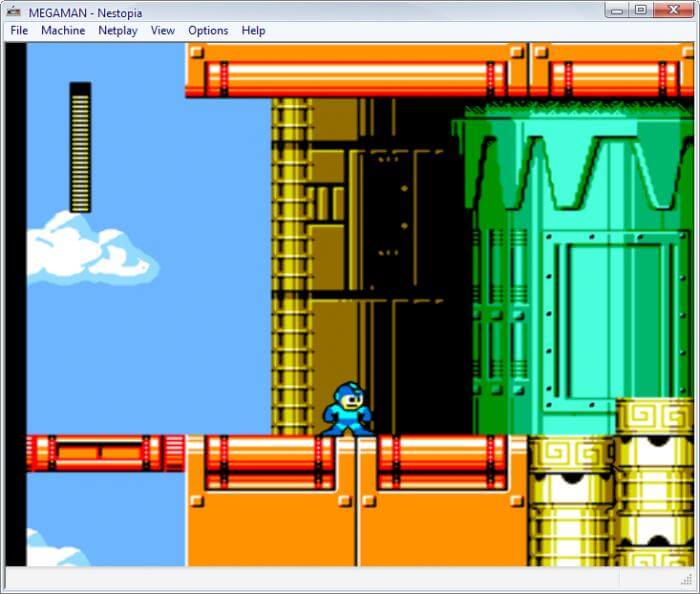
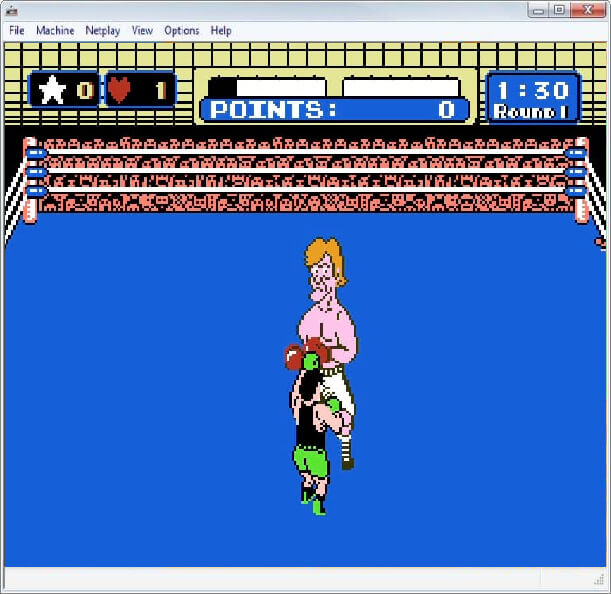
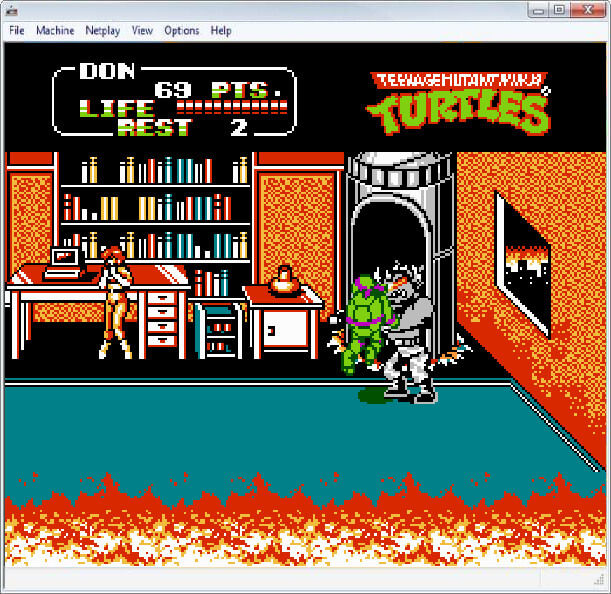
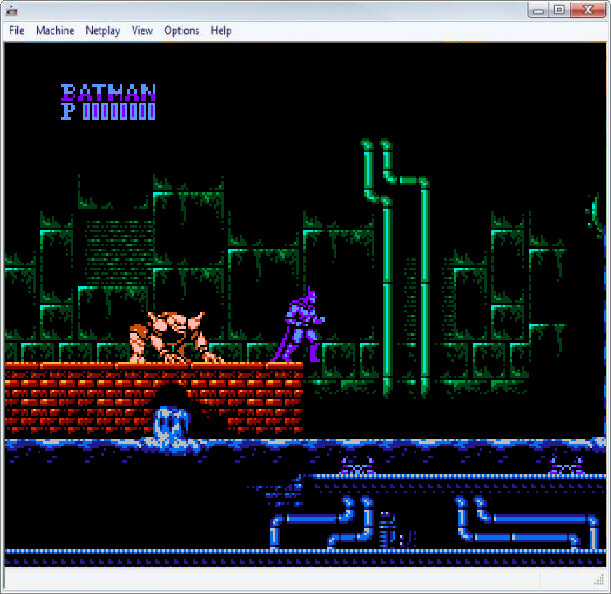
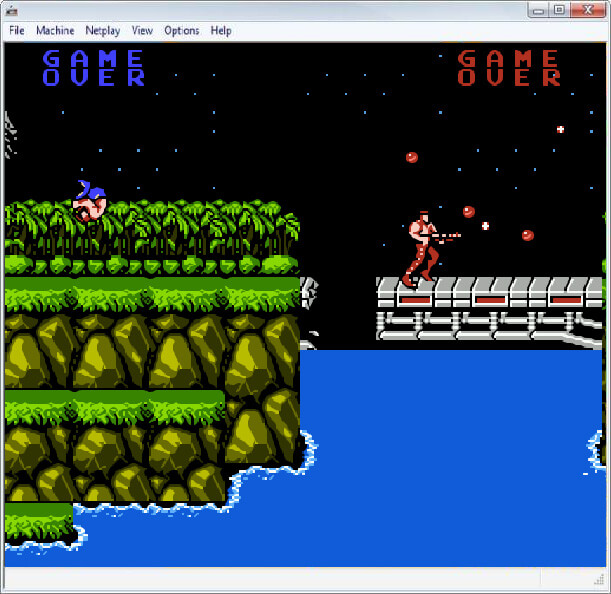
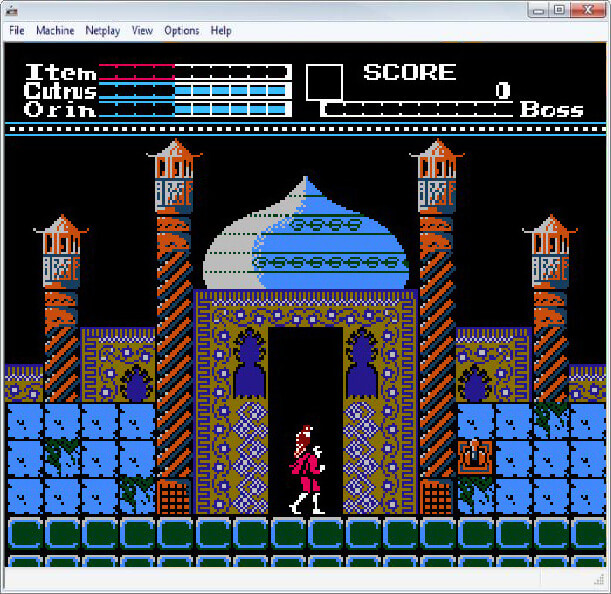
Nestopia is a cycle-accurate emulator for the Nintendo Entertainment System (NES). Its accurate, well-optimised emulation gives it almost 100% compatibility with the NES library.
Because the NES is a relatively simple system and Nestopia is heavily optimised, its cycle-accurate emulation runs comfortably on modest hardware, unlike accurate emulation of later consoles such as the SNES or Nintendo 64.
Nestopia runs on Windows, macOS and Linux.
The original developers ended work on Nestopia in 2008, but its code lives on in several forks, most notably Nestopia UE (Undead Edition), which is still maintained.
Which download to pick
- for Windows is Nestopia UE 1.49, the Windows build of the maintained fork. It is a zip file with no installer: extract it to its own folder and run
nestopia.exe. KeepNstDatabase.xmlin the same folder, as this version uses it to identify games and set them up correctly. - for macOS is an older 1.41 build for the Mac. It has not been updated in many years and may not run on recent versions of macOS.
- Source Code is the Nestopia UE 1.50 source. There is no ready-made Linux build here, so Linux users need to compile it.
These are older builds, kept for the archive. For current builds, use the Nestopia UE page: version 2.0.0, released in September 2026, has downloads for Windows, macOS (Apple Silicon) and Linux.
Getting started
- Open a game from the File menu. Nestopia plays NES and Famicom cartridge games and Famicom Disk System (FDS) games.
- Set up your keyboard or gamepad under Options > Input. Folders for saves, states and cheats are set under Options > Paths.
Cartridge games need nothing else. FDS games need the Famicom Disk System BIOS, which must be dumped from your own hardware and is usually named disksys.rom. If you load an FDS game without it, Nestopia asks you to set one up before it will continue.