Xenia
Open source Xbox 360 emulator for Windows
- Open SourceGitHub
- Xenia Development TeamDeveloper
- 27 Sep 2026Page Updated
Details
- Developer
- Xenia Development Team
- Source Code
- GitHub
- Page Updated
Supported Systems
Platform Support
- Windows
Screenshots
Overview
Xenia is an open source Xbox 360 emulator for Windows. Ben Vanik started it in 2013, at a time when running Xbox 360 games on a PC was widely thought impossible, and it has since grown into a project with many contributors.
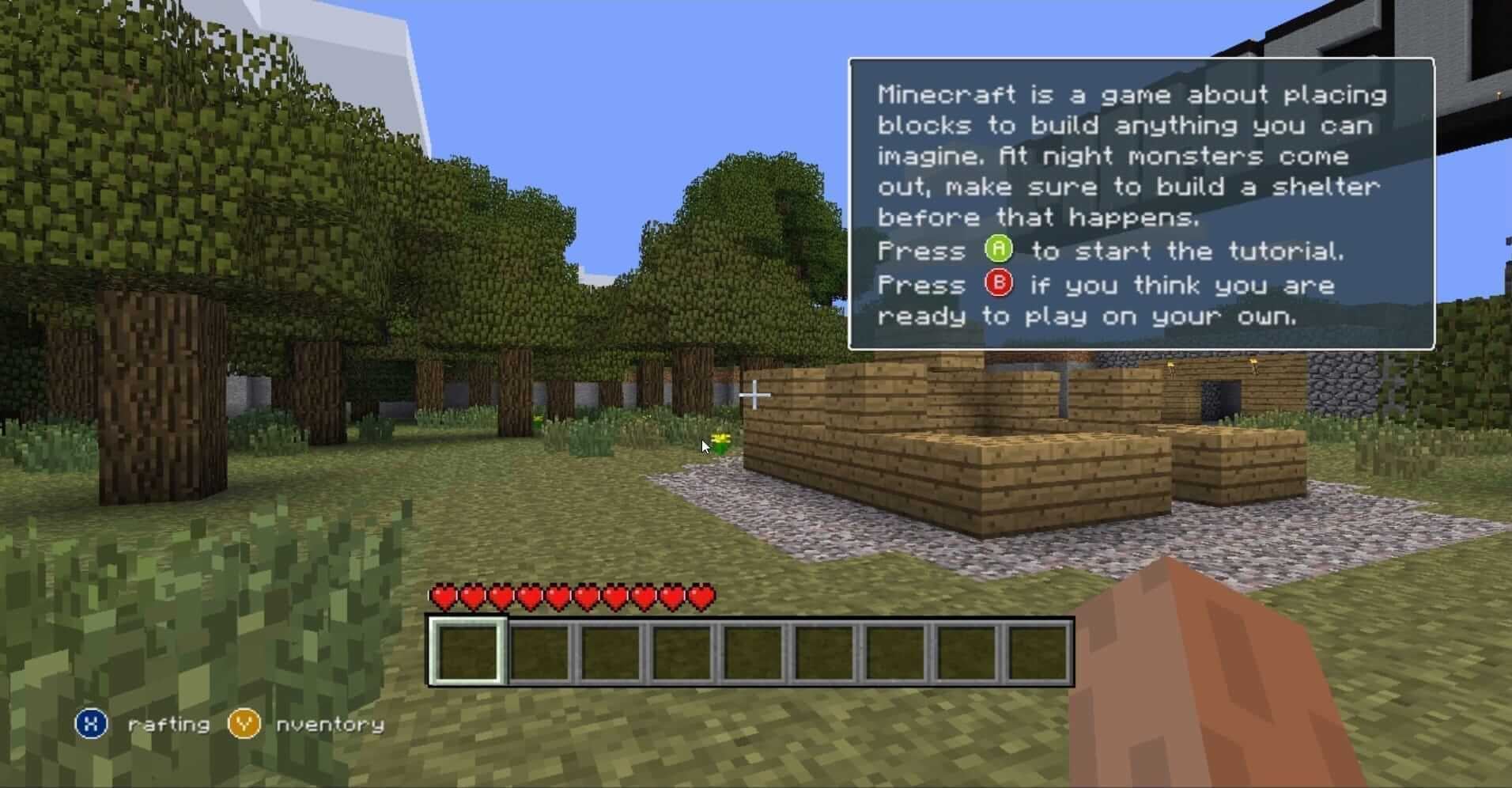
A growing list of Xbox 360 games are now playable in Xenia, many at full speed and some at higher resolutions than the console. Compatibility varies a lot from game to game, so check Xenia’s compatibility list before you start.
Xenia needs 64-bit Windows, a processor that supports AVX, and a graphics card that supports Direct3D 12 or Vulkan. An experimental fork called Xenia Canary gets new features and fixes first and runs some games better.
Which download to pick
There is one download here: the Windows build of Xenia’s original master branch, a .zip you extract and run. Windows security software sometimes flags Xenia; the project says this is a false positive.
Xenia’s own site now labels the master branch inactive and says it receives only sporadic updates. Active development happens in Xenia Canary, which is where new fixes and compatibility improvements land. If a game fails or runs poorly in master, try Canary.
System requirements
According to Xenia’s quickstart guide:
- Minimum: 64-bit Windows 7 or later, a 64-bit x86 CPU with AVX or AVX2 support, a GPU with Direct3D 12 or Vulkan, and 4 GB of RAM.
- Recommended: Windows 10 or later, a 4th-generation Intel Core i5/i7 or newer with AVX2, a GTX 980 Ti or better, and 6 GB of RAM or more.
Linux and macOS are not supported natively. On Linux, Xenia may run under Wine using Vulkan.
Getting started
- Xenia cannot play games from a disc drive. Games have to be ripped from discs or copied off the hard drive of your own Xbox 360.
- Open games with File > Open. It accepts ISO disc images, XEX executables and the extensionless files an Xbox 360 stores its games in (XBLA titles and Games on Demand).
- Digital and XBLA games run in trial mode by default. A setting in Xenia’s configuration unlocks the full game.
- Xbox 360 and Xbox One controllers work without setup. Other controllers need SDL input.
Key Features
Full Speed
Many playable Xbox 360 games run at full speed.
Higher Resolutions
Some games run at higher resolutions than the console.
Controllers Ready
Xbox 360 and Xbox One controllers work without setup.
Game Formats
Opens ISO images, XEX executables and XBLA game files.