PCSX2
Mature open source PlayStation 2 emulator
- Open SourceGitHub
- PCSX2 Development TeamDeveloper
- 20 Oct 2026Page Updated
Details
- Developer
- PCSX2 Development Team
- Source Code
- GitHub
- Page Updated
Supported Systems
Platform Support
- Windows
- Linux
- macOS
ScreenshotsView All (7)

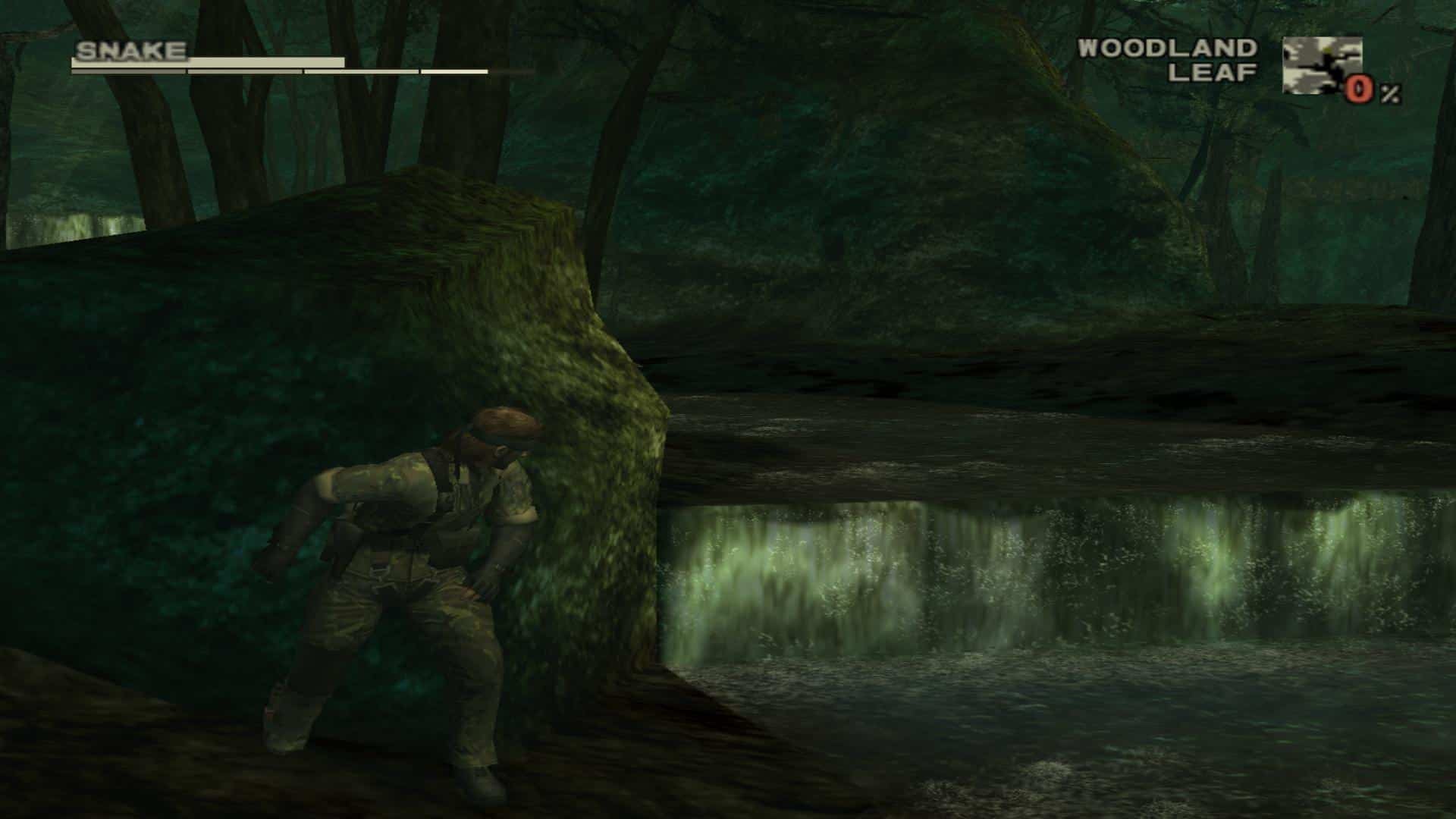
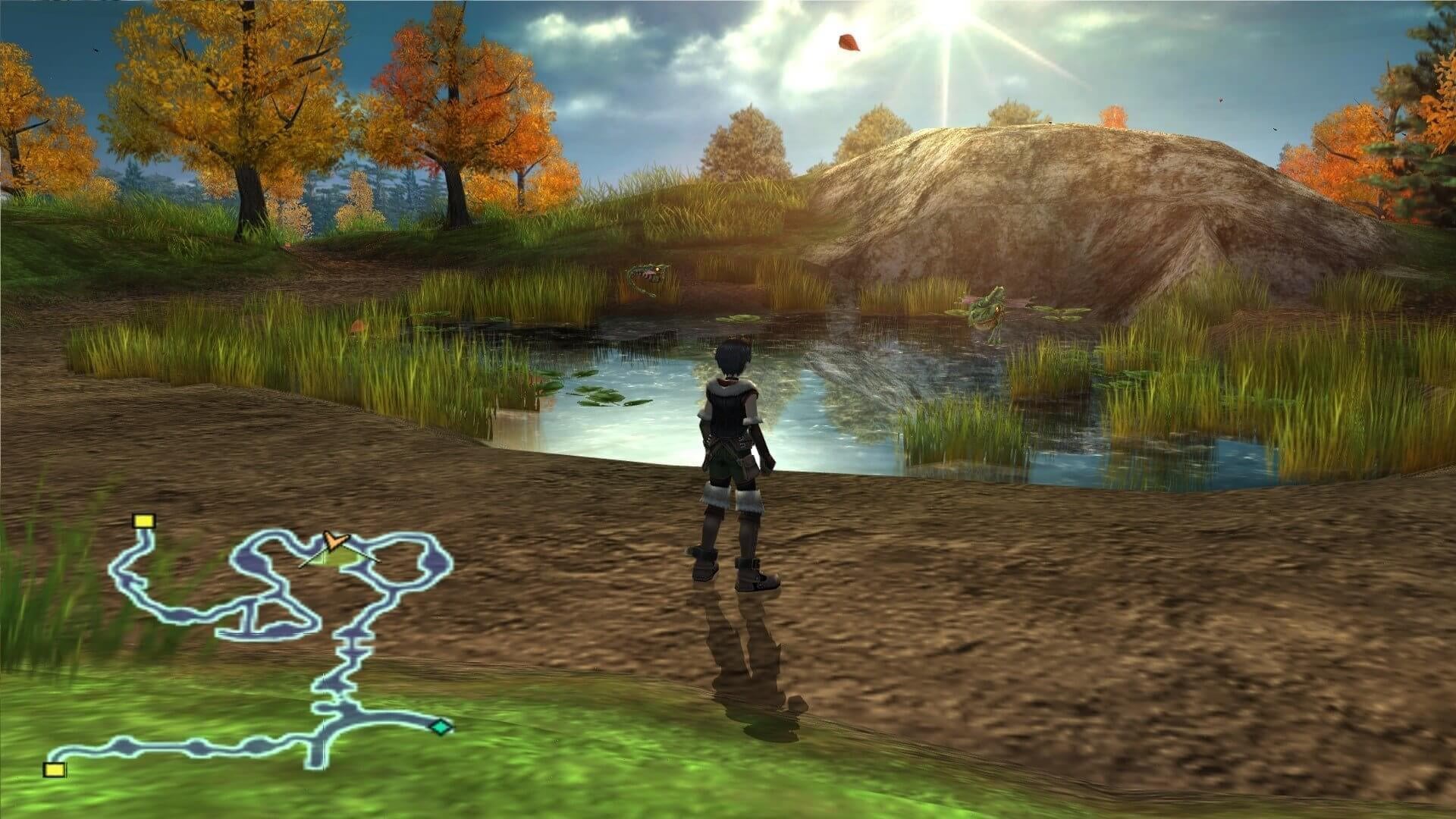

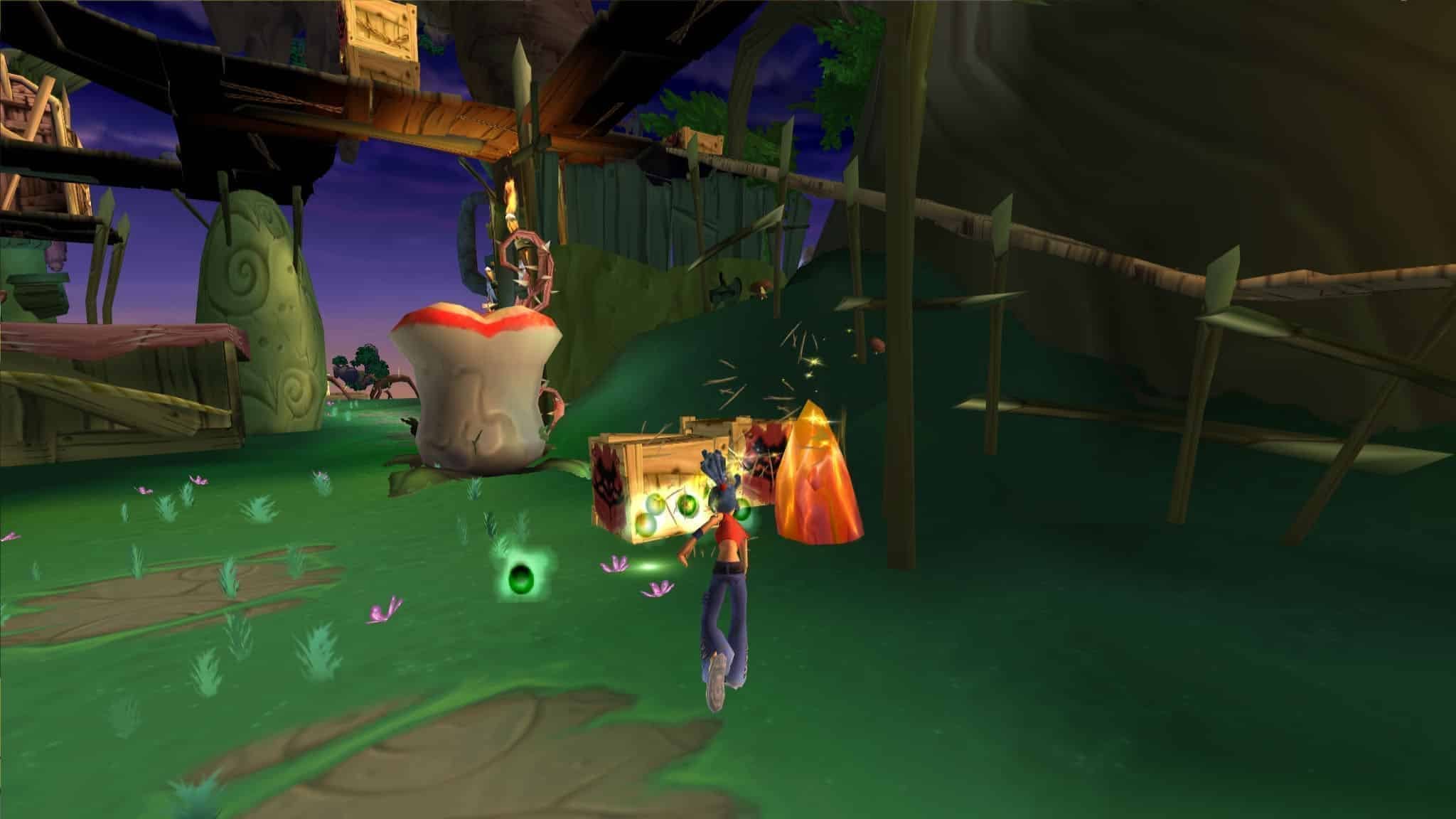

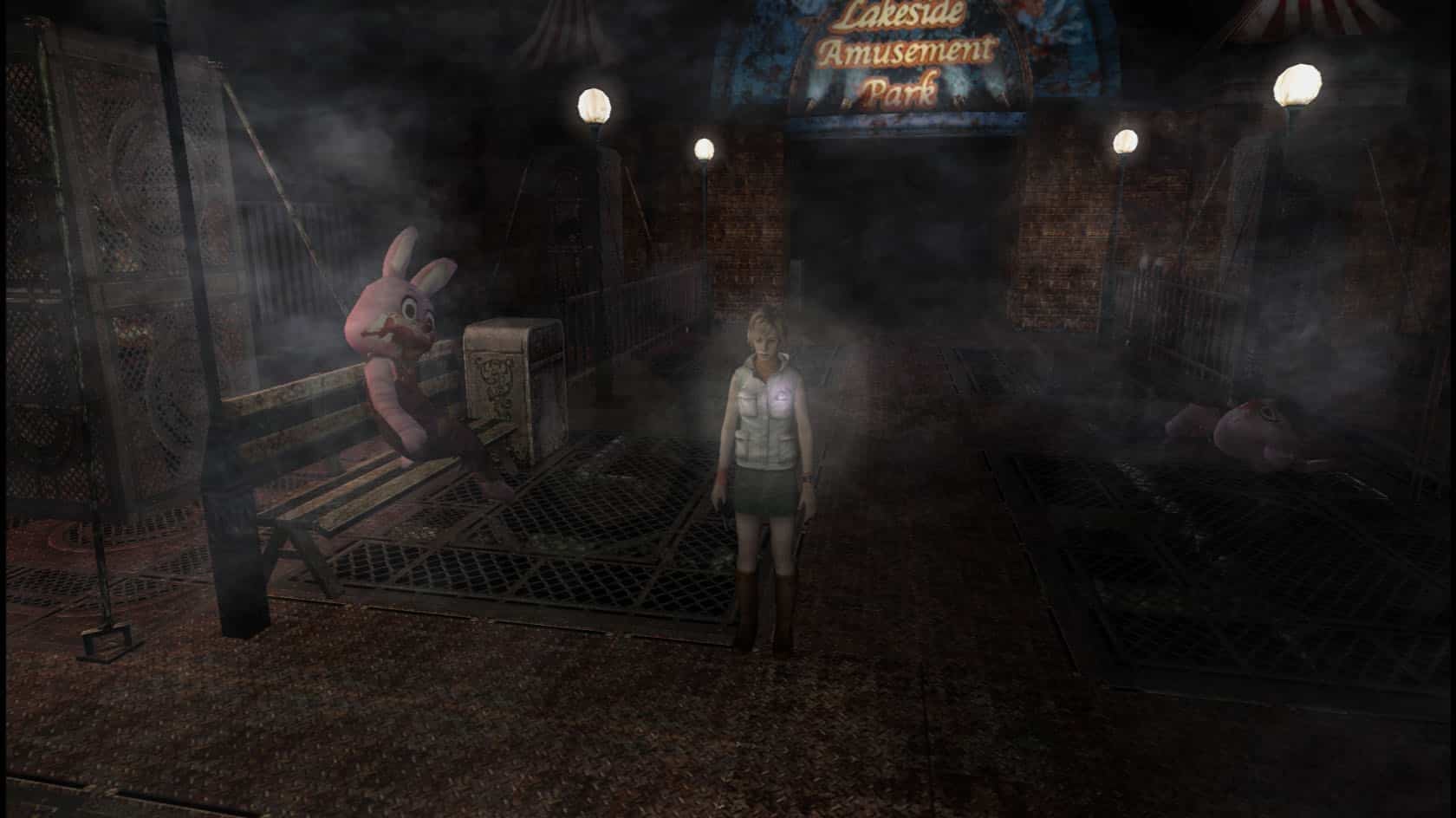
Overview
PCSX2 is an open source PlayStation 2 emulator for Windows, Linux and macOS. It began in 2002, from members of the team behind the PlayStation emulator PCSX, and more than two decades of development have made it one of the most mature emulators of any console.
PCSX2 can now play the large majority of the PS2’s library, and many games can be rendered at several times their original resolution with widescreen patches and texture replacement. PCSX2 2.0, released in 2024, was the first stable release without the old plugin system, which makes setup much simpler.
The Stable downloads are the latest official release. Nightly builds get new fixes first and are updated far more often.
Note: PCSX2 needs a BIOS dumped from your own PlayStation 2.
Which download to pick
- Stable is the latest official release. Windows users get an installer; Linux users get an AppImage, a single file you make executable and run; macOS users get a
.tar.xzarchive containing the app, which goes in the Applications folder. - Nightly is built from the newest development code. The Windows nightly is a portable
.7zarchive (extract it with 7-Zip and runpcsx2-qt), and Linux has both an AppImage and a Flatpak. Choose the Flatpak if your distribution manages Flatpak apps already; otherwise the AppImage is simpler.
On Apple Silicon Macs, PCSX2 runs through Rosetta 2.
System requirements
PCSX2’s documentation lists a minimum of Windows 10, macOS 11 or Ubuntu 22.04, an x86-64 CPU with SSE4.1 and two physical cores, a GPU with Vulkan 1.1, Direct3D 11 or OpenGL 3.3, and 8 GB of RAM. For upscaling and demanding games it recommends an AVX2 CPU with four or more cores, a Direct3D 12, Vulkan 1.3 or Metal GPU with at least 4 GB of video memory, and 16 GB of RAM. Single-thread CPU speed matters most. Windows also needs the latest x64 Visual C++ runtime.
Getting started
- Dump the BIOS from your own PS2. The PCSX2 team recommends the biosdrain tool, which does not alter the console.
- On first launch, the setup wizard asks for the folder holding the BIOS, then for the folders it should scan for games. Disc images in ISO, CHD, CSO and similar formats are supported.
- The wizard’s controller page can map a connected gamepad automatically.
Key Features
Huge Compatibility
Plays the large majority of the PS2's library.
Upscaling
Renders many games at several times their original resolution.
Widescreen Patches
Widescreen patches and texture replacement for many games.
Easy Setup
A setup wizard finds the BIOS and games and maps controllers.