WipEout Omega Collection for PC
PC port of WipEout Omega Collection
- RecompilationPort Type
- AbdelmoumenDeghboucheDeveloper
- 16 Nov 2026Page Updated

Details
Platform Support
- Windows
Screenshots
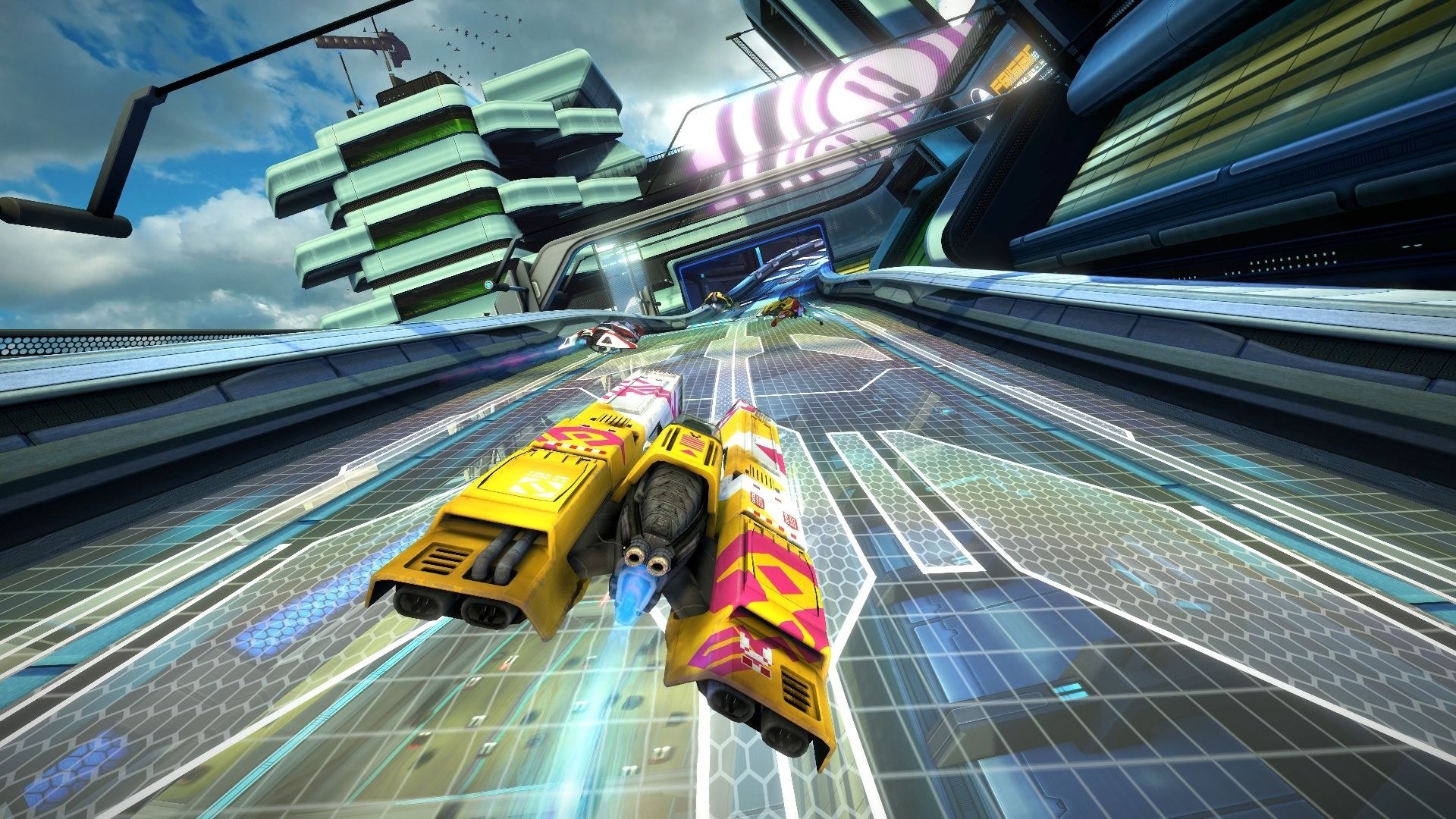
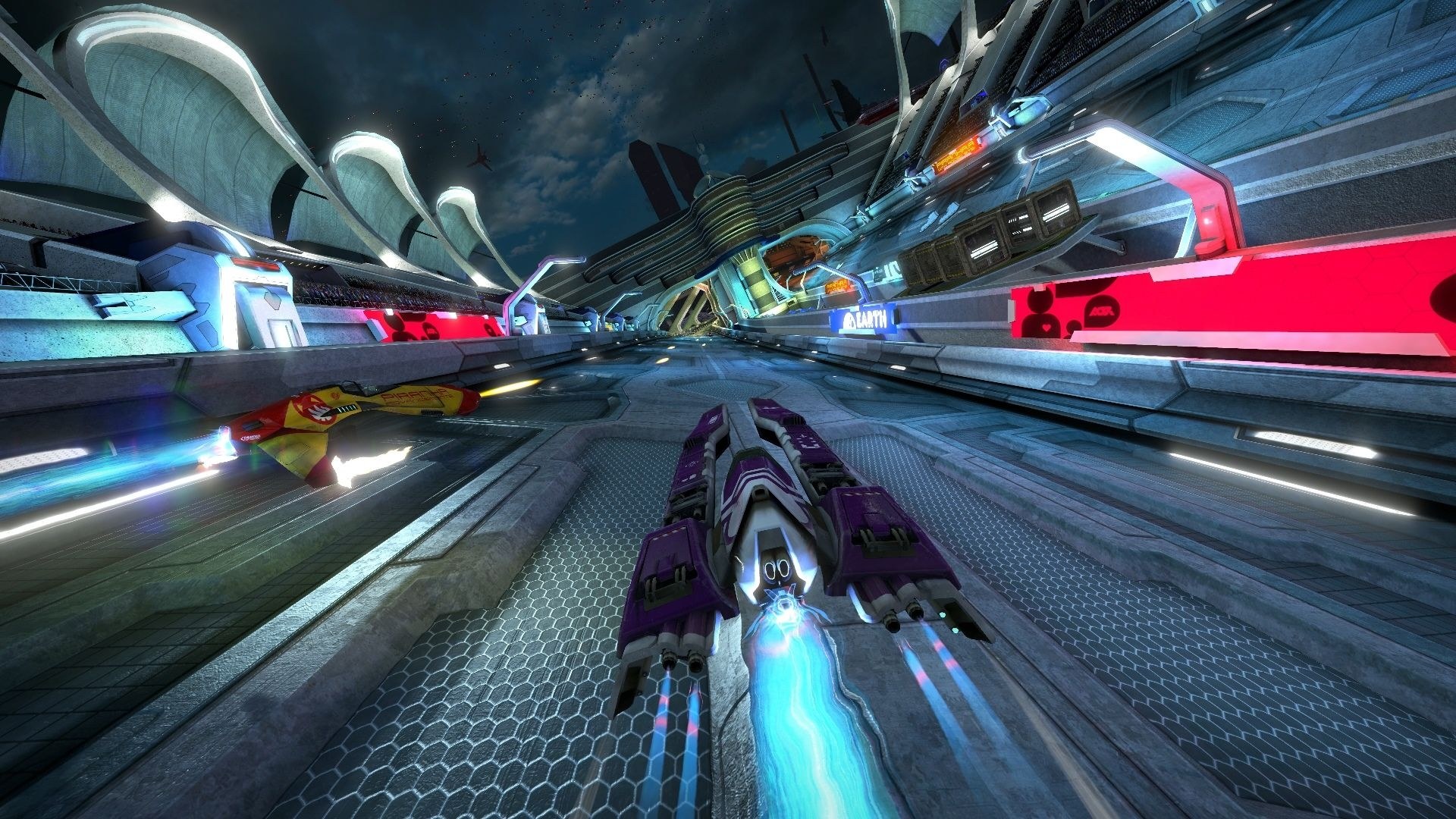
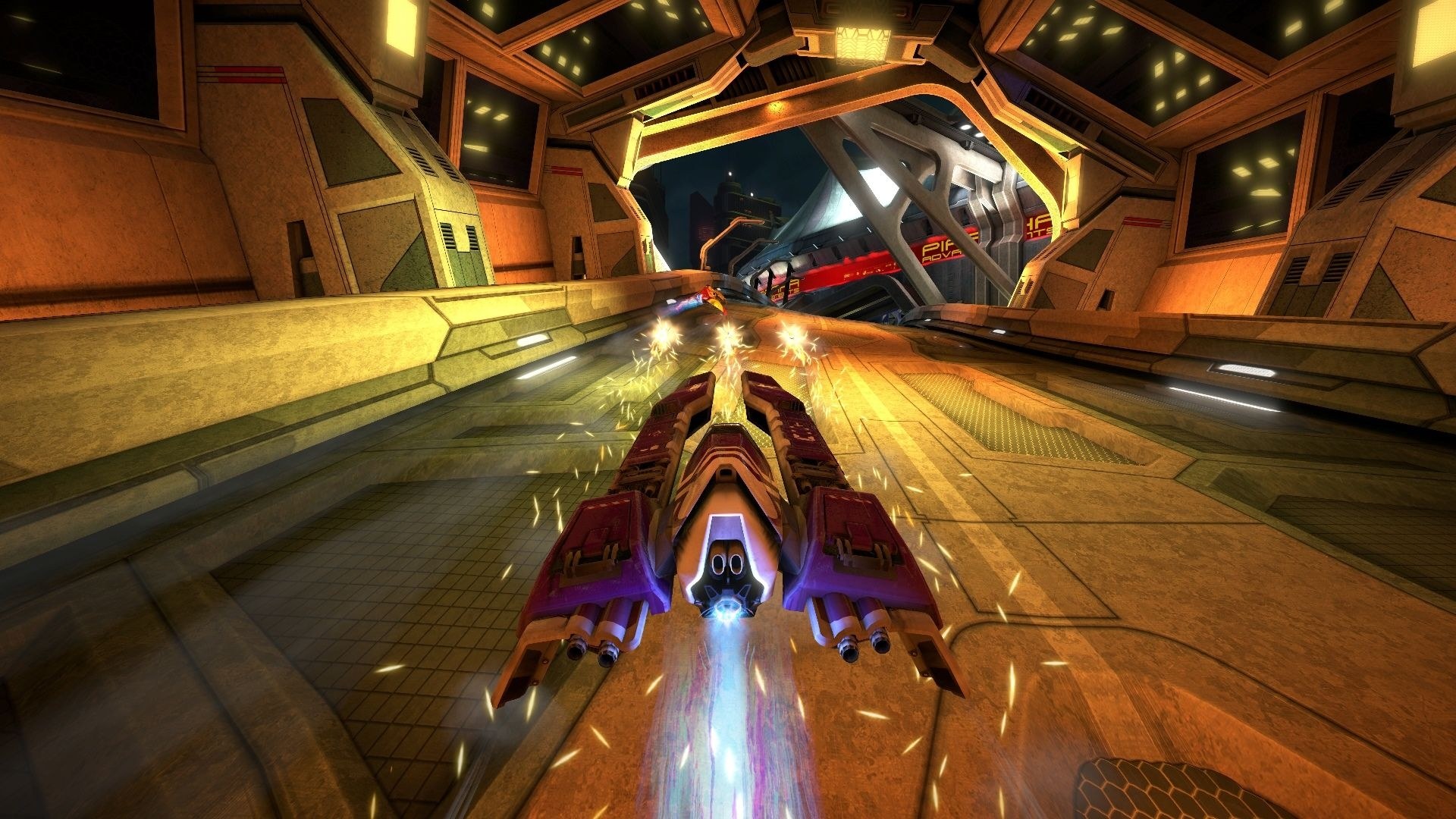
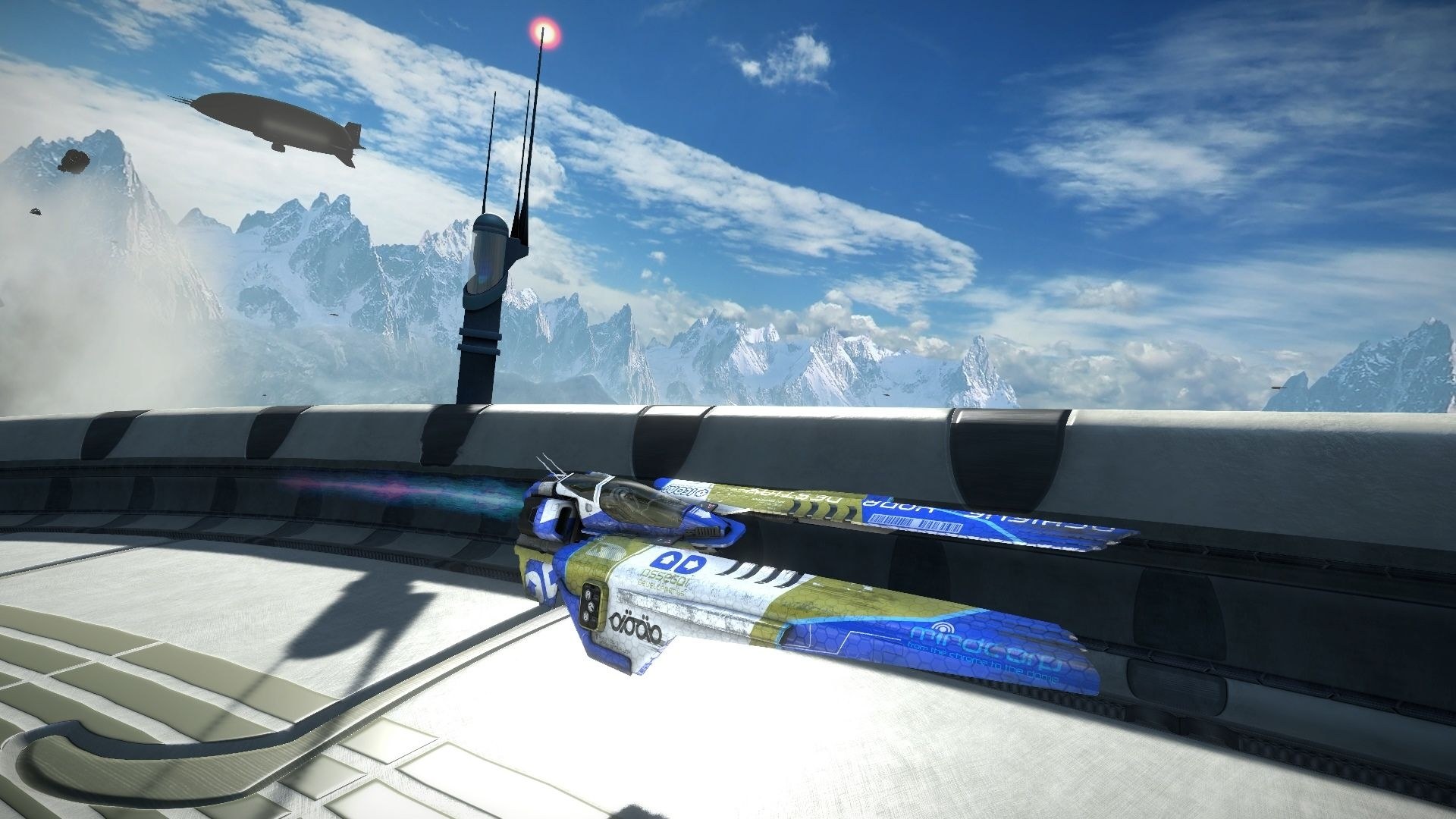
Overview
WipEout Omega Collection for PC, by Abdelmoumen Deghbouche, runs the PS4’s WipEout Omega Collection natively on Windows. As in bbport, the game’s own x86-64 code runs directly on the computer’s processor, a runtime stands in for the PS4’s system libraries, and the shadPS4 video core translates its graphics to Vulkan. There is no CPU emulation, and the download contains no game files.
Menus and races in both the HD and 2048 games play at more than 60 frames per second, up to 240, with the game’s speed kept right at any frame rate. Render resolutions run from 1080p to 4K and ultrawide sizes, with HDR, and the launcher has a music page that plays the player’s own songs in menus and races in place of the game’s soundtrack. Discord Rich Presence can show the track and mode being played.
The developer calls it playable and in active development, with a new release every Sunday. Not every event type has been tested, PS4 Pro mode is experimental and PlayStation VR is not planned. Linux players can build it from source.
How to Set It Up
- Download the Windows zip and extract it.
- Start WipEout.exe, choose the game folder that holds
eboot.binand press PLAY. - Press Insert (or R3 + L2) in the game for the render resolution, music and other settings.
Advertisement
Download WipEout Omega Collection for PC
Enjoying AbdelmoumenDeghbouche's work? You can support them on Ko-fi.
What's new in v0.2.76v0.2.76 - Upscaling at 4K and in Pro mode
Project status
The port is in active development. Pull requests are welcome: trusted contributors review them, a bot merges them when they pass the rules in CONTRIBUTING.md, and every Sunday the merged changes go out as a new release.
💙 Donate: if you want to thank me or help the project go on, you can donate with PayPal to **** or on Ko-fi: ko-fi.com/abd_dbh.
I made this port with the help of AI coding tools, paid from my own pocket. If you want me to keep working on it at full speed, you can also sponsor a Claude Max subscription. To do that, open a Discussion.
Thank you to everyone who tested, reported bugs and sent pull requests.
What’s new
Upscaling at 4K and in PS4 Pro mode (#211). The Upscaling setting (Quality, Balanced, Performance) now works with the 4K render resolution and in PS4 Pro mode. Before, DLSS and FSR 3.1 always ran at the full 3840x2160 there, whatever you picked. Tested with DLSS Balanced in PS4 Pro mode at 4K on an RTX 4070 Laptop: about 64 FPS, against about 19 FPS at full size. At the normal 1080p render nothing changes.
From v0.2.75: Zone at any frame rate with the original scoring, menu songs stay in the menus, steadier ship reflections and more FPS (Performance → Adaptive ship reflections). From v0.2.74: anti-aliasing with a 1440p or 4K output.
All features
New here? This is everything the port can do, from every version so far.
The game
- A native PC port: the game’s own code runs on your processor, with no emulator. WipEout HD, HD Fury and 2048 are all in.
- Works with the US (CUSA07671, update 01.07) and EU (CUSA05670) versions. You need your own dump of the game from your own PS4. No game files are included.
- Correct game speed at any frame rate, Zone points by time, and the shield, effects, engine flames and camera shakes behave above 60 FPS as they do at 60. Menus, the pause menu and photo mode run at 60 FPS, so their animations and the photo camera move at the right speed; races keep your frame rate limit.
- Saves work, and the launcher makes a backup of them at every start (Game → Save backups → Restore). The saves can have a folder of their own, for example a network share for two PCs (Game → Save data folder). Profiles: each person can have their own saves and stats (Game → Profile).
- Eliminator target up to 2000 points in Racebox, or up to 10000 with Game → Eliminator target limit.
Picture
- Render resolutions: 720p, 900p, Native (1080p), 1440p, 4K, 1920x1200, 2560x1600 and 2880x1800 (16:10), 1920x1440 (4:3), 2560x1080, 3440x1440, 3840x1600, 5120x1440 (32:9, beta), 5120x2160, and 5120x2880 and 7680x4320 (5K and 8K, beta). On wide and 16:10 screens the HUD and menus stay 16:9 in the middle, with HDR too. 4K and the 5120-wide sizes need more than 8 GB of video memory.
- Windowed, Borderless or Fullscreen; VSync; HDR (when Windows has HDR on for your screen), with HDR brightness and peak brightness controls (Insert → Image).
- Anisotropic filtering, sharpening (RCAS), and a switch for the game’s multisampling.
- Texture quality (Full, Medium or Low): Low loads the largest textures smaller, about 1 GB less video memory in a race, for 4 GB graphics cards.
- Temporal anti-aliasing (experimental): FSR 3.1 on every GPU, and DLAA (NVIDIA DLSS) on RTX cards with one download in the launcher, at every output resolution. Switch it live in the game: Insert → Image.
- Upscaling: the race drawn at a lower resolution and scaled up by FSR 3.1 or DLSS (Quality, Balanced, Performance), for more FPS, also at the 4K render resolution and in PS4 Pro mode. The HUD stays sharp.
- PS4 Pro mode (experimental): Graphics → PS4 Pro mode.
- F12 saves a screenshot. F8 hides the HUD and menus for clean pictures (also Insert → Game → Hide HUD).
Performance
…
2aeeb376aaabf1e0950b1cdd63a0de4d9f1251b63b50b544bbc1d2b499371026
cb84b12be0e65ddc8539276985c6436af9aaf1e4f96b1139be0ba900ec534c91