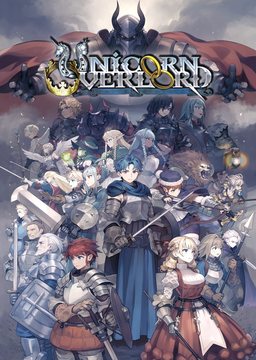
Unicorn Overlord PC
PC port of Unicorn Overlord
- RecompilationPort Type
- hachi23Developer
- 3 Nov 2026Page Updated
Details
- Developer
- hachi23
- Port Type
- RecompilationA tool translated the game's original machine code into C automatically, which was then built as a native PC program.
- Game
- Unicorn Overlord
- AI Use
- AI-assistedAn AI coding tool is credited as co-author on 286 of the last 441 commits. Source
- Source Code
- GitHub
- Page Updated
Platform Support
- Windows
- Linux
Screenshots
eboot.bin, sce_module, sce_sys and the .CPK files (about 7 GB). 64-bit Windows 10 (1903 or later) or 11, or Linux, and a Vulkan 1.3 graphics card with sparse buffers.Overview
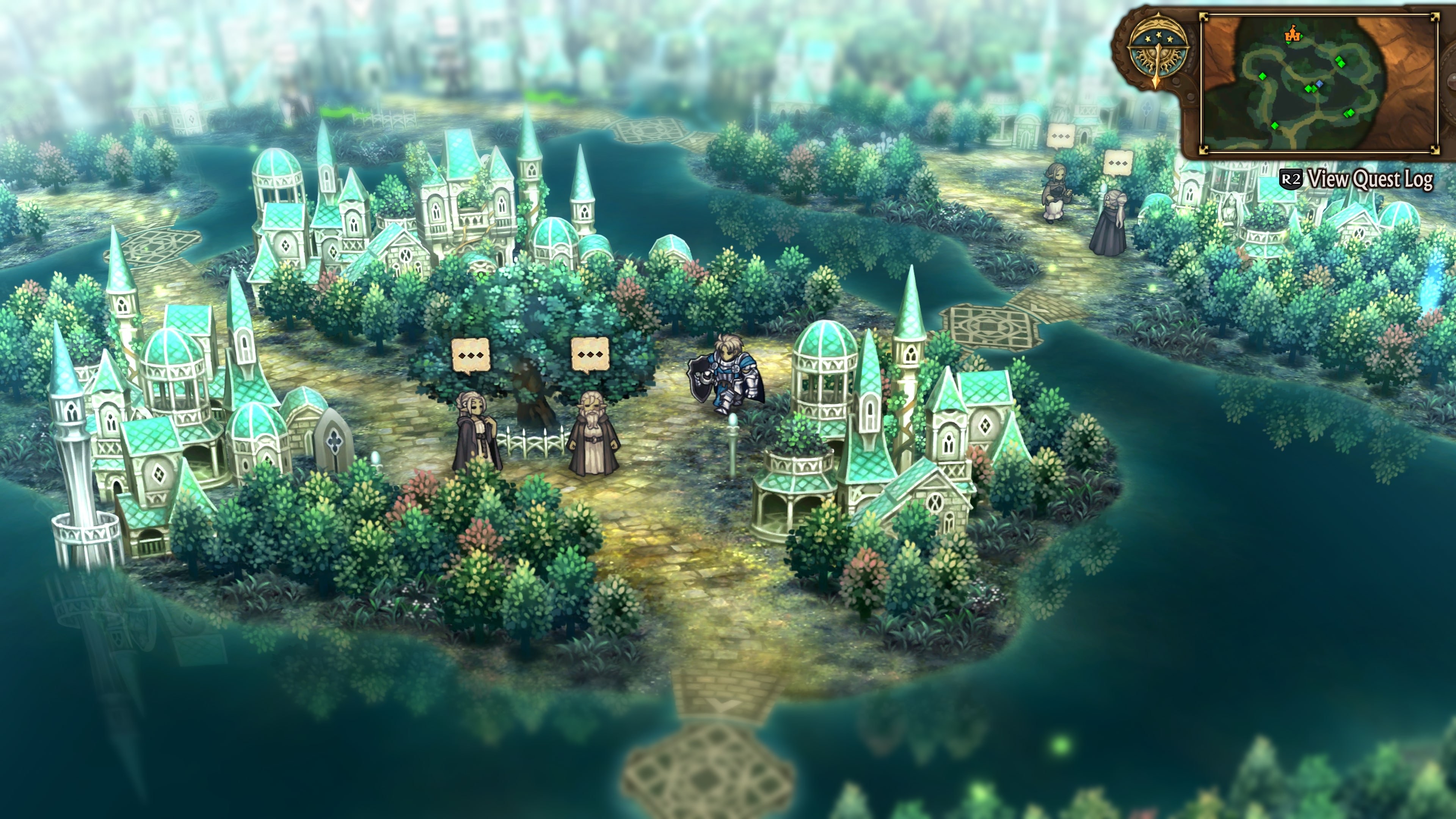
Unicorn Overlord PC is a native Windows and Linux port of the PlayStation 4 version of Unicorn Overlord. It is neither an emulator nor a decompilation: the PS4 and a PC share the x86-64 processor, so the game’s own executable from the player’s dump is prepared, patched in a few places and run directly on the PC’s CPU, while the project supplies about 700 of the PS4’s system functions and uses the shadPS4 video core to turn the console’s graphics into Vulkan.
Only the Asian release (CUSA36381) with the 1.04 update is supported, in Japanese or Chinese, or in English with the fan English patch. The prologue, the first chapter and its first battle have been played, saving and loading work, and the project calls itself a work in progress that hasn’t been played to the end.
The game’s options gain a PC section for display mode, VSync, render resolution, FSR 1 upscaling, sharpening, button icons and the stick dead zone, and an overlay menu adds Anime4K line-art sharpening and a performance display. No game files are included, and the project is not affiliated with Sony, Atlus, Sega or Vanillaware.
How to Set It Up
- Download the Windows zip or the Linux AppImage.
- On Windows, extract the zip into a folder of its own and run
Unicorn Overlord.exe. On Linux, make the AppImage executable (chmod +x) and run it. - On the first start, choose your dump’s folder. The launcher checks the title and version and installs it next to the program.
- Change the display, resolution and upscaling in the PC section of the game’s own Options, or press Insert in game for the overlay menu. Resolution changes need a restart.
Advertisement
Download Unicorn Overlord PC
What's new in v1.4.0
Unicorn Overlord PC v1.4.0
Sharper battle map at 4K, DLC support, the English patch V2, and other languages from Switch fan translations (experimental).
New in 1.4.0
Graphics
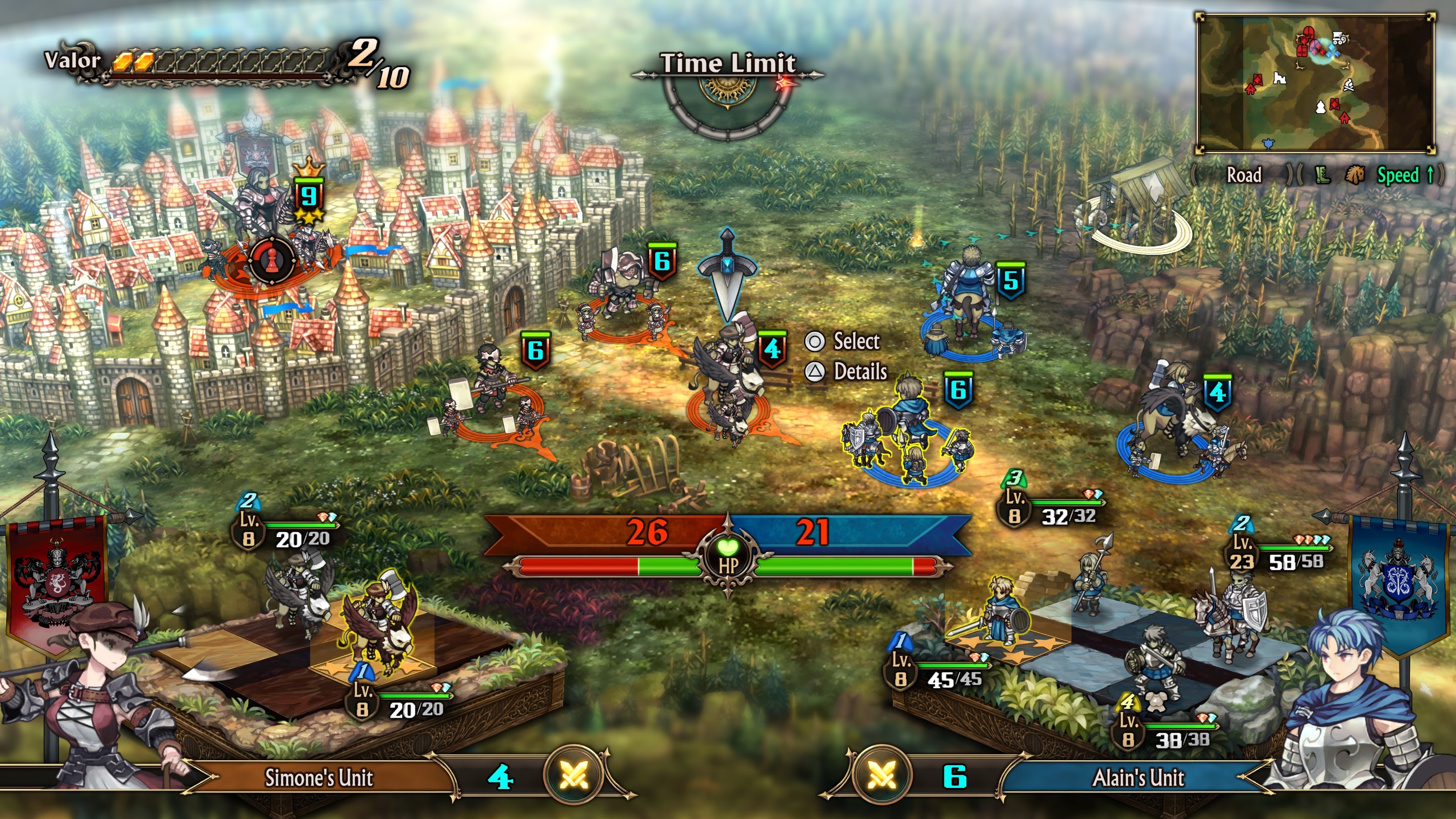
- The battle map is drawn at full 4K (#56). Above 1080p the port uses the game’s PS4 Pro mode, and that mode drew the battle map (terrain, units, their rings) at no more than 2880×1620, the PS4 Pro’s limit, then enlarged it. At 4K and 1800p units looked grainy and jagged next to the sharp menus. The map is now drawn at the render resolution you pick, like the PS5 version: rings are smooth bands and unit edges are clean. The port checks the game’s code before changing it and leaves the game unchanged if it doesn’t match (the log then says
Battle map: unavailable). At 4K the map now has up to 1.8× more pixels to draw, so slower GPUs run slower there. - 1800p and 4K are labelled as supersampling in the Insert menu and the game’s Options screen. They already were: the game is drawn larger and averaged down to the window, which smooths edges. There is no separate anti-aliasing setting, because the usual filters blur the game’s 2D art.
- Anime4K on NVIDIA (#56): Fast showed a white screen and Quality a black one with purple stripes. The filter now gives the GPU its texture sampler with each pass, as the Vulkan rules require. AMD drivers had worked without it.
DLC (#56)
- Put the DLC packages you own (for example
HP0177-CUSA36381_00-PRIVILEGEDEMBLEM-A0000-V0100.pkg, or its extracted folder) in adlcfolder indata/. The game now sees them as owned; before, it was always told there were none. Unicorn Overlord’s DLC only unlocks content that is already in the game, so the package itself is all that is needed. The log lists each one (DLC: PRIVILEGEDEMBLEM (...)).
English patch V2 (#58)
- Setup recognizes the second release of the fan English patch. It took V2 for the official Chinese version, because it only checked for V1’s layout (the same English file in both Chinese slots). It now reads the text itself.
- V2 is an update package with English in the Traditional Chinese slot only, plus 493 re-wrapped story lines and the 14 tutorial pictures in English. Its files are spelled in lower case (
Unicorn_TW.cpk), so on Linux copying it over the base game kept both spellings and the game crashed at start. Setup now installs the patch’s files under the names the game opens.
Other languages (experimental) (#51)
- Switch fan translations work as mods: put a Switch
Unicorn_US.CPK(for example the Brazilian Portuguese translation) in its own folder indata/mods/. Its text replaces the Chinese text. Set Text Language (Insert menu) to Traditional or Simplified Chinese. Long story lines are broken to fit the PS4 dialogue boxes. The Switch pictures are left out, because the PS4 game cannot read them. - Write your own translation:
--export-text(for example"Unicorn Overlord.exe" --export-text) writes all of the game’s text as JSON files into a new mod. Change the lines you want and keep the numbers; a file may hold only the lines you changed. - Experimental: checked only on the title menu and the opening dialogue, with the Portuguese translation (accented letters included). Long menu texts can run past their box, and the start-up warning does. Step-by-step guide:
docs/LANGUAGE_MODS.md. Please report with the new Translation report issue template.
Help
- GPUs without sparse buffers (#55): Intel integrated graphics older than Gen12 (UHD 620 and alike) on Linux lost the GPU at start (
Device lost during submit). The port now stops at once with a message that names the missing feature. Those GPUs still can’t run the game. - On the Asia version, the text language hints now point at the Insert menu.
Everything the port does
Graphics
…
bef009b8265e3db0d9e95f29dff05f728a4e79c8146c1bfc121bfd4c97b38e98
d5d9c58df15c5fad8bfdb107b237ee5370a081f1a1b318cc165937a9f69dfd71