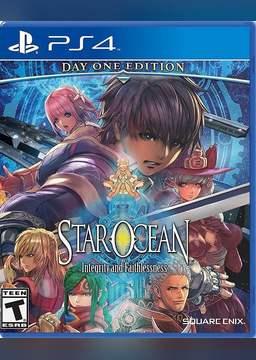
Star Ocean 5 PS4RT for Windows
PC port of Star Ocean: Integrity and Faithlessness
- RecompilationPort Type
- Hoverbike51Developer
- 3 Nov 2026Page Updated
Details
- Developer
- Hoverbike51
- Port Type
- RecompilationA tool translated the game's original machine code into C automatically, which was then built as a native PC program.
- AI Use
- Not statedThe developers haven't said whether they used AI.
- Source Code
- GitHub
- Page Updated
Platform Support
- Windows
Screenshots
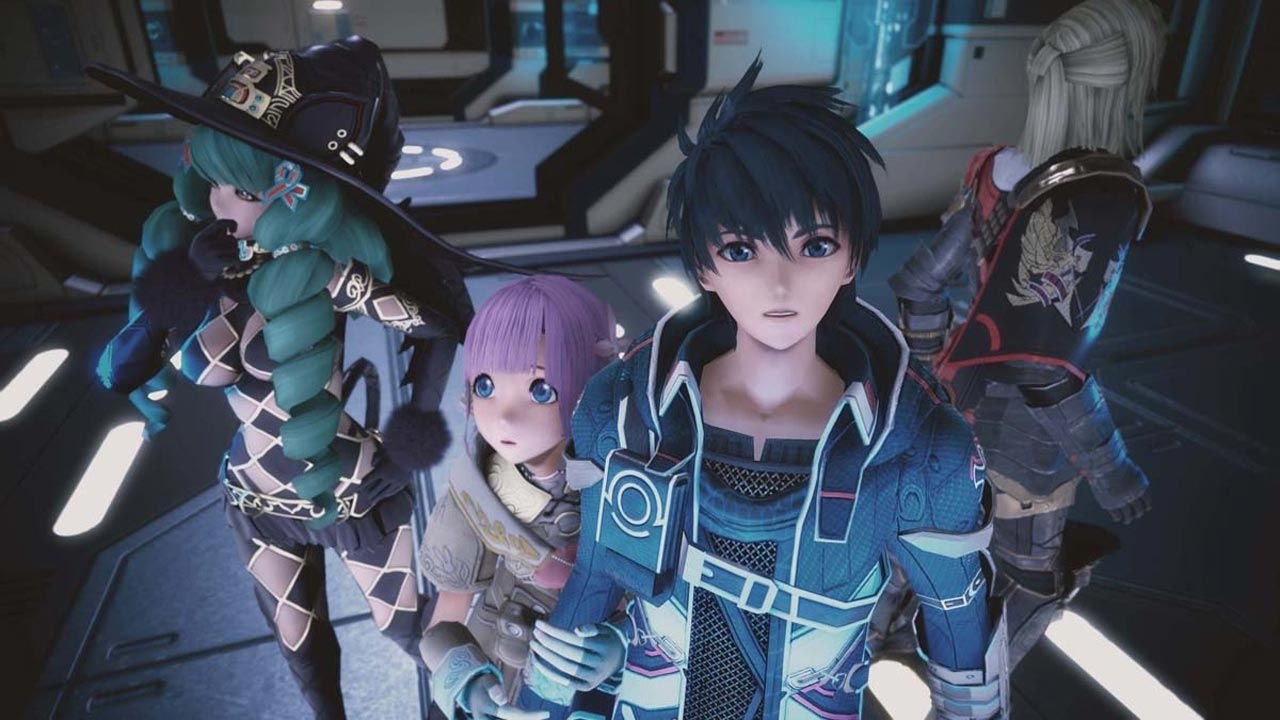
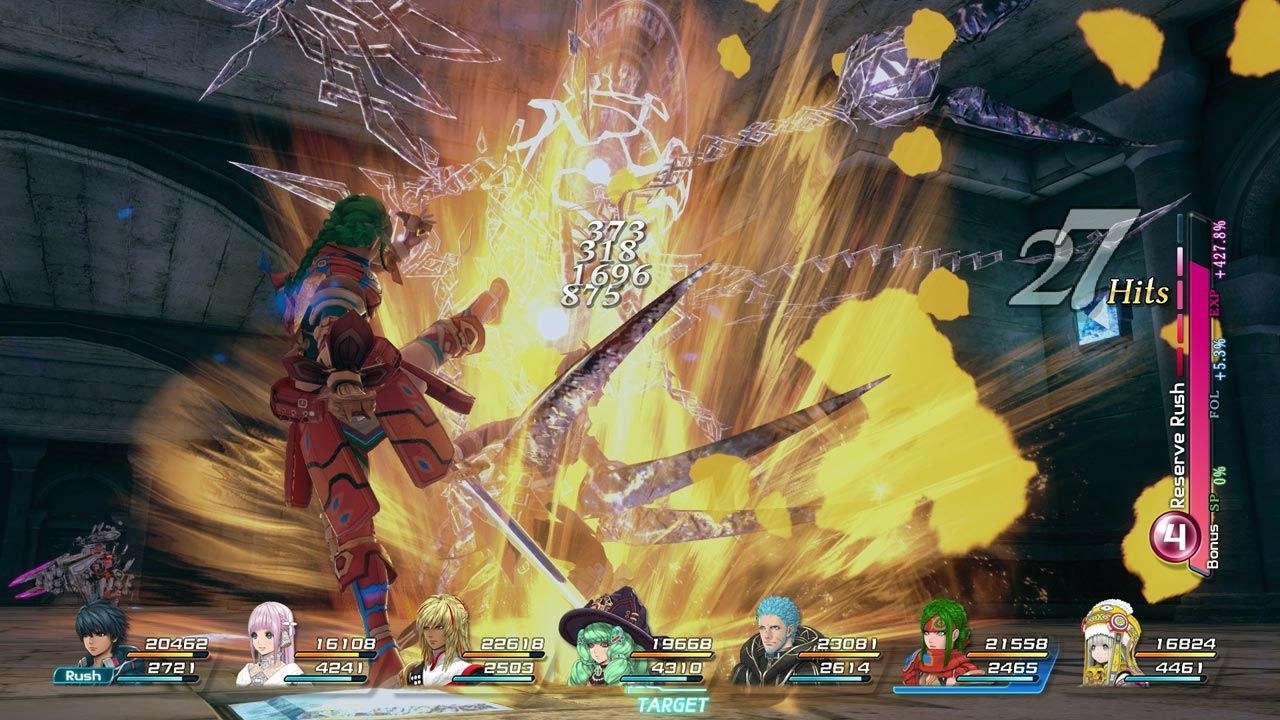
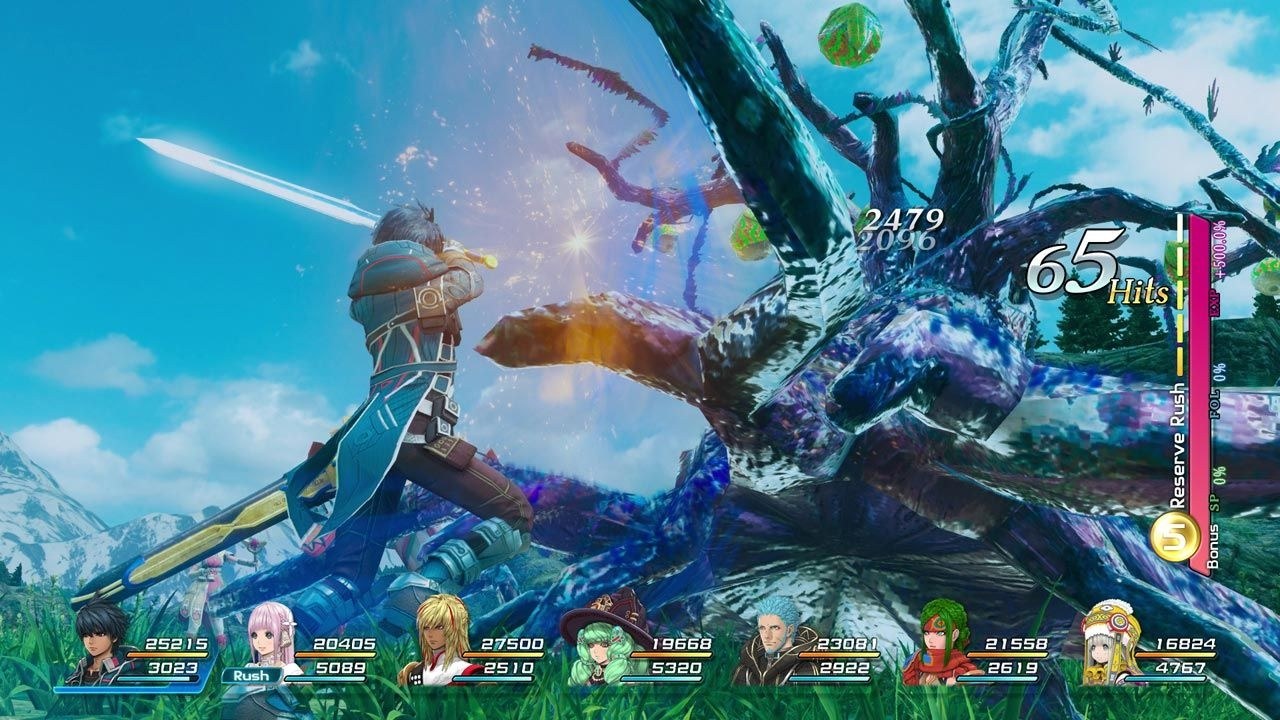
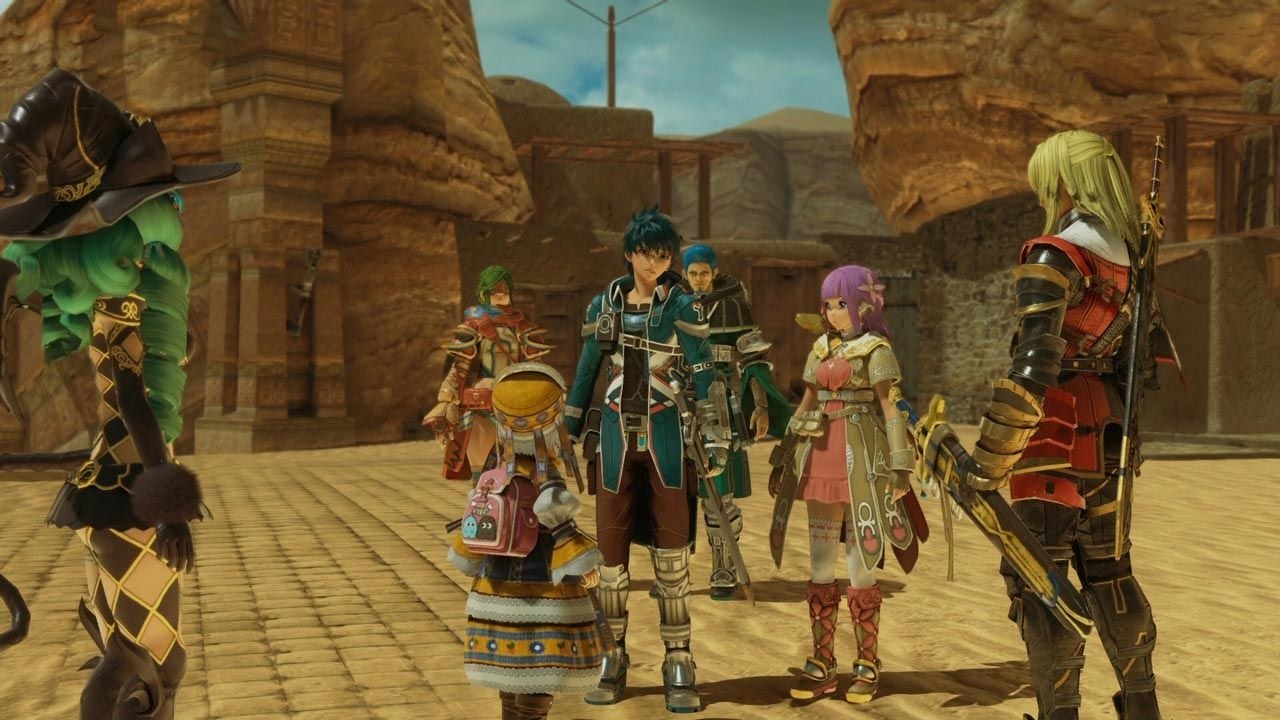
CUSA03219 is the tested edition), or a PKG the launcher can import. Windows 10 or 11 64-bit, a Vulkan 1.3 graphics driver.Overview
Star Ocean 5 PS4RT for Windows is Hoverbike51’s Windows build of Star Ocean 5 PS4RT, HekamiAeon’s runtime that runs the PS4’s Star Ocean: Integrity and Faithlessness from the game’s own x86-64 code with a renderer adapted from shadPS4. The runtime is HekamiAeon’s work and the credit for it stays there; the Linux original is listed here as Star Ocean 5 PS4RT.
It adds a Windows launcher for choosing or importing the game, saves and their backups, input mapping, video settings and diagnostics, in twelve interface languages, with an updater. Players don’t need Python, MSYS2 or .NET. Output can be picked by aspect ratio from 4:3 to 32:9 on a chosen monitor, with ultrawide shown with bars or stretched, and experimental presets use FSR 3.1 or FSR 4.
The developer calls it experimental: it has been tested on AMD and NVIDIA cards under Windows 10 and 11 but not through a whole playthrough. No game data or firmware is included.
How to Set It Up
- Download the zip and extract the whole folder.
- Double-click
Star Ocean 5 Launcher.exe. Keep the folder together. - Choose your game folder, or import a supported PKG with the included extractor.
- Start the game. In the game, Insert or L2 and a right stick click opens the graphics settings.
Advertisement
Download Star Ocean 5 PS4RT for Windows
What's new in v0.4.0v 0.4.0
Star Ocean 5 — Windows v0.4.0 Experimental
Experimental native Windows 10/11 x64 host for STAR OCEAN: Integrity and Faithlessness, based on the game-specific PS4RT compatibility runtime and an adapted shadPS4 Vulkan renderer.
Download: ps4rt-star-ocean-5-windows-x64-v0.4.0-latest.zip
Highlights
- Reduced rendering overhead and improved frame-time consistency in tested gameplay.
- Updated Cockpit launcher with larger controls, improved responsiveness and 12 interface languages.
- Tabbed in-game settings: Display, Image, Smoothness, Controller and Performance.
- Native C++ game preparation and independent PKG extraction with destination selection and progress reporting.
- GPU and target-monitor selection, verified output resolutions and windowed image fitting.
- FSR 3.1 and FSR 4 v07 support where permitted by hardware and runtime checks.
- Improved keyboard profiles, customizable keyboard bindings, controller dead zones and vibration handling.
- Unified save backups, refreshed save previews and direct access to save locations.
- Selectable console text, scrolling, diagnostic export and optional local performance capture.
- Native GitHub update support with package verification and recovery backups.
- Cleaner distribution layout: internal applications and DLLs are stored in
bin. - Illustrated English launcher and in-game menu guides included.
Installation
- Extract the entire ZIP into a writable folder.
- Open Star Ocean 5 Launcher.exe at the package root.
- Select your own extracted PS4 game directory or import a supported PKG.
- Wait for validation and preparation, review your settings, then select Play.
Keep all supplied folders together. Players do not need Python, MSYS2, PowerShell or .NET. A compatible x86-64 CPU and a working Vulkan 1.3 graphics driver are required.
Open the in-game settings with Insert, or hold L2 and click R3.
Compatibility and known limitations
- CUSA03219 is the tested PS4 edition. Recognized alternative PS4 editions are accepted with an untested warning.
- This remains an experimental release; a complete playthrough and compatibility across all hardware have not been established.
- Variable-resolution presets can be refused in some scenes. Original 1080p remains the conservative baseline.
- Asynchronous shaders can reduce compilation stalls but may cause temporary visual artifacts.
- Anisotropic filtering changes require restarting the game.
- Ultrawide output uses image fitting; native ultrawide camera/HUD adaptation is not included.
- PKG import requires a supported package and a valid creation passcode. Unknown retail-license keys are not recovered.
Take a look at:
- Illustrated launcher guide: setup, saves, video, input, updates and diagnostics.
- Illustrated in-game menu guide: the five tabs, live settings and preset limits.
- Complete Windows changelog: current changes, earlier development stages and known limits.
No game files, firmware or keys are included. Original project code, third-party components and game assets retain their respective authorship and licenses.
82d8f695dd85d0438037fe9722f4b8674170b0902df77f0b0bbf7c13cdb61f36