Odin Sphere Leifthrasir PC Port
PC port of Odin Sphere Leifthrasir
- RecompilationPort Type
- Saulo BenignoDeveloper
- 2 Nov 2026Page Updated
Details
- Developer
- Saulo Benigno
- Port Type
- RecompilationA tool translated the game's original machine code into C automatically, which was then built as a native PC program.
- AI Use
- AI-assistedThe project says: “AI tools were used to assist with code analysis, development, debugging and documentation.” Source
- Source Code
- GitHub
- Page Updated
Platform Support
- Windows
- Linux
Screenshots
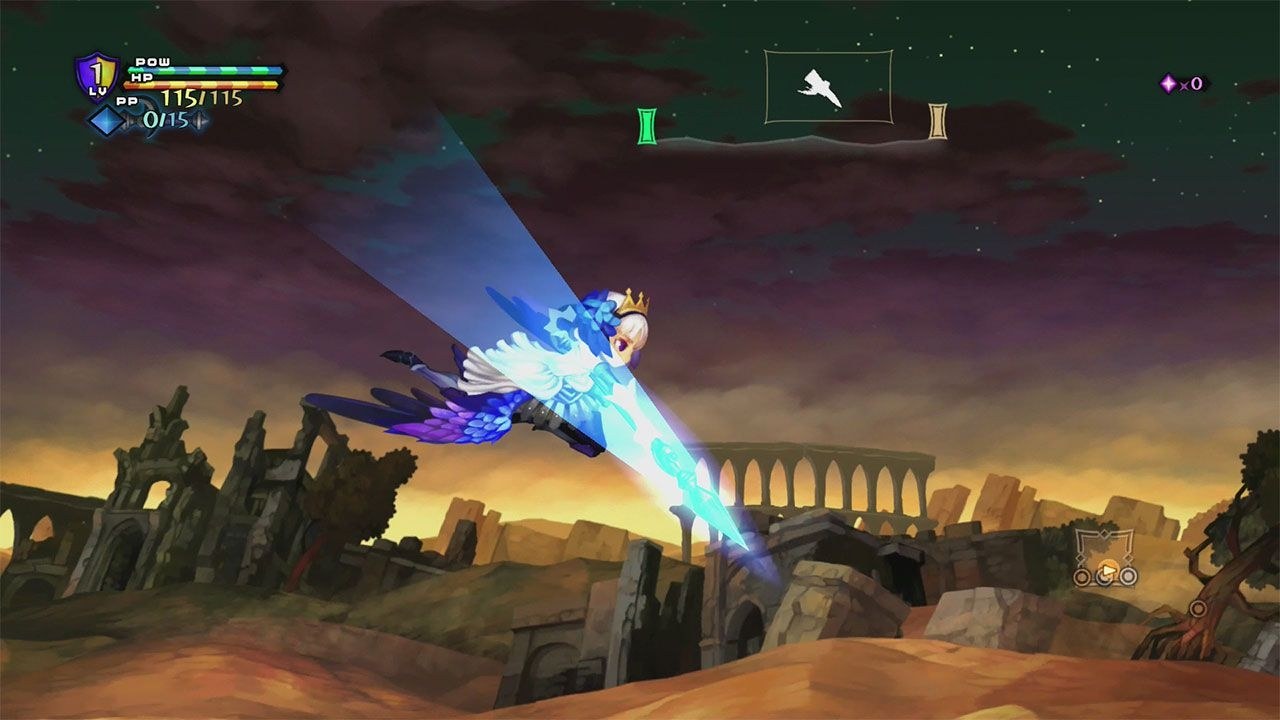
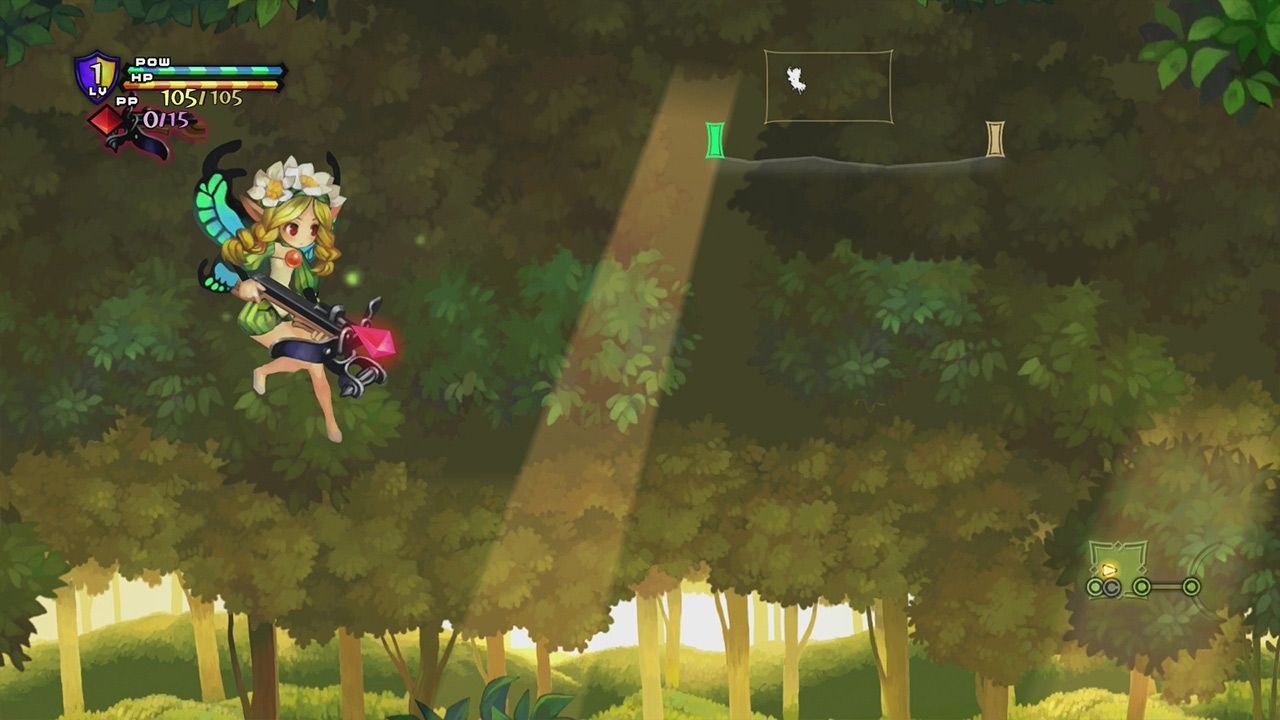
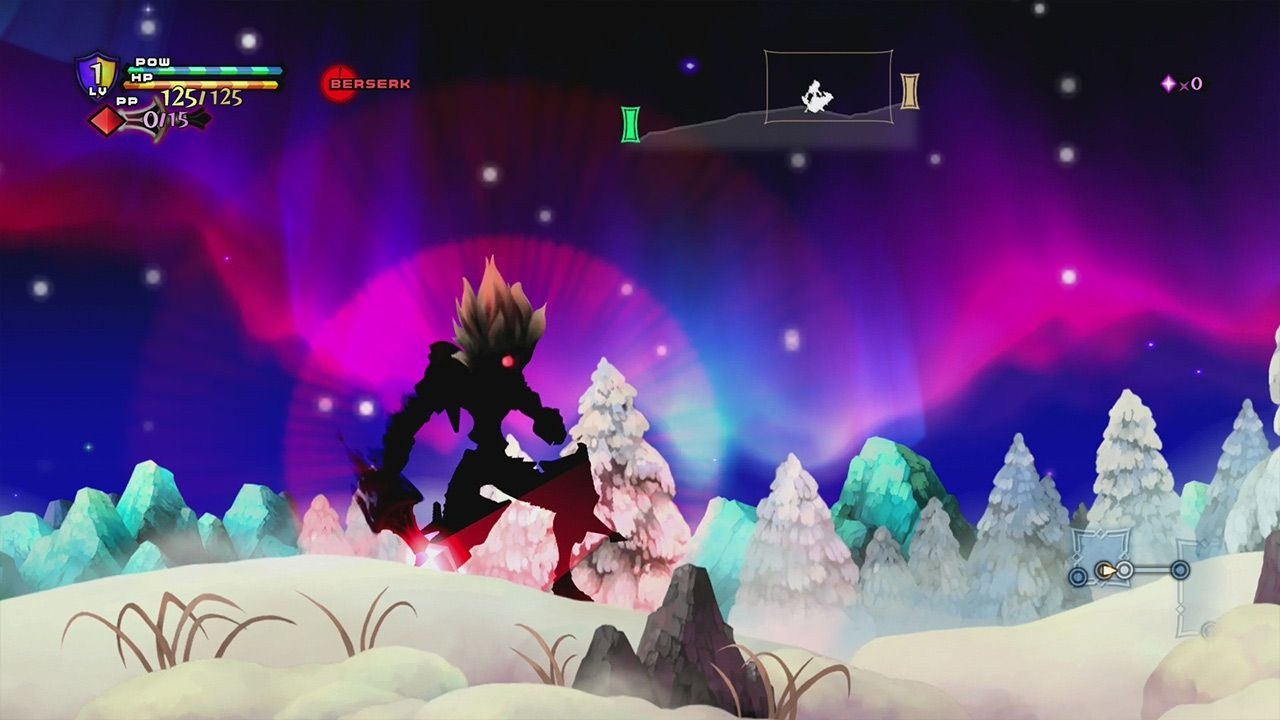
.pkg of Odin Sphere Leifthrasir: the USA (CUSA05083, 1.00 or its 1.01 update), Japanese (CUSA01290, 1.00 and its 1.02 update), European (CUSA05262, 1.00 and its 1.01 update) or Hong Kong 1.00 (CUSA03873) release, and about 4 GB free. Windows 10 (1903+) or 11 64-bit, or experimentally 64-bit Linux with glibc 2.31; a processor with AVX and a Vulkan 1.3 graphics card.Overview
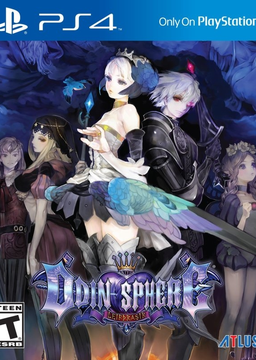
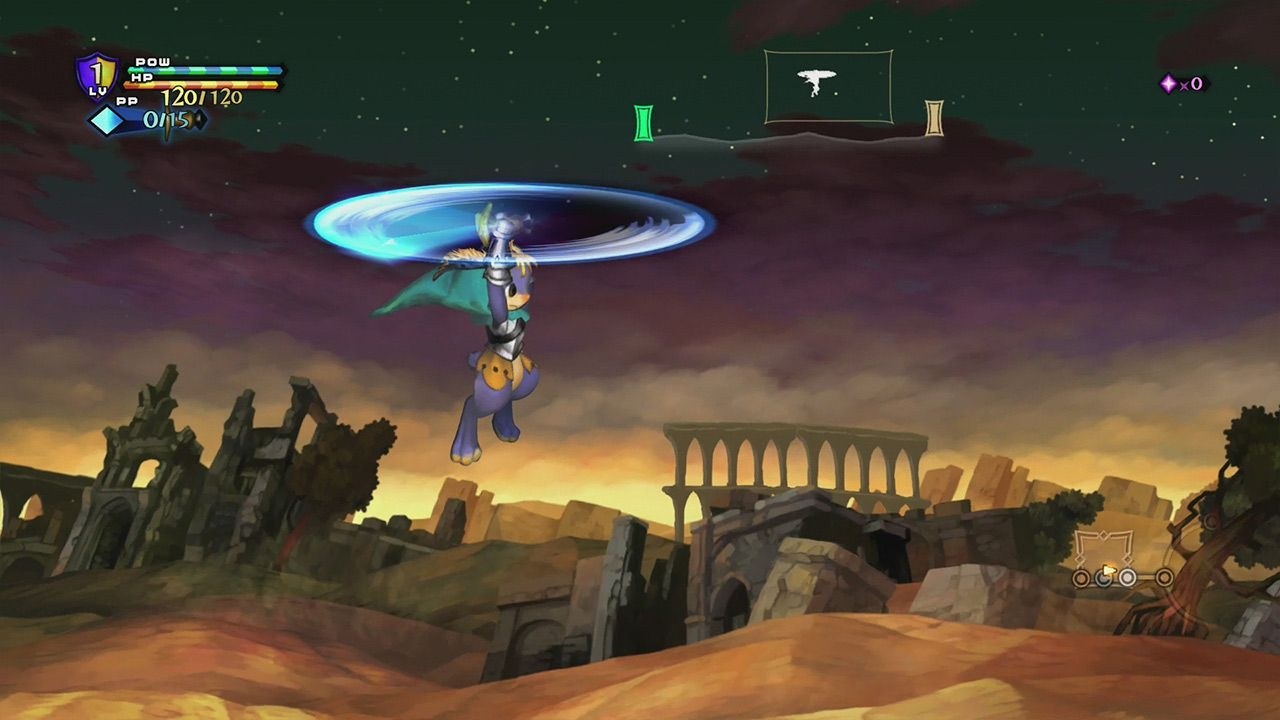
This port runs Odin Sphere Leifthrasir, Vanillaware’s 2016 action RPG for the PS4, natively on Windows, with an experimental Linux and Steam Deck build. The game’s own x86-64 code runs directly on the PC with a replacement for the PS4’s system libraries and a Vulkan renderer derived from shadPS4, so it is not an emulator, and the Linux build needs no Wine or Proton. The Linux build had not yet been tried on real Linux PCs or a Steam Deck at its first releases.
The TRG launcher installs the game from the player’s own package, and supports the USA, Japanese, European and Hong Kong releases, refusing any other version. Windowed and borderless fullscreen switch with F11, the render resolution goes from 480p to 4K separately from the window size, and the picture can be 16:9, 16:10, 21:9, 32:9, 4:3 or 5:4, with FSR 1 upscaling, sharpening, SMAA and anisotropic filtering.
An option skips the startup notice, logos and intro and goes straight to the title screen, and the menu and subtitle languages can be chosen. Trophies are kept locally, the launcher updates itself, and diagnostics help with reporting problems. No game files are included.
How to Set It Up
- Download the Windows zip and extract it anywhere you can write to (not Program Files), or download the AppImage for Linux and the Steam Deck and make it executable.
- Run
odin_sphere_leifthrasir.exe(or the AppImage). The launcher opens. - On the Play page, click Install game… and choose your
.pkg. It is unpacked into thegamefolder next to the program; the package itself is only read. - For an update (USA 1.01, Japanese 1.02 or European 1.01), install the base package of that region first, then the update the same way.
- Press PLAY. Reinstall game… repairs the game files and keeps settings and saves.
Advertisement
Download Odin Sphere Leifthrasir PC Port
What's new in v0.2.1Odin Sphere Leifthrasir PC v0.2.1
Odin Sphere Leifthrasir PC v0.2.1
Odin Sphere Leifthrasir for PlayStation 4 as a native PC port, for Windows and, experimentally, Linux and Steam Deck. No game files are included. You need your own legally obtained Odin Sphere Leifthrasir PS4 package.
If you use v0.2.0, the launcher offers this release with UPDATE NOW. Your game files, saves, settings and logs are kept.
Highlights
- CUSA03873 1.00 Hong Kong is supported.
- CUSA05083 1.01 USA is supported.
- Netherworld hang follow-up: a second cause of the freeze reported in Issue #6 is fixed.
Fixes and compatibility
- Hong Kong 1.00 (
CUSA03873): the base package installs and runs. The build has one fixed text language. - USA 1.01 (
CUSA05083): install the base package and then the update package, or a complete 1.01 package by itself. It keeps the save and trophy identity of USA 1.00. - For these two builds the launcher finds the executable patch sites by scanning their
eboot.binwhen the game is installed. A feature whose sites cannot be found uniquely is hidden instead of being applied, and the log holds the scan. - Issue #6 follow-up: the v0.2.0 event flag fix did not fully resolve the reporter’s case. The newer hang report shows an
additional path, in which the game cancels a worker thread (
scePthreadCancel) while that thread is waiting. v0.2.1 implements thread cancellation in the runtime: a cancelled thread now leaves a sleep, a condition wait (timed or not) or a join, and cancelling a thread that has finished, is detached or is being joined is handled. It is the same runtime code for every supported build, on Windows and on Linux. - A package or game folder of an Odin Sphere Leifthrasir version that is not supported is still refused, and the diagnostics now cover more of the cases.
Supported builds
| Build | Title ID | Version |
|---|---|---|
| USA | CUSA05083 | 1.00 and 1.01 |
| Japan | CUSA01290 | 1.00 and 1.02 |
| Europe | CUSA05262 | 1.00 and 1.01 |
| Hong Kong | CUSA03873 | 1.00 |
Any other version is refused, and the log then holds diagnostic information useful for adding it.
Downloads
- Windows:
OdinSphereLeifthrasirPC-v0.2.1-windows-x64.zip - Linux / Steam Deck (experimental):
OdinSphereLeifthrasirPC-v0.2.1-x86_64.AppImage, glibc 2.31 or newer
Installation steps, requirements and known limitations are in the README.
GitHub issues
- #4 CUSA03873 1.00 Hong Kong support: added.
- #5 CUSA05083 1.01 USA support: added.
- #6 Game Hang: v0.2.1 addresses an additional thread cancellation path found in the newer hang report. This has not been verified by the reporter yet; it needs their test of this release.
Security
The final release artifacts were scanned with VirusTotal before publication. A VirusTotal scan is an additional check, not a guarantee of safety, so please also verify the SHA-256 of your download.
| File | VirusTotal |
|---|---|
OdinSphereLeifthrasirPC-v0.2.1-windows-x64.zip | |
OdinSphereLeifthrasirPC-v0.2.1-x86_64.AppImage |
Checksums
| File | SHA-256 |
|---|---|
OdinSphereLeifthrasirPC-v0.2.1-windows-x64.zip | 45a401a227b8e2e9444e0c0d3edd38a2c1faf34b5edbc7e361f19cf5b6c58014 |
OdinSphereLeifthrasirPC-v0.2.1-x86_64.AppImage | ad348500a75045c6416005fbce811d140a6b103314ca2ea4f1d331f57d8bdaee |
45a401a227b8e2e9444e0c0d3edd38a2c1faf34b5edbc7e361f19cf5b6c58014
ad348500a75045c6416005fbce811d140a6b103314ca2ea4f1d331f57d8bdaee