
MediEvil (PS4) for PC
PC port of MediEvil
- RecompilationPort Type
- bc160201983Developer
- 24 Nov 2026Page Updated
Details
- Developer
- bc160201983
- Port Type
- RecompilationA tool translated the game's original machine code into C automatically, which was then built as a native PC program.
- Game
- MediEvil
- AI Use
- AI-assistedAn AI coding tool is credited as co-author on 174 of the repository's 278 commits. Source
- Logo
- AI-made fan logo, free to use · Full size
- Source Code
- GitHub
- Page Updated
Platform Support
- Windows
Screenshots
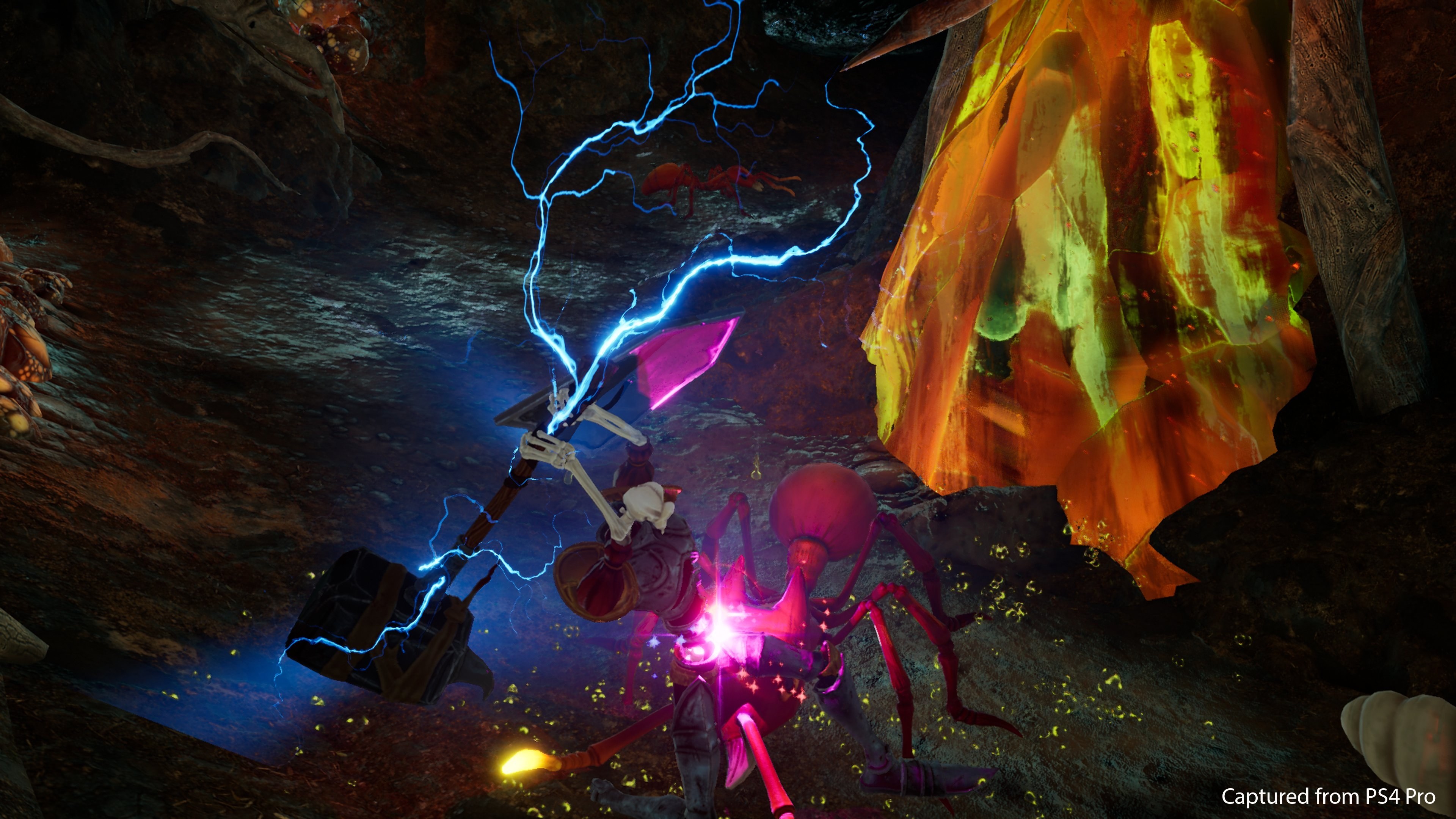
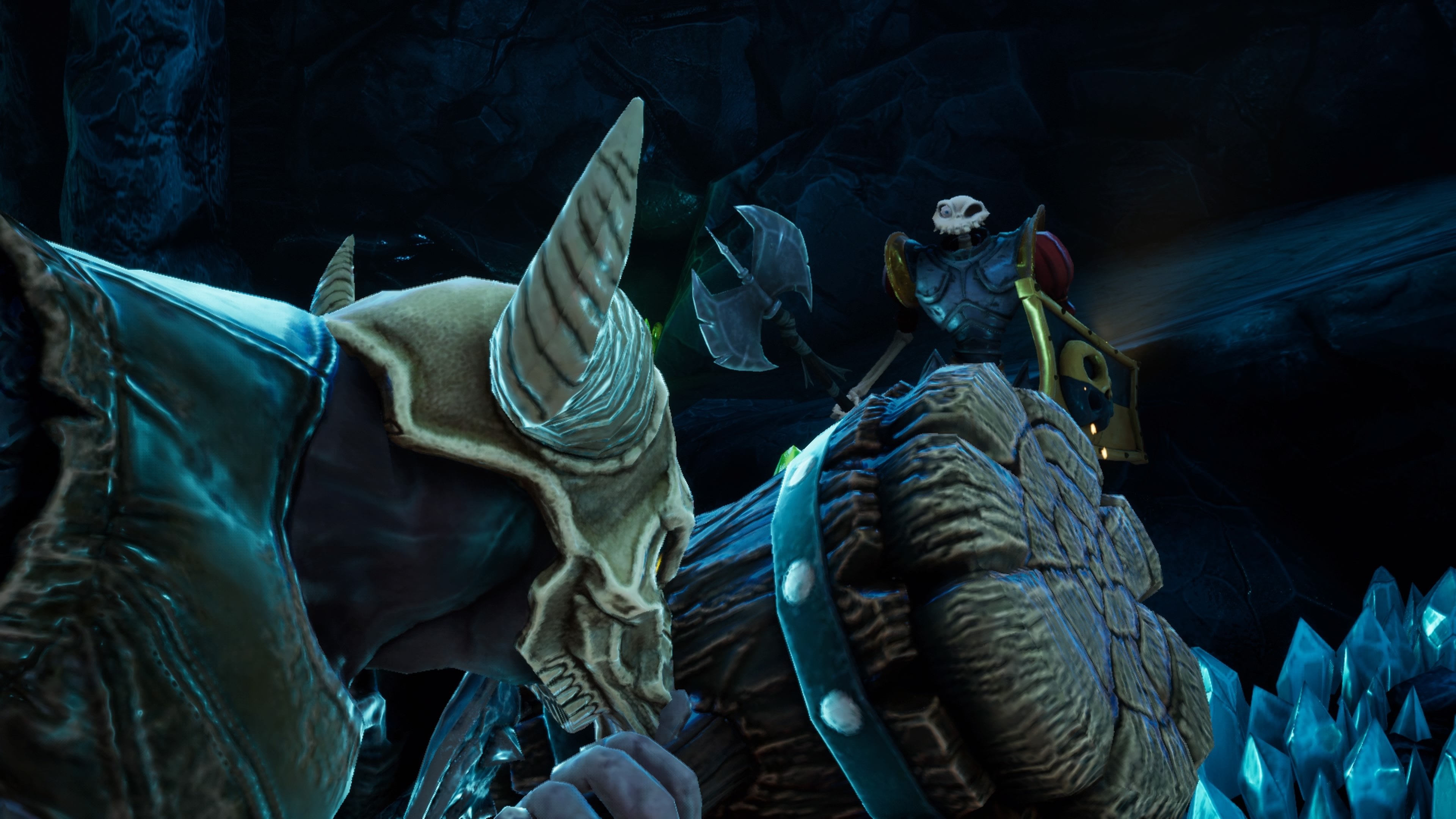
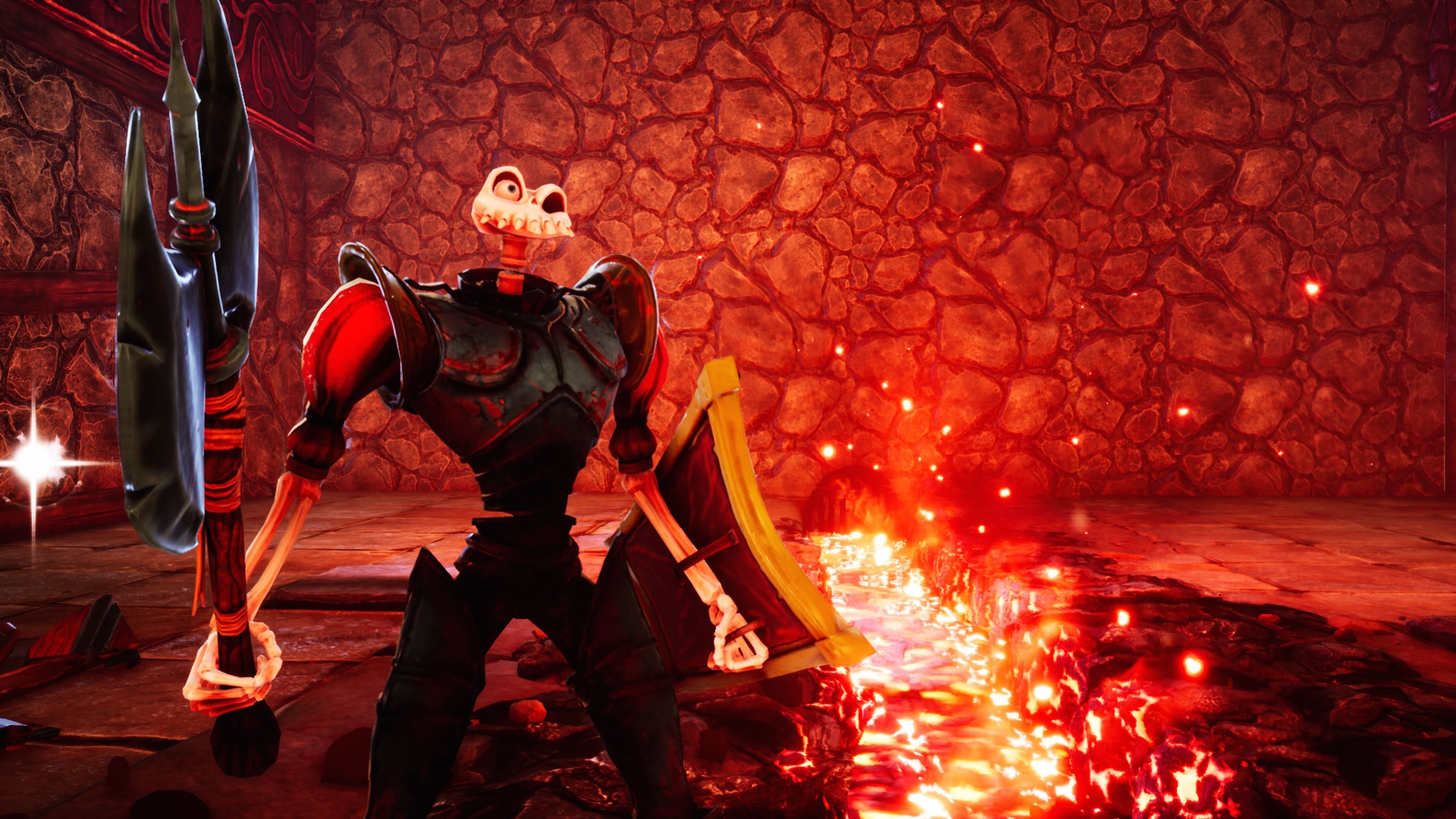
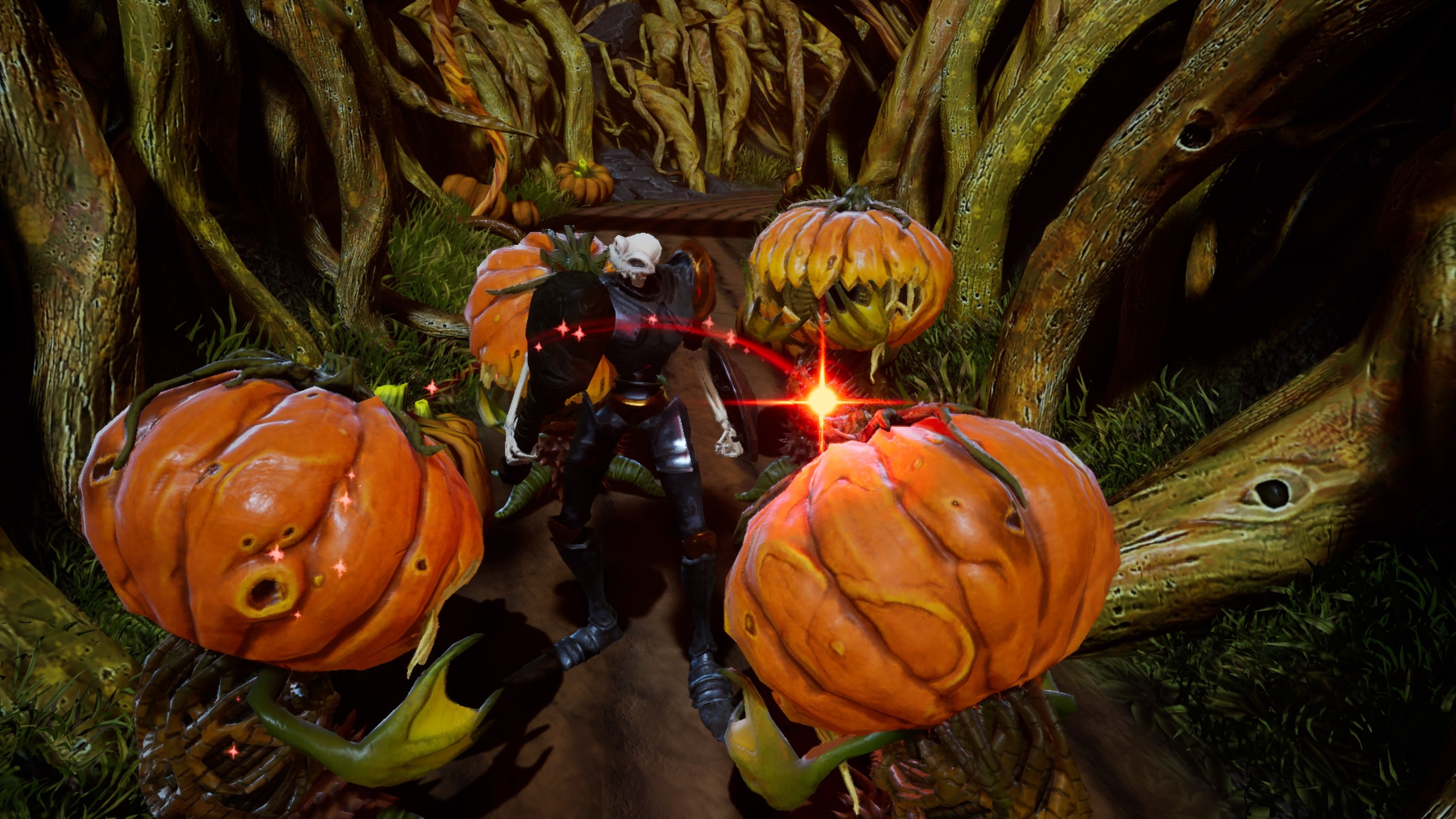
Overview
MediEvil (PS4) for PC runs Other Ocean’s 2019 remake of the PlayStation classic on Windows 10 and 11 and the Steam Deck. It grew out of the God of War III PC port: the game’s own x86-64 program runs directly on the PC’s processor, a runtime written for the port takes the place of the PS4’s system libraries, and the graphics go through shadPS4’s video core, which recompiles the game’s shaders and translates its GPU commands to Vulkan.
Over the PS4 it adds any output resolution up to native 4K, render scaling, quality presets down to the console’s exact settings, NVIDIA DLSS and DLAA, and frame rates above 60 with careful frame pacing. Every PS4 system language can be chosen, and the voices can be set apart from the text from the game’s 15 dubs. It supports DualSense, Xbox and other controllers plus a keyboard, and takes screenshots at full resolution.
Version 1.4.0 merged a large set of performance work from BevelTipDrip’s fork, with smoother fights, working occlusion culling and fixes to shadows, particles and lighting. Older AMD Radeon cards have a safe GPU mode while a crash on their drivers is still being tracked down. The download contains no game files.
How to Set It Up
- Download
medievil-windows.zipand extract it into a folder of its own. - Run the launcher and choose your unpacked MediEvil folder, or a fake PKG to unpack once.
- Pick the output resolution, frame rate and graphics options, then play.
- Later updates are offered by the launcher, or extract a new zip over the old folder: saves, settings and mods are kept.