NoisyFairy
PC port of Mobile Suit Gundam Battle Operation Code Fairy
- RecompilationPort Type
- rhobiusvoidDeveloper
- 21 Nov 2026Page Updated
Details
Platform Support
- Windows
Screenshots
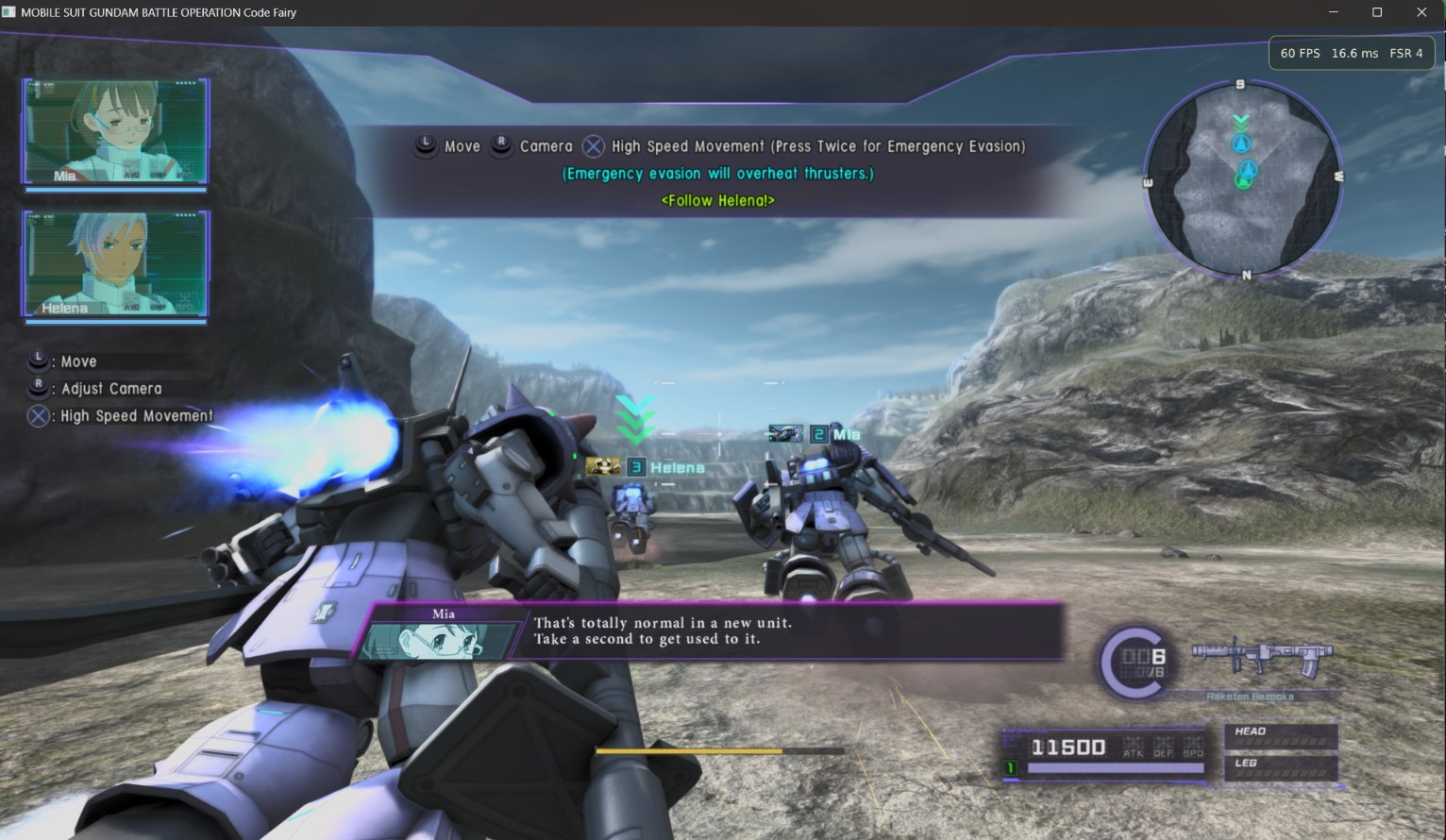
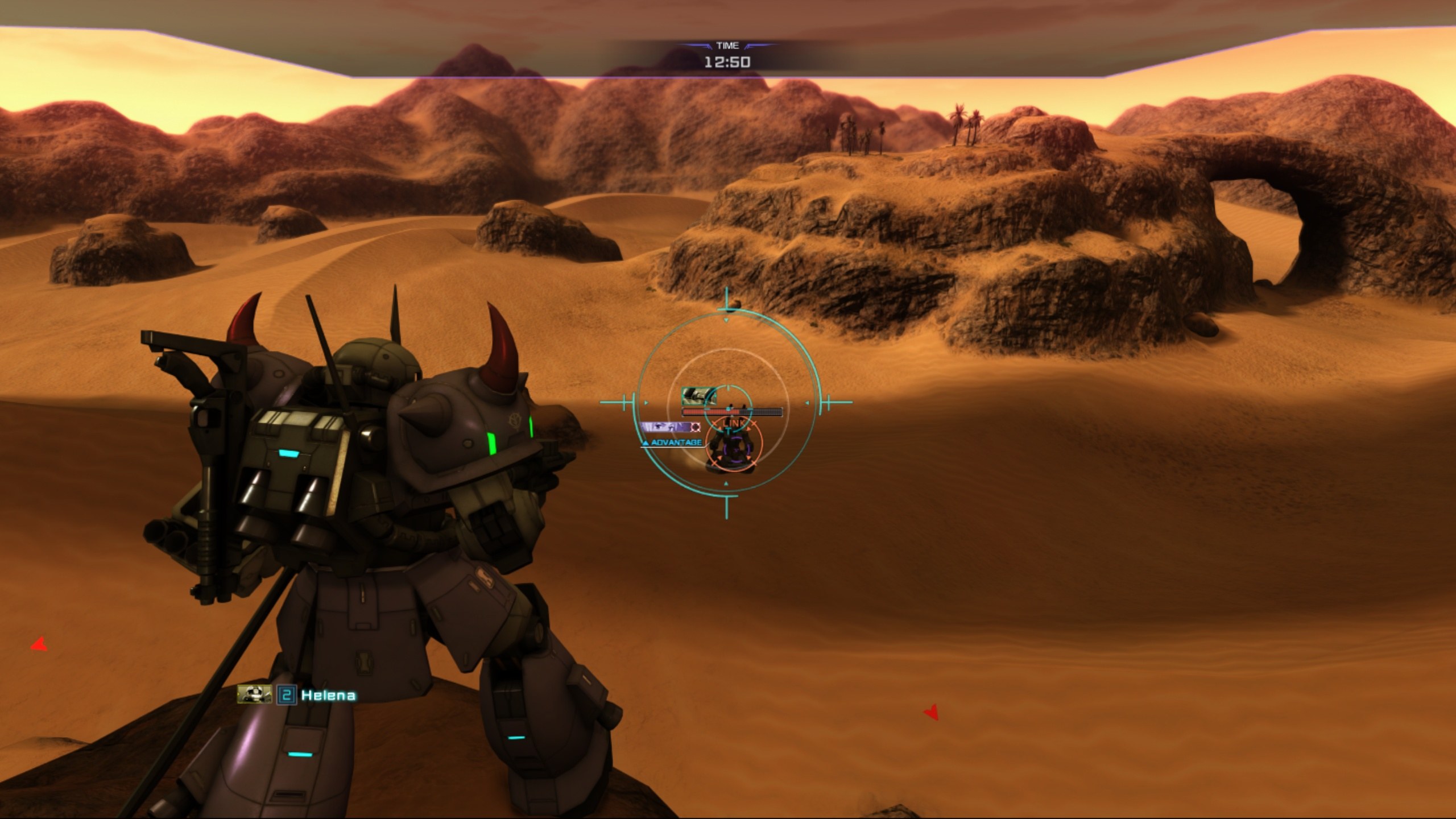
CUSA28763), at 01.03 or at 01.00 with your own 01.03 update PKG, and your own three volume key PKGs. Windows 10 (1803 or newer) 64-bit and a Vulkan 1.3 graphics card.Overview
NoisyFairy is rhobiusvoid’s Windows port of Gundam Code Fairy PS4RT, HekamiAeon’s runtime for Mobile Suit Gundam Battle Operation Code Fairy, the 2021 PS4 action game. Like the original Linux project it is not a general PS4 emulator: it runs the game’s own prepared x86-64 code directly, with Windows versions of the PS4 system services it needs and a Vulkan renderer derived from shadPS4. All the runtime and game-specific work comes from HekamiAeon’s project; this repository adapts it to run natively on Windows 10 and 11.
On top of that it adds a Windows launcher, keyboard and mouse play with rebindable controls and weapon keys 1 to 8, AMD FSR 1, 3.1 and 4 upscaling options and experimental ultrawide modes.
It is a beta. On Windows it has been tested booting to the main menu and playing through the Chapter 1 tutorial; later chapters and Volumes 2 and 3 are untested there, while the Linux original has been played through Chapter 9. Known problems include model glitches on GeForce GTX 10-series cards, rainbow textures on 4 GB graphics cards, rare stalls at boot and missing instructions on CPUs older than Intel’s Coffee Lake. The download holds only the runtime and its launcher, with no game files, keys or firmware. It is also listed beside DiamondDogz’s earlier Windows build of the same runtime.
How to Set It Up
- Download the zip and extract it to a short folder you can write to, such as
C:\CodeFairy\. - Double-click
NoisyFairy.bat. On the Launcher tab, click Browse and pick your extractedCUSA28763folder, then press Play. - If your game is at 01.00, a window asks for the 01.03 update PKG. Install the three volume keys with Install Volume Keys… and restart the launcher.
Advertisement
Download NoisyFairy
What's new in v0.7
Windows port of the PS4 runtime for Mobile Suit Gundam Battle Operation Code Fairy (CUSA28763 v01.03). Based on HekamiAeon’s Linux project.
What’s new
- Keyboard and mouse play. Mouse look is on by default (controller players are unaffected) and tuned to the game’s own camera response. F8 toggles mouse capture, F9 re-centers the pitch estimate.
- Rebindable keys. Movement, camera keys, face buttons, shoulders/triggers, sticks, Options, touchpad and D-pad, plus the mouse buttons and wheel. Binding a key that is already in use clears it from the old action. Esc cancels, Delete unbinds.
- Weapon slot keys 1-8, matching the official GBO2 PC layout (1 Square, 2 Cross, 3 Circle, 4 Triangle, 5 Square+Triangle, 6 Square+Cross, 7 Circle+Triangle, 8 Circle+Cross). Each key presses the switch button (R1 by default) with the slot’s buttons, so a rebound controller layout is supported: edit the
weaponN/weapon_switchlines inps4rt_mouse.ini. - Controls panel in the launcher (controller diagram, click a key cap to rebind) and in the in-game Insert menu. Changes apply live.
- New NoisyFairy icon on every executable and on the taskbar.
- Defaults: L1 = Left Ctrl, R1 = G, so the number row is free for weapons.
- Clean source release. This is the first build made from the public repository, with diagnostic tooling removed. You can build it yourself: see BUILDING.md. The executables in
bin/of the repo are the ones in this zip.
Install
- Download
NoisyFairy-0.7-Beta-cleanbuild.zipand extract it to a short, writable path such asC:\CodeFairy\. - Run
NoisyFairy.bat, pick your extractedCUSA28763folder, press Play.
You need your own extracted CUSA28763 game, the v01.03 update (if your copy is older) and the three volume-key PKGs. No game files, keys or firmware are included. Requires Windows 10 1803+ and a Vulkan 1.3 GPU.
SHA-256 of the zip: 947c8a37f164d657d0404473251084530d9b79f847543d71f6c1b9beaf0eb3c6
Known issues
- GTX 10-series (Pascal) cards can show weapon/shoulder-part glitches until the camera is close; this will not be fixed, because a fix risks breaking newer GPUs.
- Rare boot stall: the game auto-restarts and usually recovers (
PS4RT_BOOT_RETRIES=0turns this off). If you hit one, please open an issue with your GPU, driver and the newest log fromout\CUSA28763\user\log. - Overlay hooks (e.g. OBS game capture) can change timing and may make stalls more likely.
947c8a37f164d657d0404473251084530d9b79f847543d71f6c1b9beaf0eb3c6
ea3738e652a925129ff4b902cf249666887a7fc57293c47cad9cffabf5880edc