Gundam Code Fairy PS4RT for Windows
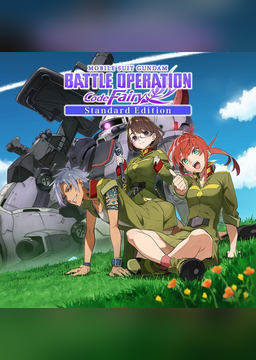
PC port of Mobile Suit Gundam Battle Operation Code Fairy
- RecompilationPort Type
- DiamondDogzDeveloper
- 12 Nov 2026Page Updated
Details
- Developer
- DiamondDogz
- Port Type
- RecompilationA tool translated the game's original machine code into C automatically, which was then built as a native PC program.
- AI Use
- Mostly AI-builtThe project says: “About 90% of the Windows port code was written with Grok.” Source
- Source Code
- GitHub
- Page Updated
Platform Support
- Windows
Screenshots
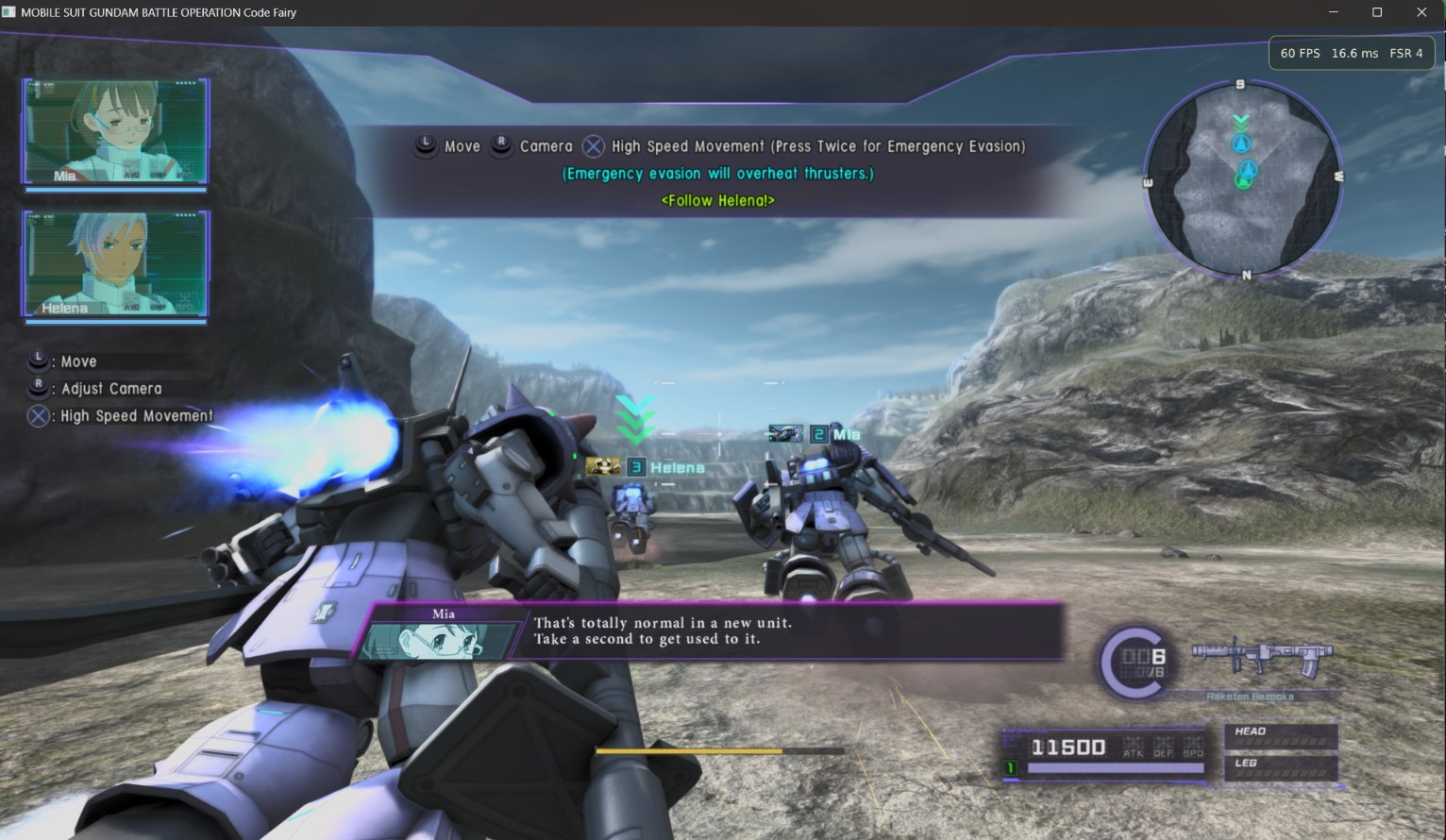
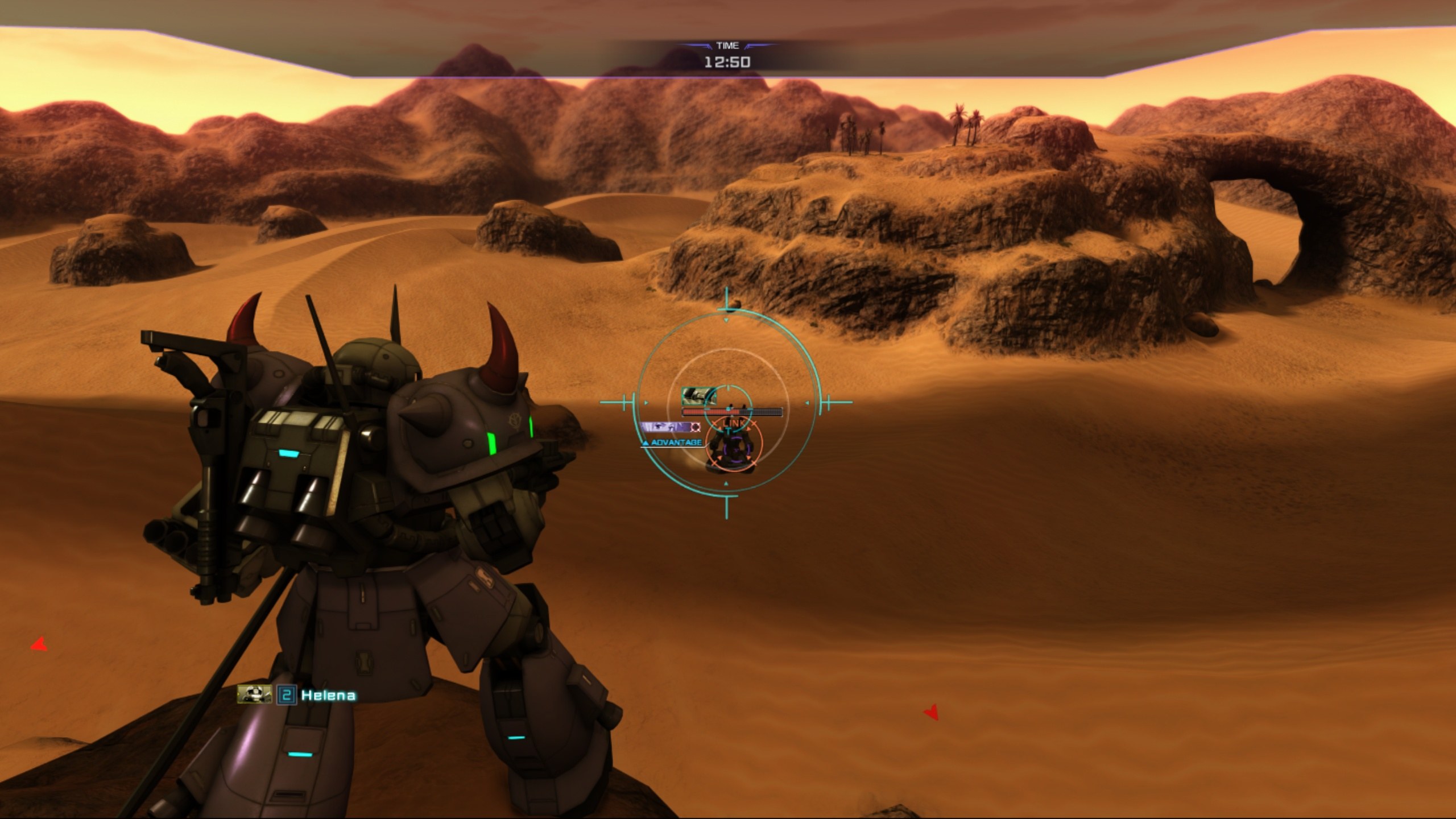
CUSA28763), at 01.03 or at 01.00 with your own 01.03 update PKG, and your own three volume key PKGs in one folder. Windows 10 or 11 64-bit, a current Vulkan driver and Microsoft Edge WebView2.Overview
Gundam Code Fairy PS4RT for Windows is DiamondDogz’s Windows build of Gundam Code Fairy PS4RT, HekamiAeon’s runtime that runs the PS4’s Mobile Suit Gundam Battle Operation Code Fairy from the game’s own x86-64 code with a Vulkan renderer derived from shadPS4. The runtime is HekamiAeon’s work and the credit for it stays there; the Linux original is listed here as Gundam Code Fairy PS4RT. This build is the runtime’s version 1.0 with the changes Windows needed to start it.
It adds Sieg Zeon, a launcher in English and French that sets up the game folder, installs the update and the three volume key packages, and holds the same graphics settings as the in-game menu. The publisher’s screenshots show FSR 4 at 60 frames a second, and the runtime works with DiamondDogz’s Crowbar, which can start it and records the trophies the game unlocks.
It is a pre-release: it starts the game and plays it, but needs more testing before a stable version. No game files, keys or firmware are included. The publisher says about 90% of the Windows code was written with Grok, and the rest with Claude.
How to Set It Up
- Download the zip and extract the whole folder.
- Run
SiegZeon.exe. It isn’t code-signed, so Windows may warn: choose More info, then Run anyway. - Open Folders and choose the game folder, the update PKG if your game is 01.00, and the folder holding the three volume key PKGs. The launcher installs the update and keys itself.
- Press play. In the game, Insert, or L2 and R3, opens the settings menu.
Advertisement
Download Gundam Code Fairy PS4RT for Windows
What's new in v1.0windows-1.0
Pre-release. Windows port of GBO-Code-Fairy-PS4RT, upstream main at 0252c9d (v1.0 plus two commits).
- Unzip, then open
SiegZeon.exe. The game must be your own extracted CUSA28763 folder. The 01.03 update and the three volume keys stay PKG files: the launcher installs them. - The launcher is in English, with French on the EN button.
- Crowbar compatible (
crowbar.json): Crowbar can start it and records trophies. - Needs more testing before a stable release. See INSTALL.md.
Préversion. Décompressez, puis ouvrez SiegZeon.exe. Le jeu doit être votre propre dossier CUSA28763 extrait. La mise à jour 01.03 et les trois clés de volume restent des PKG : le lanceur les installe. Le lanceur est en anglais, le bouton EN passe au français. Compatible Crowbar.
SHA-256 of GBO-Code-Fairy-PS4RT-Windows-1.0.zip: 586d7b37987f407730c41e63a77d588b0a369892d4a7b3d01713df08bc84e293
Unofficial. The game is not included.
586d7b37987f407730c41e63a77d588b0a369892d4a7b3d01713df08bc84e293
eb8876a2f68ce0c8e1168b4859fadf74d62a0e49d2ac3a6d90194023aa269dab