Gundam Code Fairy PS4RT
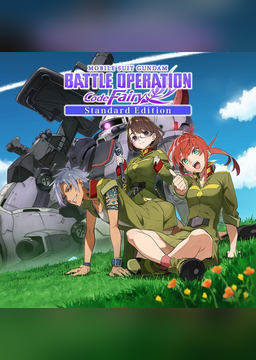
PC port of Mobile Suit Gundam Battle Operation Code Fairy
- RecompilationPort Type
- HekamiAeonDeveloper
- 12 Nov 2026Page Updated
Details
- Developer
- HekamiAeon
- Port Type
- RecompilationA tool translated the game's original machine code into C automatically, which was then built as a native PC program.
- AI Use
- Not statedThe developers haven't said whether they used AI.
- Source Code
- GitHub
- Page Updated
Platform Support
Screenshots
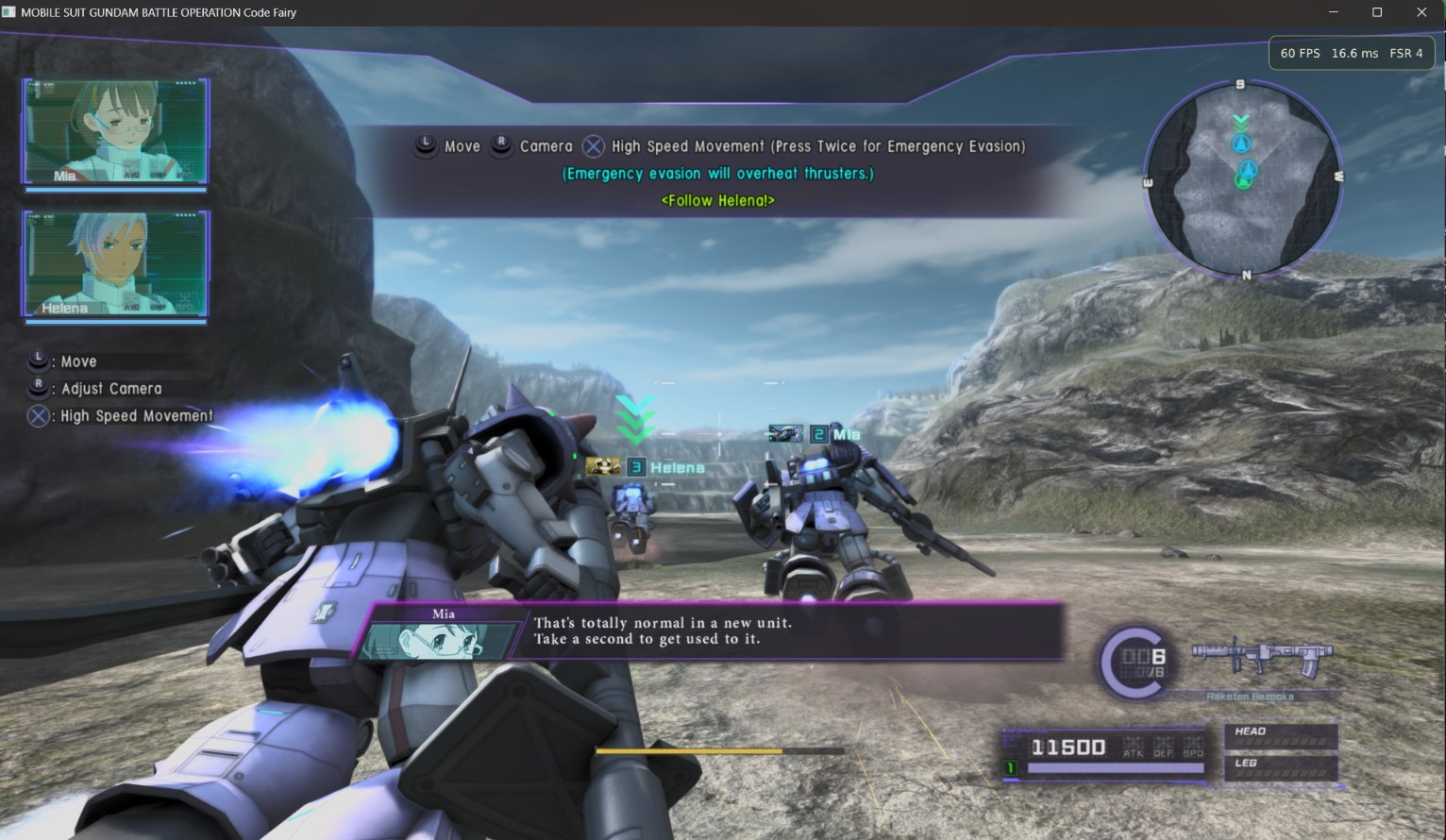
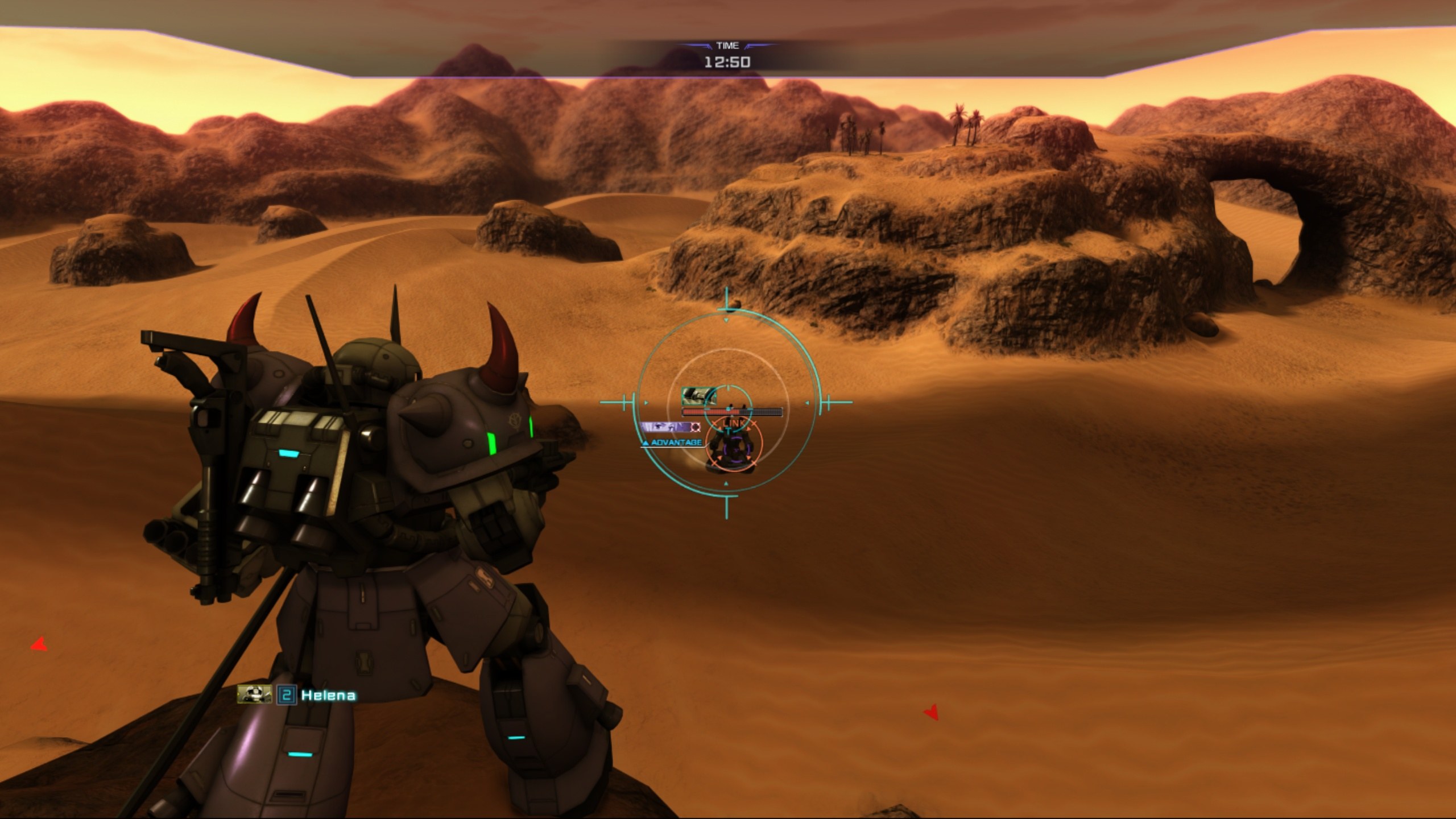
CUSA28763, with eboot.bin, sce_sys/param.sfo and sce_module/) at version 01.03, or at 01.00 with your own matching 01.03 update PKG, and your own three volume unlock-key PKGs. 64-bit Linux (tested on Fedora).Overview
Gundam Code Fairy PS4RT is a game-specific compatibility runtime by HekamiAeon that runs Mobile Suit Gundam Battle Operation Code Fairy, Bandai Namco’s 2021 PS4 game, on Linux. It prepares and runs the game’s original x86-64 code on the PC, supplies its own versions of the PS4 services the game needs, and draws with a Vulkan renderer derived from shadPS4. It is not a general PS4 emulator or a recreation of the game, and it has been developed and played on Fedora.
Code Fairy is episodic: its three volumes are already in the game and are opened by three unlock-key packages, which the player needs as well as the game itself at version 01.03. No game files, firmware, packages, keys or saves are supplied, and the runtime doesn’t get around the volume locks. The portable release includes its own installer for the update and the keys.
A Windows build of this runtime is published separately by DiamondDogz as Gundam Code Fairy PS4RT for Windows, also listed here.
How to Set It Up
- Download the Linux
.tar.gz(not the source archive) and extract it. - Open a terminal in the extracted folder and run
bash Play-Game.sh --game "/path/to/CUSA28763", pointing at theCUSA28763folder itself. - If your game is 01.00, the built-in installer applies your own 01.03 update PKG first. It changes that folder in place, so back it up if you need the original.
- Install the three volume keys when it offers, or later with Install DLC… in the Graphics overlay. After the first setup, later starts need only
bash Play-Game.sh.
Advertisement
Download Gundam Code Fairy PS4RT
What's new in v1.0Code Fairy PS4RT v1.0
Code Fairy PS4RT v1.0
First Linux x86-64 release of MOBILE SUIT GUNDAM BATTLE OPERATION Code Fairy (CUSA28763 v01.03).
Features
- Original PS4 game code running through the PS4RT Linux compatibility runtime
- 720p, 1080p, 1440p, and 4K output, with experimental 21:9, 24:9, and 32:9 ultrawide support up to 5120×1440
- FSR 1, FSR 3.1, and bundled FSR 4 v07 support on compatible hardware
- Custom Code Fairy graphics overlay with artwork, menu sounds, and an FPS/performance display
- Max, Medium, and Low graphics presets, including adjustable shadow resolution
- Original 60 FPS gameplay with an optional 30 FPS cap for lower-power hardware
- Sharpening, anisotropic filtering, display, and resolution settings
- Keyboard and gamepad input support, with configurable input mapping
- Local achievements with unlock notifications, trophy icons, and progress tracking (no PSN synchronization)
- Integrated v01.03 update installer and installation of all three episodic volume unlock-key PKGs through the in-game overlay
Compatibility
Tested on Fedora Linux with AMD/RADV graphics through Chapter 9 (Volume 2), including the tutorial, battles, bosses, cinematics, menus, saving/loading, and completion of Volume 1. The portable Linux player was also smoke-tested with its bundled overlay, FSR assets, and local achievement notifications.
Installation
Download and extract the attached CUSA28763-v1.0-49ea9f0-linux-x86_64.tar.gz player archive into a writable folder, then run:
bash Play-Game.sh --game "/path/to/your/CUSA28763"
After the first successful setup, the launcher remembers the game directory. Subsequent launches can use bash Play-Game.sh without --game.
Requires your own extracted, plaintext CUSA28763 PS4 game files. Game version v01.03 is mandatory. If your extraction is v01.00, the included setup utility can apply your own matching v01.03 update PKG. Back up the original game folder first: the update modifies the selected extraction in place.
All three volume unlock-key PKGs are required to access the complete episodic campaign. These are story unlocks, not conventional optional DLC. Install your own matching packages using Install DLC… in the PS4RT Graphics overlay, then restart the game. PS4RT does not bypass locked volumes.
No game files, update PKGs, volume keys, PS4 firmware, or user saves are included. Players must supply their own legally obtained content.
Requires native Linux x86-64, glibc 2.35+, Python 3, and working Vulkan graphics drivers. The portable archive bundles its application libraries and native PKG installer; no compilation is required to play.
See the repository README for detailed setup instructions, supported graphics options, known limitations, source code, and credits.
60cab4ba8fca1003a4e17b81f082399f110fdf6a000df3bb01094adb058b4c0d
608564069bc9e3628bd7decd6345e7a381783ceec128af592a33939a245277b3