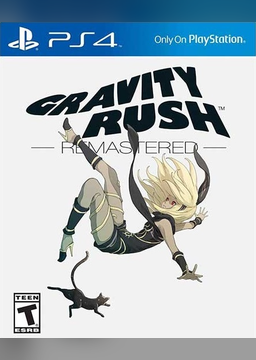
Gravity Rush Remastered PC
PC port of Gravity Rush Remastered
- RecompilationPort Type
- LucaPazienzaDeveloper
- 24 Oct 2026Page Updated
Details
Platform Support
- Windows
Screenshots
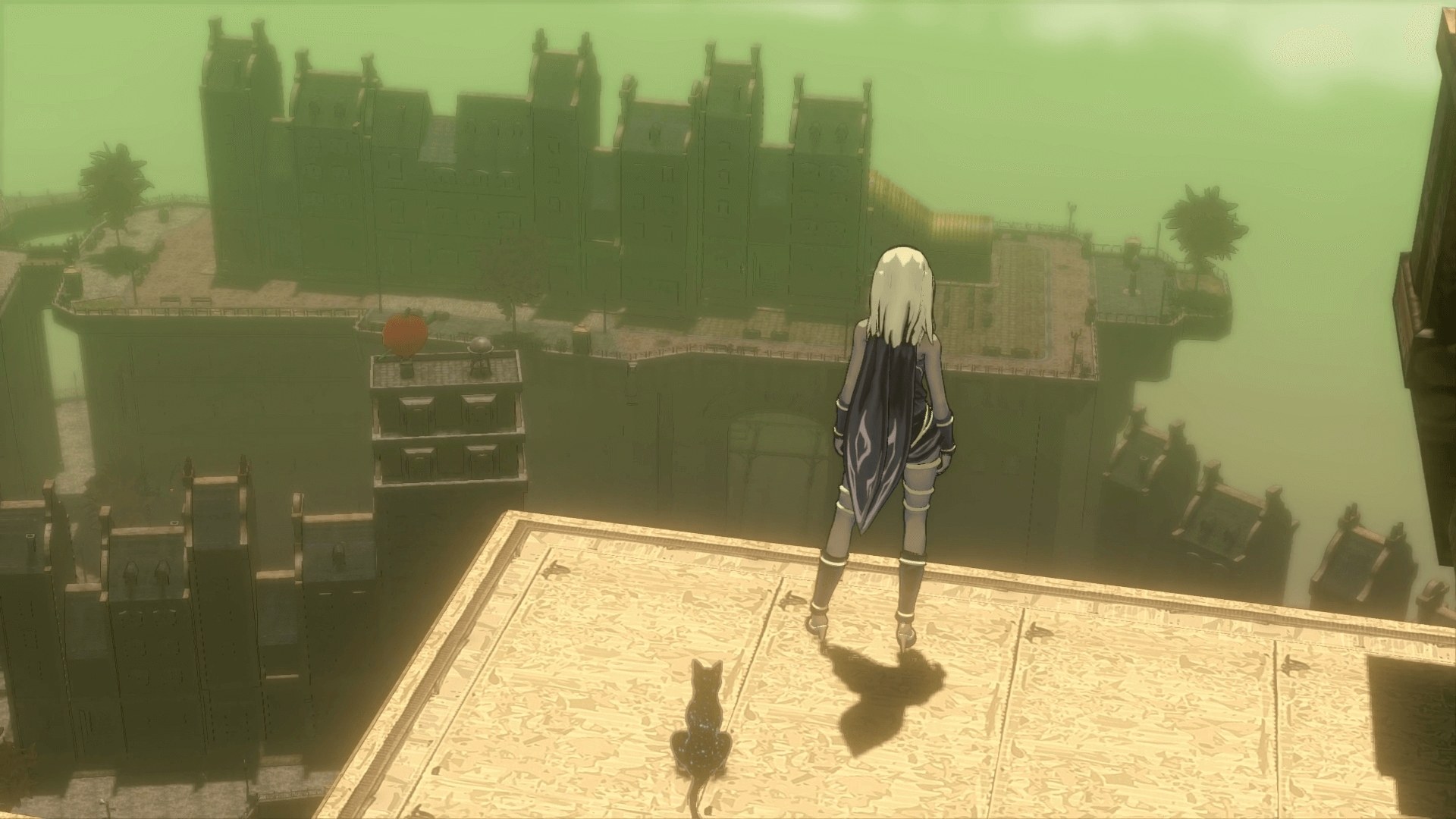
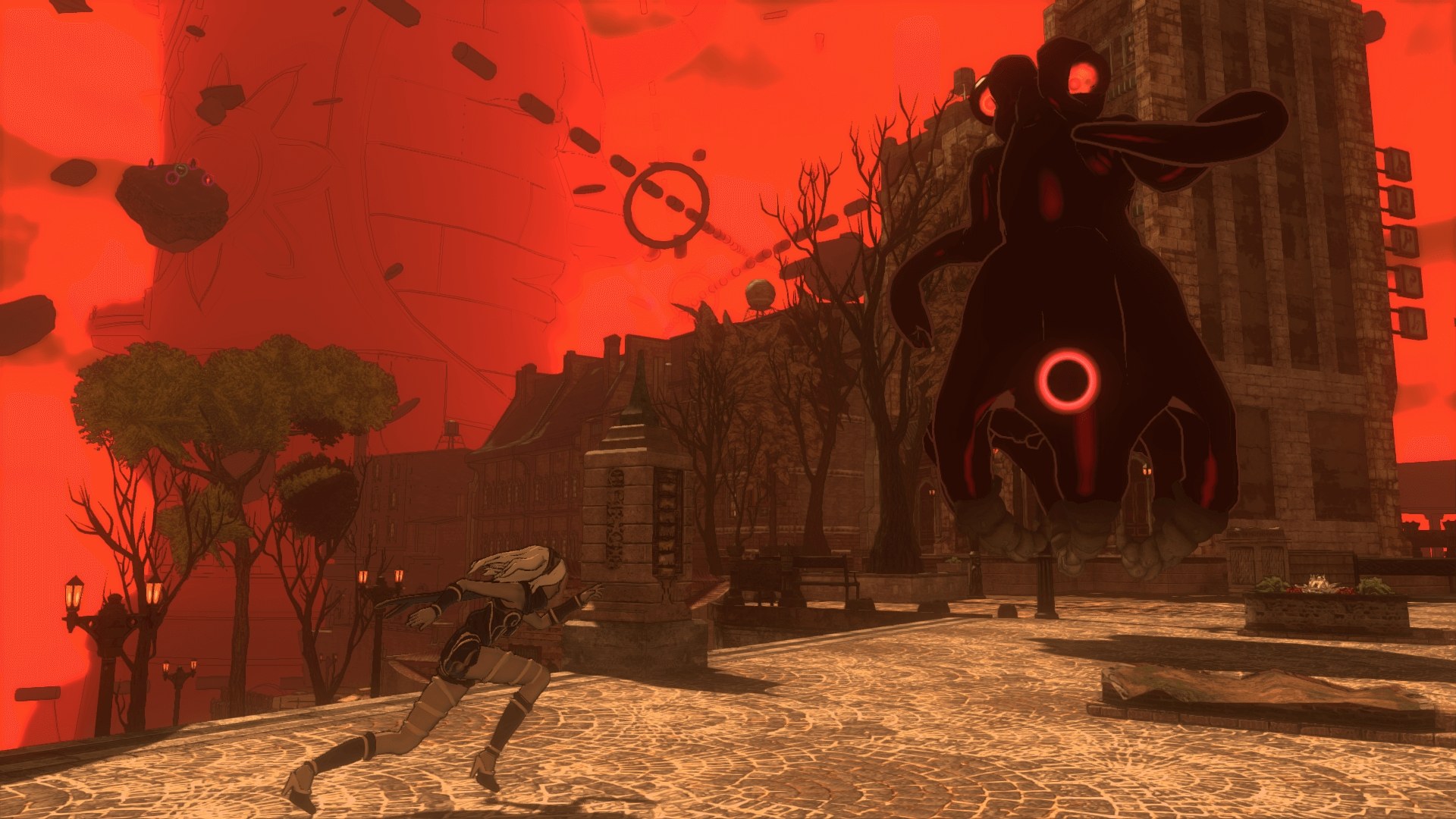
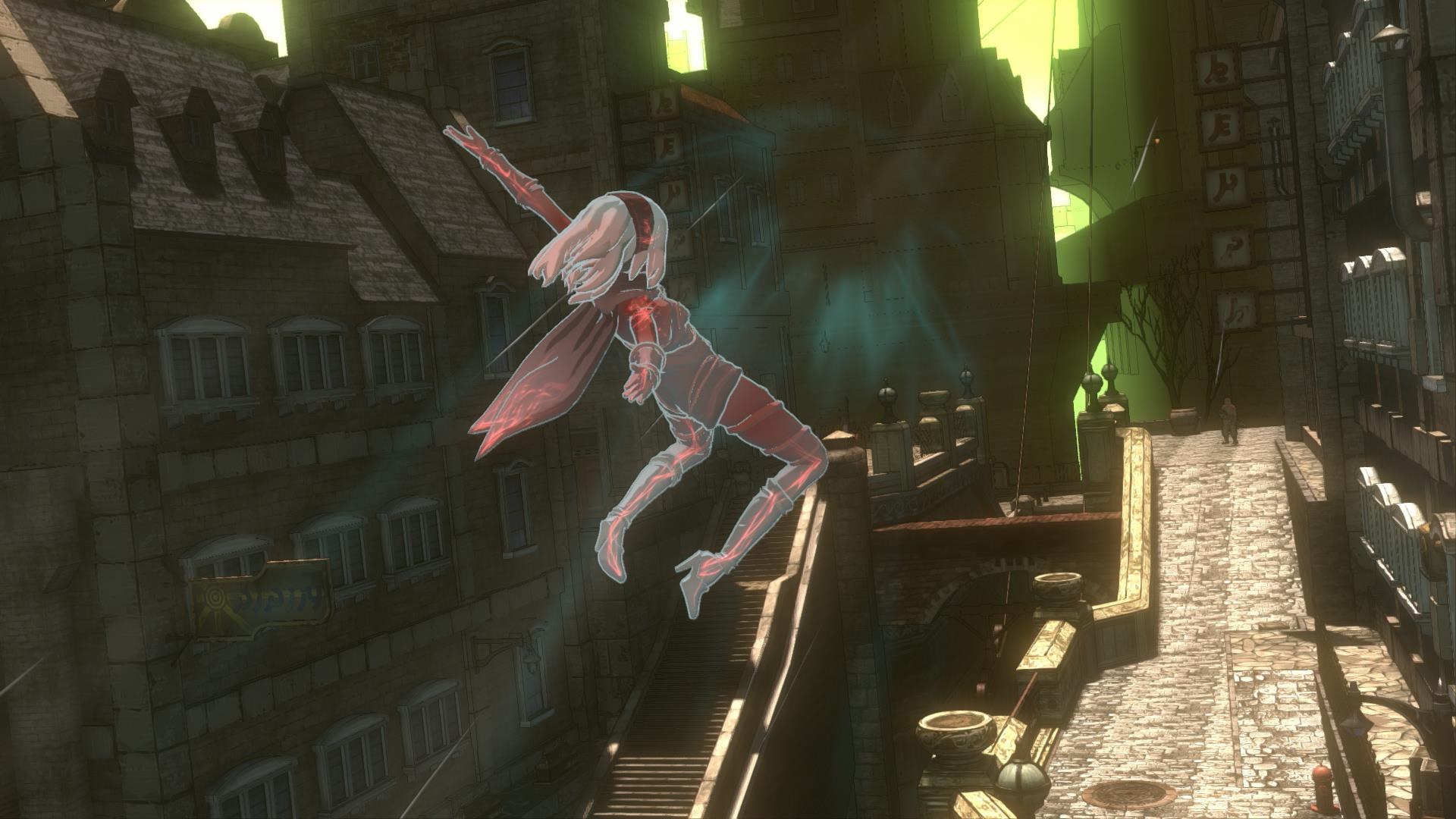
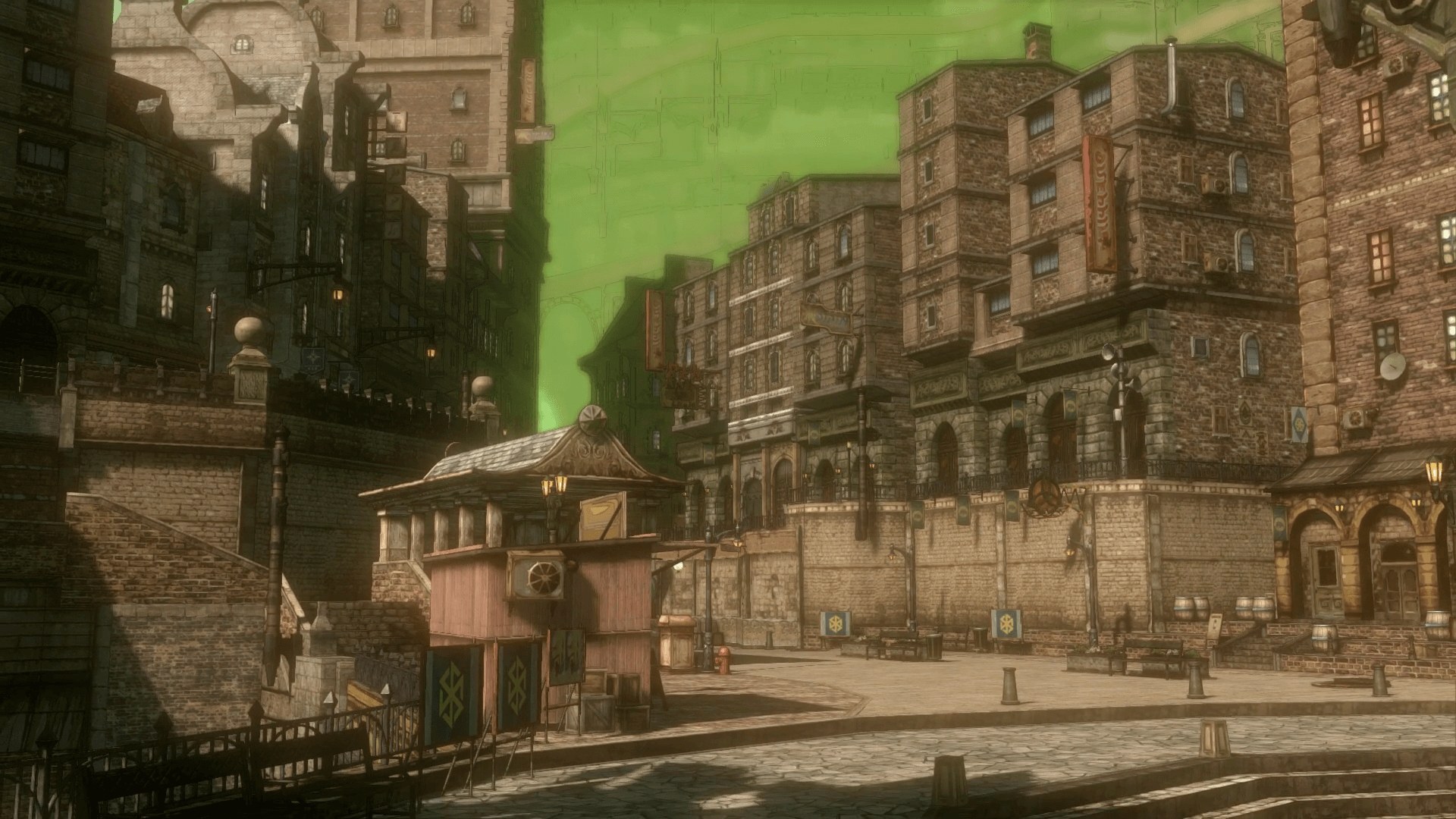
eboot.bin, sce_module and sce_sys, prepared from your own copy. It was tested with the European release, version 01.00, which the resolution and shadow patches need. Windows 10 (1903 or newer) or 11 and a Vulkan 1.3 graphics card.Overview
Gravity Rush Remastered PC is an unofficial native Windows port of the PS4’s Gravity Rush Remastered. There is no emulator: the game’s original x86-64 executable runs directly on the processor, a runtime written for the port replaces the PS4’s system libraries, and the shadPS4 video core translates the console’s graphics commands and shaders to Vulkan.
The developer reports that the whole story has been played from start to finish with sound and saves. Movies, music, ambience and the game’s sound engine play through a reimplemented sampler, and the save dialog, autosave and manual saves all work, with backups before every start. Trophies are not saved yet, and so far only NVIDIA graphics cards have been tested.
The port renders at up to 4K with high-quality 4096 shadow maps and anisotropic filtering, and offers the game’s FXAA and TAA, FSR 3.1, DLSS on NVIDIA RTX cards and FSR 1.0. Controllers work through SDL3, along with keyboard and mouse; the touchpad is supported, the mouse can act as a finger, and the DualSense’s gyro steers the gravity camera as on the PS4. A launcher in five languages holds the settings and installs new releases when the player agrees, and an in-game menu shows image options and an FPS overlay.
How to Set It Up
- Download the Windows zip and extract it.
- Open Gravity Rush Launcher.exe, choose your game folder on the Game page and press Play.
- Set the render resolution, shadows and display options on the Video page.
- Later,
Gravity Rush.exestarts the game straight away with the saved settings. The launcher offers new versions when it opens.