GR2port
PC port of Gravity Rush 2
- RecompilationPort Type
- junminlee2004Developer
- 16 Nov 2026Page Updated
Details
- Developer
- junminlee2004
- Port Type
- RecompilationA tool translated the game's original machine code into C automatically, which was then built as a native PC program.
- Game
- Gravity Rush 2
- AI Use
- Not statedThe developers haven't said whether they used AI.
- Source Code
- GitHub
- Support the Developer
- Ko-fi
- Page Updated
Platform Support
- Windows
- Linux
ScreenshotsView All (6)
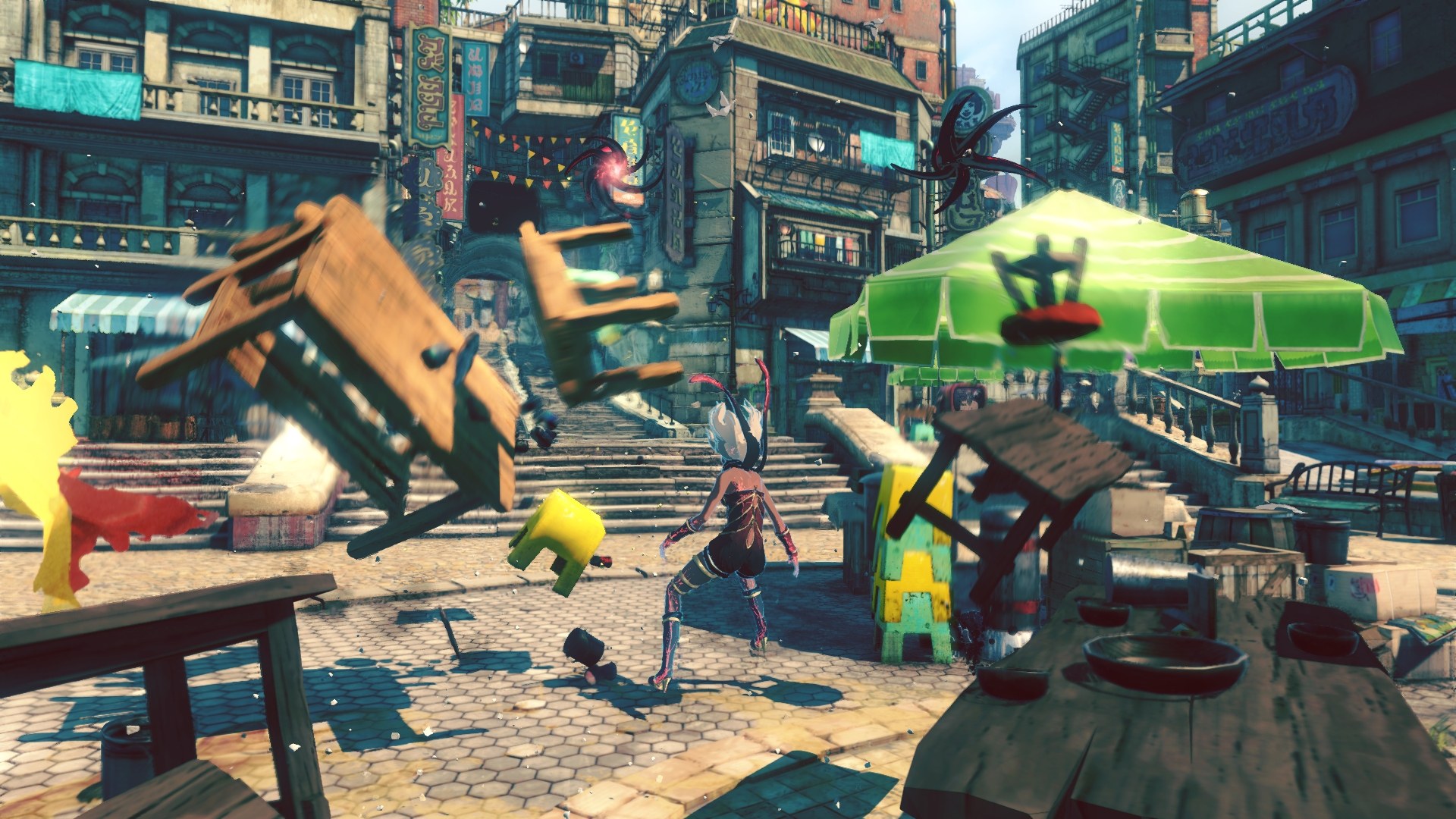
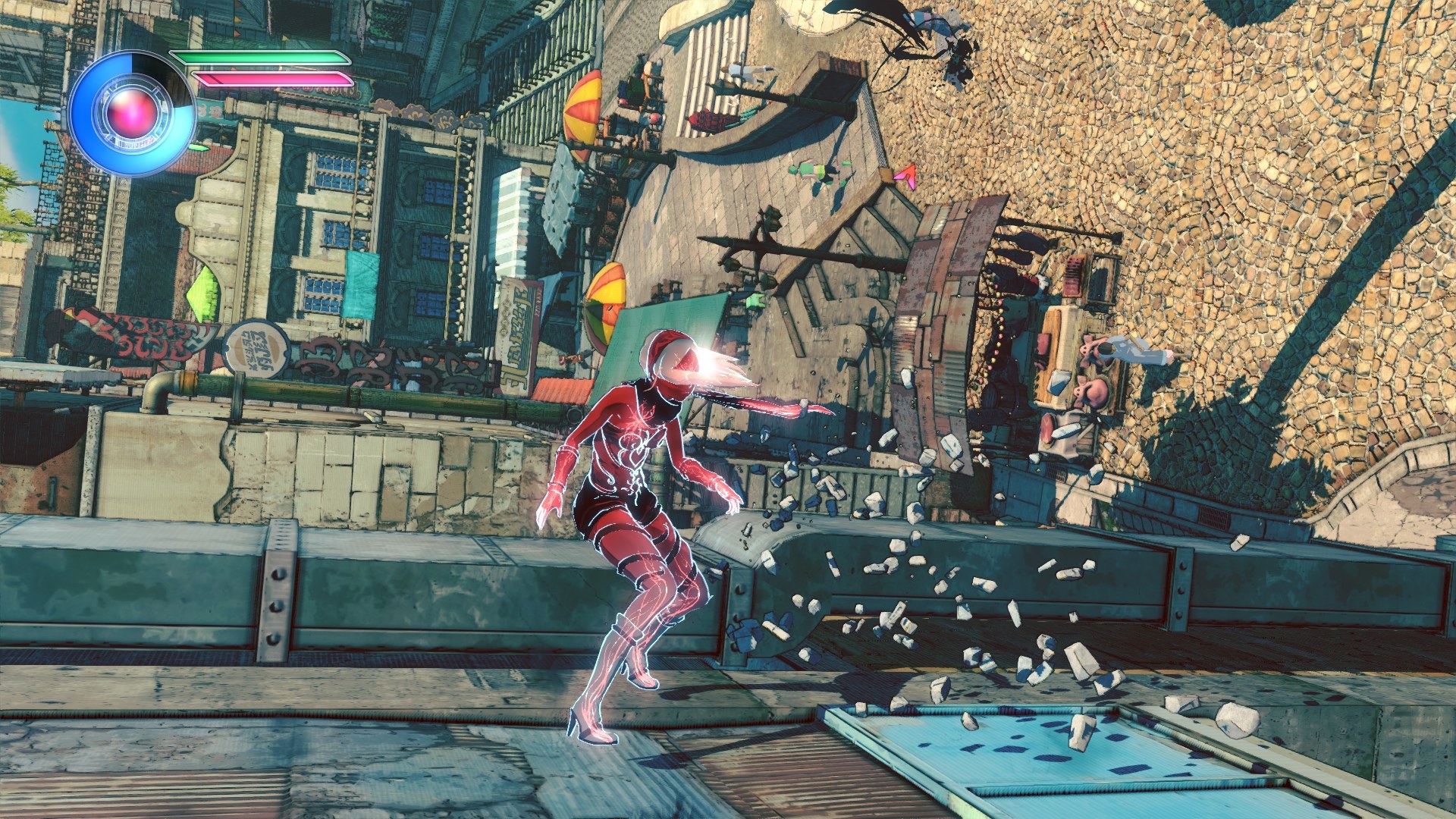
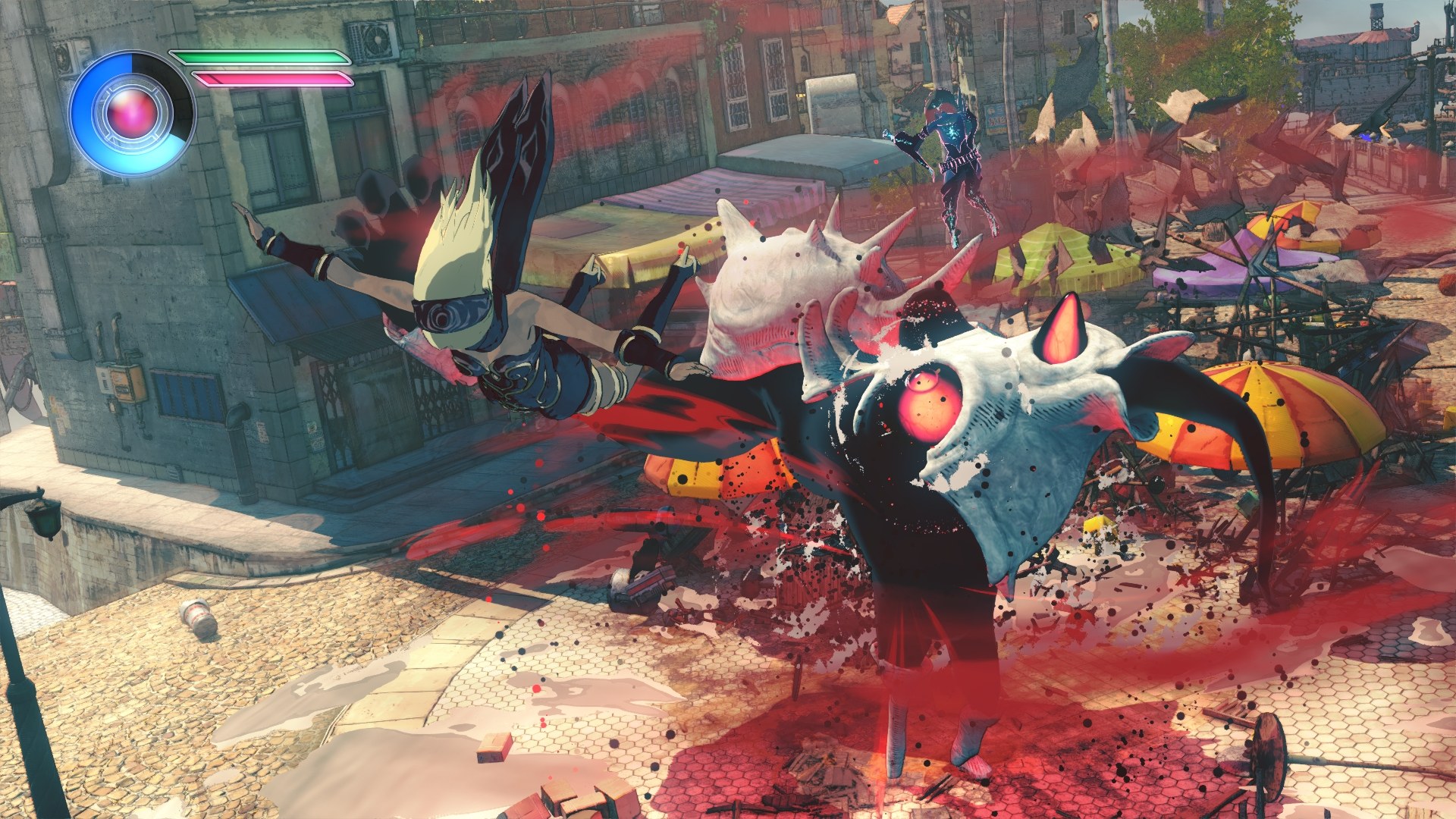
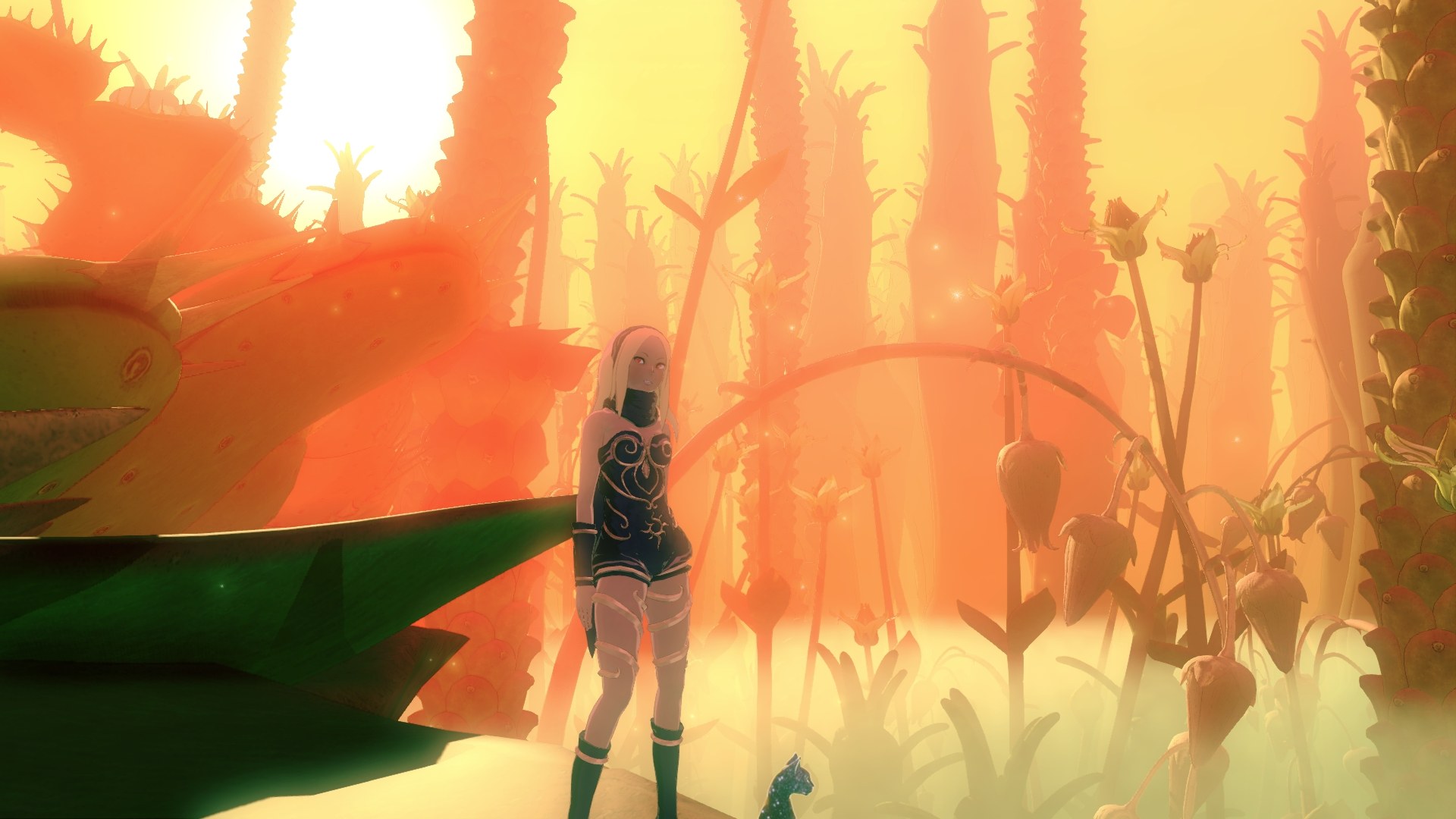
CUSAxxxxx) with its v1.11 update folder (CUSAxxxxx-patch), prepared from your own copy; any region works, but PKG files must be extracted first. A graphics card with Vulkan 1.3 (NVIDIA Maxwell or AMD Polaris and newer).Overview
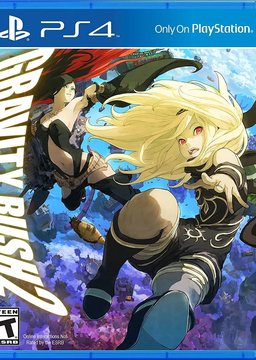
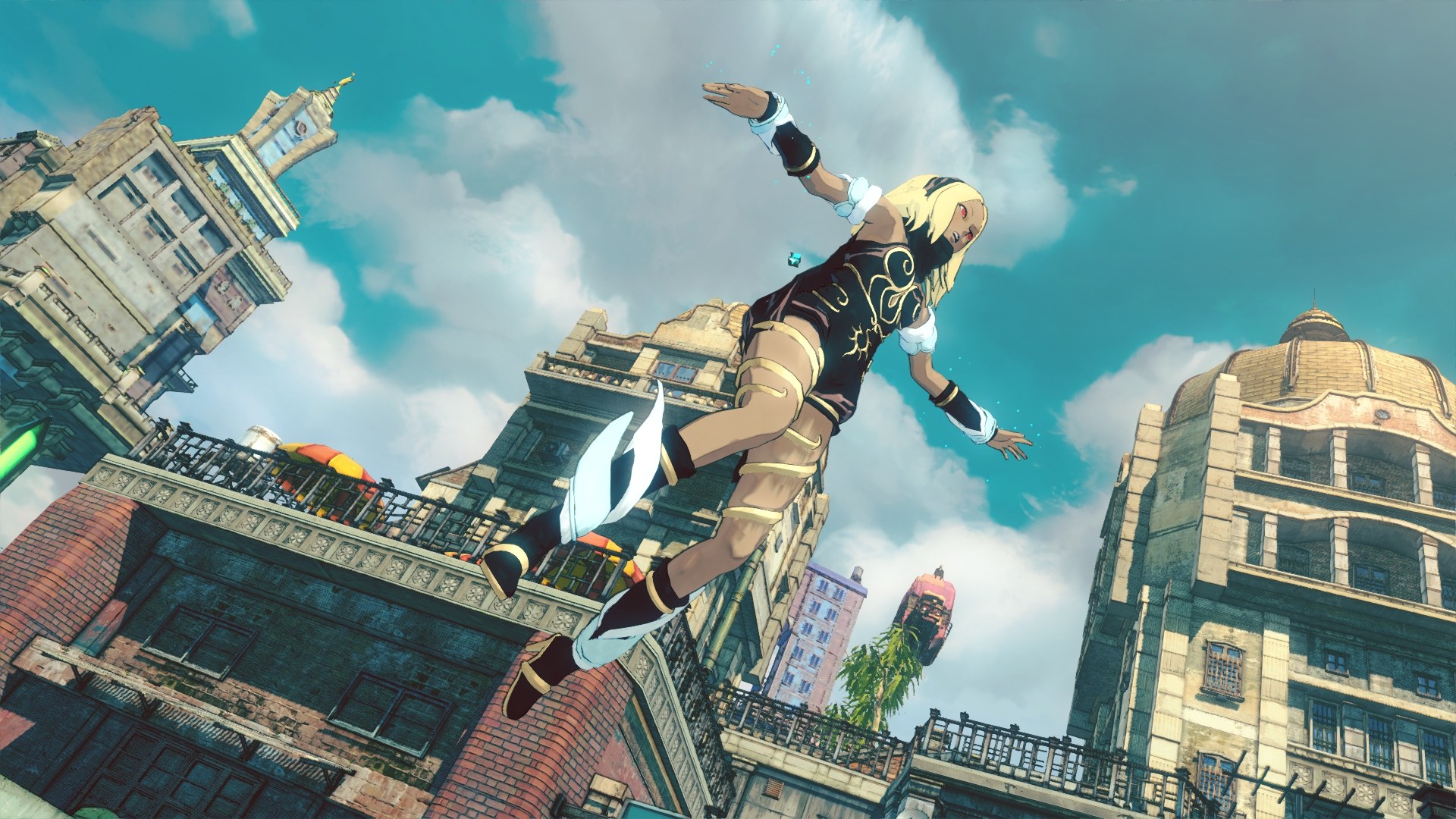
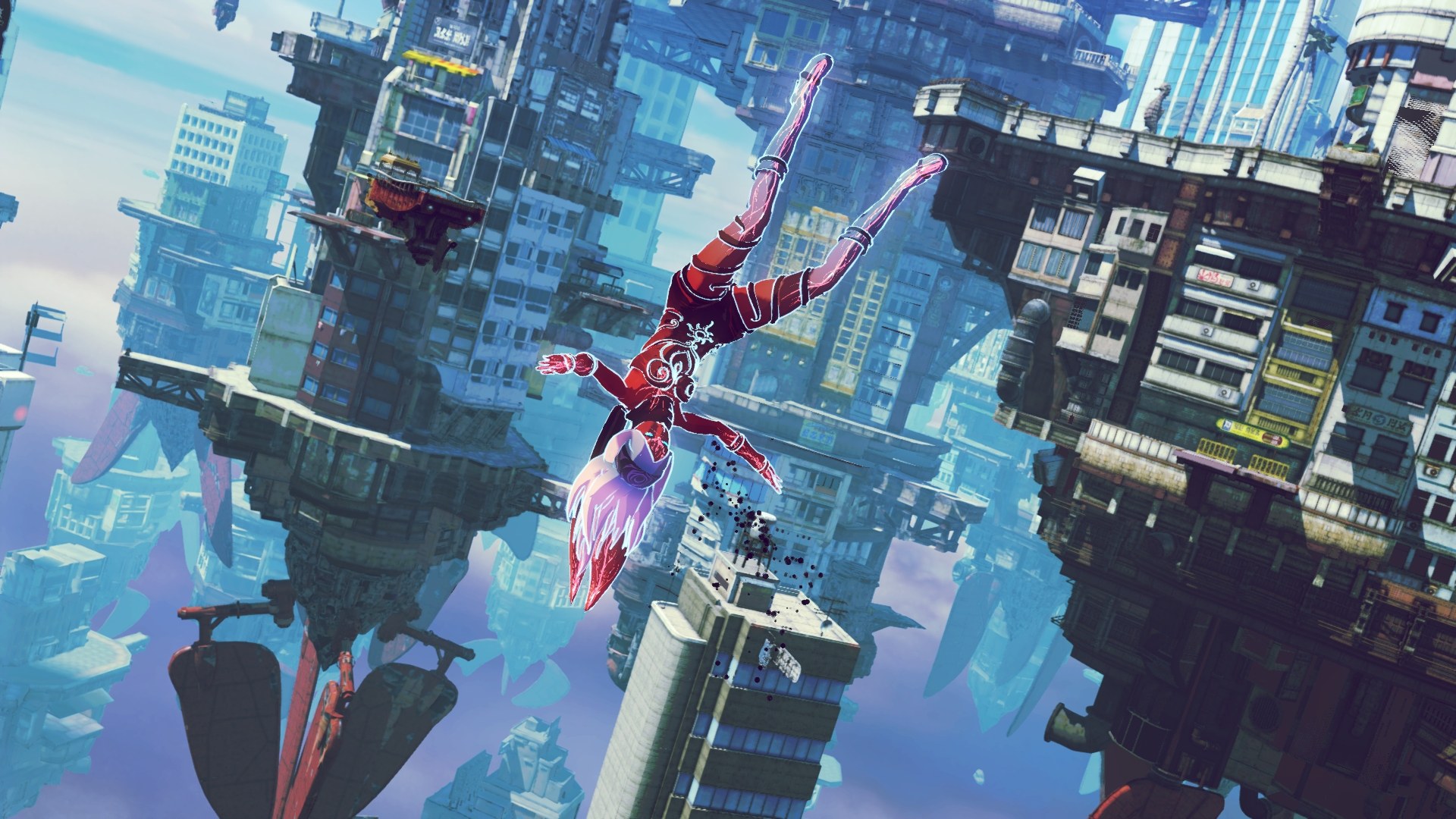
GR2port is an unofficial native PC port of Gravity Rush 2 for Windows and Linux. There is no emulation: the x86-64 code in the game’s PS4 executable runs directly on the processor, and a runtime stands in for the console’s system libraries. Its graphics were rewritten as a Vulkan renderer that rebuilds the game’s render passes with handwritten and recompiled shaders, and every shader pipeline is compiled when the game starts, so there is no stutter from shader compiling during play. The port grew out of the developer’s GR2fork, a fork of the shadPS4 emulator.
The port runs at 30 to 360 frames per second with the same game timing at every rate, from 544p up to 8K, in ultrawide and 16:10. It offers FSR 3.1 and FSR 4.1 on Windows and Linux, and DLSS and XeSS on Windows, along with graphics presets that include one for the Steam Deck and a settings page in the pause menu. The camera turns with the mouse, keys and pad buttons can be rebound with matching button prompts, and a field of view setting, an in-game trophy list, an exit to desktop option and the full photo mode and gallery are included. Online features work, and all of GR2fork’s patches and Halloween items are in.
Every region’s release is supported, but the game must be on update v1.11, and the launcher refuses a dump that differs from a good one and can verify the game files. A macOS version is planned. New builds are published as a rolling pre-release.
How to Set It Up
- Download the zip for Windows or Linux and extract it.
- Put your game folder and its update folder next to
Gravity Rush 2™.exe(or the AppImage on Linux), or copy the update’s contents into the game folder. - Start
Gravity Rush 2™.exeor the AppImage. The launcher holds the graphics presets, languages and key and button bindings. - To skip the launcher, for example when adding the game to Steam, start it with
-nolauncher.
Advertisement
Download GR2port
Enjoying junminlee2004's work? You can support them on Ko-fi.
What's new in v1f959d86Pre-release-GR2port-2026-11-16-1f959d8
7afca41fb0f895c1284a32884e196435da81a9afc1959444e355ee856f279f6b
47a9a1337a12a824aa0efdd3195c92ead2a40d379341a634e11549af38ceeead
a13486c3732a3634d8ede42654c6086858f8e701faab3855cddcef2c51cf968f