God of War III Remastered for PC
PC port of God of War III Remastered
- RecompilationPort Type
- FelipePrado0Developer
- 18 Oct 2026Page Updated

eboot.bin, sce_module and sce_sys. Tested with CUSA01623 (USA) and CUSA01715 (Europe), versions 01.00 and 01.02. Windows 10 (1903 or newer) or 11, a processor with AVX and a Vulkan 1.3 graphics card.Overview
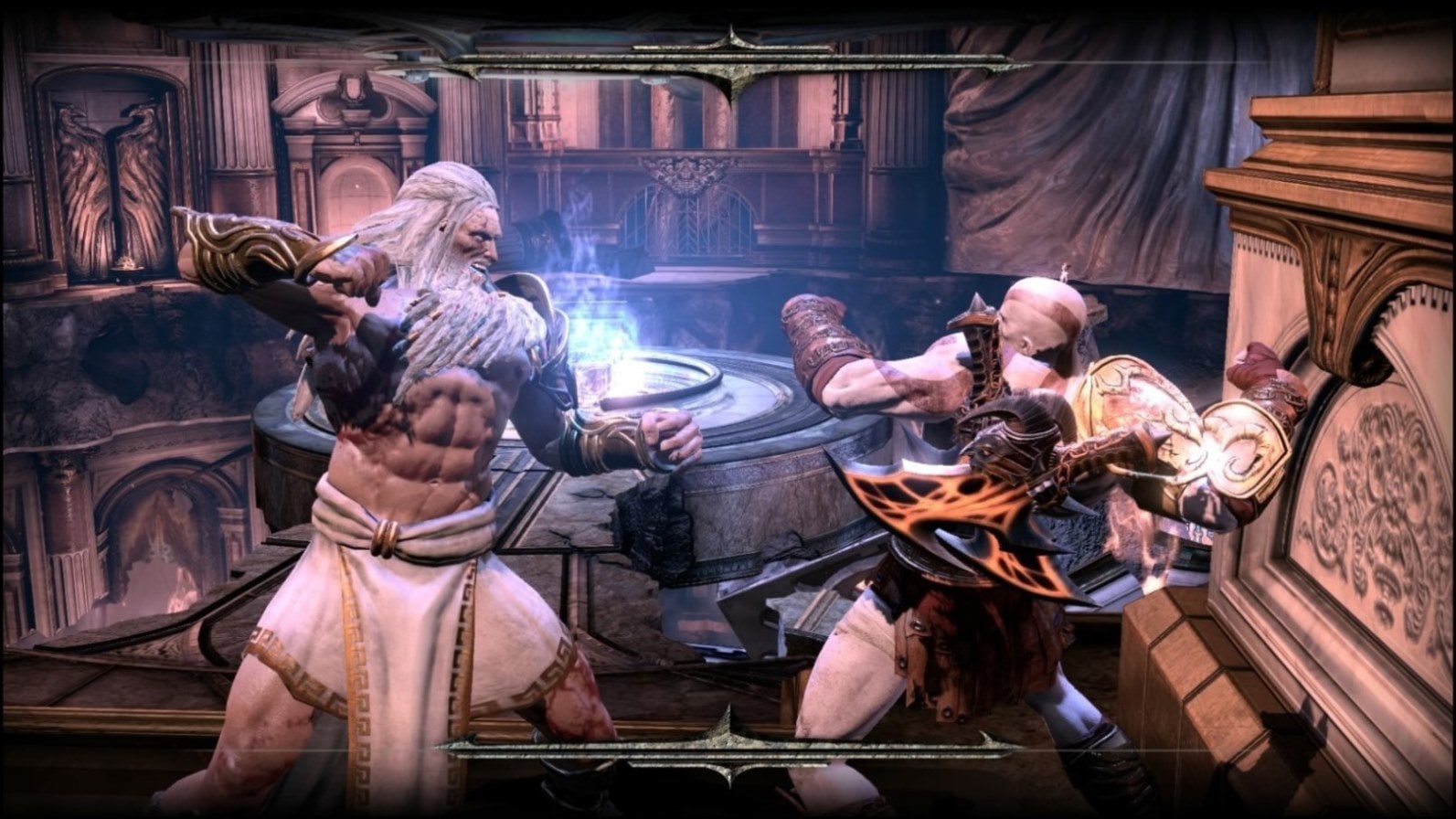
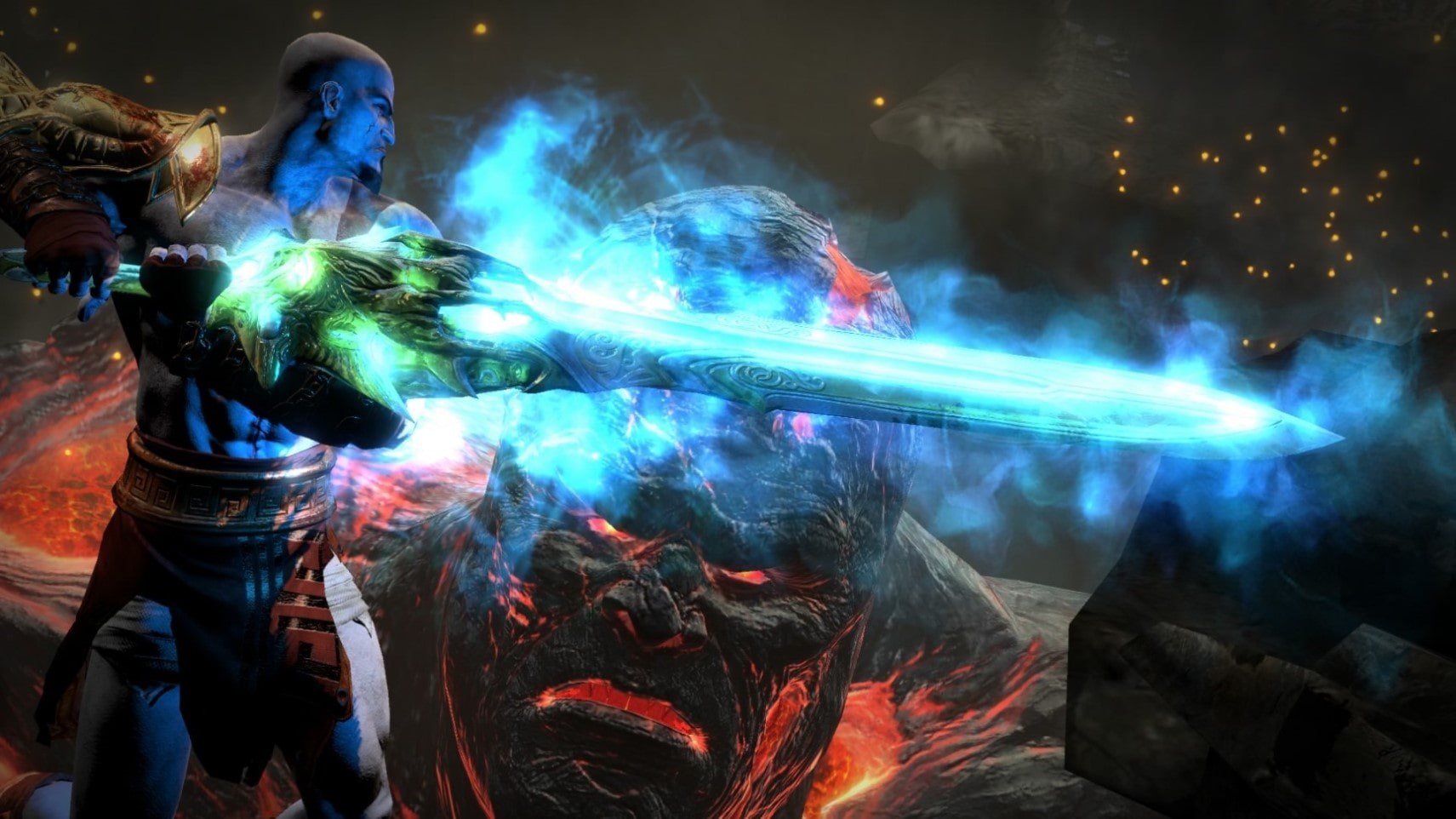
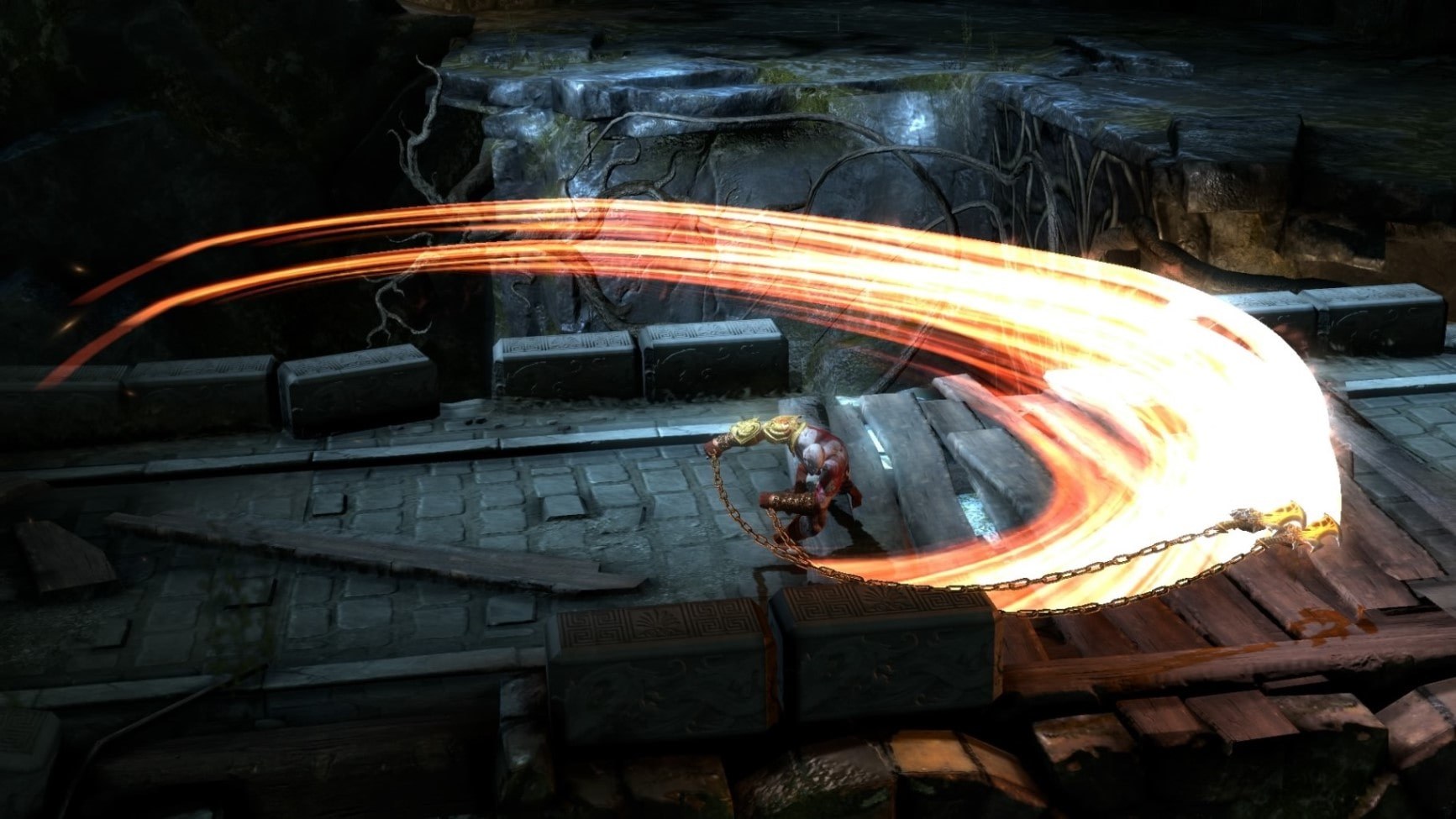
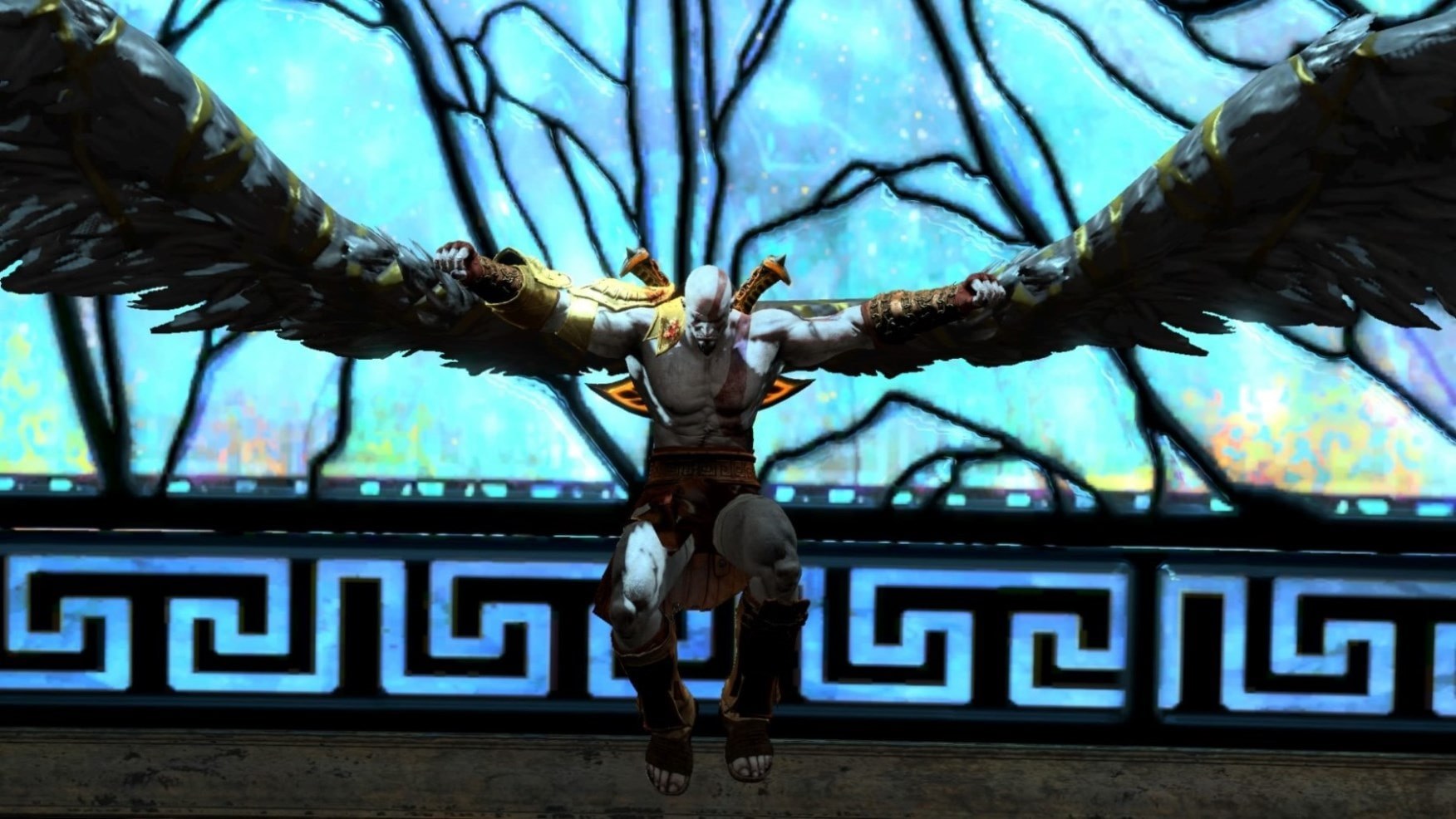
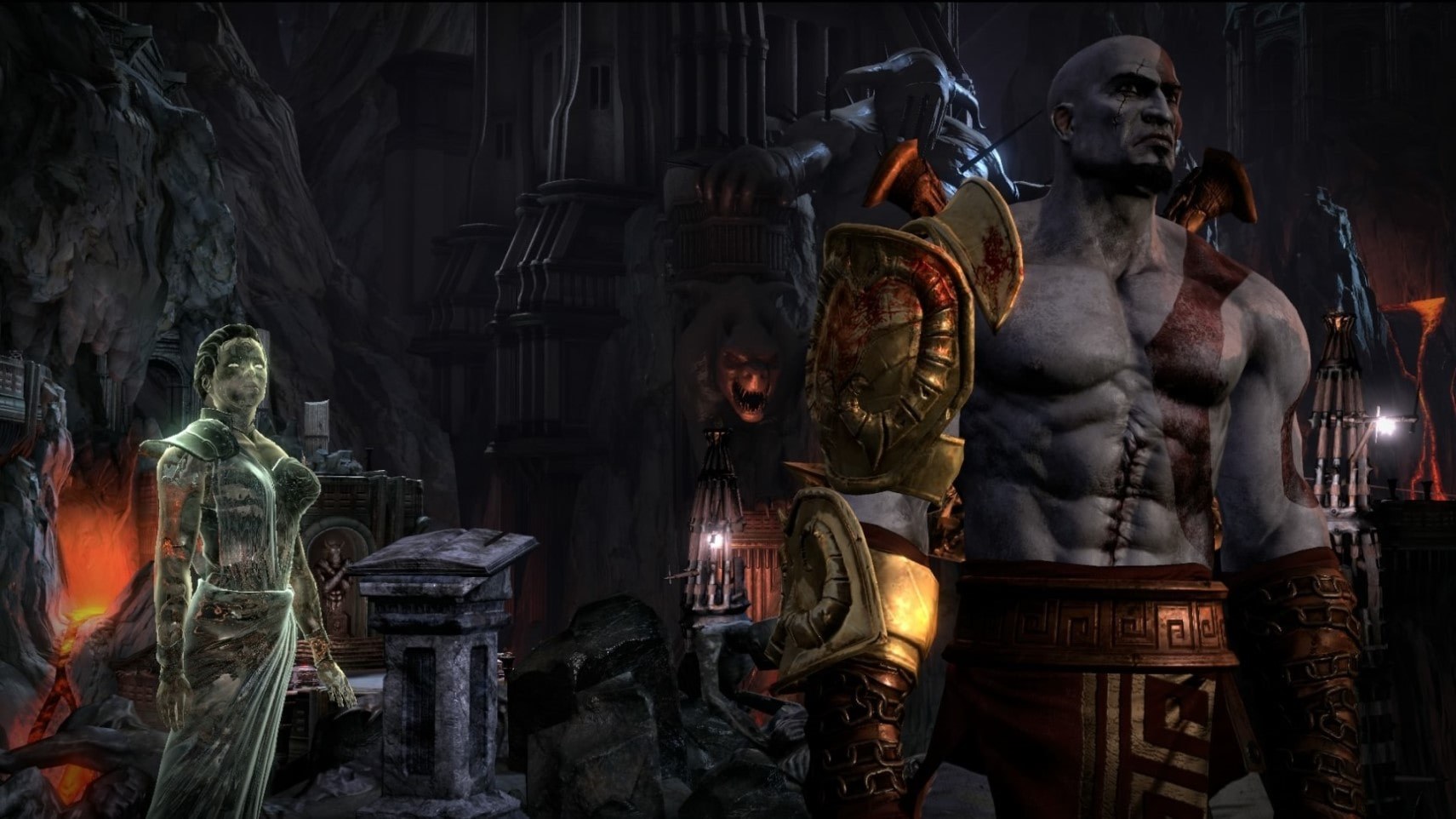
God of War III Remastered for PC runs the PlayStation 4 version of God of War III as a native Windows program, with no emulator. The game’s own x86-64 code runs directly on the PC’s processor, a runtime written for this game replaces the console’s system libraries, and the graphics are translated to Vulkan by the shadPS4 video core, with God of War III rendering fixes from cuesta4’s branch. It is a fork of Bloodborne for Windows, which is itself built on bbport.
The launcher, in the game’s colours, has quick settings, display and performance options, save backups before every start, patches, a mod manager with load order and presets, remappable controls and updates. Built-in patches set the render resolution from 480p to 4K, raise the engine frame rate to 120 or 240 FPS, fix corrupted textures and let cutscenes be skipped. An in-game menu adds cheats, orb and damage multipliers, an enemy health bar, display options and a performance overlay. Saved shaders load in the background, so the game doesn’t stop to build them.
The author says the game has been played from start to finish at native 1080p with the 240 FPS engine rate. At other render resolutions some textures still look broken, and the temporal upscalers have been removed for now. A Linux AppImage exists but has to be built from source. The download contains no game files. It needs God of War III Remastered, dumped from your own console.
How to Set It Up
- Download the zip and extract it to a folder of its own. Don’t run it from inside the zip.
- Open
God of War III.exe. If Windows SmartScreen warns about it, choose More info, then Run anyway. - Choose the game folder (the one with
eboot.bin) on the Game page, then adjust the quick settings on Home. - Press PLAY. The first start takes longer while the game is prepared. Later,
Play God of War III.exestarts it straight away with your saved settings.