DriveClub Recomp
PC port of Driveclub
- RecompilationPort Type
- OverkillLabs3Developer
- 24 Oct 2026Page Updated

Details
Platform Support
- Windows
Screenshots
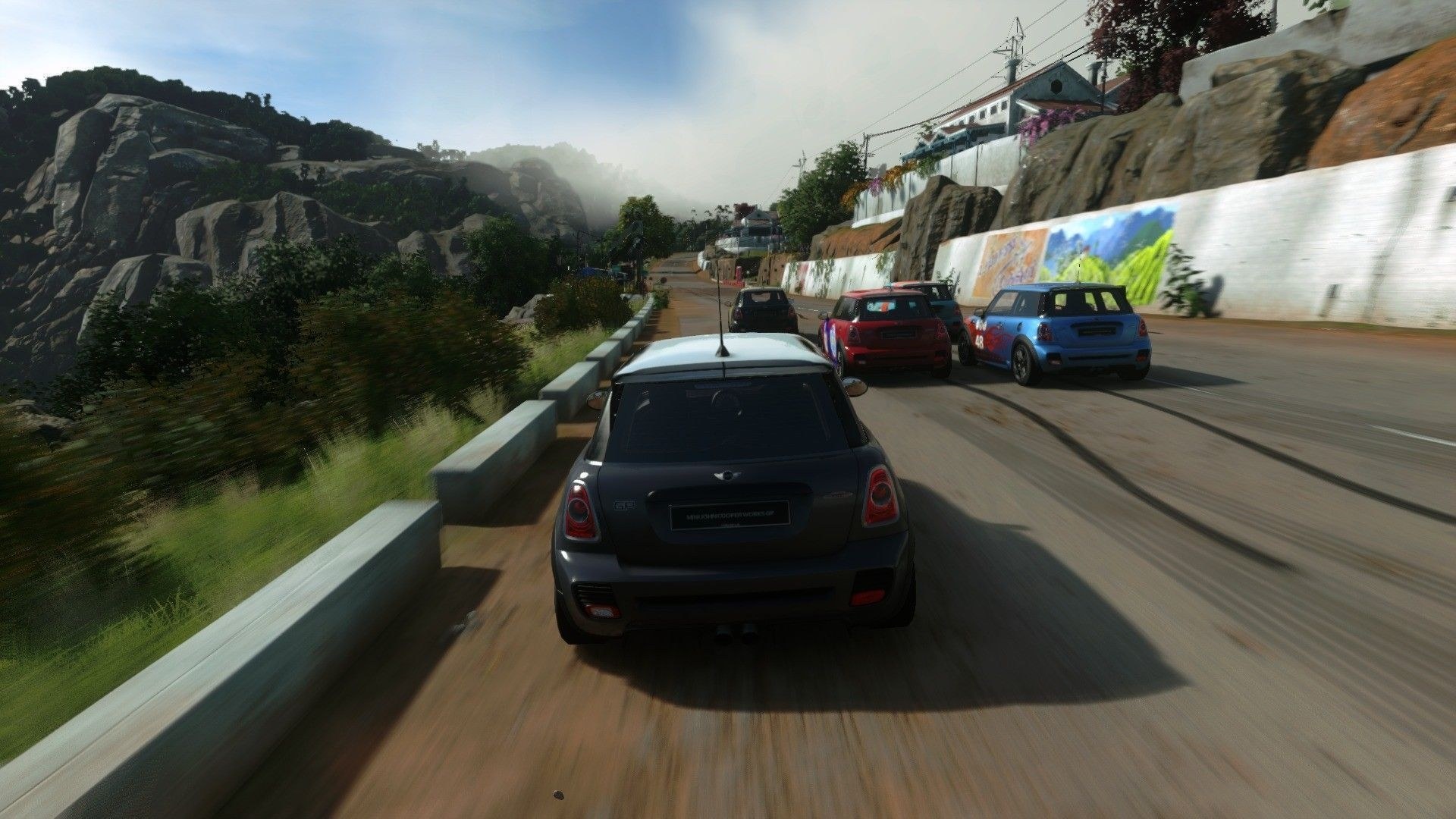
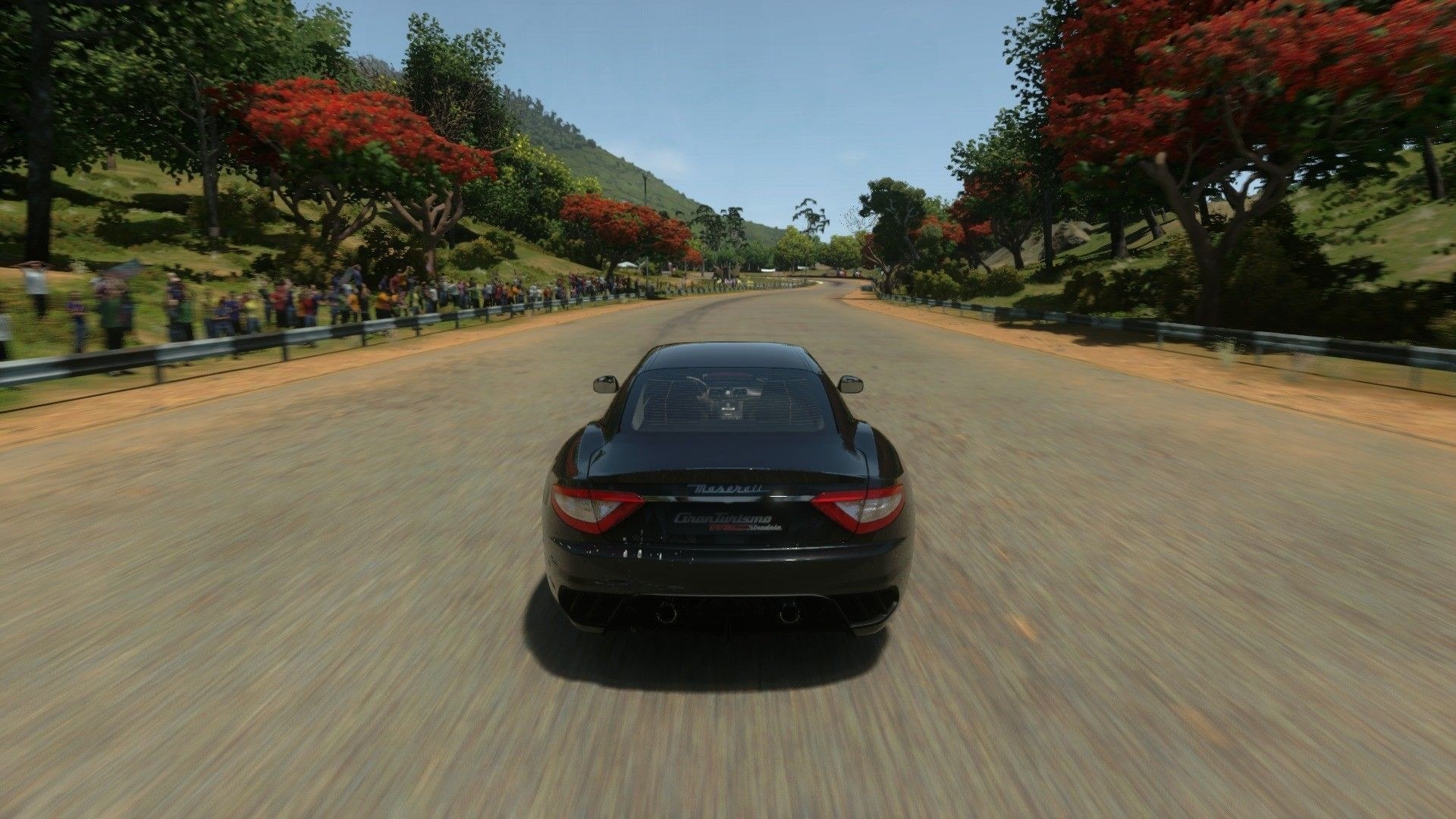

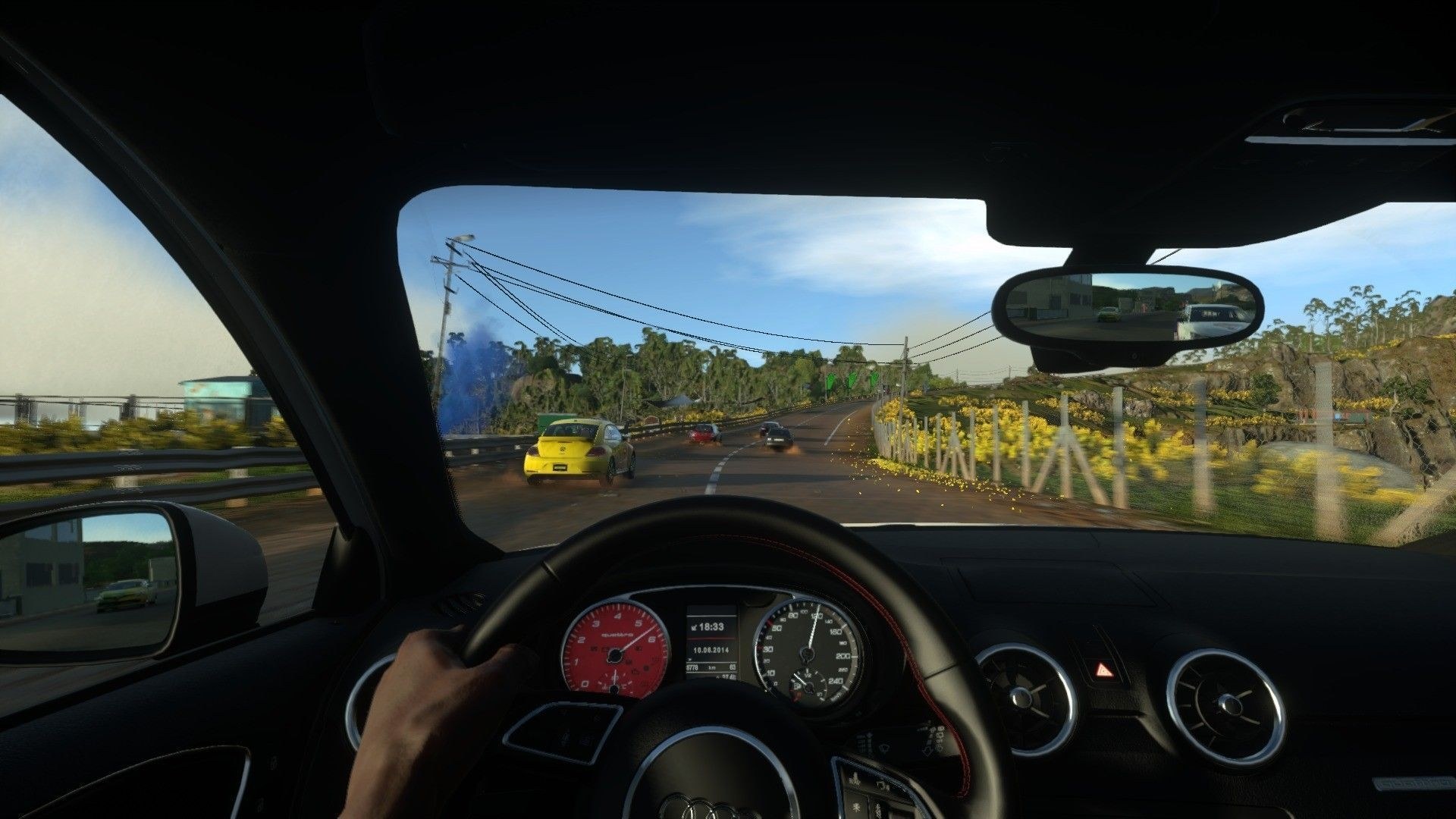
game000.dat) and the version 1.28 update folder (with eboot.bin). Windows 64-bit and a Vulkan graphics card from NVIDIA, AMD or Intel.Overview
DriveClub Recomp is an unofficial native Windows port of Driveclub, Evolution Studios’ 2014 PS4 racing game. The game’s own x86-64 code runs directly on the PC’s processor without CPU emulation, the PS4’s system libraries are reimplemented, and its graphics commands are translated to Vulkan, much as Wine and DXVK do. The player’s own dumped files are read in place and never changed.
It is playable from the menus through races, photo mode and saves. The game’s anti-aliasing is replaced by NVIDIA DLAA or AMD FSR 3.1, with DLSS and FSR upscaling and a sharpness control, and it adds HDR10 output and an unlocked frame rate that keeps the game at its normal speed with VRR. A two-thread draw path cuts the processor’s work, and the developers report about 60 FPS at 4K in the heaviest scenes on their test PC.
Keyboard, mouse and any gamepad work, alone or together. Steering wheels are supported with force feedback, either the forces the PS4 game sent or a reworked model worked out from the car’s front tyres, along with pedals with a clutch, H-pattern shifters and a USB handbrake. Downloadable content can be unlocked from the player’s own game files, loose-file mods go in a mods folder, and the launcher checks for and installs new versions.
How to Set It Up
- Download the zip and extract it anywhere you can write to (not Program Files).
- Run
DriveClub.exe. - Press Browse next to each folder to choose your version 1.28 update and your base game, check the settings and press Play.
- For a steering wheel, run Wheel Setup from the launcher’s Driving tab and map the wheel, pedals, shifter and handbrake.