Dragon's Crown Pro PC Port
PC port of Dragon's Crown Pro
- RecompilationPort Type
- Saulo BenignoDeveloper
- 2 Nov 2026Page Updated

Details
- Developer
- Saulo Benigno
- Port Type
- RecompilationA tool translated the game's original machine code into C automatically, which was then built as a native PC program.
- AI Use
- AI-assistedThe project says: “AI tools were used to assist with code analysis, development, debugging and documentation.” Source
- Source Code
- GitHub
- Page Updated
Platform Support
- Windows
- Linux
Screenshots
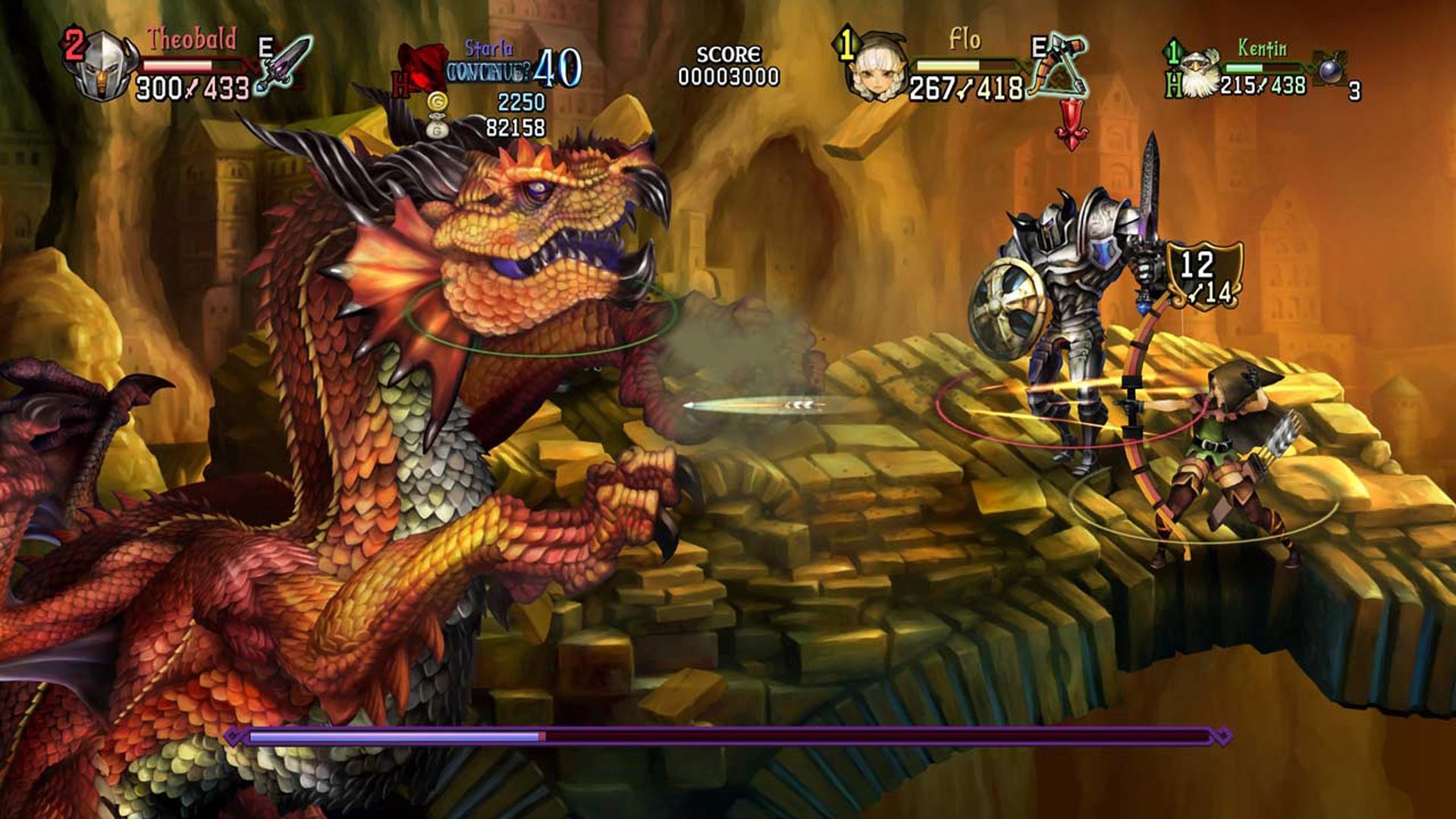
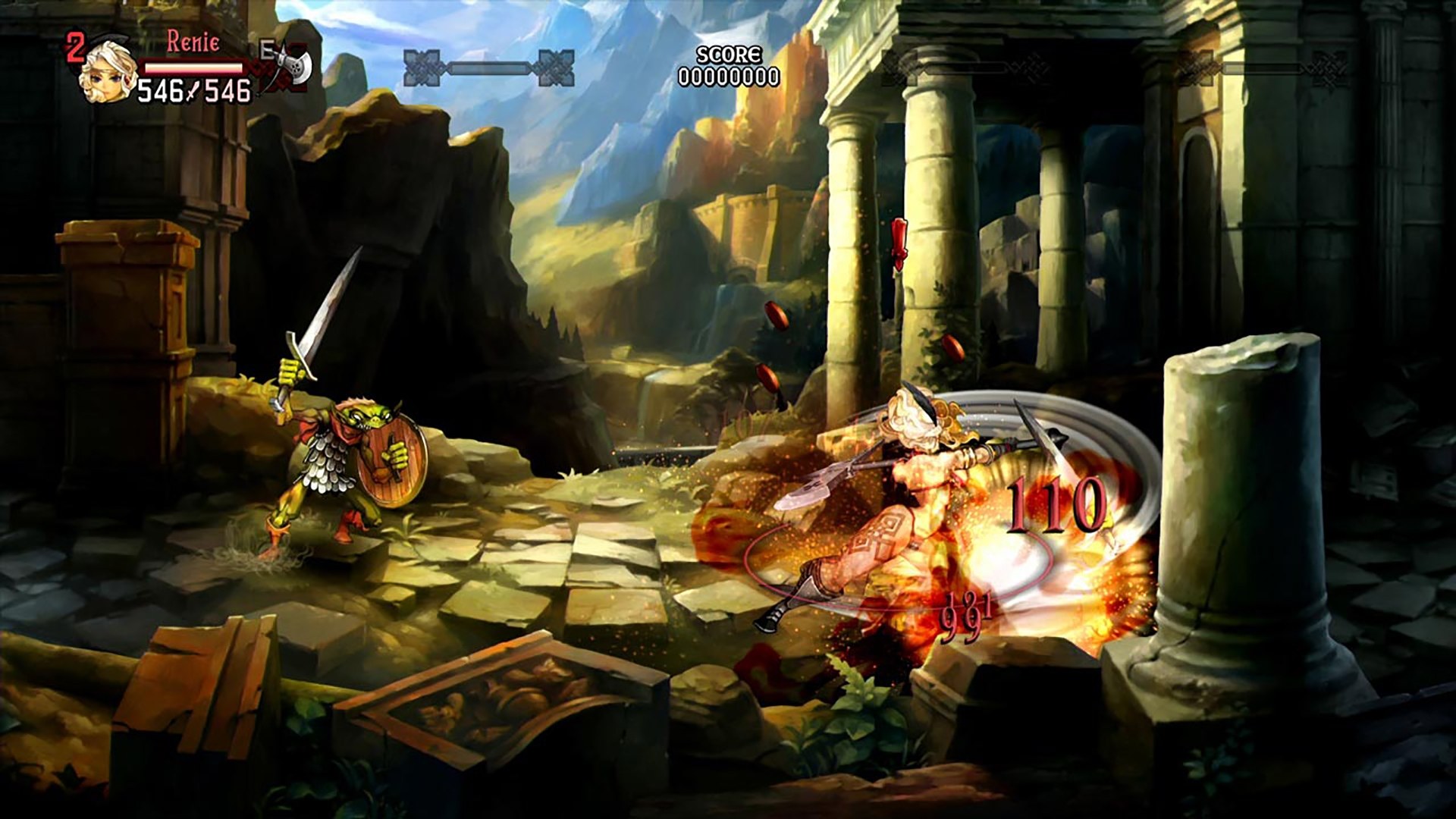
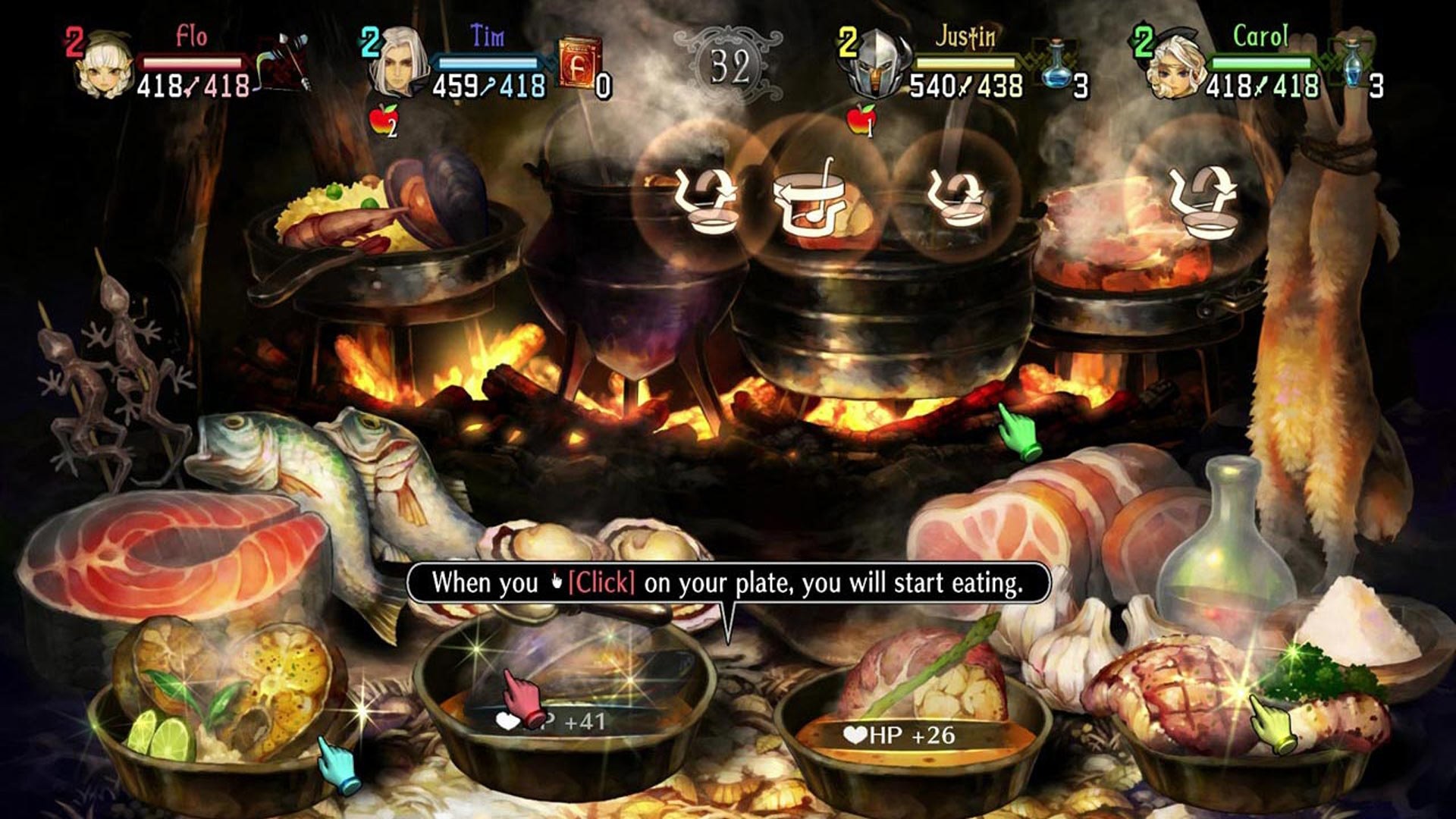
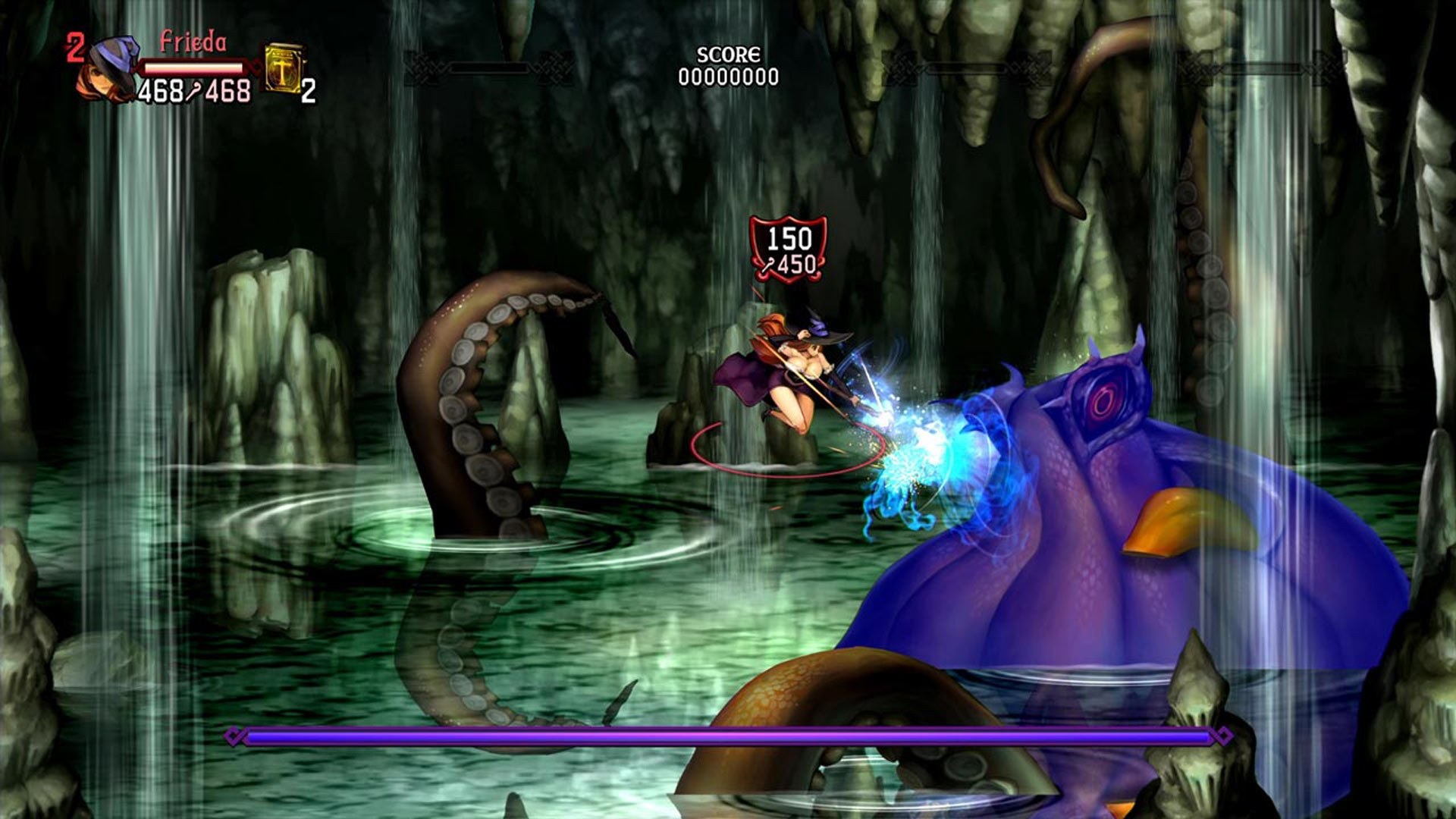
.pkg of Dragon’s Crown Pro: the US (CUSA10454, 1.00 or 1.01), Japanese (CUSA07001, 1.00, 1.02 or 1.03) or Asia and Hong Kong (CUSA10209, 1.00 or 1.02) release, and about 6 GB free. Windows 10 (1903+) or 11 64-bit, or experimentally 64-bit Linux with glibc 2.31; a processor with AVX and a Vulkan 1.3 graphics card.Overview
This port runs Dragon’s Crown Pro, Vanillaware’s side-scrolling beat ’em up for the PS4, natively on Windows, with an experimental Linux and Steam Deck AppImage that needs no Wine or Proton. The game’s own x86-64 code runs directly on the PC with a replacement for the PS4’s system libraries and a Vulkan renderer derived from shadPS4.
The game’s own online multiplayer works over the internet, with friend codes, friend requests and joining a friend’s room. The TRG launcher installs the US, Japanese and Asia and Hong Kong releases from the player’s own package, and the Japanese and Asian builds are not yet fully tested.
The render resolution runs from 480p to 4K, the picture can be 16:9, 16:10, 21:9, 32:9, 4:3 or 5:4, and an experimental True Ultrawide option shows more of the world at the sides. The frame rate can be raised up to 240 or unlimited while the game keeps its speed at 60. Trophies are kept locally, cheats are included, and the window and graphics card can be chosen.
How to Set It Up
- Download the Windows zip and extract it anywhere you can write to, or download the AppImage for Linux and the Steam Deck and make it executable.
- Run
dragons_crown_pro.exe(or the AppImage). The launcher opens. - On the Play page, click Install game… and choose your own
.pkg. It is unpacked into thegamefolder next to the program; the package is only read. - Press PLAY. Saves, settings and logs stay next to the program, so copying the folder takes them along.
Advertisement
Download Dragon's Crown Pro PC Port
What's new in v0.9.1Dragon's Crown Pro PC v0.9.1
Dragon’s Crown Pro PC v0.9.1
Dragon’s Crown Pro for PlayStation 4 as a native PC port for Windows and, experimentally, Linux and Steam Deck
No game files are included. You need your own legally obtained Dragon’s Crown Pro PS4 package from one of the supported builds
If you use v0.9.0, the launcher offers this release with UPDATE NOW. Your installed game files, saves, settings and logs are kept
Highlights
- Automatic online relay fallback when a direct UDP connection cannot be established
- Full feature parity across all 7 supported game builds
- Black water artifacts fixed on aspect ratios narrower than 16:9
- Improved startup crash diagnostics and fault handling
- Improved PS4 package and update-package diagnostics
- Cheats expanded across the supported USA, Japan and Asia / Hong Kong builds
- Windows and Linux use the same online relay protocol and fallback behavior
Online play
Direct UDP remains the preferred connection path
The port first uses the existing STUN, UDP hole punching and UPnP path. If a peer cannot establish a direct connection, the game can automatically fall back to the online relay service
Relay selection is per peer, so a multiplayer room can contain both direct and relayed connections
The Connection Test now reports the online service, direct UDP availability and relay availability
Automated coverage passes for direct networking, relay transport, automatic fallback, Worker relay, protocol compatibility, failure paths, Connection Test, Windows networking, Online HLE and Linux networking
Fixes and compatibility
- Issue #45: improved startup crash diagnostics, startup-phase tracking and fault handling
- Issue #18: improved package and update-package analysis and unsupported-build diagnostics
- Issue #44: cheats now have parity across all supported regional builds
- Issue #32: fixed the black water artifacts seen on narrower aspect ratios such as 16:10
- Direct online connections continue to use the existing path without relay traffic when they work normally
- Linux uses the same relay frame, PeerSocket behavior and online protocol as Windows
Supported builds
| Region | Title ID | Versions |
|---|---|---|
| USA | CUSA10454 | 1.00 and 1.01 |
| Japan | CUSA07001 | 1.00, 1.02 and 1.03 |
| Asia / Hong Kong | CUSA10209 | 1.00 and 1.02 |
Feature parity checks pass across all 7 builds
Real boot-image validation was available for 5 of the 7 builds. CUSA10454 1.01 and CUSA10209 1.02 are covered structurally and synthetically but were not available for real boot-image inspection
Downloads
- Windows:
DragonsCrownProPC-v0.9.1-windows-x64.zip - Linux / Steam Deck experimental:
DragonsCrownProPC-v0.9.1-x86_64.AppImage
The Linux AppImage keeps the Ubuntu 20.04 compatibility baseline and has a highest detected GLIBC requirement of 2.30
Installation steps, requirements and known limitations are in the README
GitHub issues
- #18 PATCH and update-package support: improved
- #32 Black bars in water: fixed for narrower-than-16:9 rendering
- #44 Asia / Hong Kong cheat support: expanded across supported builds
- #45 Crash after pressing PLAY: diagnostics and fault handling improved
Security
The final release artifacts were scanned with VirusTotal before publication
A VirusTotal scan is an additional check, not a guarantee of safety, so please also verify the SHA-256 of your download
| File | VirusTotal |
|---|---|
DragonsCrownProPC-v0.9.1-windows-x64.zip | VirusTotal |
DragonsCrownProPC-v0.9.1-x86_64.AppImage | VirusTotal |
Checksums
| File | SHA-256 |
|---|---|
DragonsCrownProPC-v0.9.1-windows-x64.zip | d5c4a632109d66ae6778fff17ddb533eacbe1e7eb820092cec03d0e4d09493df |
DragonsCrownProPC-v0.9.1-x86_64.AppImage | c68f81a5a6f8ebac15d121ac83835908202466cadcebdf60f68b203a073bebac |
d5c4a632109d66ae6778fff17ddb533eacbe1e7eb820092cec03d0e4d09493df
c68f81a5a6f8ebac15d121ac83835908202466cadcebdf60f68b203a073bebac