Bloodborne for Windows
PC port of Bloodborne
- RecompilationPort Type
- SupermedoDeveloper
- 21 Oct 2026Page Updated
Details
- Developer
- Supermedo
- Port Type
- RecompilationA tool translated the game's original machine code into C automatically, which was then built as a native PC program.
- Game
- Bloodborne
- AI Use
- AI-assistedAn AI coding tool is credited as co-author on 266 of the last 464 commits. Source
- Source Code
- GitHub
- Page Updated
Platform Support
- Windows
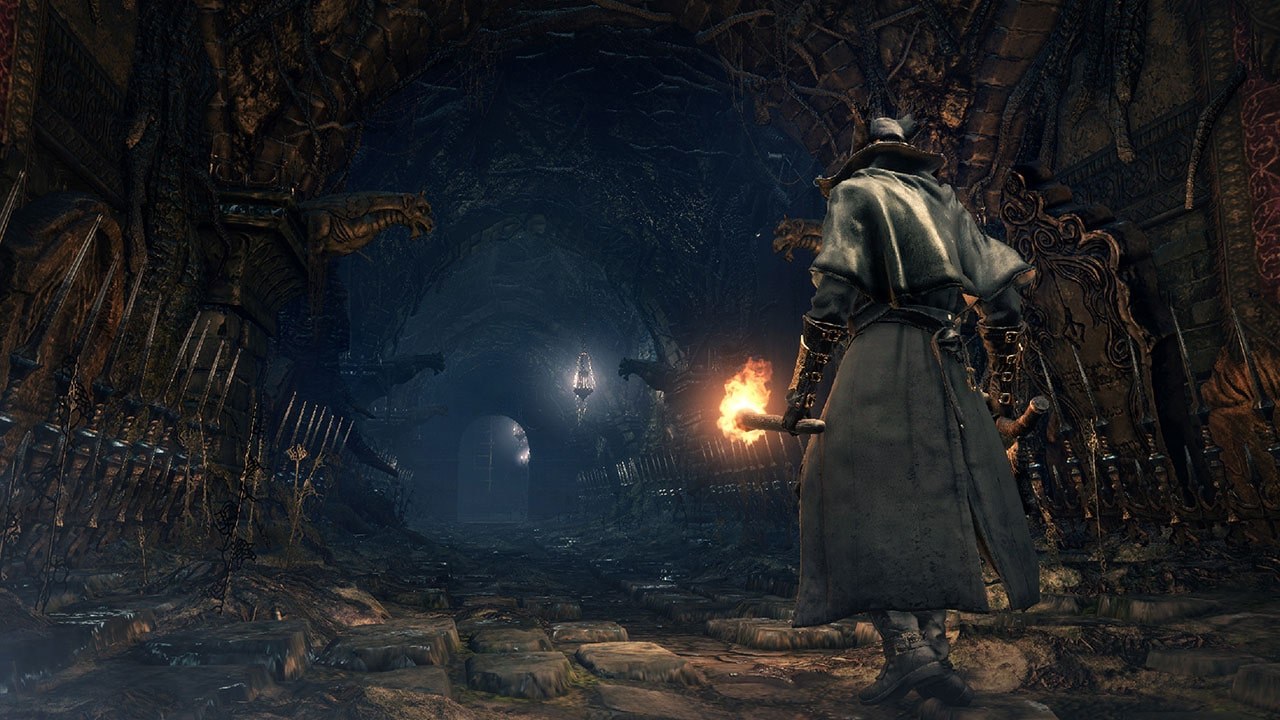
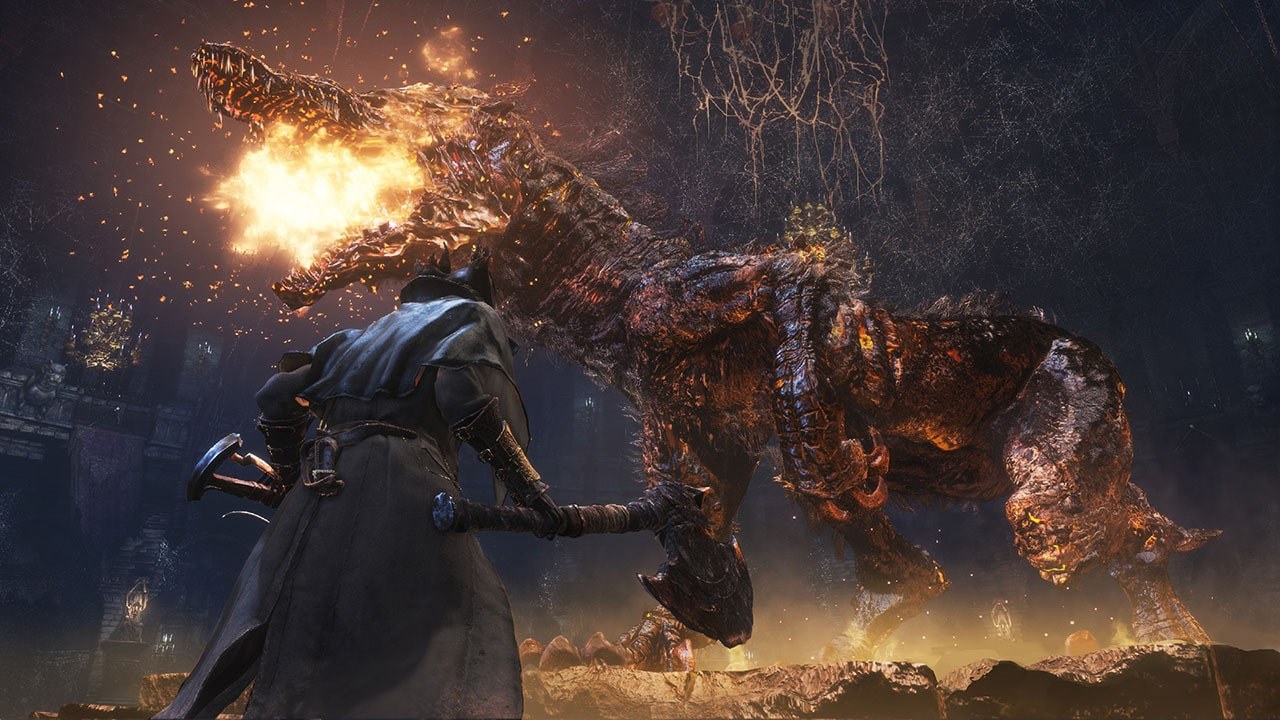
ScreenshotsView All (5)
eboot.bin. Version 1.09 is needed for the frame rate and resolution patches; other versions run at 30 FPS. A Vulkan 1.3 graphics card and about 6 GB of free memory.Overview
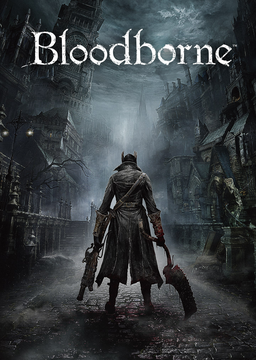
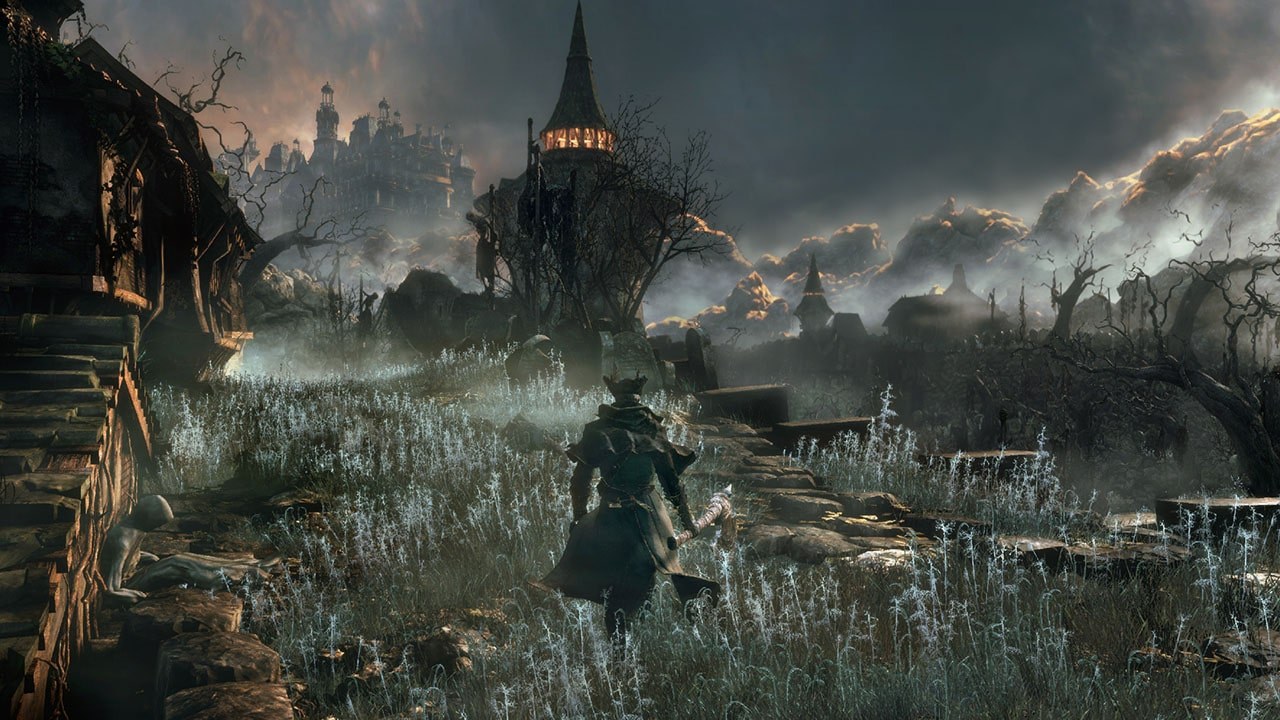
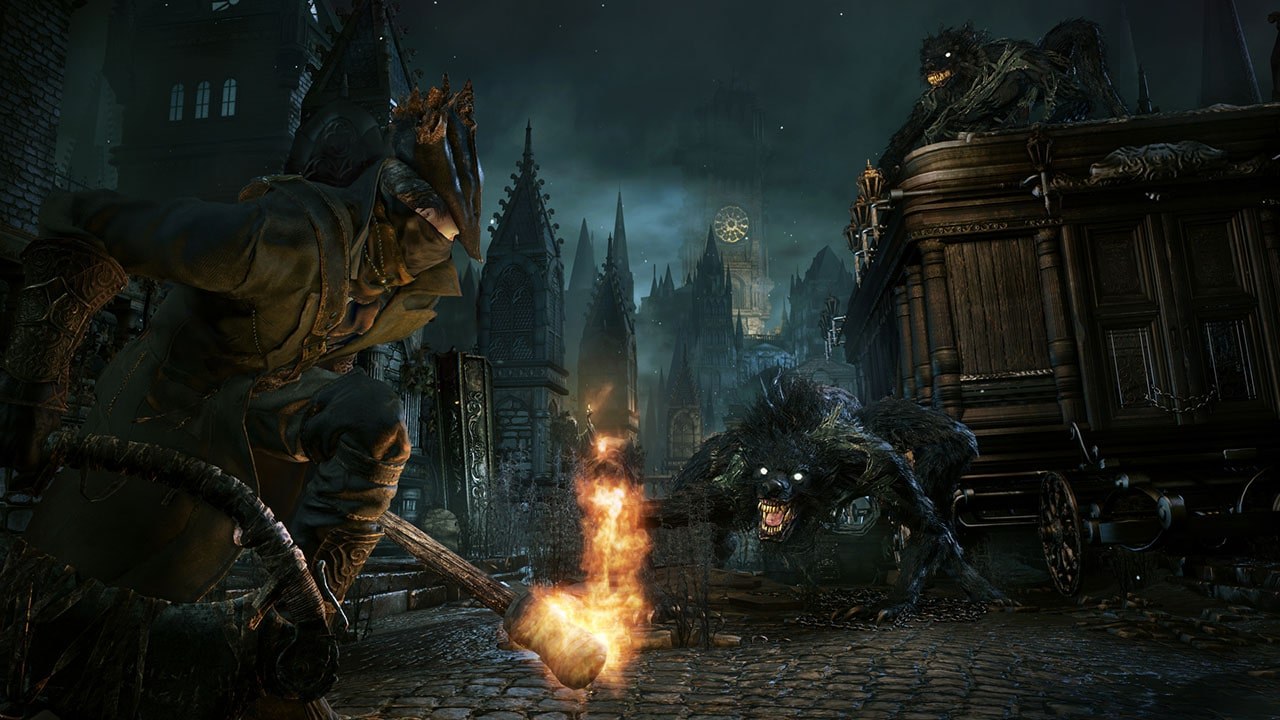
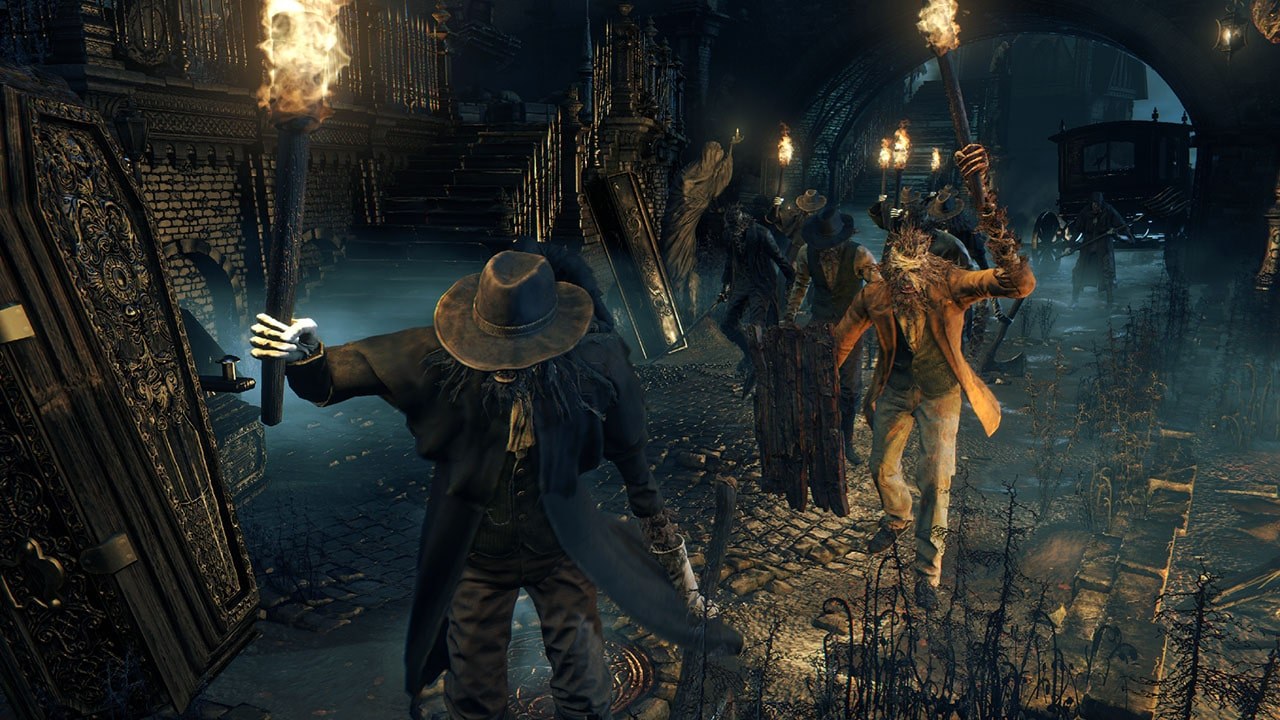
Bloodborne for Windows runs the PlayStation 4 version of Bloodborne as a native Windows program. The game’s own x86-64 code runs directly on the PC’s processor, a runtime written for this one game replaces the console’s system libraries, and the graphics are translated to Vulkan with a renderer derived from shadPS4. It is built on bbport, the Linux port by deadinside28, and adds a Windows launcher with every setting in one window in 13 languages.
It offers NVIDIA DLSS on RTX cards, AMD FSR 3.1 and FSR 4, native TAA, unlocked frame rates with a cap up to 120, and output from 720p to 4K. Many of the game’s effects, such as chromatic aberration, motion blur and depth of field, can be switched off, and there is a cheats page, mod and patch loading, an Add to Steam button and updates from the launcher that keep saves and settings. Online play is in beta: messages, bloodstains and ghosts from other hunters work, while summoning with the bells is unconfirmed.
The character preview on the creation screen stays empty, and some AMD cards still crash when the game world loads. Above about 120 FPS the game’s own movement slows down. The download contains no game files. It needs version 1.09 of Bloodborne, dumped from your own console.
How to Set It Up
- Download the zip and unpack it anywhere.
- Start
Bloodborne.exe. - On the Game & effects page, choose your game folder (the one with
eboot.bin). - Press PLAY. In the game, Insert (or L3+R3 on a controller) opens the settings menu.