bbport
PC port of Bloodborne
- RecompilationPort Type
- deadinside28Developer
- 19 Oct 2026Page Updated

Details
- Developer
- deadinside28
- Port Type
- RecompilationA tool translated the game's original machine code into C automatically, which was then built as a native PC program.
- Game
- Bloodborne
- AI Use
- AI-assistedAn AI coding tool is credited as co-author on 144 of the repository's 152 commits. Source
- Source Code
- GitHub
- Page Updated
Platform Support
- Linux
ScreenshotsView All (5)
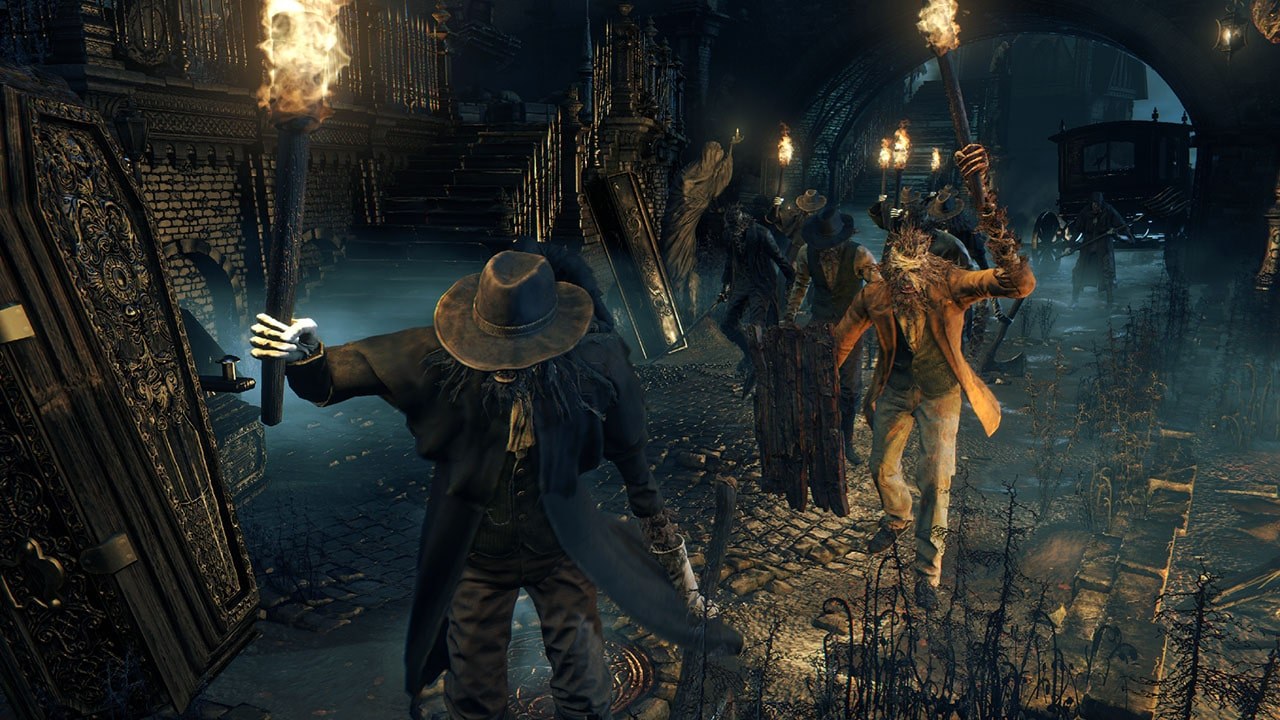
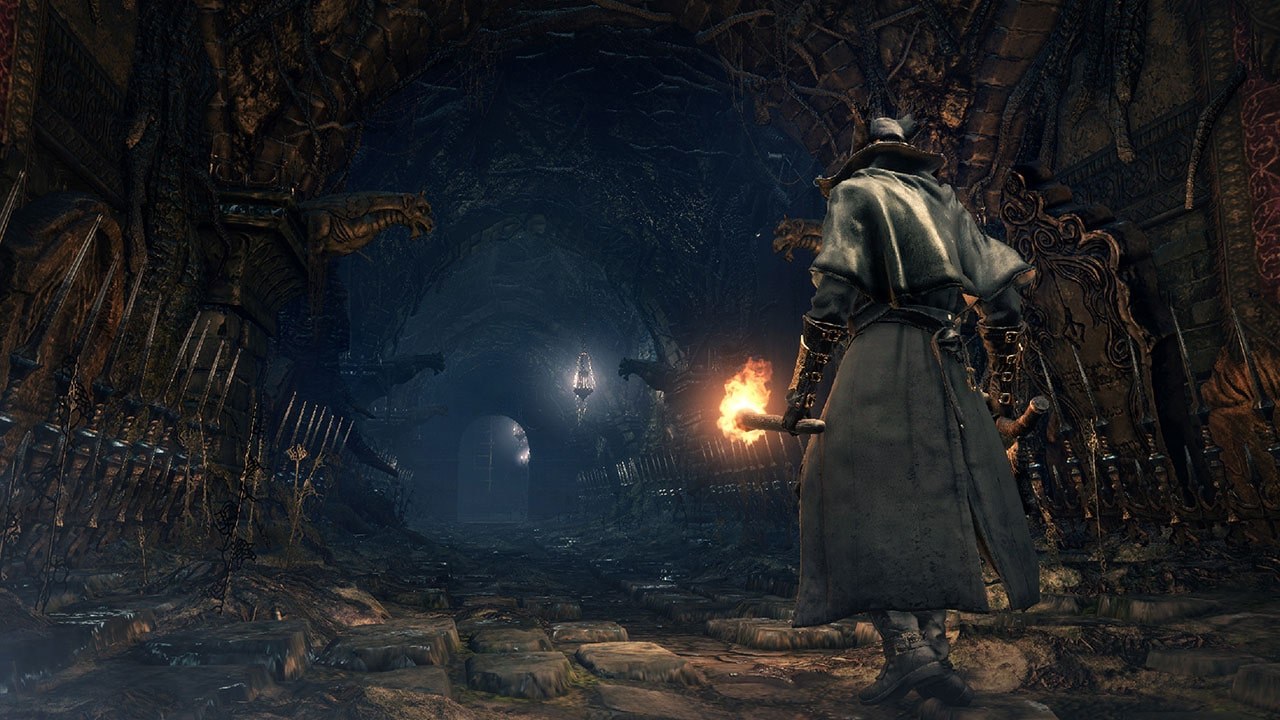
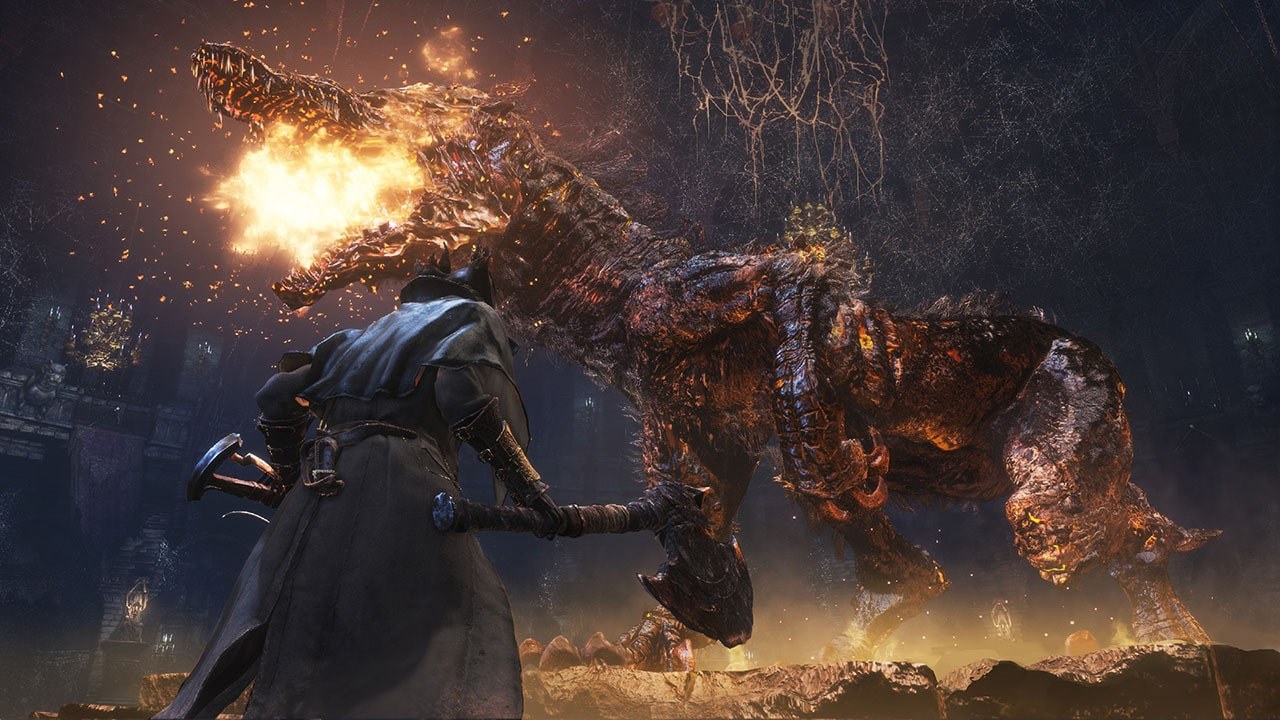
Overview
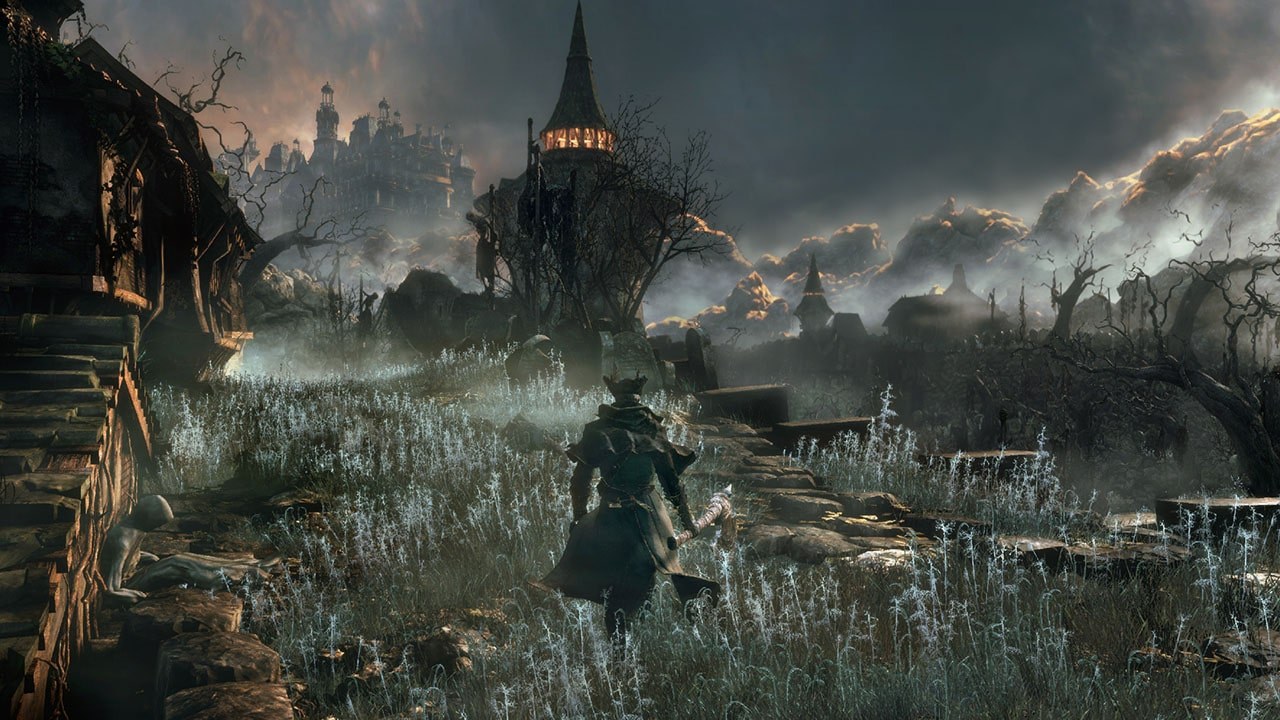
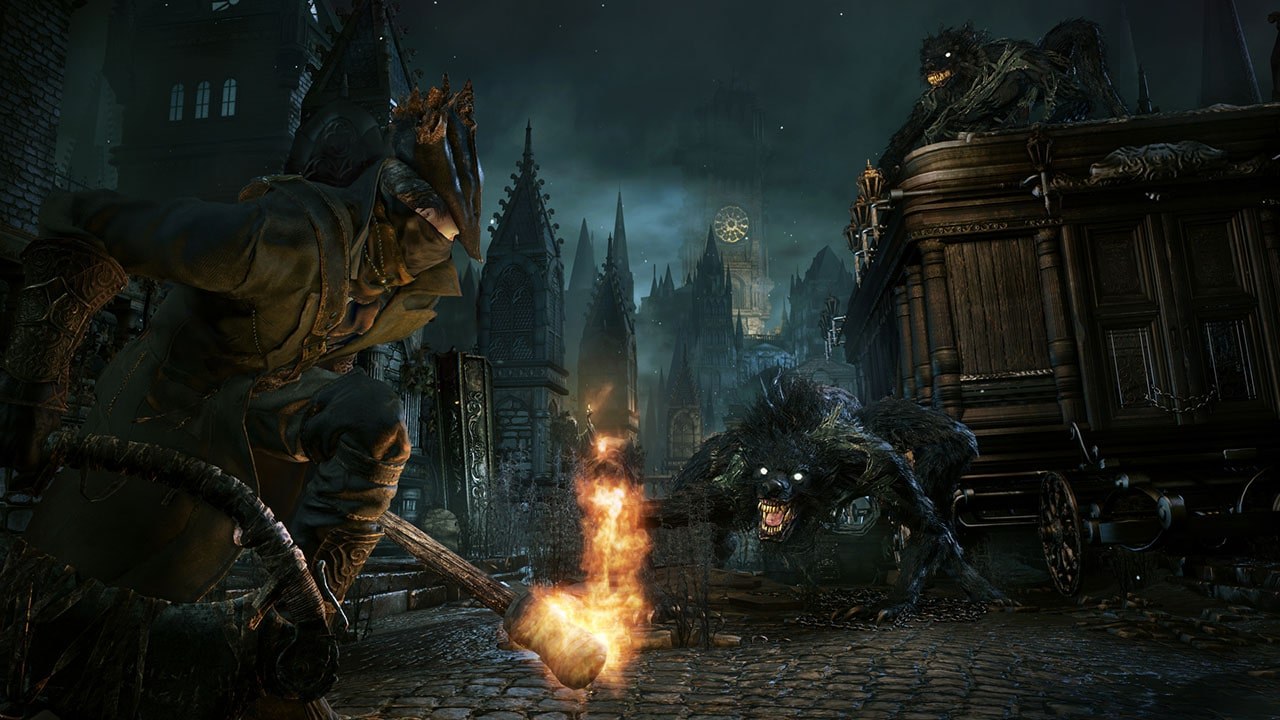
bbport is a native Linux port of Bloodborne, described by its author as the counterpart of Wine and DXVK for a single game. The PlayStation 4 executable is converted ahead of time into a memory image with the console’s C library linked in as native code, so the game’s x86-64 code runs at full speed with no CPU emulation. A runtime written for this game replaces the PS4 system libraries, and a renderer derived from shadPS4 translates the graphics to Vulkan.
It has a GTK launcher, an AppImage for the Steam Deck, temporal upscaling with AMD FSR 3.1, FSR 4 and FSR 4.1.1, a native-resolution TAA mode, output from 720p to 4K, gamepad and keyboard remapping, and on-screen name entry. An experimental mode for AMD graphics cards keeps the game’s memory in system RAM and translates the console’s GPU commands to Vulkan instead of emulating them, which runs 20 to 25% faster where the game is limited by the processor.
The author calls it experimental but playable: the game boots, loads saves and plays with sound, gamepad and saving, but a full play-through has not been confirmed, and only one AMD system has been tested thoroughly. The Windows port Bloodborne for Windows is built on it. The download contains no game files. It needs version 1.09 of Bloodborne, dumped from your own console.
How to Set It Up
- Download the AppImage, make it executable with
chmod +x, and run it to open the launcher. - Choose your
CUSA03173game folder. The launcher checks that the game is version 1.09. - Pick the output resolution (1280x720 on the Steam Deck) and upscaler, then press Start.
- To play from Steam, add the AppImage as a non-Steam game; no launch options are needed.