ResistancePort
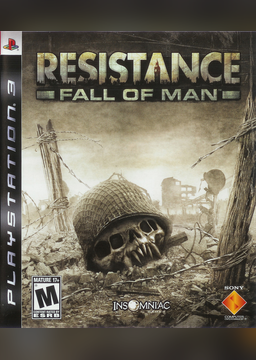
PC port of Resistance: Fall of Man
- RecompilationPort Type
- miroslavdanutalexandru-altDeveloper
- 14 Nov 2026Page Updated
Details
- Developer
- miroslavdanutalexandru-alt
- Port Type
- RecompilationA tool translated the game's original machine code into C automatically, which was then built as a native PC program.
- AI Use
- AI-assistedAn AI coding tool is credited as co-author on 4 of the repository's 18 commits. Source
- Source Code
- GitHub
- Support the Developer
- Buy Me a Coffee
- Original Recompilation
- GitHub
- Page Updated
Platform Support
- Windows
Screenshots
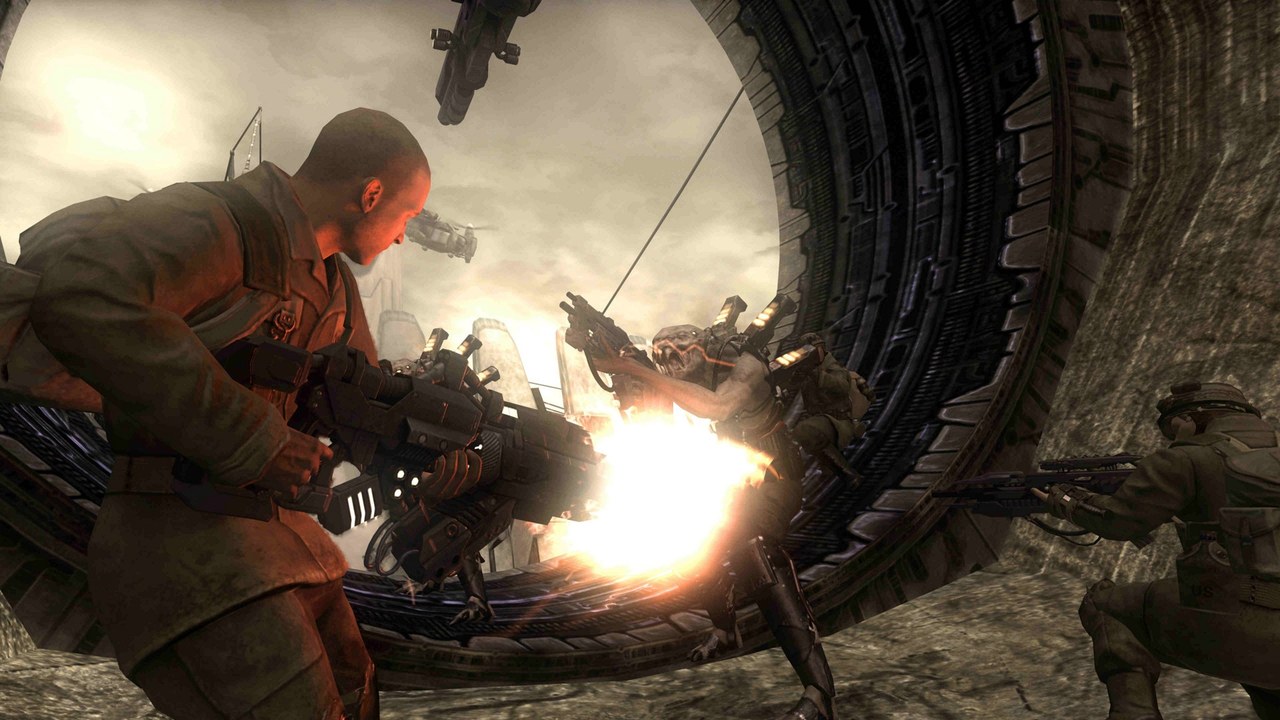
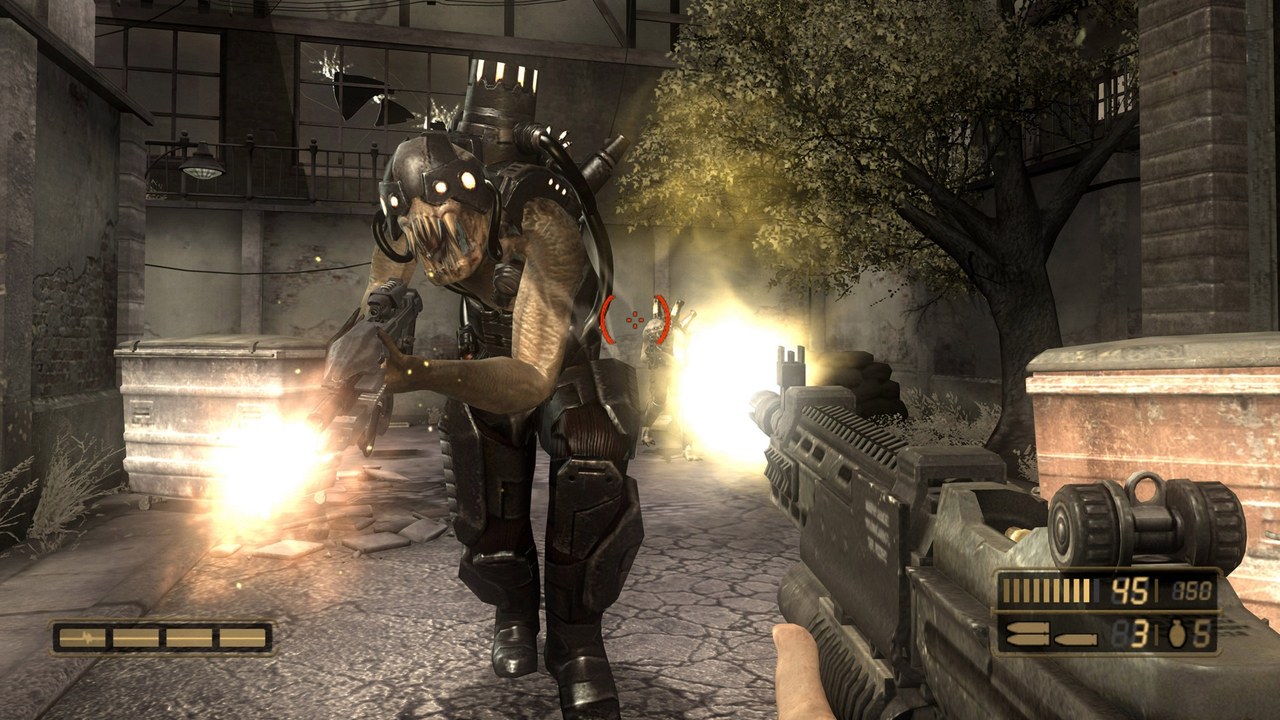
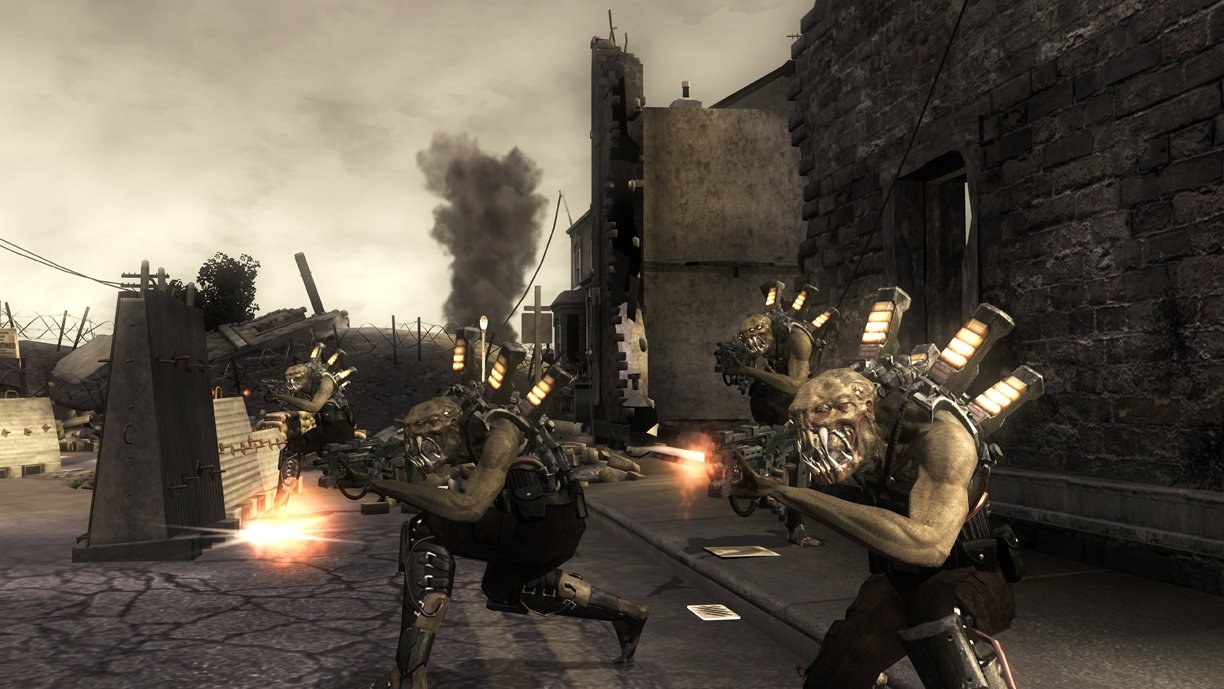
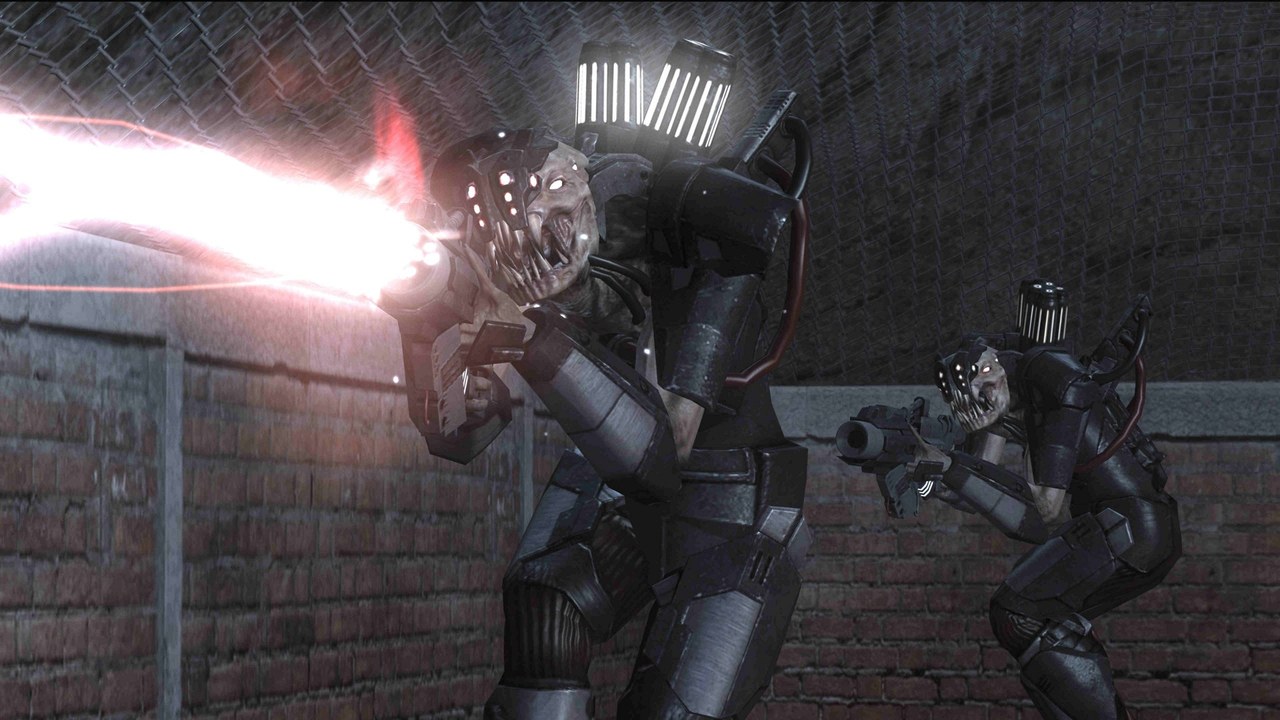
PS3_GAME. Windows 10 or 11 (64-bit), a CPU with AVX2, a DirectX 12 graphics card, about 25 GB of free space and an internet connection for setup.Overview
ResistancePort is an unofficial static recompilation of Resistance: Fall of Man, Insomniac Games’ 2006 PlayStation 3 shooter, into a native Windows program with its own Direct3D 12 renderer. The game’s PowerPC and SPU code is translated to C and C++ on the player’s own computer, from their own disc, and built there: the download holds only the port’s code, its setup and free tools, with no game files and no translated game code. It is a fork of Psyykosis’ original recompilation and is built on ps3recomp.
It runs from 30 to 165 fps, or unlocked, with the game speed correct at every rate, and offers NVIDIA DLSS and DLAA, AMD FSR 3.1 and Intel XeSS, NVIDIA Reflex, experimental frame generation and render resolutions up to 4K. Raw mouse look replaces stick emulation, keys can be rebound, Xbox and PlayStation controllers can be swapped at any time, and prompts follow the device in use. There is also a Hor+ ultrawide mode, a field of view slider, a performance overlay, a mods folder and a launcher that suggests settings for the PC.
The campaign has been played as far as Cheddar Gorge, and later levels are untested. Heavy areas can still drop frames because of the game’s chained SPU jobs, and shadows can flicker. It is a Windows program; the Steam Deck and Linux through Proton are experimental and untested on real hardware.
How to Set It Up
- Download the Windows zip and extract all of it to a folder with no spaces in its path, such as
C:\Games\ResistancePort. - Run Setup.exe (choose More info > Run anyway if Windows warns you) and pick your game with ISO… or Folder…. Setup checks the copy straight away.
- Click Install. Setup installs the build tools it needs (one administrator prompt), translates and builds the game on your PC, adds shortcuts and opens the launcher. If it stops, run Setup.exe again to carry on.
- Start the game from the launcher, which picks settings for your hardware. In the game, F10 opens the PC menu.
Advertisement
Download ResistancePort
Enjoying miroslavdanutalexandru-alt's work? You can support them on Buy Me a Coffee.
What's new in v0.2.3ResistancePort 0.2.3-beta (last hotfix: RecompLauncher, setup without winget)
Before you start
- Download
ResistancePort-Setup-0.2.3-beta.exeand run it. It finds your game copy and builds the port on your PC.- The first setup takes about 30–75 minutes. It installs the Visual Studio C++ build tools after one admin prompt (15+ min), then builds the game (20–60 min).
- Install into a folder without spaces (the default
C:\Games\ResistancePortis fine).- You need your own decrypted copy of the game (ISO or folder). No game files are included.
- DLSS and Frame Generation are experimental: expect shimmering/boiling with DLSS and ghosting or HUD artifacts with frame gen. FSR 3.1 is the safe choice.
- The
.ziphas the same content as the installer (runSetup.exeinside it);-source.zipis the source only. Checksums are inSHA256SUMS.txt. No game files and no prebuilt game are included. This release is the source code plus Setup. You need your own legally dumped copy of the game (see Install); Setup builds the game on your PC from that copy.
Resistance: Fall of Man PC port: community beta release notes
Version: 0.2.3-beta (GitHub pre-release). Release date: 12 November 2026.
A native PC port of Resistance: Fall of Man (PS3) built by static recompilation: the game’s PowerPC and SPU code is translated to C/C++ and compiled for Windows. Nothing is emulated. It renders through the port’s own Direct3D 12 renderer.
No game files and no prebuilt game are included. This release is the source code plus Setup. You need your own legally dumped copy of the game (see Install); Setup builds the game on your PC from that copy.
This is a beta. The campaign has been played up to Cheddar Gorge. Later levels haven’t been tested. Please report what you find (see Reporting problems).
0.2.3-beta (last hotfix)
This is the last hotfix. The next updates focus on performance and stability, based on your reports and playthroughs.
- Setup works without winget. If winget is missing or fails on your PC, Setup downloads the official installers of the build tools (Visual Studio Build Tools, CMake, Ninja, LLVM, Python, Git) directly, checks them (SHA-256 or Microsoft’s signature) and installs them.
- RecompLauncher support. The port can be installed, set up and played from RecompLauncher: it checks your copy, builds the game, shows the main video settings on the game’s page and starts the game. Your own Launcher.exe and Setup.exe work as before.
- The release zip is now named
...-Windows-x64.zip.
0.2.2-beta (setup hotfix)
- Fixed: the build could fail right away with a Ninja/CMake error (“build.ninja still dirty”, or CMake re-running in a loop) for players in time zones behind ours. Files from the download could be dated a few hours in the future. The installer and zips now carry correct times, and the build resets any future-dated files before it starts.
If your setup failed this way: install 0.2.2 (or wait a few hours) and run Setup again; it continues where it stopped.
0.2.1-beta (setup hotfix)
Setup fixes only; the game itself is unchanged from 0.2.0.
- Progress bar during the build. The bar no longer stops partway while the game compiles; it follows the build to the end, so Setup no longer looks stuck.
- Setup shows that it is working: a running clock for each step, the game copy in GB with the time left, the time left while the game compiles, and a “still working” note during steps that print nothing for several minutes.
- The installer now opens the Setup window (with the progress bar and your game already filled in) instead of a console window. Click Install there.
- Much smaller build logs. The compiler was set to report every possible warning, which made
logs\build.loggrow past 150 MB and slowed the build. It now reports normal warnings only.
…
e52a37afb5a005ccbfba11b7fb4d26d223734cf700dcca2e05d1fc4f194da636
8b2e5eaa22388eb4371457f7cb26aa4249db1c0f324fc38f4498fd0ea31c6bb8