
Project Vekta
PC port of Killzone HD
- RecompilationPort Type
- Gustavo MorinagaDeveloper
- 25 Nov 2026Page Updated
Details
- Developer
- Gustavo Morinaga
- Port Type
- RecompilationA tool translated the game's original machine code into C automatically, which was then built as a native PC program.
- Game
- Killzone HD
- AI Use
- AI-assistedThe repository has AGENTS.md, a file of instructions for AI coding tools. Source
- Logo
- AI-made fan logo, free to use · Full size
- Source Code
- GitHub
- Page Updated
Platform Support
- Windows
- Linux
Screenshots
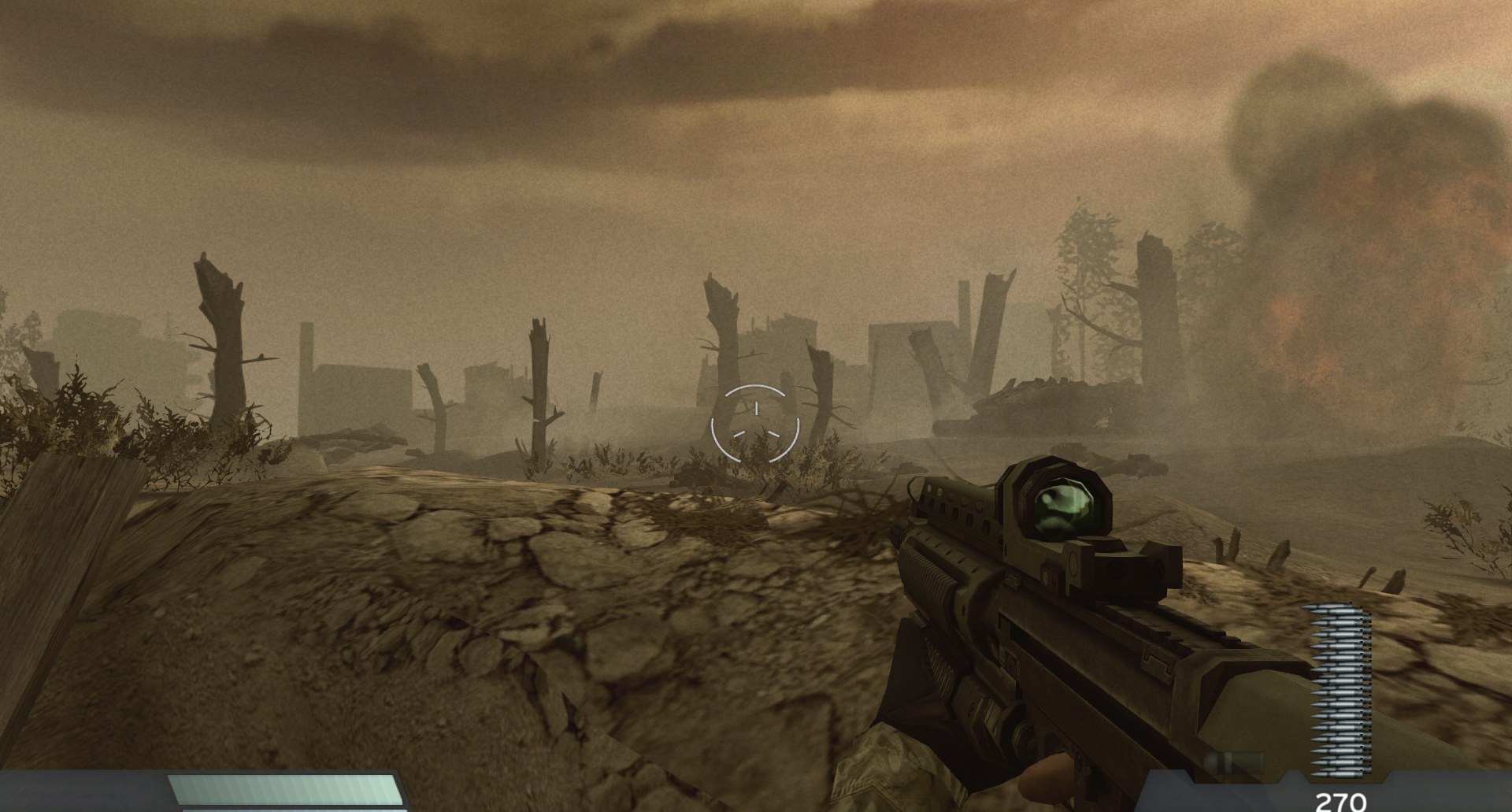
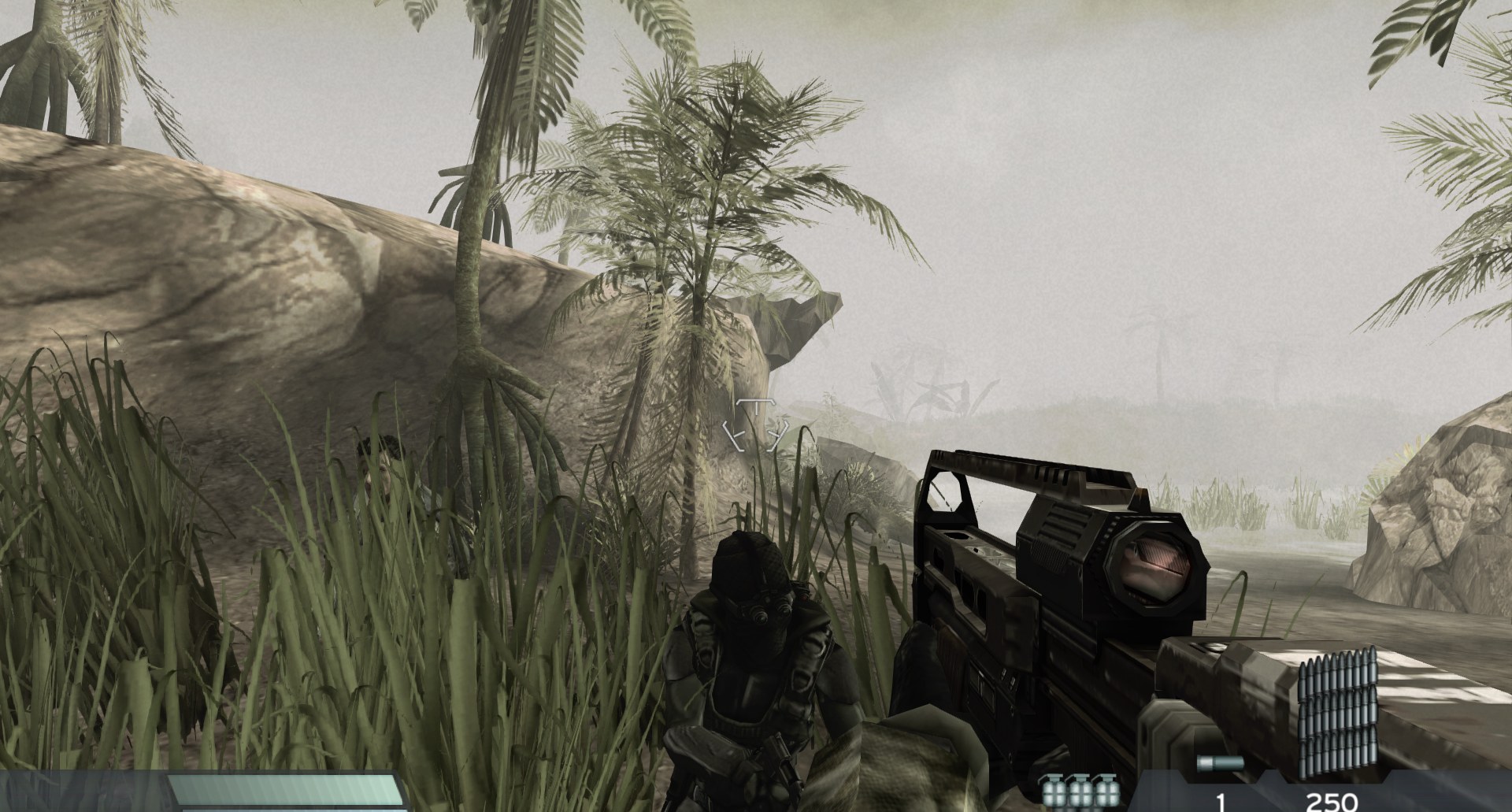
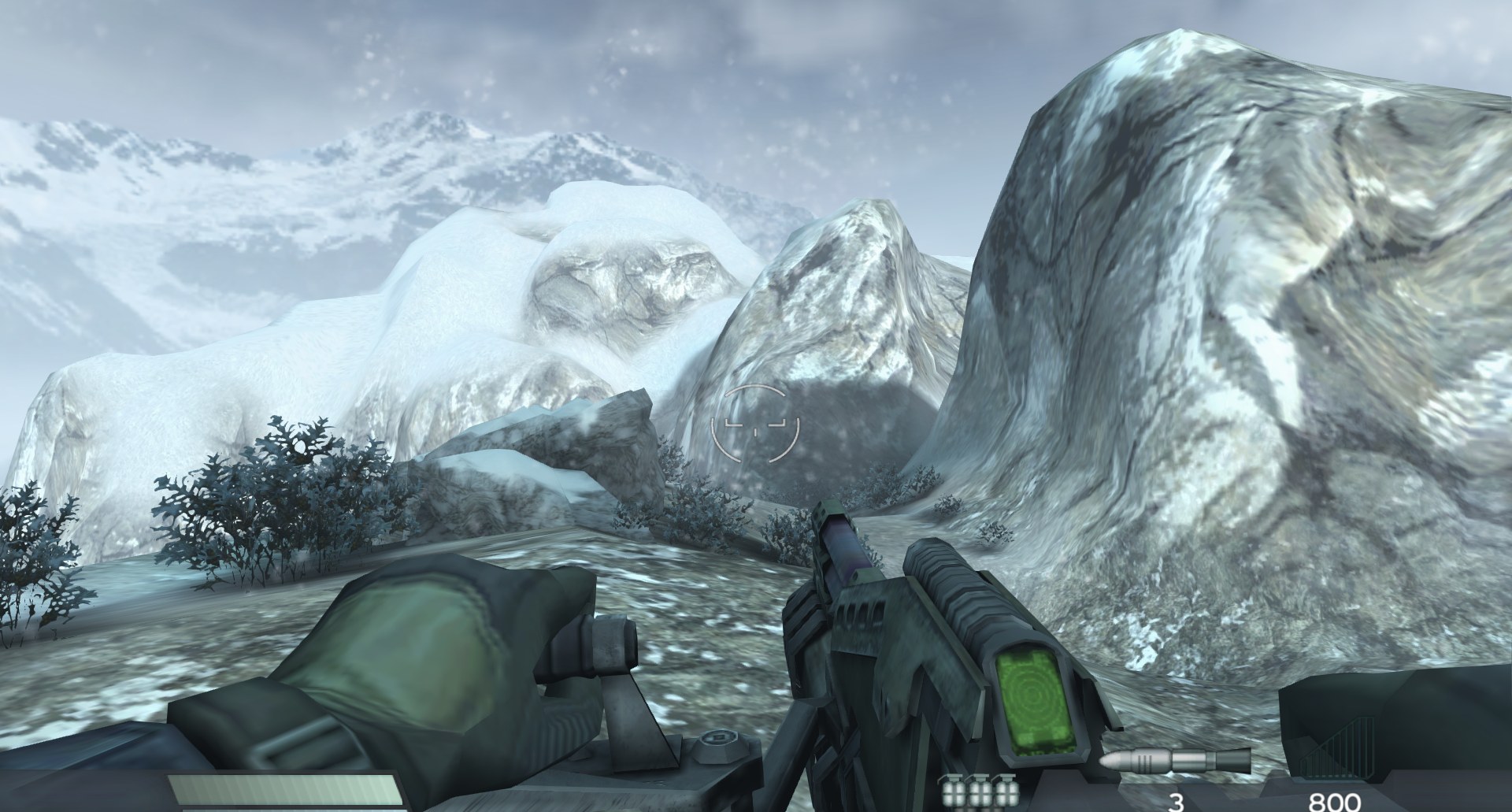
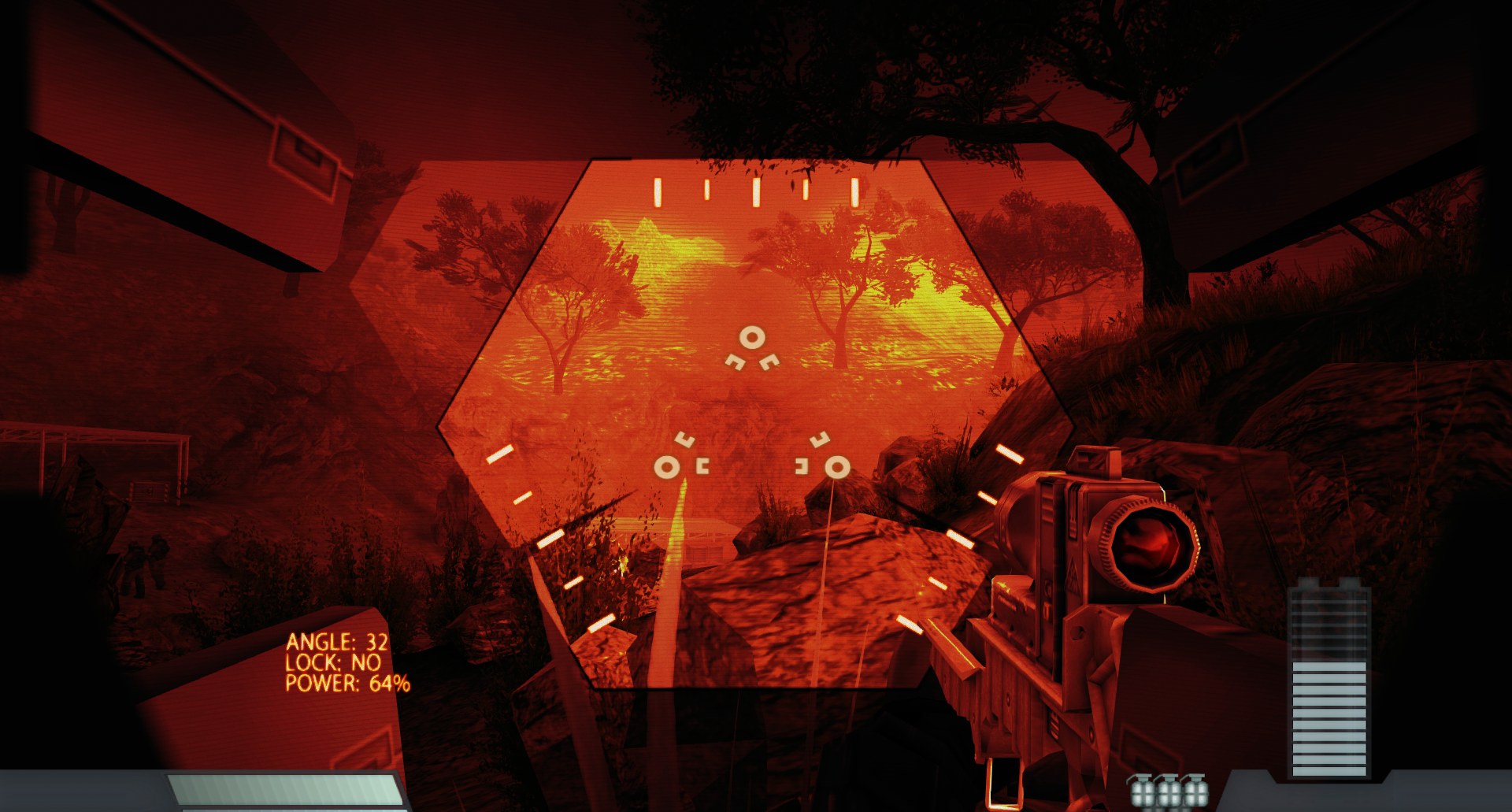
Overview
Project Vekta is an unofficial port of Killzone HD, the 2012 PS3 remaster of the first Killzone, to Windows and Linux. The game’s PowerPC and SPU code is translated to C++ ahead of time with ps3recomp and compiled into a native program, the PS3’s system libraries are reimplemented and its graphics are replayed on Vulkan. Each player builds it on their own PC from their own game files; neither the project nor its downloads contain any of the game.
The whole campaign, levels 1 to 11, has been played from start to end on both Windows and Linux. It runs at a steady 60 fps by default with the game logic at 60 Hz, and has an experimental 144 Hz mode.
A PC page in the game’s menus sets any resolution and aspect ratio up to 32:9, V-Sync, VRR, NVIDIA Reflex, AMD FSR 1 and 3.1 or NVIDIA DLSS, field of view, HUD size and effects. It supports keyboard and mouse with direct aiming, any SDL controller, 5.1 and 7.1 sound and local trophies, and it makes no network connections unless the player turns one on.
How to Set It Up
- Windows: download the setup program (or the portable zip). Linux: download the Linux archive and unpack it.
- Start it. It finds the game in RPCS3 or on your copied Killzone Trilogy disc, or asks where your files are, and checks them.
- Let it build the game once, which takes 5 to 30 minutes.
- Play from Project Vekta in the Start menu, or by starting the same program again.
Advertisement
Download Project Vekta
What's new in v0.7.0
Project Vekta 0.7.0, a pre-release: playable from start to end, see docs/RELEASE-CRITERIA.md.
How to install, step by step, with what each step asks and shows: docs/INSTALL.md.
Windows: project-vekta-0.7.0-setup.exe installs the port’s sources and the pinned toolchain for your user (no admin rights). It asks where your files are and builds the port in the wizard (5 to 30 minutes; untick “Build now” and the first start builds); its launcher, Project Vekta.exe, plays. project-vekta-0.7.0-windows.zip is the same folder without the setup program: Project Vekta.exe builds the first time and then plays (scripts\run.cmd asks for your files step by step). Linux: project-vekta-0.7.0-linux.tar.xz is the same kind of folder with its own toolchain (Zig, CMake, Ninja; nothing to install but Python 3): unpack it and start ./project-vekta, which builds the first time and then plays (scripts/run.sh asks for your files step by step). The game needs glibc 2.31 or newer, a Vulkan driver and the system’s SDL2. project-vekta-0.7.0-source.tar.gz holds this tag’s tree with ps3recomp at its pinned commit, for building with your own compilers (docs/BUILDING.md). None of the files holds anything of the game: you need your own Killzone HD (NPUA80856) from the Killzone Trilogy disc or the PlayStation Store copy (content ID UP9000-NPUA80856_00-GKILLZONE1000001, through your RPCS3, which holds its licence, UP9000-NPUA80856_00-GKILLZONE1000001.rap), installed; when it is installed in your RPCS3, the installers use it and your RPCS3 makes the decrypted copy of the EBOOT, otherwise you give that decrypted file yourself. No PS3 system software is needed; none of them is included or downloaded. What each must contain: docs/GETTING-FILES.md. SHA-256 sums: SHA256SUMS (and a .sha256 beside each file).
New in 0.7.0:
- Reporting a crash (#129): when the game closes unexpectedly (a crash, a hang, a lost GPU, killed, an error code; not when you quit), the launcher says what the exit code means and shows the crash signature, and offers to make the support package; after it, to open the bug report form on GitHub with the version, system and signature filled in (only on a yes; the zip is never uploaded). A session that never ended (power loss) is named at the next start.
work/play.lognow ends with[launcher] session ended: exit () after s,, andwork/logs/sessions.jsonlkeeps one line per session. - The support package also holds the earlier game logs,
sessions.jsonl, the game’s crash and hang reports with the names of its functions (from your own build’s symbol table), Windows’ error reports for the game and its display driver events of the last 24 hours (on Linux the kernel log’s GPU lines), what the game’s log says about the PC, and a line of your own when you make it in a terminal.scripts/support.cmdandscripts/support.shmake it in the Windows zip and the Linux folder, as the setup’s Start menu entry does; RecompLauncher gets a “Crash reports” folder button. - When the game crashes, its log now says where: a
[kz-crash]block with the exception, the faulting module and offset, the thread, the uptime, the registers, up to 32 frames and a signature (KZ-XXXX-XXXX) that is the same each time the same crash happens, and a copy inwork/crash/crash-*.txt. Before, a crash like the ones a few seconds into Level 1 on AMD GPUs (#129) left nothing in the log (docs/dev/crash-reports.md). - When the game stops showing new frames for 5 s (and again at 30 s) while its window is not minimized, the log gets a
[kz-hang]block with every thread’s stack, and a copy inwork/crash/hang-*.txt; the game is left running.KZ_HANG_WATCH=0turns this off. - The log starts with the system it runs on:
[kz-sys]lines for the system, CPU, cores, memory, monitors, the settings inkz1hd_pc.ini, theKZ_*andPS3*variables set (your home folder written as~), what started the game and whether the build has DLSS.
…
39c2759809e95b750c7357f1294e4a4de912c6dcfed05392ce1ac6da317ad135
5aee819e3a82471197e24d00b6fb3574cf1cbc2494ea11312cba85488d8e9e4d
df2fa4ab8b22c595e72e5964206e37b356a4f06c5ca5a7ed0620885a1a1774a8