inFamous PC
PC port of inFamous
- RecompilationPort Type
- whompayDeveloper
- 19 Oct 2026Page Updated




.iso (an encrypted one with its .dkey) or a game folder dumped from your own disc. Windows 10 or 11 64-bit, a Direct3D 12 graphics card, about 10 GB of free space and 16 GB of RAM. Setup offers to install Python and the Visual Studio C++ build tools if they are missing; RPCS3 is needed only if the executable is still encrypted.Overview
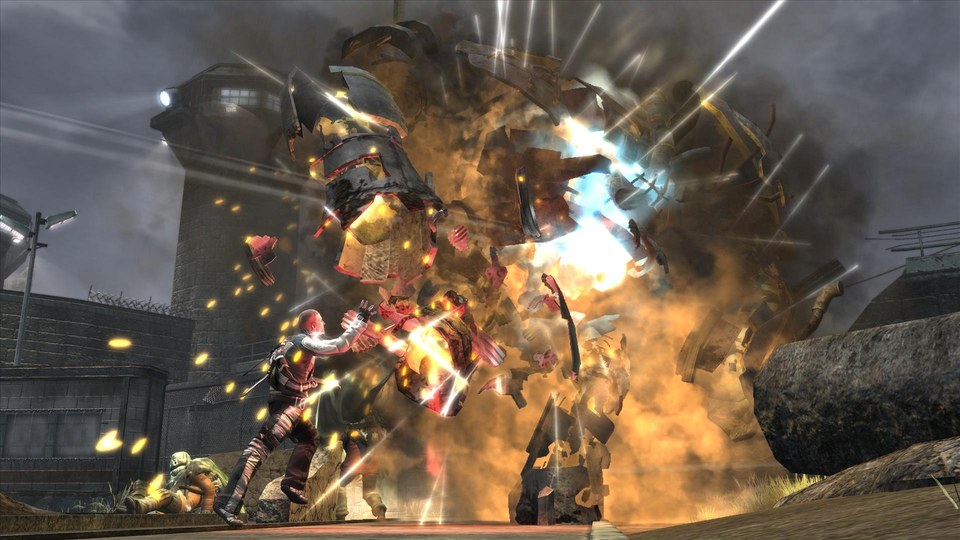
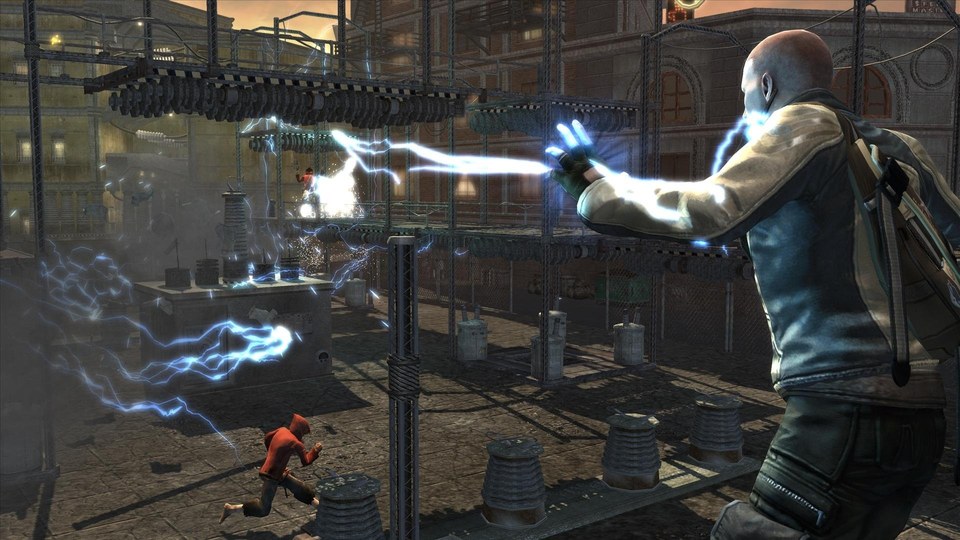
inFamous PC is an unofficial native Windows port of inFamous for the PlayStation 3. The game’s PowerPC and SPU code is statically recompiled to C and C++ with the ps3recomp toolkit, so it runs as a normal Windows program with its graphics on Direct3D 12 rather than under an emulator.
The download is only the port’s Setup. It reads the player’s own European copy of the game, copies the files out of the disc image, regenerates the recompiled code from it, applies the port’s fixes and builds the game on that PC, then adds a shortcut. Running Setup again repairs or updates an install, and an updater fetches only the files that changed in a new version and rebuilds just the affected parts.
Controllers work as on the console, and keyboard and mouse are supported. An F10 menu sets vsync, the frame cap and the resolution.
How to Set It Up
- Download
inFamous Setup.exeand run it. - Choose your
.isoor the game folder withPS3_GAMEin it, pick where to install, and press Install. - Accept the offers to install Python and the C++ build tools if Setup asks. It copies the game, recompiles its code from your copy and builds it, which takes a while.
- Start the game with Play inFamous. F10 opens the settings for resolution, vsync and the frame cap.