Drakengard 3 Recompiled
PC port of Drakengard 3
- RecompilationPort Type
- soyjxckDeveloper
- 12 Nov 2026Page Updated
Details
- Developer
- soyjxck
- Port Type
- RecompilationA tool translated the game's original machine code into C automatically, which was then built as a native PC program.
- Game
- Drakengard 3
- AI Use
- Not statedThe developers haven't said whether they used AI.
- Source Code
- GitHub
- Support the Developer
- Ko-fi
- Page Updated
Platform Support
Screenshots
Overview
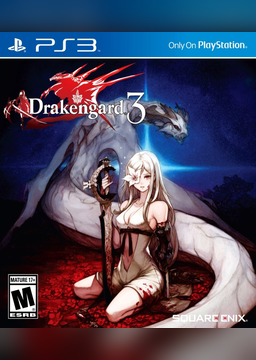
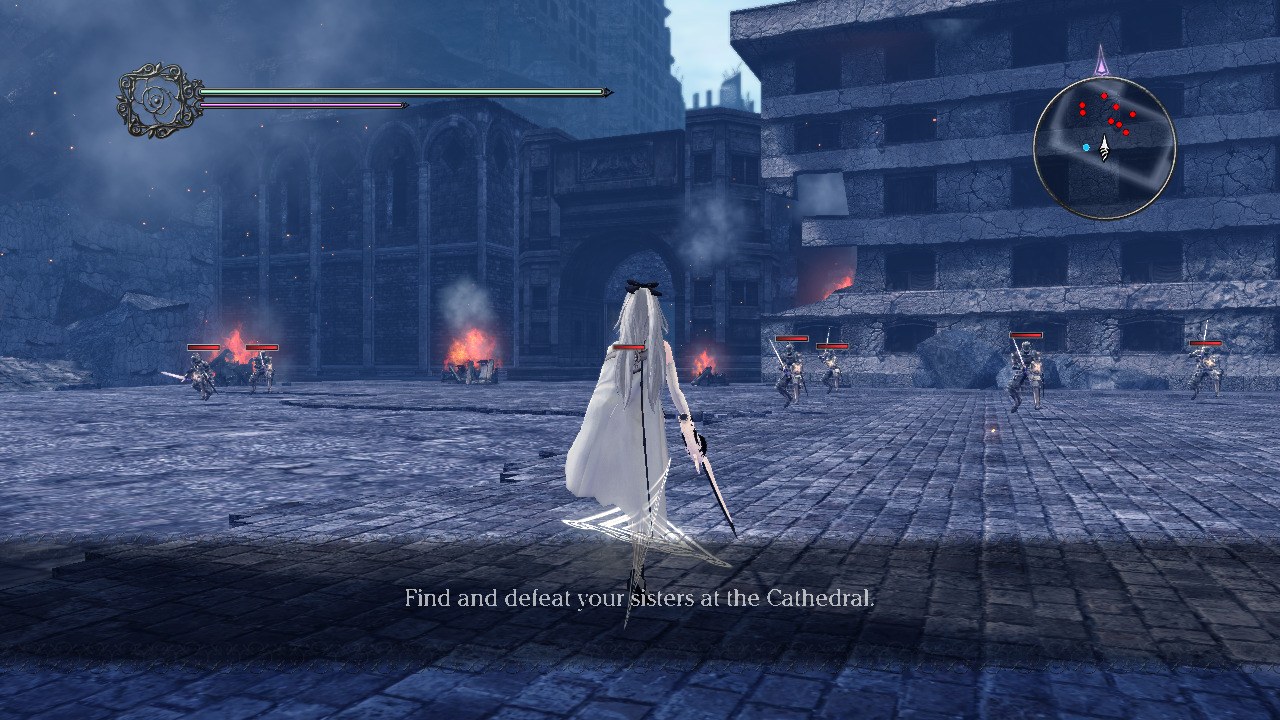
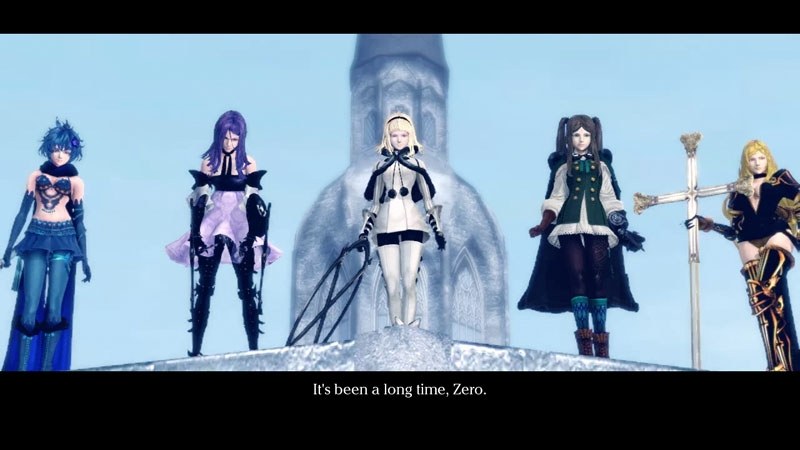
Drakengard 3 Recompiled is a native port of the PlayStation 3 game for Windows, macOS and Linux, made by static recompilation with the ps3recomp toolkit. The game’s PowerPC and SPU code is translated to C++ ahead of time and built into a normal program, the PS3’s system libraries are replaced with native code, and the RSX graphics are drawn through Direct3D 12, Metal or Vulkan. Nothing is emulated while it runs.
None of the game is in the download. Its setup takes the player’s own US disc image or PSN package, the 1.01 update and any DLC packs, and copies what it needs. Windows and macOS are playable, with 60 FPS at 4K on a fast PC and at 1080p on an M1 Pro; Linux, including the Steam Deck, and the Vulkan renderer on Windows are experimental.
Over the original it adds any internal resolution, 16:10, 21:9 and 32:9 screens, a chosen frame rate cap with even frame pacing, FXAA or MSAA, a wider field of view, longer draw distances, sharper shadows, HDR on Windows and macOS, keyboard and mouse, trophies, cheats and the button prompts of the pad in use. Settings sit in the launcher and in new pages of the game’s own menu, and the launcher installs all 20 DLC packs, a Spanish fan translation and a DLC undub. The project is an alpha: it has been tested on few machines and some HUD elements are out of place on wider screens.
How to Set It Up
- Download the build for your system and extract it somewhere you can write to (on Windows, not inside Program Files; on a Mac, move the app to Applications).
- Start
dod3.exe(Windows), the app (macOS) ordod3(Linux). The builds are not signed, so Windows SmartScreen or macOS Gatekeeper asks you to confirm the first time. - In the setup, add your disc image or folder, or the PSN package, the 1.01 update and any DLC packages, then press Install. The game’s files are copied in a few minutes.
- From then on the launcher opens first, with Play, the settings, your DLC and the two fan mods it can install.