
Racer Revenge PC
PC port of Star Wars: Racer Revenge
- DecompilationPort Type
- GTTeancumDeveloper
- 25 Nov 2026Page Updated
Details
- Developer
- GTTeancum
- Port Type
- DecompilationThe game's code was rewritten by hand as source code that builds back into the same game, then made to run natively on PC.
- AI Use
- AI-assistedAn AI coding tool is credited as co-author on 200 of the last 504 commits. Source
- Logo
- AI-made fan logo, free to use · Full size
- Source Code
- GitHub
- Page Updated
Platform Support
- Windows
Screenshots
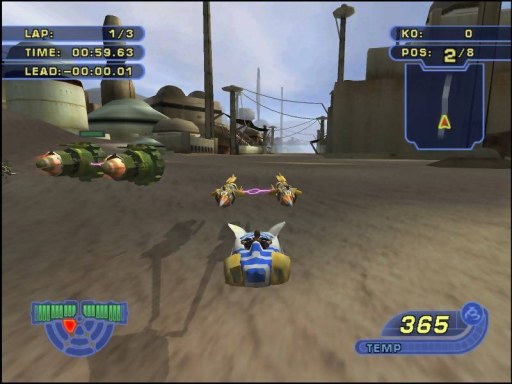
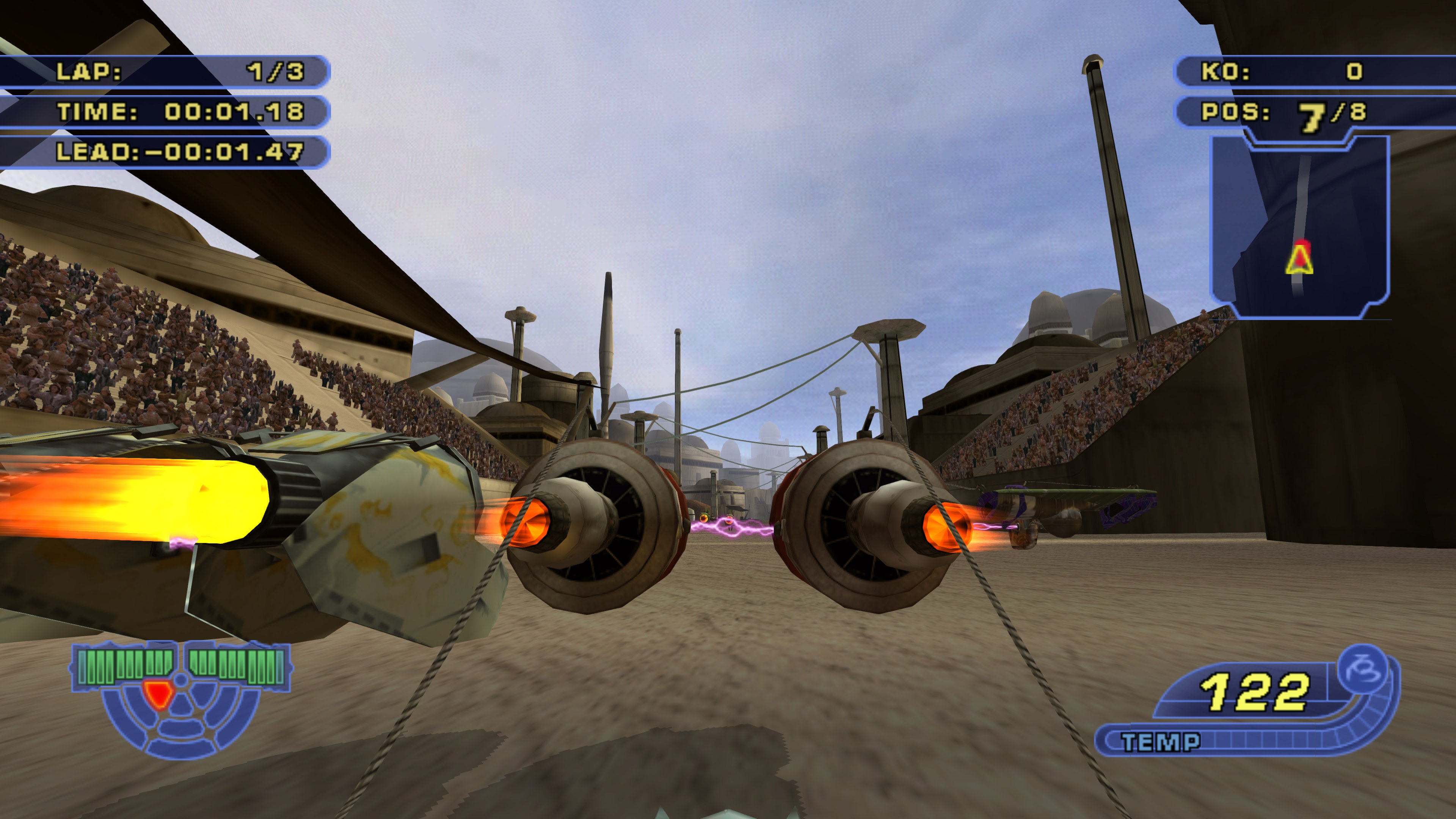
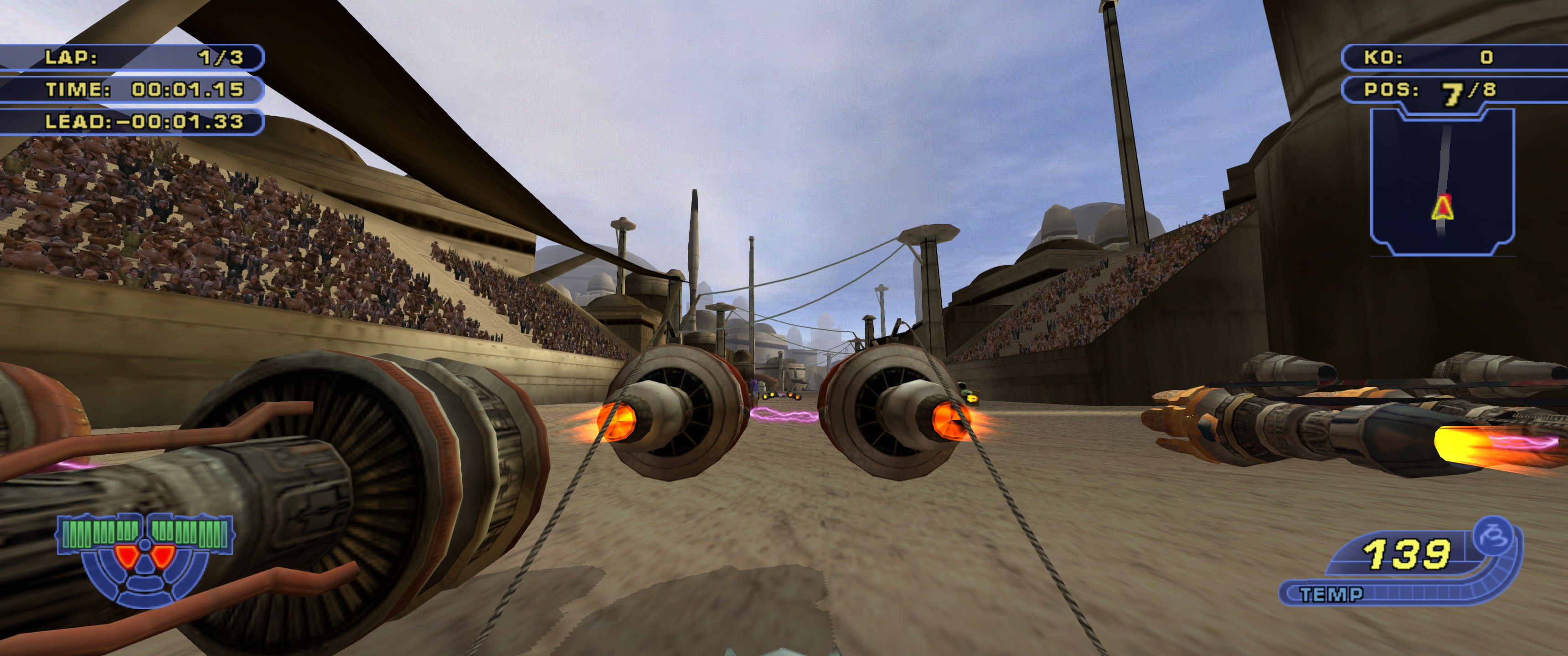
swracer.zip) and the USA Star Wars Episode I Racer N64 ROM for the extra content. 64-bit Windows and a graphics driver with OpenGL 4.0 or newer.Overview
Racer Revenge PC is an unofficial native Windows port of Star Wars: Racer Revenge, Rainbow Studios’ 2002 podracing game for the PlayStation 2. The game’s program has been reconstructed as PC code, and it loads its courses, pods, menus and sound from the player’s own disc, which the launcher reads and installs offline.
It renders at any resolution, including 4K, with ultrawide screens showing more of the track to the sides while the lap display, map and gauges move to the edges and the original menus keep their shape. The launcher sets video options and remaps keyboard and controller controls, and the pilot Pugwis can be picked on the rider screen.
An optional full installation adds two courses and six pilots from the Star Wars Racer Arcade cabinet and eight courses from the Nintendo 64 Episode I Racer, converted on the player’s PC from their own ROMs. The USA and European discs have been tested; the download includes no game data.
How to Set It Up
- Download the zip and extract it into a new folder.
- Open RacerRevengeLauncher.exe and pick your disc image with Image… or an extracted disc with Folder….
- For the extra Arcade and N64 content, tick Include Arcade + Nintendo 64 content and pick both ROMs; leave it unticked for the standard game.
- Choose a new installation folder and click Install, then set video and controls and click Play.
Advertisement
Download Racer Revenge PC
What's new in v0.9.1Racer Revenge PC 0.9.1
Fixes in 0.9.1
- NVIDIA race loading. Fixed the vehicle vertex shader that stopped the race renderer during loading on GeForce cards. The game now logs the shader stage and driver message if compilation fails. Issue #1
- Window creation and VSync. The game can start when the graphics driver overrides the requested swap interval. Rider selection also restores the player’s requested interval after the transition. This addresses the startup error reported on an RTX 5090 system. Issue #3
- PS2 disc import. The offline launcher accepts ISO, raw BIN, single-data-track CUE, self-contained CD/DVD CHD, an extracted disc folder, or a ZIP or 7z containing one disc. Setup identifies the game from its boot and resource files. USA and European PAL discs have been tested. Issue #2
- Building from source. Windows and Linux now compile the shared sources from one manifest. This fixes the Windows build stopping before compilation and includes the missing DLC and rendering sources in the Linux build. The roster loader also declares its return type explicitly so GCC can compile it. Issue #4
Install or upgrade on Windows x64
- Download RacerRevengePC-0.9.1-Windows-x64.zip, extract it into a fresh folder, and open RacerRevengeLauncher.exe. The game requires desktop OpenGL 4.0 or newer.
- Select your Racer Revenge PS2 disc. For a BIN/CUE pair, keep the files together and select the CUE.
- Leave Include Arcade + Nintendo 64 content unchecked for the stock game with playable Pugwis. For the full installation, enable it and provide both the Racer Arcade chip-set ZIP and the USA Episode I Racer cartridge dump (
.z64,.v64or.n64). The full install adds six pilots and ten courses. All conversion tools are bundled. - Choose a new installation folder, including when upgrading from 0.9.0. To carry over your video and control settings, close the game and launcher and copy
RacerRevengePC.inifrom the old installation into the new one. - Use the installed launcher to change settings and select Play. Later launches can use RacerRevengePC.exe directly. Both installation modes include an editable Pugwis template.
Known issue
A player with an RTX 2080 SUPER confirmed that the shader change lets races load, then reported a crash returning to the menu after a finish and about 20 FPS on their system. Those reports remain open. Local gameplay testing used a Radeon 780M. NVIDIA follow-up and hardware details
Downloads. Players need only the Windows ZIP. SHA256SUMS.txt verifies the downloads. The FFmpeg, MAME and 7-Zip archives contain the corresponding dependency sources. Linux is compile-tested only.
4db1e2b675ff15b43e1beb8268f400b66efef96ab61cff9882f34058ea85b81e