
Gran Turismo 3: PC Enhanced
PC port of Gran Turismo 3: A-Spec
- DecompilationPort Type
- Silentwarior112Developer
- 24 Nov 2026Page Updated
Details
- Developer
- Silentwarior112
- Port Type
- DecompilationThe game's code was rewritten by hand as source code that builds back into the same game, then made to run natively on PC.
- AI Use
- Not statedThe developers haven't said whether they used AI.
- Logo
- AI-made fan logo, free to use · Full size
- Source Code
- GitHub
- Page Updated
Platform Support
- Windows
Screenshots
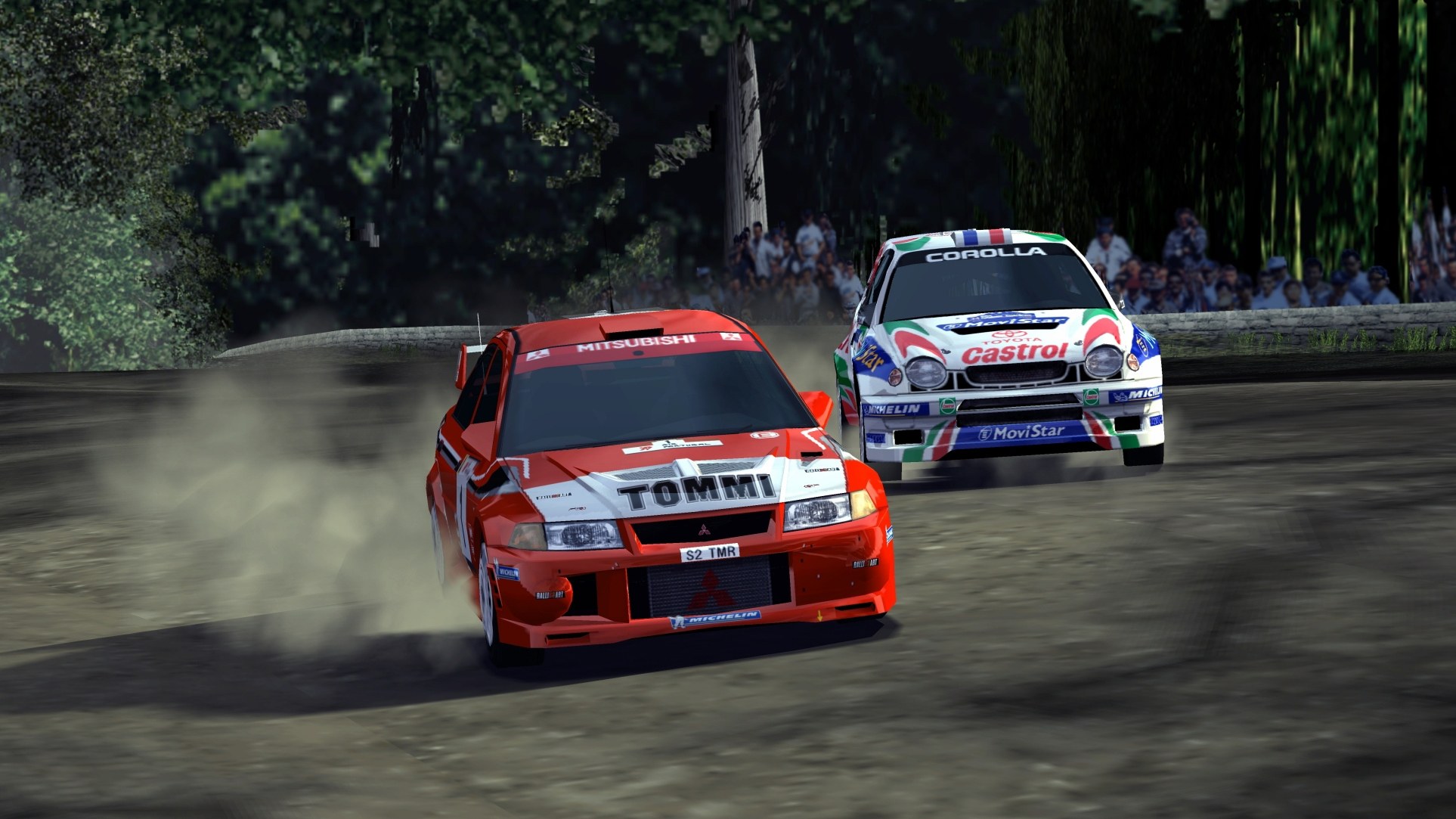
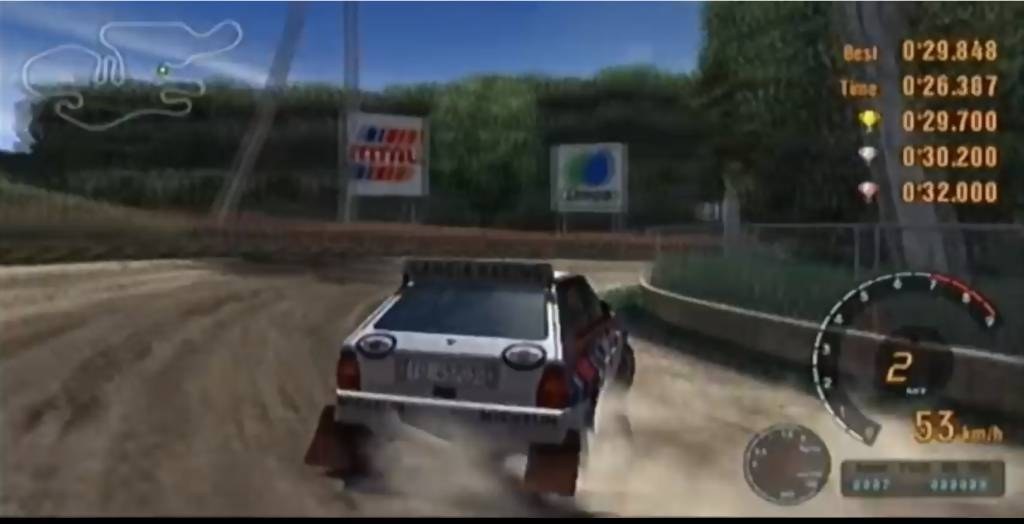
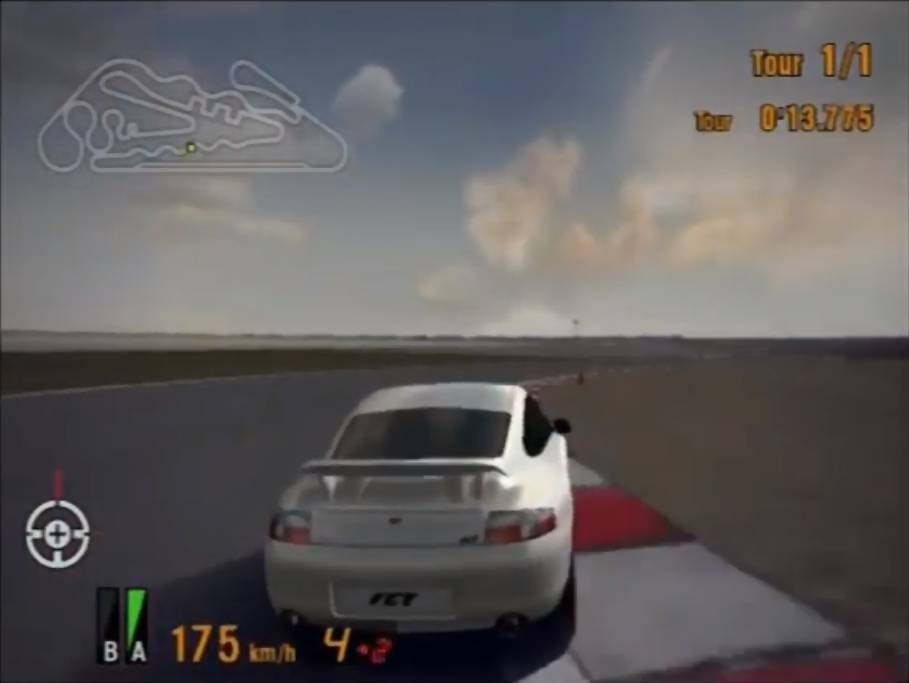
Overview
Gran Turismo 3: PC Enhanced is a native Windows version of Polyphony Digital’s 2001 PS2 racer, built from Silentwarior112’s Gran Turismo 3 decompilation. The game’s code was turned back into source and ported to the PC, so it runs as an ordinary Windows program rather than through an emulator, with the aim of matching the PS2 original exactly while drawing it more sharply.
It adds true high frame rates with a frame-pacing option for 60, 120, 180 and 240 FPS screens, an aspect ratio that the HUD and field of view follow, up to 32 cars in a race and split screen across two monitors. Wheel players get force feedback, clutch and H-shifter support and optional realistic gear changes and rev cut. An in-game menu covers the display, cameras (cockpit view and a free debug camera), audio and controls, and the launcher manages saves, textures and mods.
The port also opens the game up for modding: race music can be MP3 or WAV with an in-race song changer, movies can be MP4, fonts TTF or OTF, and the car and race databases are converted to SQLite. The download holds none of the game’s data; it reads the files from the player’s own copy.
How to Set It Up
- Download the zip and extract it into a folder of its own.
- Run the launcher and point it at your disc image. It can install the game files from it, or play straight from the image (CHD included).
- Set up the display, controls and wheel options, then press Play.
- Press F2 (or the controller’s Home button) in the game for the options menu.