Crash Twinsanity for Windows
PC port of Crash Twinsanity
- DecompilationPort Type
- GioPixelGHDeveloper
- 28 Oct 2026Page Updated
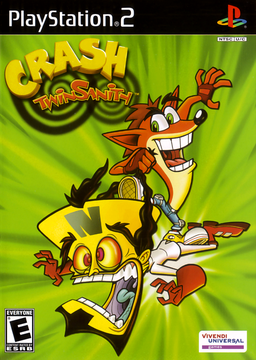
Details
- Developer
- GioPixelGH
- Port Type
- DecompilationThe game's code was rewritten by hand as source code that builds back into the same game, then made to run natively on PC.
- Game
- Crash Twinsanity
- AI Use
- AI-assistedThe project says: “AI assistance: this port was written with the help of Claude Code (Anthropic).” Source
- Source Code
- GitHub
- Page Updated
Platform Support
- Windows
Screenshots
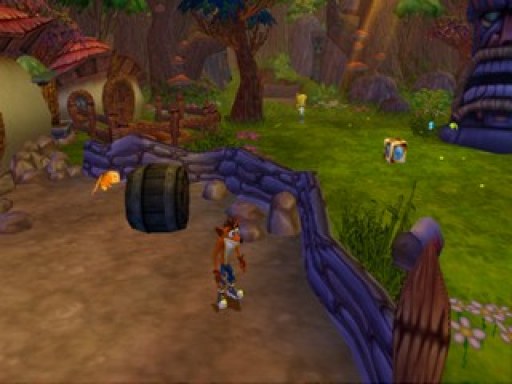
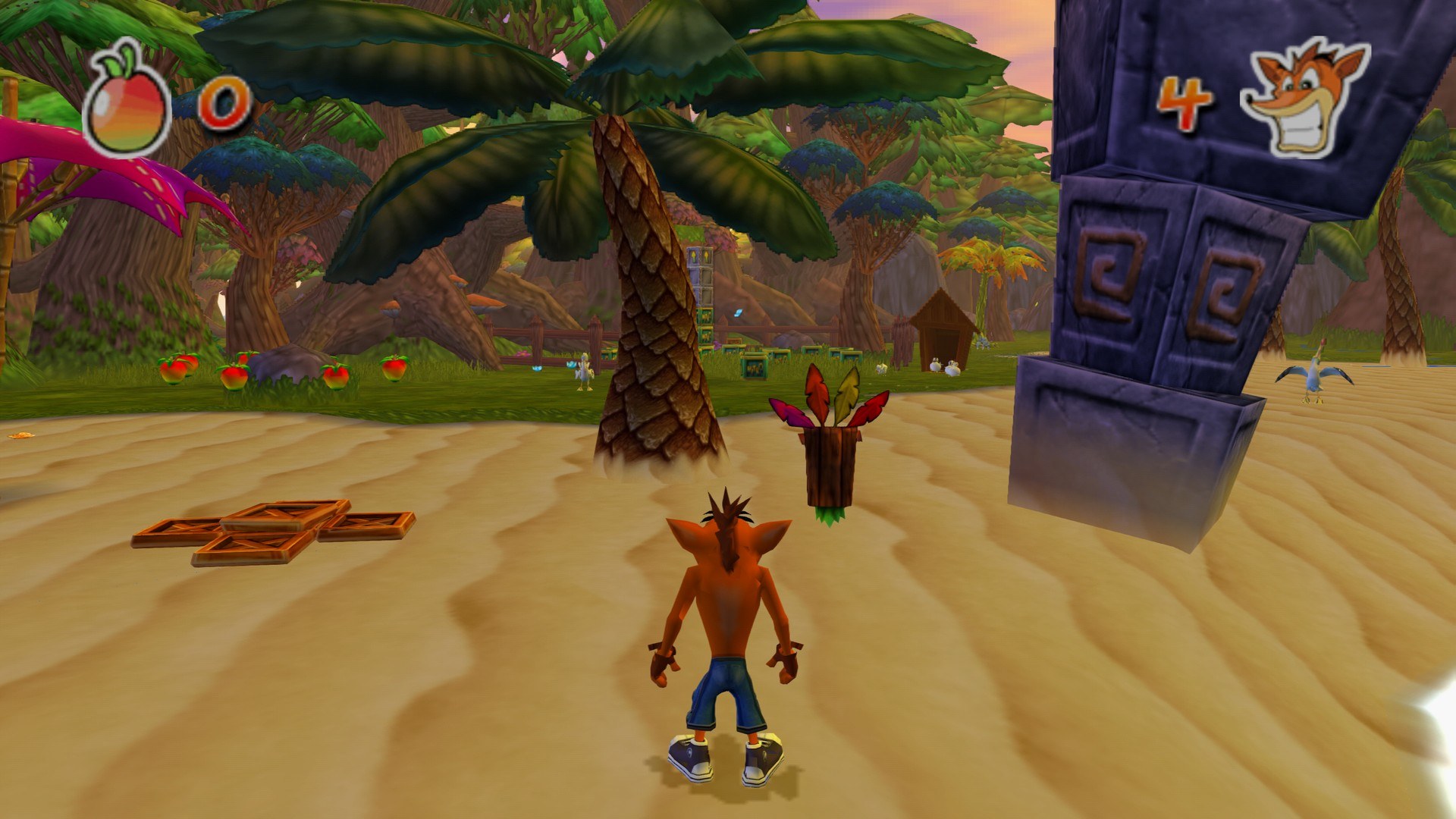
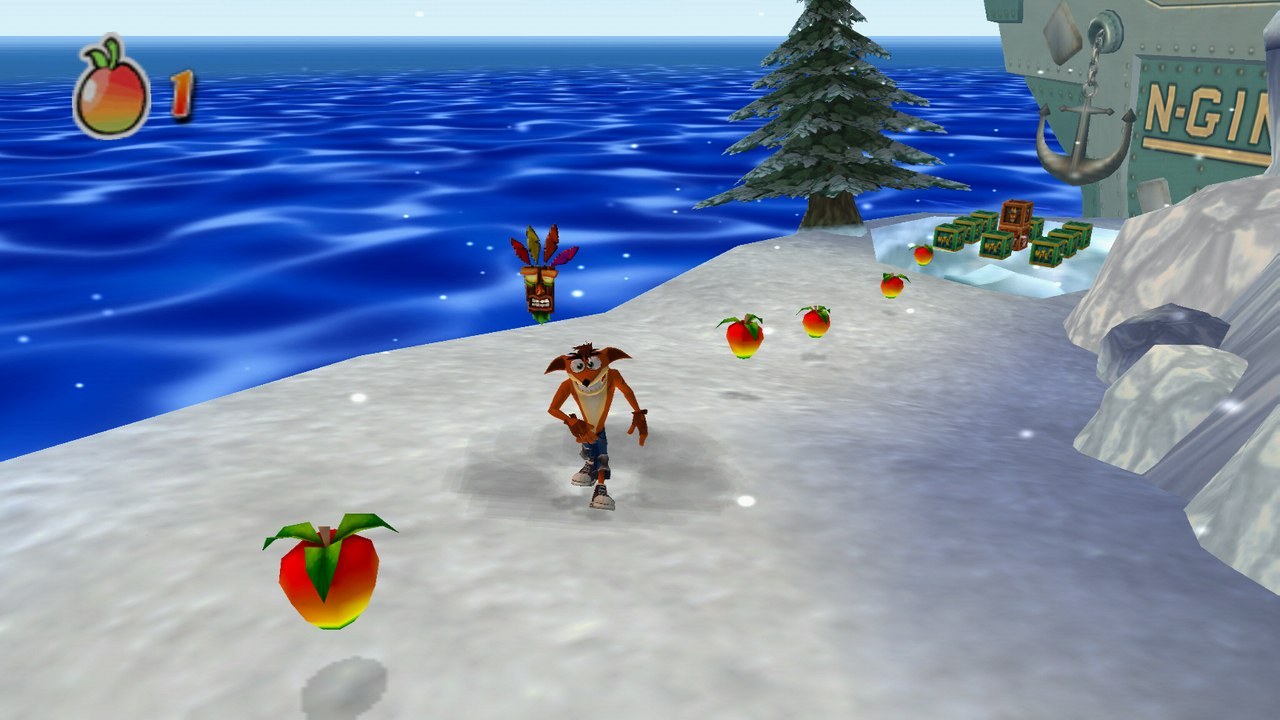
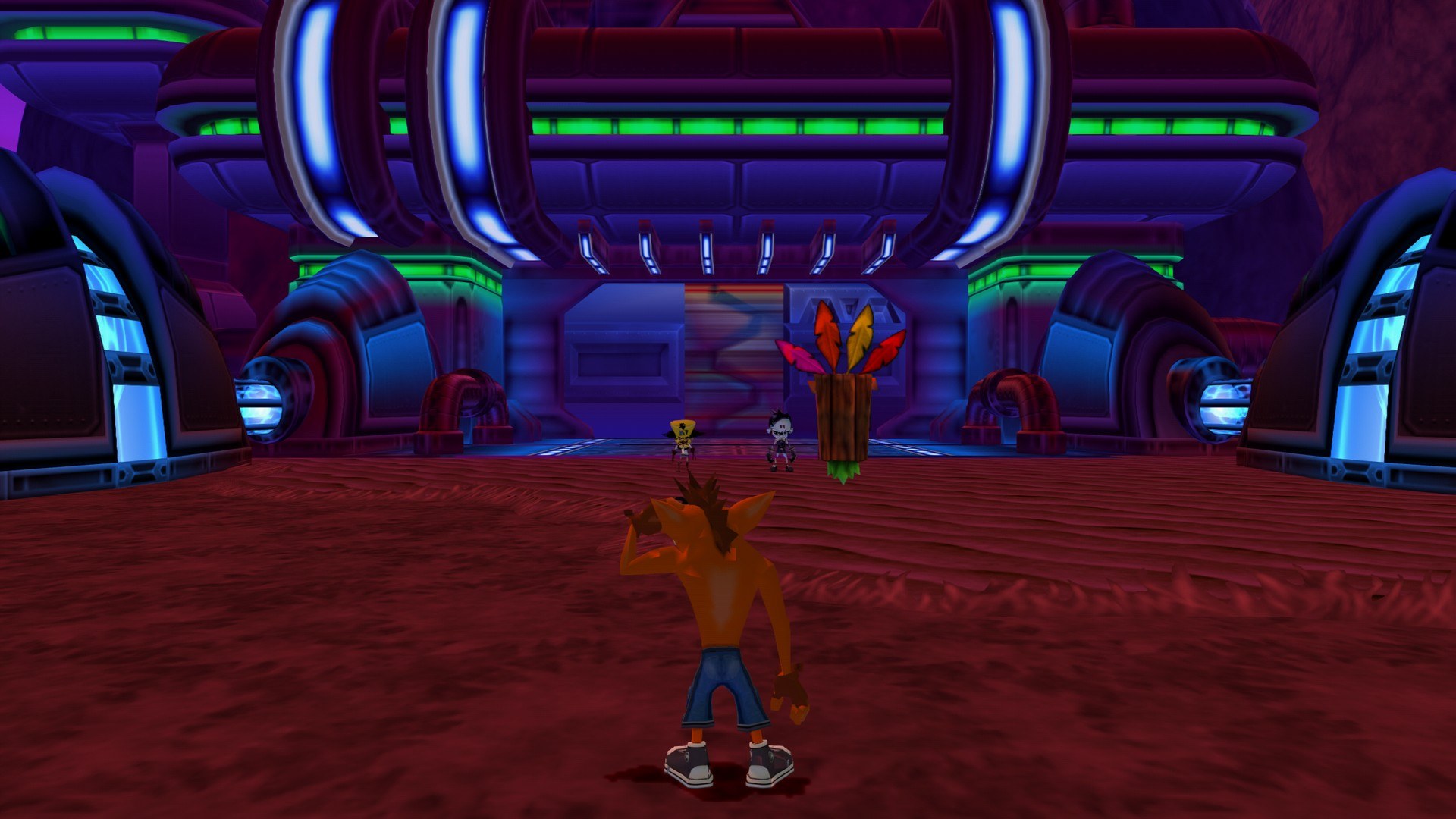
.iso, .bin or .img) of your own PAL copy of Crash Twinsanity for the PlayStation 2 (Europe/Australia, SLES-52568). 64-bit Windows 10 or 11 and a graphics card with OpenGL 3.3.Overview
Crash Twinsanity for Windows, by GioPixelGH, runs the PAL release of Crash Twinsanity natively on 64-bit Windows, without an emulator. It is a Windows port of HAB3X’s Crash Twinsanity for Mac, which runs Smartkin’s complete C++ decompilation of the game on a native platform layer with SDL3, an OpenGL renderer for the PS2’s graphics, sound, movies and saves.
From the Mac port it keeps rendering at up to four times the PS2’s resolution, widescreen and 21:9, HD texture packs, remappable keyboard, mouse and controllers, and cutscene skipping. This fork adds what Windows needs, runs the game, the PS2’s vector unit and the graphics on three threads for a steady 60 FPS, and offers 50, 60, 120 and 144 Hz or unlimited frame rates at the same game speed. It also adds a choice of English, French, German, Italian or Spanish text, voices and movies, mod folders that replace the disc’s files, a portable mode and fixes for several crashes.
Version 1.0.8 was the first full release, after the game was played from start to credits; all 131 areas were also tried with scripted input. The download carries none of the game’s data: it reads everything from the player’s own disc image and checks that it is the PAL release. Linux builds can be made from source.
How to Set It Up
- Download
Crash-Twinsanity-Windows.zipand extract it anywhere. - Run
CrashTwinsanity.exein the Crash Twinsanity folder and choose your disc image. - Change resolution, frame rate, language and controls in Options.