XenogearsRecomp
PC port of Xenogears
- RecompilationPort Type
- OpokXenoDeveloper
- 18 Oct 2026Page Updated

Details
- Developer
- OpokXeno
- Port Type
- RecompilationA tool translated the game's original machine code into C automatically, which was then built as a native PC program.
- Game
- Xenogears
- AI Use
- AI-assistedThe project says: “This project is developed with AI assistance: coding agents take part in reverse engineering, code generation, debugging, and documentation.” Source
- Source Code
- GitHub
- Page Updated
Platform Support
- Windows
- Linux
ScreenshotsView All (6)
Overview
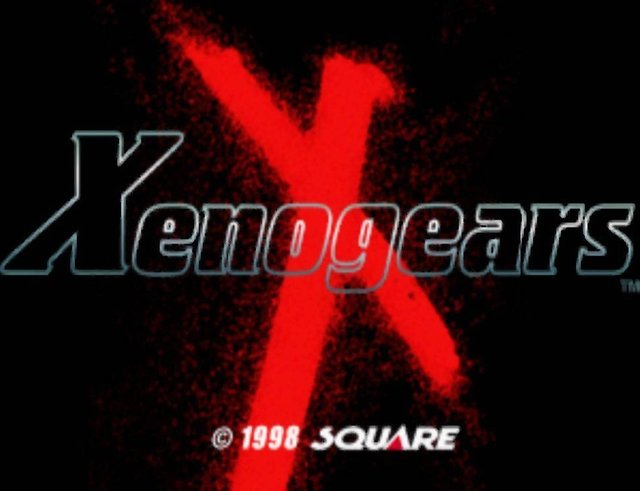
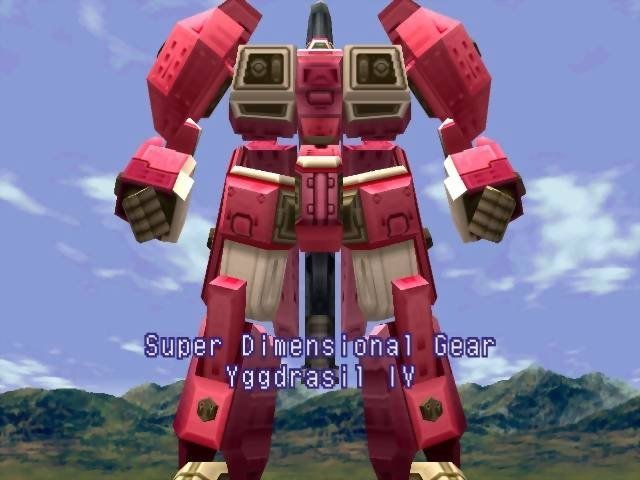
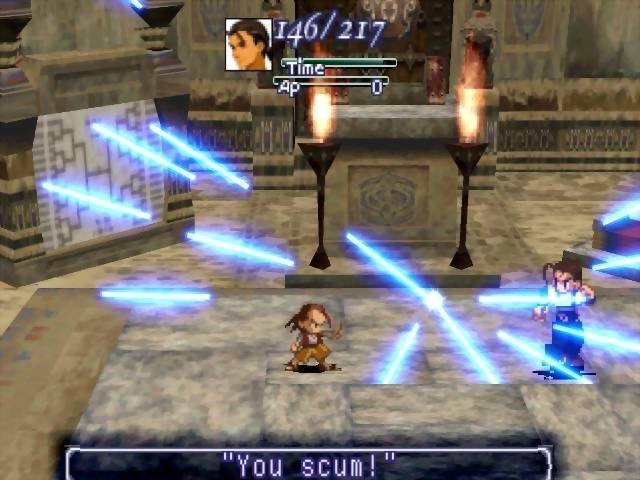
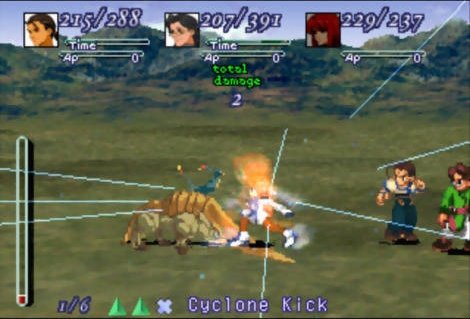
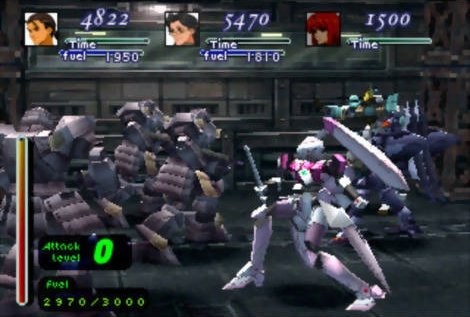
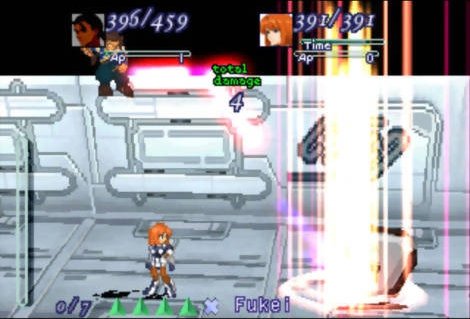
XenogearsRecomp is a native port of Xenogears for Windows and Linux, made by statically recompiling the game with the PSXRecomp framework. The game’s code and the disc’s overlays are compiled into a single program that runs without an emulator, and OpenBIOS is included.
Recent versions added a true z-buffer, SSAA, MSAA, TAA, SMAA and FXAA anti-aliasing, anisotropic filtering, texture replacement compatible with RetroArch texture packs, widescreen and savestates kept per disc.
The port is in alpha: the opening plays, but the game has not been tested all the way through, and releases are marked as pre-releases. The author says AI tools were used heavily in making it. The download contains no game data. It needs both discs of Xenogears (USA), dumped from your own copy.
How to Set It Up
- Download the build for your system and extract it, then run
XenogearsRecompto open the launcher. - Under Disc Selection, choose Disc 1 and browse for its
.cue, then do the same for Disc 2. - Optionally select your own
SCPH1001.BINunder Settings, System; OpenBIOS is used otherwise. - When the game asks for Disc 2, save, quit, select Disc 2 in the launcher and continue from your save.