Tomba! 2 Recompiled
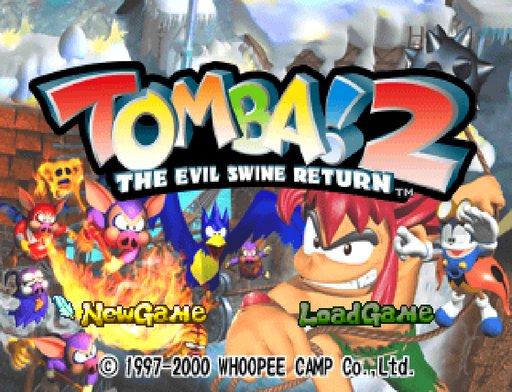
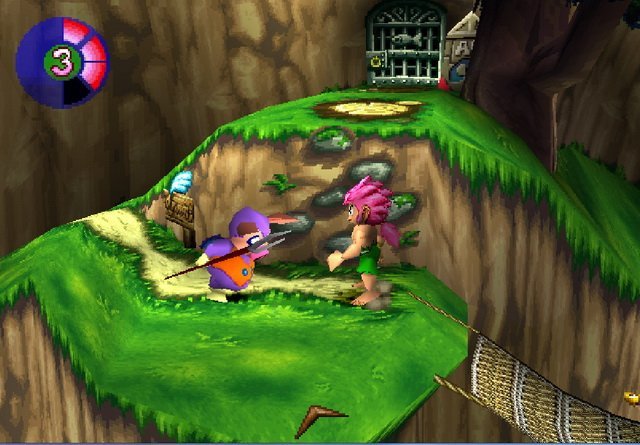
PC port of Tomba! 2: The Evil Swine Return
- RecompilationPort Type
- mstanDeveloper
- 13 Oct 2026Page Updated


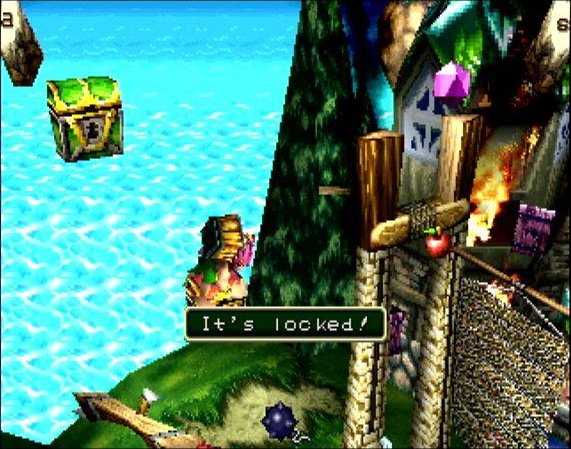
Overview
Tomba! 2 Recompiled is a native port of Tomba! 2: The Evil Swine Return for Windows and Linux, made by static recompilation with PSXRecomp by mstan. It supports the US disc and the Italian PAL disc, and the builds include native code prepared from all 22 of the game’s area files, plus shared overlays.
Optional mods add 16:9, 21:9 or adaptive widescreen, temporal frame blending, FMV skipping and a debug menu, all off by default. OpenBIOS is included, and a supported retail BIOS can be chosen instead.
It is a preview: full native coverage and a full playthrough have not been confirmed. The author says AI tools were used heavily in making it. The download contains no game data. It needs Tomba! 2 (USA, SCUS-94454), dumped from your own disc.
How to Set It Up
- Download the Windows zip or the Linux AppImage.
- Extract the zip and run
Tomba2Recomp.exe; on Linux, make the AppImage executable and run it. - Select your Tomba! 2 disc image in the launcher and press Launch. OpenBIOS is included, so no BIOS dump is needed.
- Widescreen, frame blending, FMV skipping and the debug menu are on the Mods page, off by default.