Tomba! Recompiled
PC port of Tomba!
- RecompilationPort Type
- mstanDeveloper
- 20 Oct 2026Page Updated

Overview
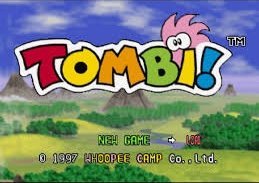
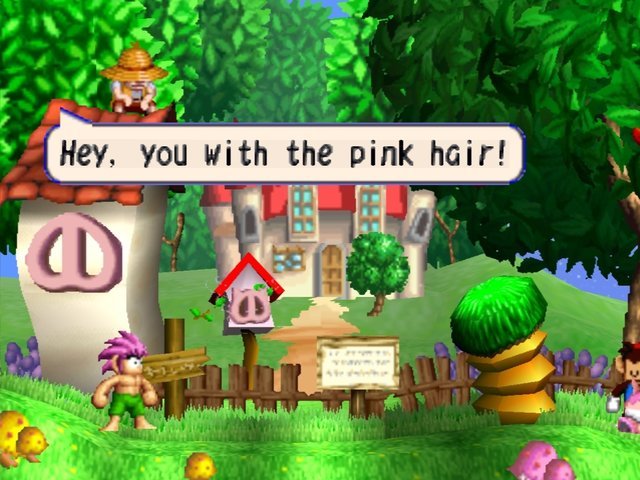
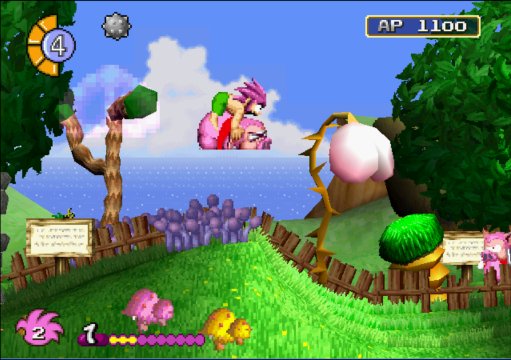
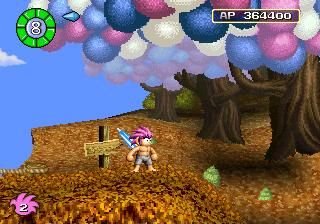
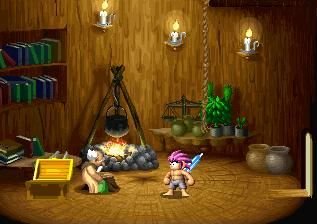
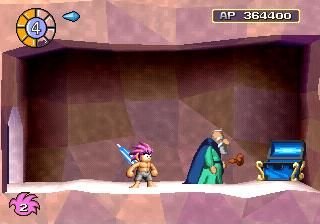
Tomba! Recompiled (TombaRecomp) is a native port of Tomba! for Windows and Linux, made by static recompilation with PSXRecomp by mstan; it was the first game the framework was built around. Releases include OpenBIOS and ahead-of-time compiled code for the game’s overlays.
It is playable from BIOS boot through gameplay, with memory card saving. It has software and OpenGL renderers, 2x to 4x supersampling, optional texture filtering, experimental adaptive widescreen and an optional hybrid controller mod. The latest release fixes the Linux file picker.
It is still an alpha, and known crashes are listed in the project’s issue log. The author says AI tools were used heavily in making it. The download contains no game data. It needs Tomba! (USA, SCUS-94236), dumped from your own disc.
How to Set It Up
- Download the Windows zip or the Linux AppImage.
- Extract the zip and run
TombaRecomp.exe; on Linux, make the AppImage executable and run it. - Select your Tomba! disc image in the launcher. OpenBIOS is included, so a BIOS dump is optional.
- Experimental widescreen and other options can be enabled in the launcher.