Suikoden II Recompiled
PC port of Suikoden II
- RecompilationPort Type
- AlexbeavDeveloper
- 30 Sep 2026Page Updated

Details
- Developer
- Alexbeav
- Port Type
- RecompilationA tool translated the game's original machine code into C automatically, which was then built as a native PC program.
- Game
- Suikoden II
- AI Use
- AI-assistedThe project says: “This project was developed with AI assistance. AI assists with code, documentation, and investigation; Alex tests the game and makes release decisions.” Source
- Source Code
- GitHub
- Page Updated
Platform Support
- Windows
- Linux
- macOS
ScreenshotsView All (6)
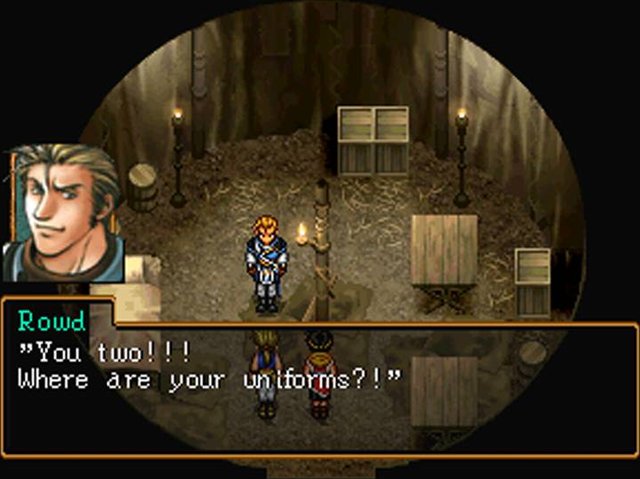

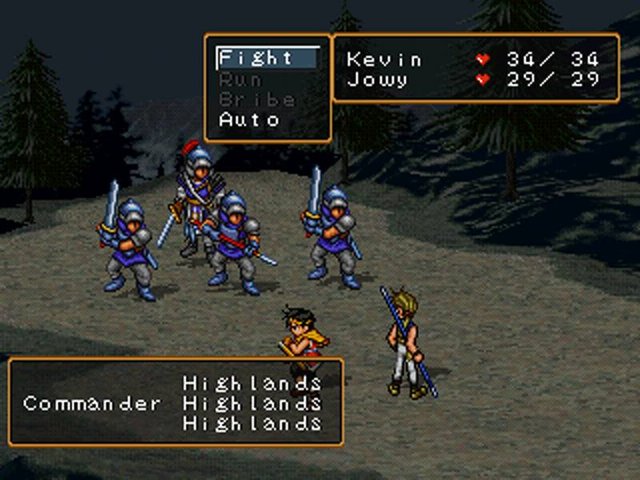
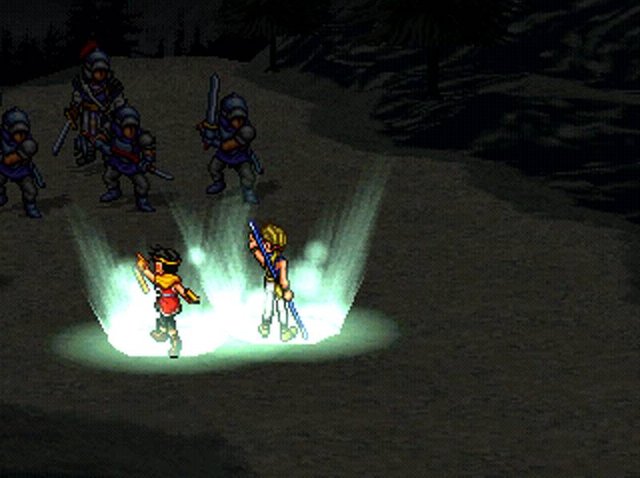
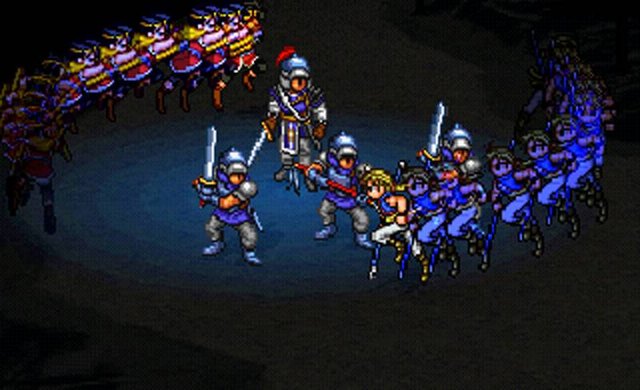
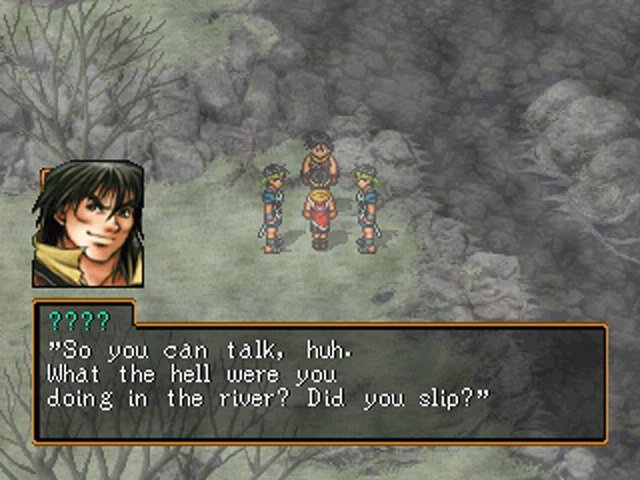
Overview
Suikoden II Recompiled is a native version of Suikoden II for Windows, Linux and macOS, made by static recompilation with PSXRecomp. It is a build kit: the download holds the recompiler, the recomp-ui launcher and a setup wizard, but no playable game. On first run the wizard reads your disc, generates C code from the game and compiles it on your computer, which can take several minutes.
On Windows the wizard downloads the build tools it needs; on Linux and macOS you install CMake, Ninja, Python 3 and a C/C++ compiler first. It accepts a CHD of the same dump as well as CUE/BIN, and setup also builds a diagnostic version for bug reports. Play testing of the private build it is based on was reported as playable. Version 0.1.0 is a release candidate: on Windows the exact package passed automated setup, compilation and start-up checks, while gameplay on the public package and Linux and macOS setup are unverified. Completing the game is not claimed.
The author says AI tools were used heavily in making it. The download contains no game data or BIOS. It needs Suikoden II (USA, SLUS-00958), dumped from your own disc, and a US SCPH-1001 BIOS dumped from your own console.
How to Set It Up
- Download the zip for your system: Windows x64, Linux x64, or macOS for Apple Silicon or Intel.
- On Linux and macOS install CMake, Ninja, Python 3 and a C/C++ compiler first; on Windows the wizard downloads the build tools.
- Extract the zip into a writable folder and run
Suikoden_II(Suikoden_II.exeon Windows). - In the setup wizard select your CUE file (keep its BIN files beside it) and your BIOS dump, then choose Generate & rebuild.
- The first run compiles the game and takes several minutes; later launches start it directly.