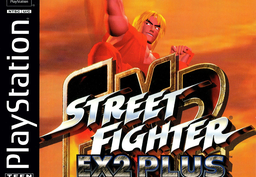
Street Fighter EX2 Plus Recompiled
PC port of Street Fighter EX2 Plus
- RecompilationPort Type
- strider973Developer
- 30 Sep 2026Page Updated
Overview
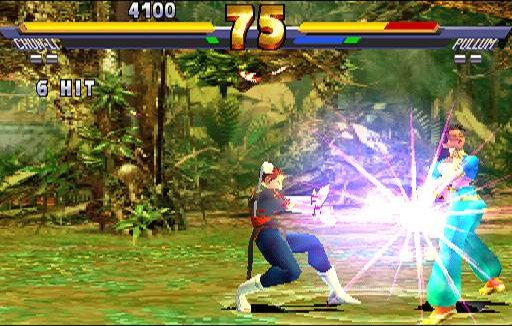
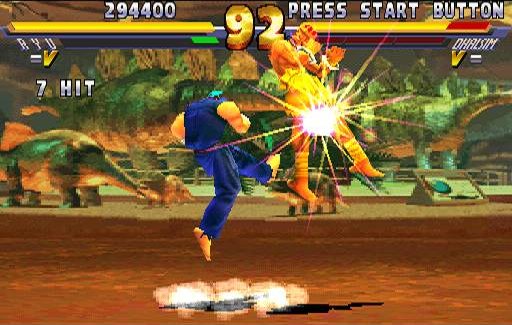
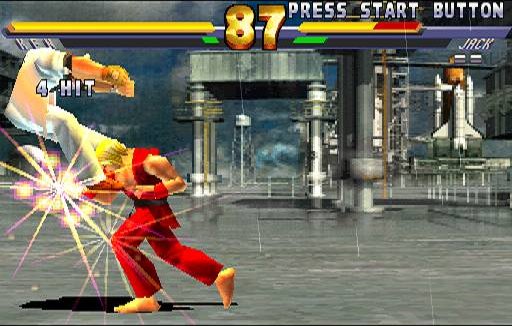
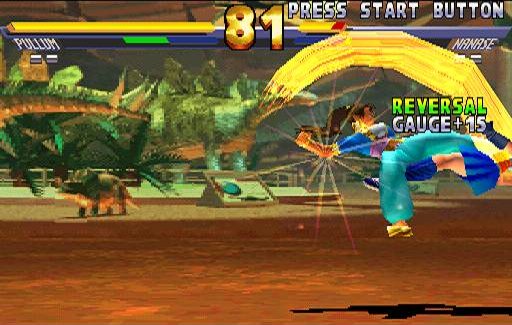
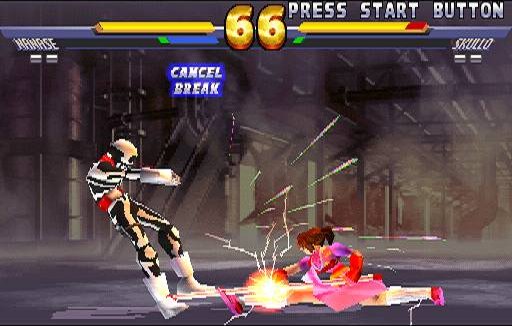
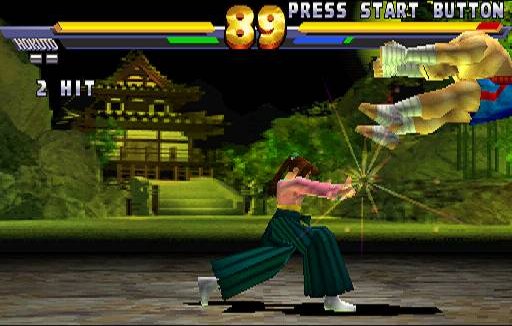
Street Fighter EX2 Plus Recompiled is a native port of Street Fighter EX2 Plus for Windows, Linux and macOS, made by static recompilation with PSXRecomp and recomp-ui. The download is a setup kit, and the first run builds the game from your disc, which can take several minutes.
The author reports it playable from start to end at 60 Hz with gamepad support, after fixing a boot freeze, a dead in-game controller and a black screen when returning to Mode Select; a report on the fixes is in the repository.
OpenBIOS does not work with this game, so it needs a SCPH-1001 BIOS dump from your own console. The project uses AI tools (it includes a CLAUDE.md for its assistant). The download contains no game data. It needs Street Fighter EX2 Plus (USA, SLUS-01105), dumped from your own disc.
How to Set It Up
- Download the zip for your system (Windows, Linux, or macOS on Apple Silicon or Intel) and extract it.
- Run
Street_Fighter_EX2_Plus_Recompiled.exe(without.exeon Linux and macOS). - In the first-run wizard, select your SCPH-1001 BIOS dump (OpenBIOS does not work with this game) and your
.cuefile. - Let it generate and build the game, which takes several minutes the first time. Use a digital pad mode: the game ignores analog input.