Silent Hill Native PC Port
PC port of Silent Hill
- DecompilationPort Type
- SlickAmogusDeveloper
- 12 Oct 2026Page Updated

Details
- Developer
- SlickAmogus
- Port Type
- DecompilationThe game's code was rewritten by hand as source code that builds back into the same game, then made to run natively on PC.
- Game
- Silent Hill
- AI Use
- AI-assistedThe project says: “Development is heavily AI-assisted (Claude Opus 4.6, 4.7 and the newer Fable model), and we're open about that.” Source
- Source Code
- GitHub
- Page Updated
Platform Support
- Windows
- Linux
- macOS
- Android
ScreenshotsView All (5)
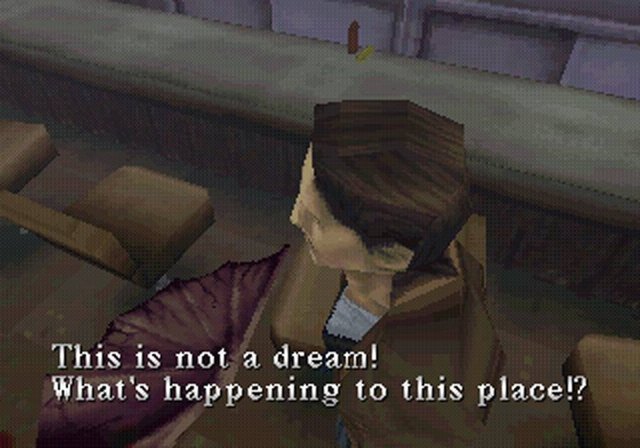
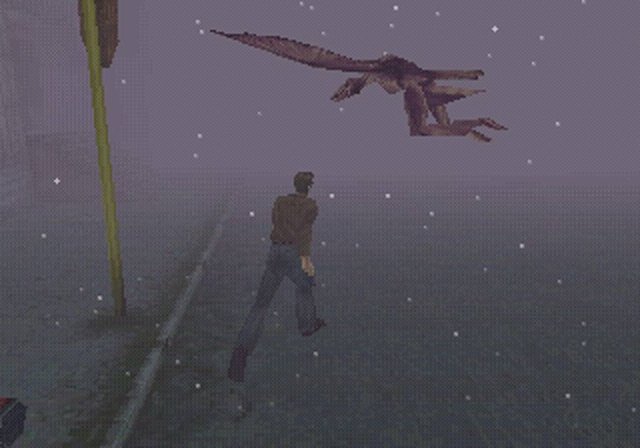
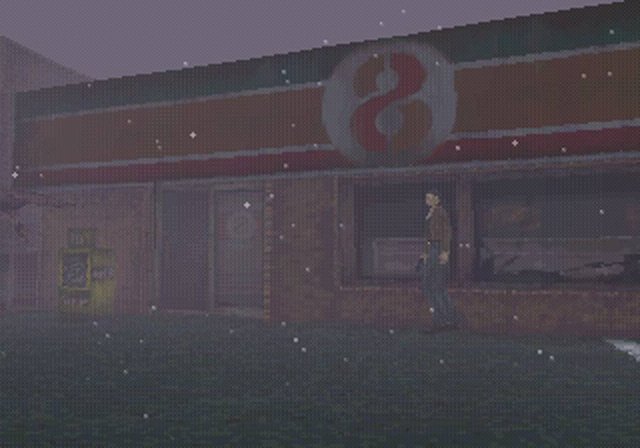
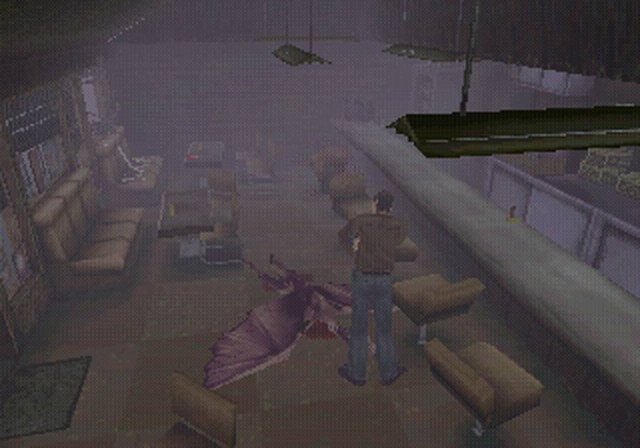
Overview
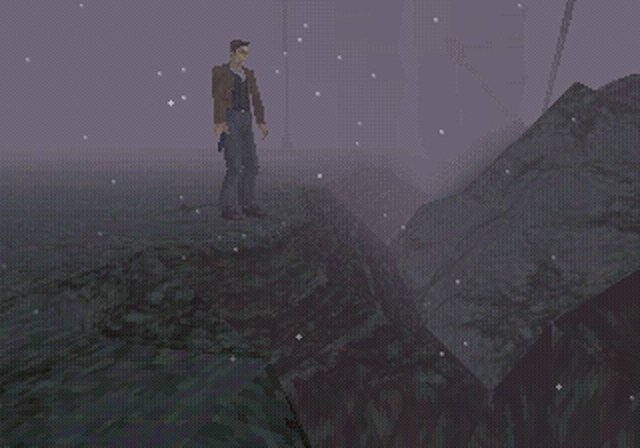
The Silent Hill Native PC Port runs Silent Hill as a real program compiled from the decompiled C source of the silent-hill-decomp project, with PsyCross standing in for the PlayStation libraries. It is not an emulator or a static recompilation, and the original game logic is left intact where possible.
Optional extras include any resolution and widescreen, high frame rates, perspective correction, new flashlight and shadow modes, third-person and first-person cameras, surround sound, a mod manager for texture and model replacement, RetroAchievements and an in-game console. USA, European and Japanese discs are detected automatically.
The game is playable from start to finish. Windows is the main target; the Linux and macOS builds are still in progress, and the authors suggest Wine on Linux for now. The author says AI tools were used heavily in making it. The download contains no game data. It needs Silent Hill, dumped from your own disc.
How to Set It Up
- Download the build for your system and extract it anywhere.
- Put your Silent Hill disc image in the
gamedatafolder; the launcher detects the region, andSilent Hill (USA).binis a safe name. - Run
SilentHillPC_Launcherto change settings and controls, orSilentHillPCto play. - Windows SmartScreen may block the unsigned build the first time: run the game once, then the launcher.