Mega Man X5 Recompiled
PC port of Mega Man X5
- RecompilationPort Type
- mstanDeveloper
- 30 Sep 2026Page Updated
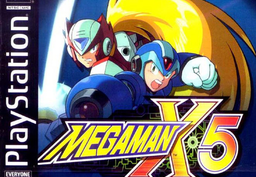
Details
- Developer
- mstan
- Port Type
- RecompilationA tool translated the game's original machine code into C automatically, which was then built as a native PC program.
- Game
- Mega Man X5
- AI Use
- AI-assistedAn AI coding tool is credited as co-author on 22 of the repository's 46 commits. Source
- Source Code
- GitHub
- Page Updated
Platform Support
- Windows
- Linux
ScreenshotsView All (6)


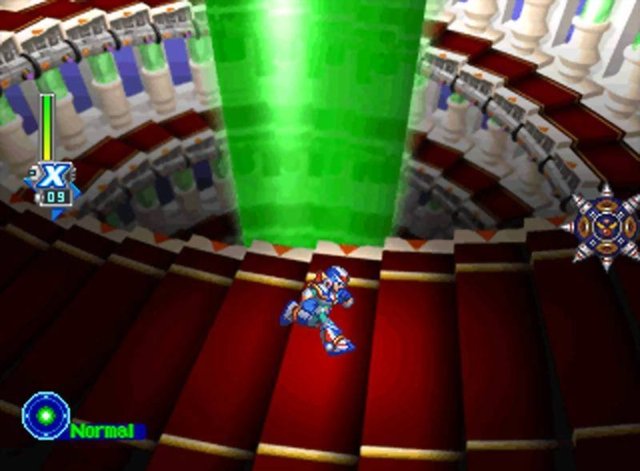
Overview
WidescreenFrame Interpolation
Mega Man X5 Recompiled is a native port of Mega Man X5 for Windows and Linux, made by static recompilation with PSXRecomp by mstan, the framework’s author.
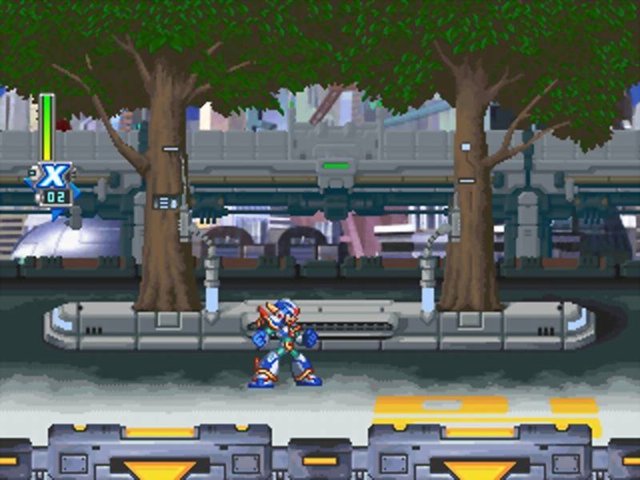
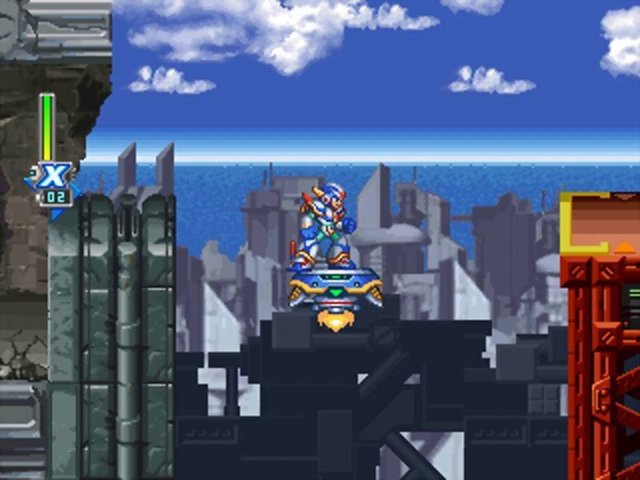
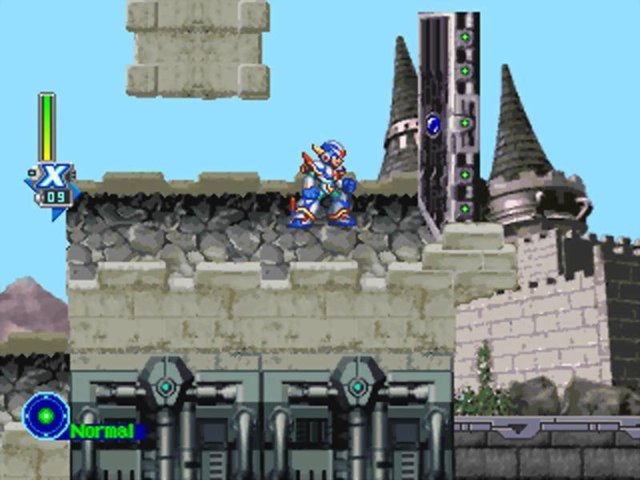
It boots through the opening and its cutscenes into the stages, with working controls and memory card saving, and no known crashes. It has software, OpenGL and Vulkan renderers, fast loading, and default-off mods for 16:9 widescreen and frame interpolation.
The author calls it a playable preview that has not yet been verified to the end. The author says AI tools were used heavily in making it. The download contains no game data. It needs Mega Man X5 (USA, SLUS-01334), dumped from your own disc.
How to Set It Up
- Download the Windows zip or the Linux AppImage.
- Extract the zip and run
MegaManX5Recomp.exe; on Linux, make the AppImage executable and run it. - Select your Mega Man X5 disc image in the launcher and start the game.
- Use an analog controller: the game expects a DualShock, which is presented by default.