Marvel vs. Capcom Recompiled
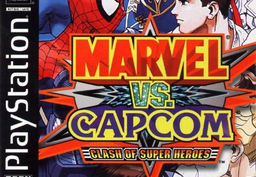
PC port of Marvel vs. Capcom: Clash of Super Heroes
- RecompilationPort Type
- TechnicallyComputersDeveloper
- 1 Oct 2026Page Updated
Details
- Developer
- TechnicallyComputers
- Port Type
- RecompilationA tool translated the game's original machine code into C automatically, which was then built as a native PC program.
- AI Use
- Not statedThe developers haven't said whether they used AI.
- Source Code
- GitHub
- Page Updated
Platform Support
- Windows
- Linux
- macOS
ScreenshotsView All (6)
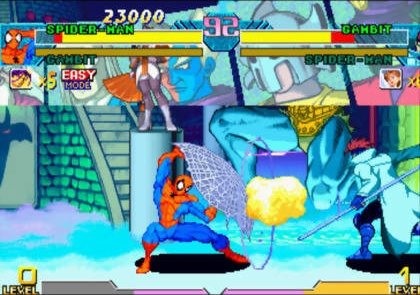
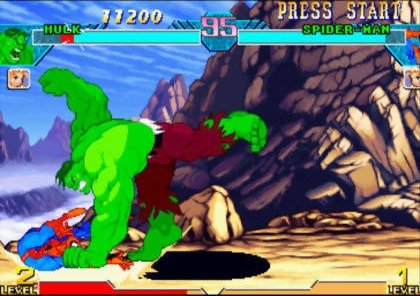
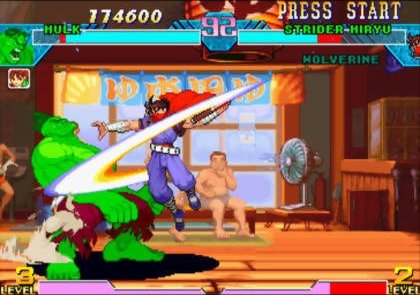
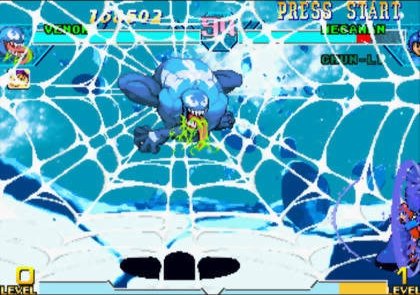
Overview
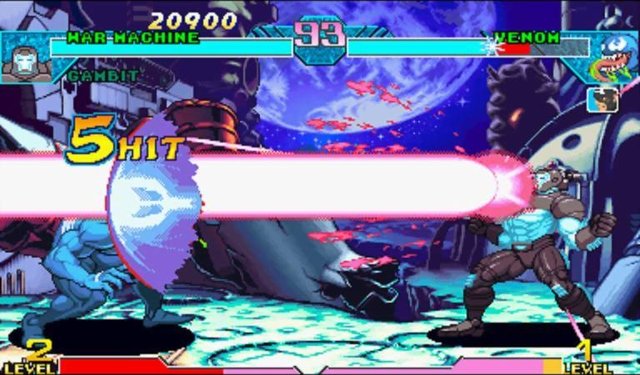
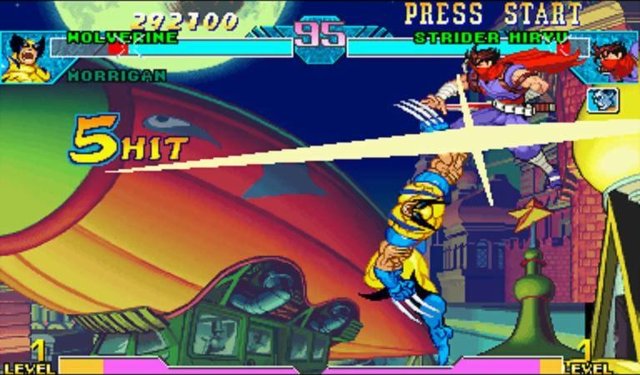
Marvel vs. Capcom Recompiled is a native port of Marvel vs. Capcom: Clash of Super Heroes for Windows, Linux and macOS, made by static recompilation with mstan’s PSXRecomp and the recomp-ui launcher. The download is a setup kit: it holds the launcher and framework but no game code, and the first launch builds the game from your disc, which can take several minutes.
The launcher handles disc setup, settings and building. The open-source OpenBIOS is used by default, so no BIOS dump is needed, and the framework’s optional enhancements, such as faster loading and PGXP, can be switched on in the launcher.
There is no detailed status report, and how far the game can be played has not been independently confirmed. The project comes from a group that promotes AI-assisted recompilation, and AI tools were used in making it. The download contains no game data. It needs Marvel vs. Capcom: Clash of Super Heroes (USA, SLUS-01059), dumped from your own disc.
How to Set It Up
- Download the zip for your system (Windows, Linux, or macOS on Apple Silicon or Intel) and extract all of it to a folder you can write to.
- Run
Marvel_vs__Capcom__Clash_of_Super_Heroes_Recompiled.exe(without.exeon Linux and macOS). - Select your disc’s
.cuefile in the launcher and keep OpenBIOS selected, or point it at a BIOS dump from your own console. - Choose Generate & Build (Generate & rebuild): the first run turns your disc into native code and compiles it, which takes several minutes and may download a compiler toolchain. Later launches go straight to the game.