Final Fantasy 7 PSXRecomp
PC port of Final Fantasy VII
- RecompilationPort Type
- TechnicallyComputersDeveloper
- 1 Oct 2026Page Updated

Details
- Developer
- TechnicallyComputers
- Port Type
- RecompilationA tool translated the game's original machine code into C automatically, which was then built as a native PC program.
- AI Use
- AI-assistedAn AI coding tool is credited as co-author on 12 of the repository's 47 commits. Source
- Source Code
- GitHub
- Page Updated
Platform Support
- Windows
- Linux
- macOS
ScreenshotsView All (6)
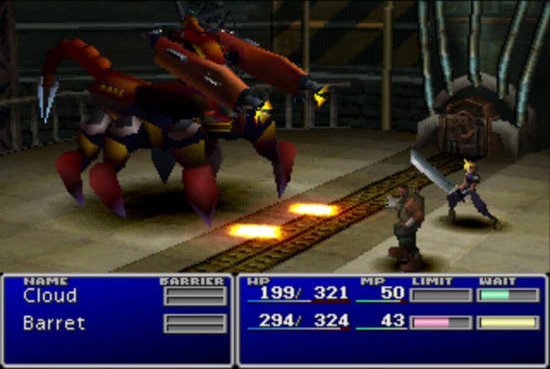
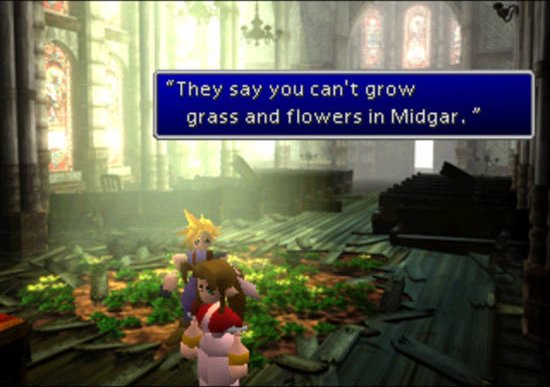
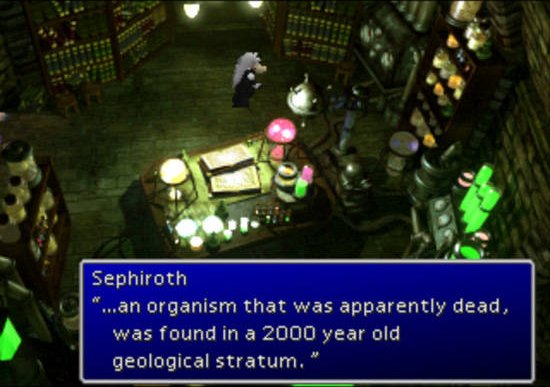
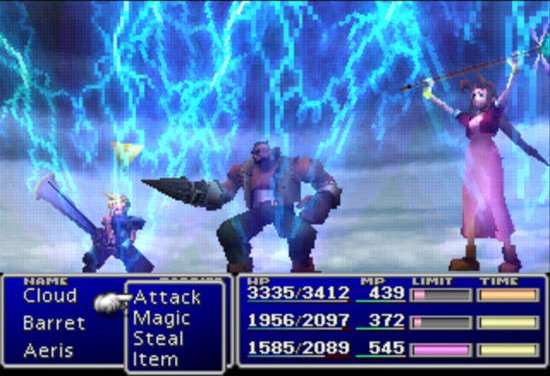
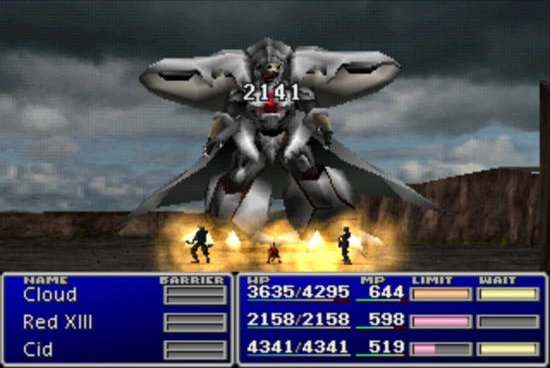
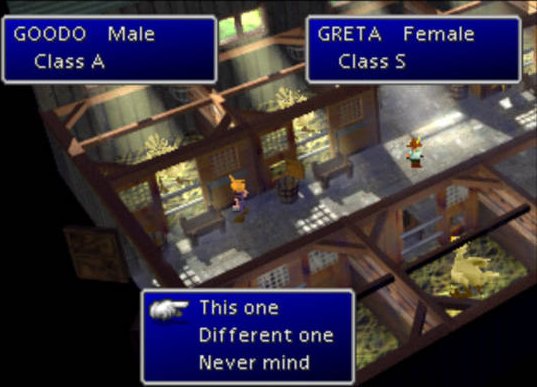
Overview
Final Fantasy 7 PSXRecomp is a native port of Final Fantasy VII for Windows, Linux and macOS, made by static recompilation with PSXRecomp and the recomp-ui launcher. The download is a build kit: on first launch it generates C code from your disc and compiles the game on your PC, which can take several minutes.
About 1,100 functions carry names taken from the symbol map of the separate ff7-decomp project, and a hook system lets mods attach to named game functions. OpenBIOS is used by default. The project is at an early version and does not state how far the game can be played. It comes from the R.A.I.D. community for AI-assisted reverse engineering.
The download contains no game data. It needs Final Fantasy VII (USA), dumped from your own discs.
How to Set It Up
- Download the zip for your system and extract it to a writable folder.
- Run
Final_Fantasy_7(Final_Fantasy_7.exeon Windows) and select your.cuefile. - Choose Generate & Build. The first run generates and compiles the game on your PC and can take several minutes. On Windows the setup can download the build tools it needs; on Linux and macOS install CMake, Ninja, Python 3 and a C compiler first.
- Start the game from the launcher once the build is done.