Final Fantasy Tactics Recompiled
PC port of Final Fantasy Tactics
- RecompilationPort Type
- NJH-1001Developer
- 30 Sep 2026Page Updated
Details
- Developer
- NJH-1001
- Port Type
- RecompilationA tool translated the game's original machine code into C automatically, which was then built as a native PC program.
- AI Use
- Not statedThe developers haven't said whether they used AI.
- Source Code
- GitHub
- Page Updated
Platform Support
- Windows
- Linux
- macOS
ScreenshotsView All (6)
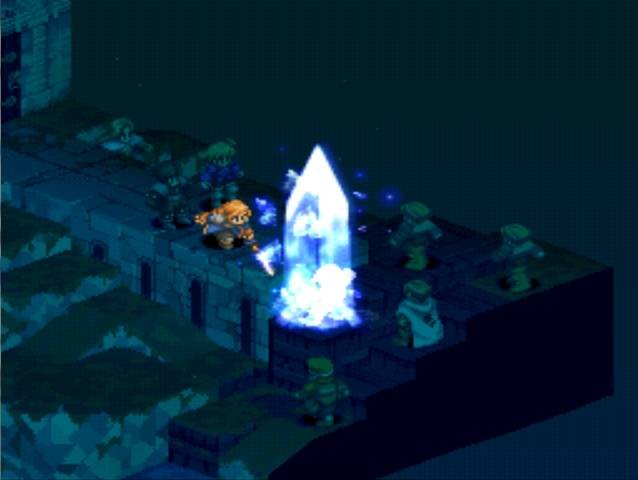
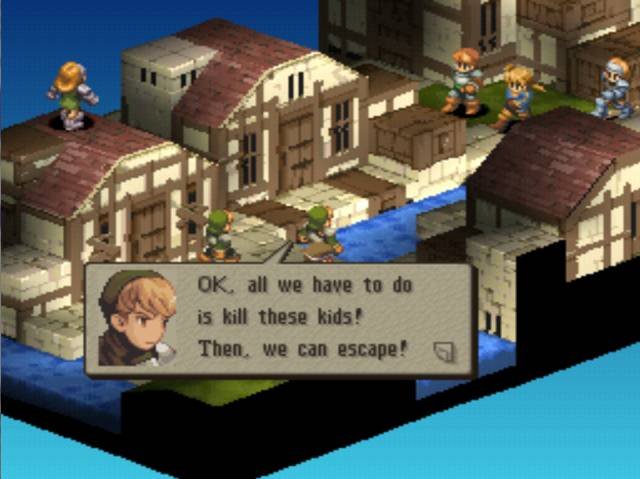
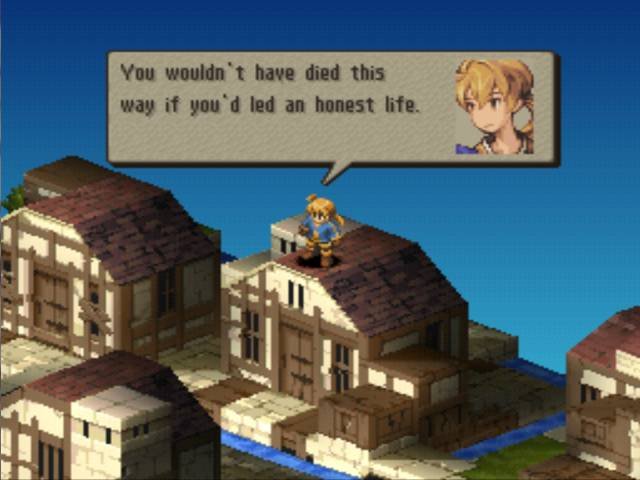
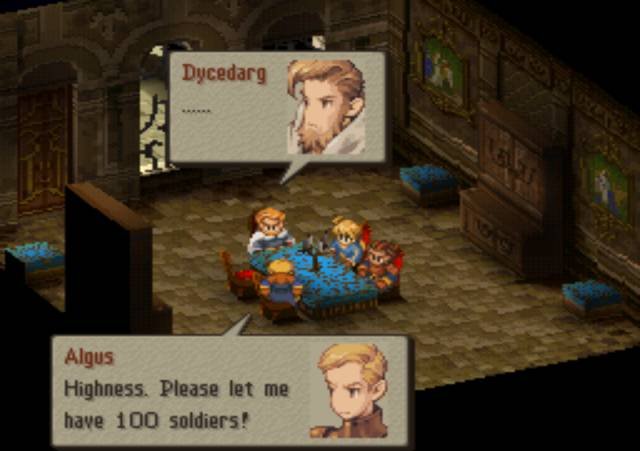
Overview
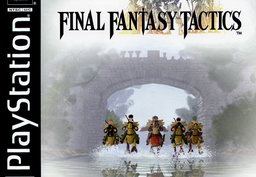
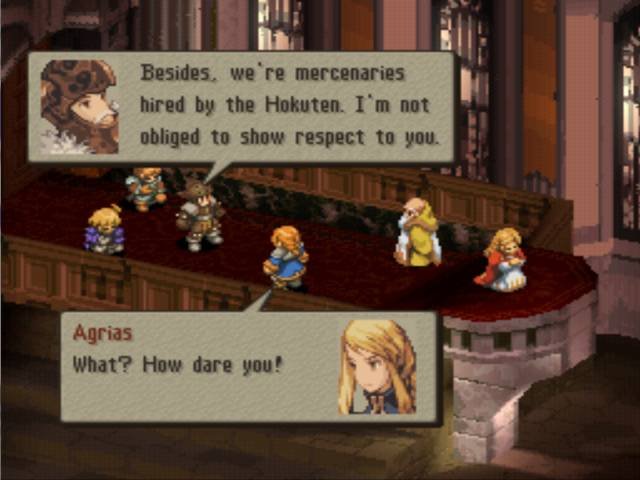
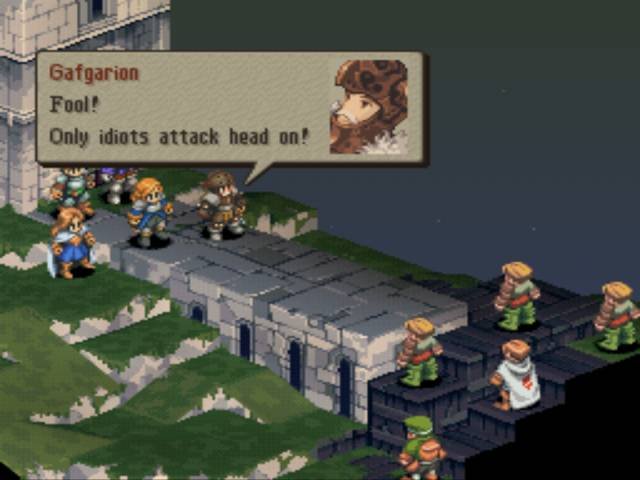
Final Fantasy Tactics Recompiled (FinFanTacRecomp) is a native port of Final Fantasy Tactics for Windows, Linux and macOS, made by static recompilation with PSXRecomp. Releases are setup kits: the game code is generated and compiled on your computer from your own disc, which takes several minutes the first time.
OpenBIOS is included and used by default. It offers a software renderer or OpenGL with supersampling, and an optional experimental 16:9 mode that shows more of the scenery in battles and in-engine cutscenes while keeping the interface in proportion.
This is the first release (v0.1.0). Gameplay has been tested most on Windows, and the Linux and macOS builds need broader testing. The download contains no game data. It needs Final Fantasy Tactics (USA, SCUS-94221), dumped from your own disc.
How to Set It Up
- Download the setup zip for your system (Windows, Linux, or macOS on Apple Silicon or Intel) and extract all of it to a folder outside
Program Files. - Run
Final_Fantasy_Tactics_Recompiled.exe(on Linux and macOS, runFinal_Fantasy_Tactics_Recompiledfrom a terminal in that folder). - Select your USA
.cueand choose Generate and Rebuild. The build needs Python 3; the setup wizard can download its compiler toolchain, and it takes several minutes. - Reopen the same executable when the build finishes to start the game.