Digimon World Recompiled
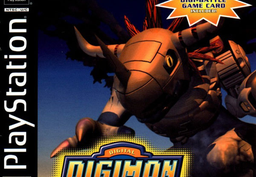
PC port of Digimon World
- RecompilationPort Type
- ethan4loveDeveloper
- 30 Sep 2026Page Updated
Details
- Developer
- ethan4love
- Port Type
- RecompilationA tool translated the game's original machine code into C automatically, which was then built as a native PC program.
- Game
- Digimon World
- AI Use
- AI-assistedAn AI coding tool is credited as co-author on 48 of the repository's 51 commits. Source
- Source Code
- GitLab
- Page Updated
Platform Support
- Windows
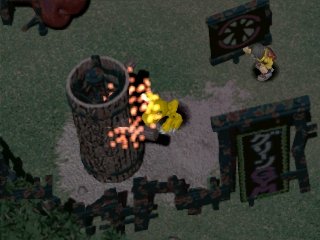
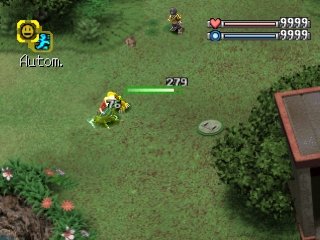
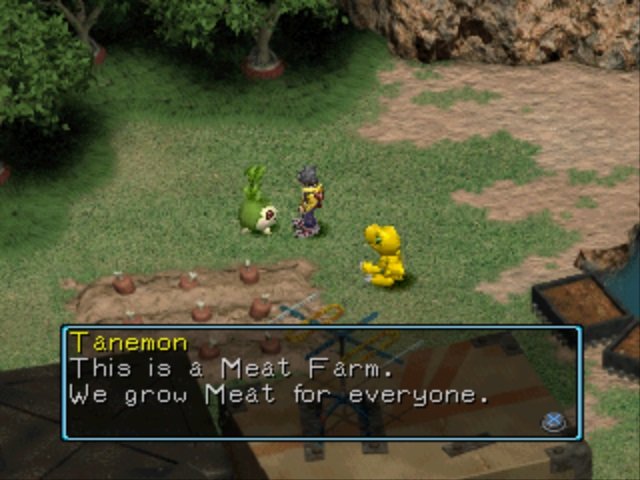
ScreenshotsView All (6)
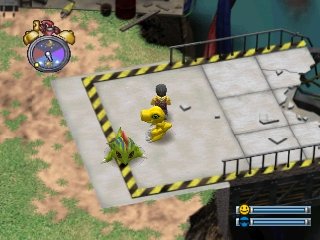
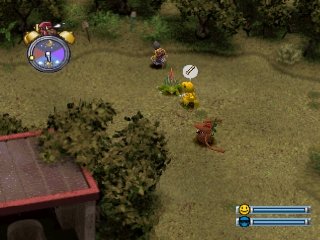
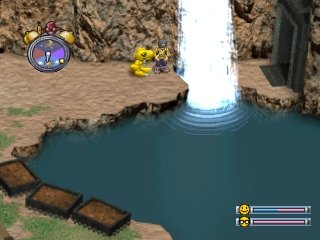
SHA-1 of a correct dump:
5611645da66183e30d11fb6c11a2784ff47e1fdbOverview
Digimon World Recompiled is a native port of Digimon World for Windows, made by static recompilation. The download is a setup package: it builds the game on your PC from your own disc, which takes 10 to 30 minutes the first time.
It adds widescreen (16:9 or 16:10) without stretching the menus, sharp high-resolution rendering, save states on F7 and rewind on F8. The mod menu has an Expanded Roster that makes 52 more Digimon from the disc raisable, a trainer, training and item-drop options, quality-of-life settings and GameShark-style cheats, all off by default.
Widescreen still briefly drops to 4:3 after wild battles, and some interiors show dark edges. The download contains no game data. It needs Digimon World (USA), dumped from your own disc.
How to Set It Up
- Install Python 3 and tick “Add Python to PATH” during installation.
- Download the Windows zip, extract it somewhere permanent and run
Digimon_World_Recompiled.exe. - Let the first-run setup download its build tools (about 100 MB), then click Browse Disc and pick your
.cuefile. - Wait while it builds the game, which takes 10 to 30 minutes and happens only once, then press PLAY.