Crash Bandicoot 2 Recompiled
PC port of Crash Bandicoot 2: Cortex Strikes Back
- RecompilationPort Type
- Zumbo06Developer
- 8 Oct 2026Page Updated

Details
- Developer
- Zumbo06
- Port Type
- RecompilationA tool translated the game's original machine code into C automatically, which was then built as a native PC program.
- AI Use
- Not statedThe developers haven't said whether they used AI.
- Source Code
- GitHub
- Page Updated
Platform Support
- Windows
ScreenshotsView All (5)
Overview
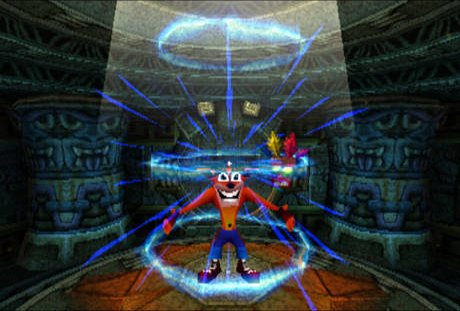
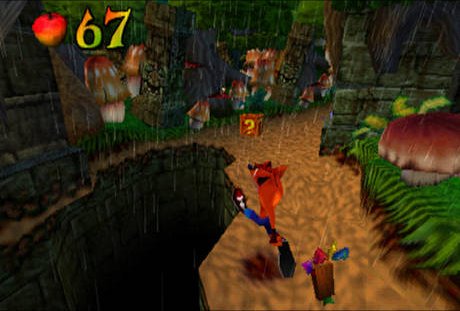
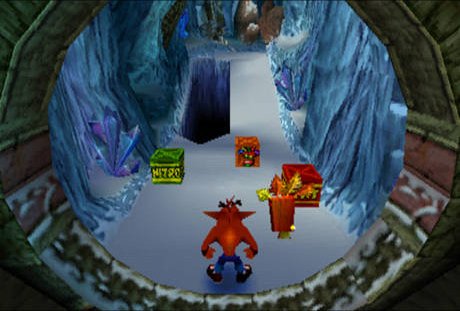
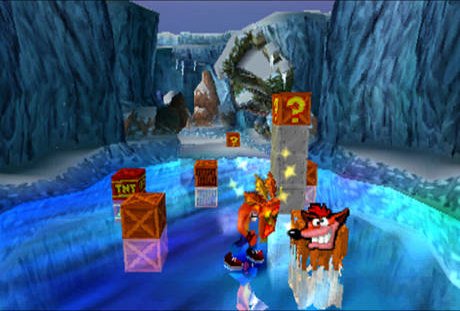
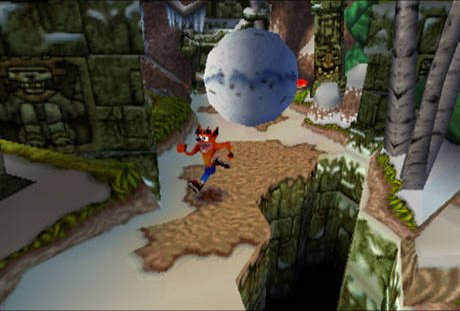
Crash Bandicoot 2 Recompiled translates the PlayStation game into native code instead of emulating it. It is a build kit: the launcher checks your disc image, then statically recompiles the game to C and compiles it on your PC. The compiler is included, and the first build takes five to twenty minutes.
The launcher has save-state slots with pictures, rewind, fast forward, controller and hotkey remapping, post-processing, widescreen and optional mods such as PGXP precision and faster loading. An experimental 60 FPS mode runs the game’s own loop at twice the speed.
The game can be completed, with minor sound and graphics issues remaining. It needs Crash Bandicoot 2 (USA), dumped from your own disc; no BIOS is needed, as OpenBIOS is included.
How to Set It Up
- Download the Windows build and extract it to a folder whose path uses only English characters.
- Run the launcher, open Setup and choose your disc image.
- Press Build the game. The first build translates the game to C and compiles it, needs about 3 GB of free space and takes five to twenty minutes.
- When it finishes, start the game from the Play page.