Crash Bandicoot Launcher
PC port of Crash Bandicoot
- RecompilationPort Type
- Matteo842Developer
- 14 Oct 2026Page Updated
Details
- Developer
- Matteo842
- Port Type
- RecompilationA tool translated the game's original machine code into C automatically, which was then built as a native PC program.
- Game
- Crash Bandicoot
- AI Use
- AI-assistedThe repository has CLAUDE.md, a file of instructions for AI coding tools. Source
- Source Code
- GitHub
- Page Updated
Platform Support
- Windows
- Linux
- Android
ScreenshotsView All (5)
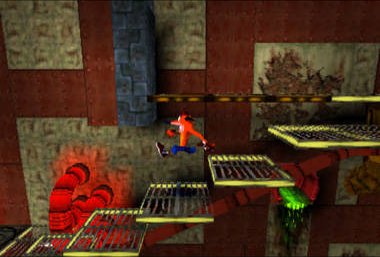
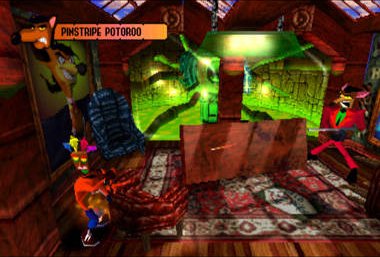
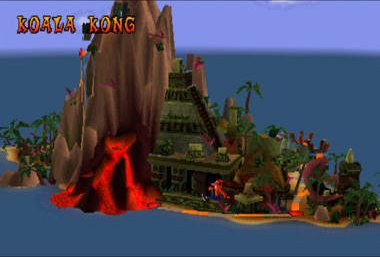
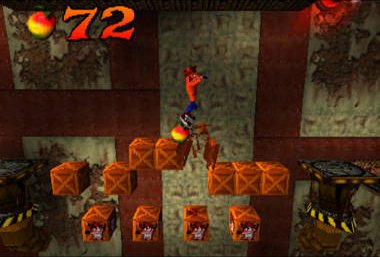
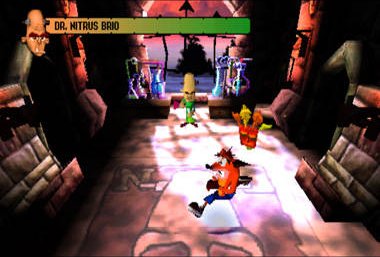
Overview
Crash Bandicoot Launcher turns your own copy of Crash Bandicoot into a native game for Windows, Linux and Android. It is built on RecompOne: the first time you start it, it statically recompiles the game from your disc and compiles it into a game folder next to the program, which can take several minutes. Later starts reuse that build.
Windows has a graphical launcher, Linux uses command-line options, and the Android app contains both the launcher and the game runtime. Recent versions fixed native 16:9 widescreen culling, a floor bug with the third Aku Aku mask at high frame rates and a GPU hang on some AMD cards, and C# mods are supported.
The project is still experimental. The download contains no game data. It needs Crash Bandicoot (USA, SCUS-94900), dumped from your own disc.
How to Set It Up
- Download
CrashBandicoot.exe(Windows),CrashBandicoot-Linux(Linux) or the.apk(Android). - On Windows, run the launcher, choose Select disc and pick your
.chdor.cue, then press Start Game. - On Linux, run
./CrashBandicoot --prepare /path/to/game.cueonce, then./CrashBandicoot --run /path/to/game.cue. - The first start recompiles and builds the game into a
gamefolder next to the program, which can take several minutes.