Sonic Adventure Recompiled
PC port of Sonic Adventure
- RecompilationPort Type
- sonicfreak1337Developer
- 18 Oct 2026Page Updated
Details
- Developer
- sonicfreak1337
- Port Type
- RecompilationA tool translated the game's original machine code into C automatically, which was then built as a native PC program.
- Game
- Sonic Adventure
- AI Use
- AI-assistedThe project says: “AI tools were used as coding assistants and for documentation during the development of this port.” Source
- Source Code
- GitHub
- Page Updated
Platform Support
- Windows
- Linux
ScreenshotsView All (6)
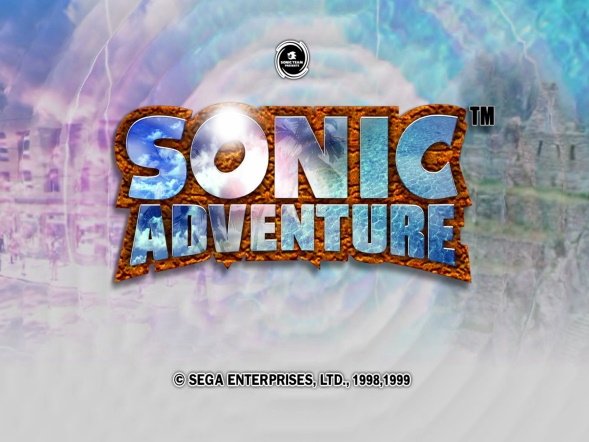
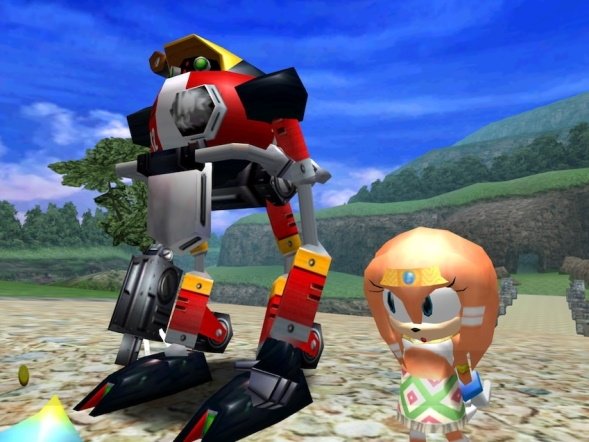
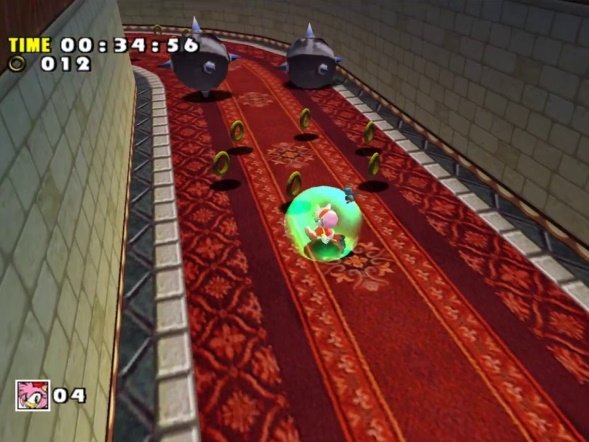
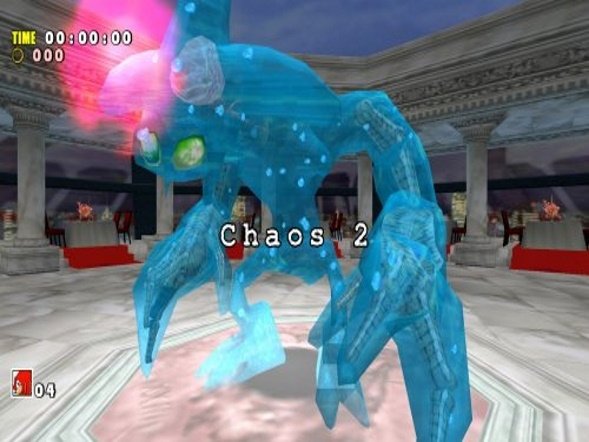
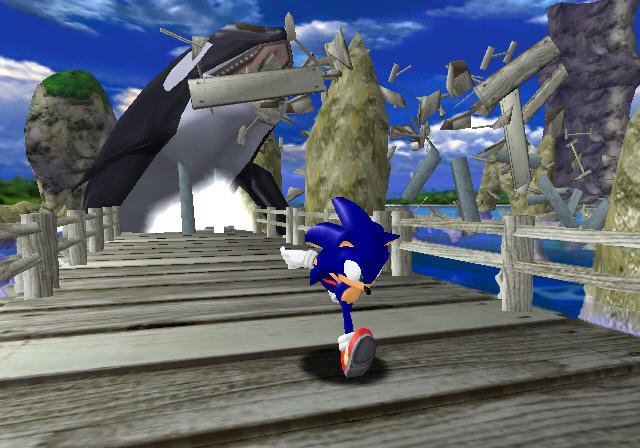
.gdi with all of its track files, dumped from your own disc.Overview
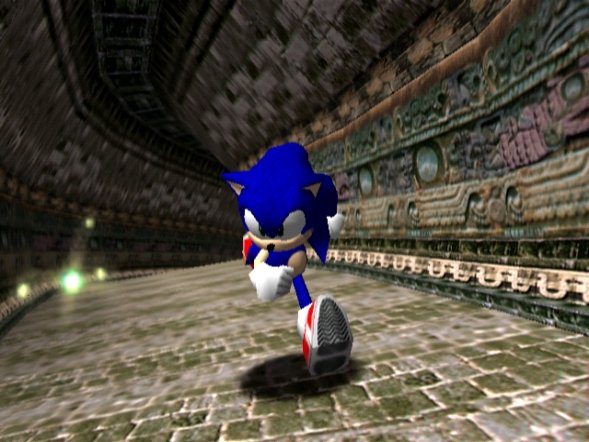
Sonic Adventure Recompiled is a native PC port of the Dreamcast version of Sonic Adventure for Windows, Linux and the Steam Deck. It is made by static recompilation with KatanaRecomp and draws with Direct3D 11 or Vulkan on Windows and Vulkan on Linux.
It adds 16:9 and 21:9 widescreen with the HUD kept in proportion, a choice between the original timing and a recompiled timing that runs gameplay at 60 updates per second, an optional camera with right-stick and mouse control, a new Options menu with control rebinding, separate volume settings and five text languages, and save profiles with backups. The first beta is fully playable, with all seven stories playable to the end; some widescreen cutscenes show framing problems, and development was paused in September 2026. The author says AI tools were used as coding assistants and for documentation.
The download contains no game data. It needs Sonic Adventure for the Dreamcast, PAL version 1.003, dumped from your own disc.
How to Set It Up
- Download the installer for your system: the
.exefor Windows, or the Linux or Steam Deck.run. - On Linux, make the
.runfile executable and run it as your normal user, without sudo. On a Steam Deck, install it in Desktop Mode, add the game to Steam and play it from Gaming Mode without forcing Proton. - In setup, select your
.gdi, with all its track files beside it under their original names. Setup checks the tracks and installs the game files from them. - Start Sonic Adventure Recompiled from its shortcut. Text and voice languages can be changed in Options.