Xenoblade Chronicles HD Texture Pack
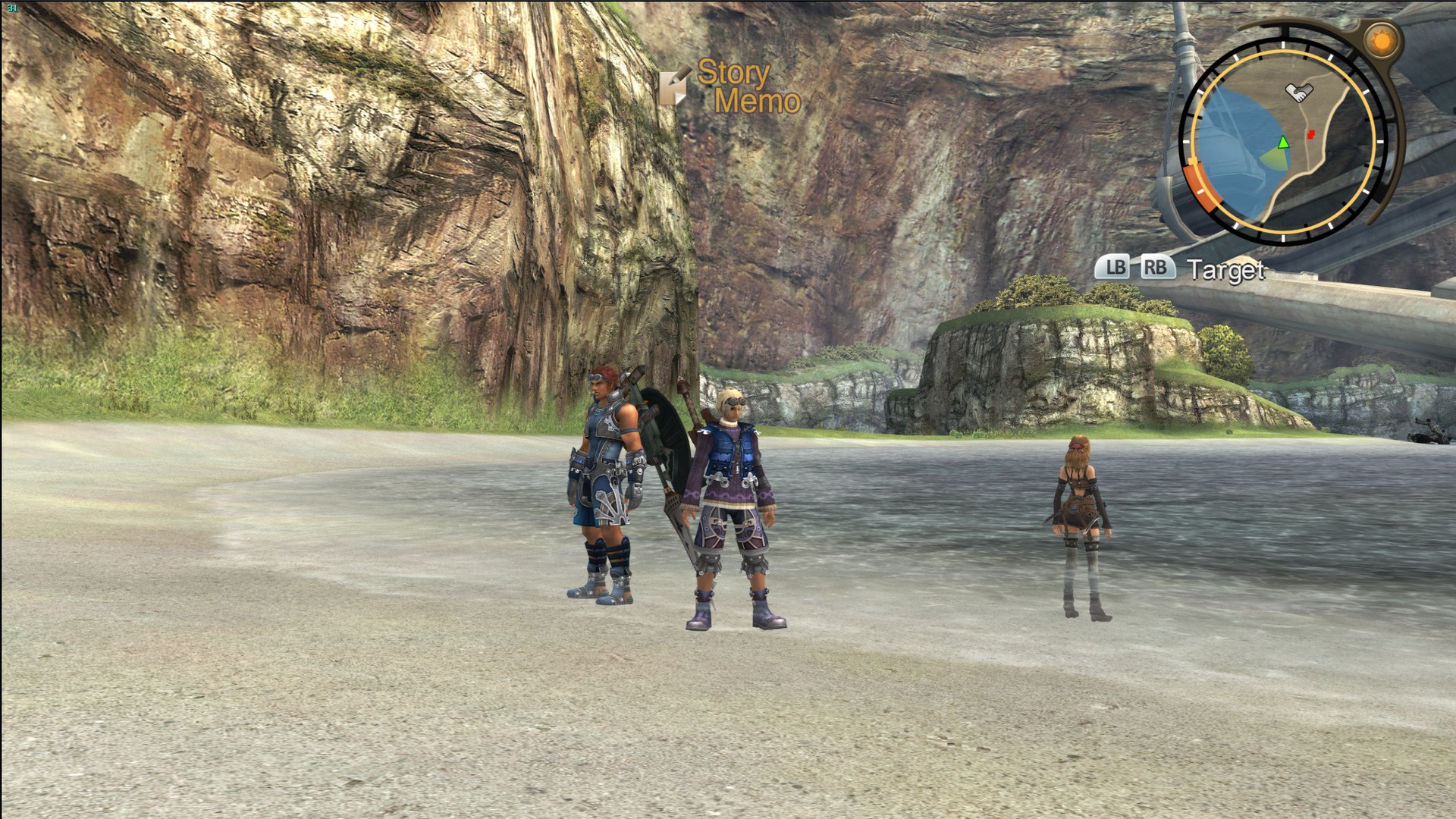
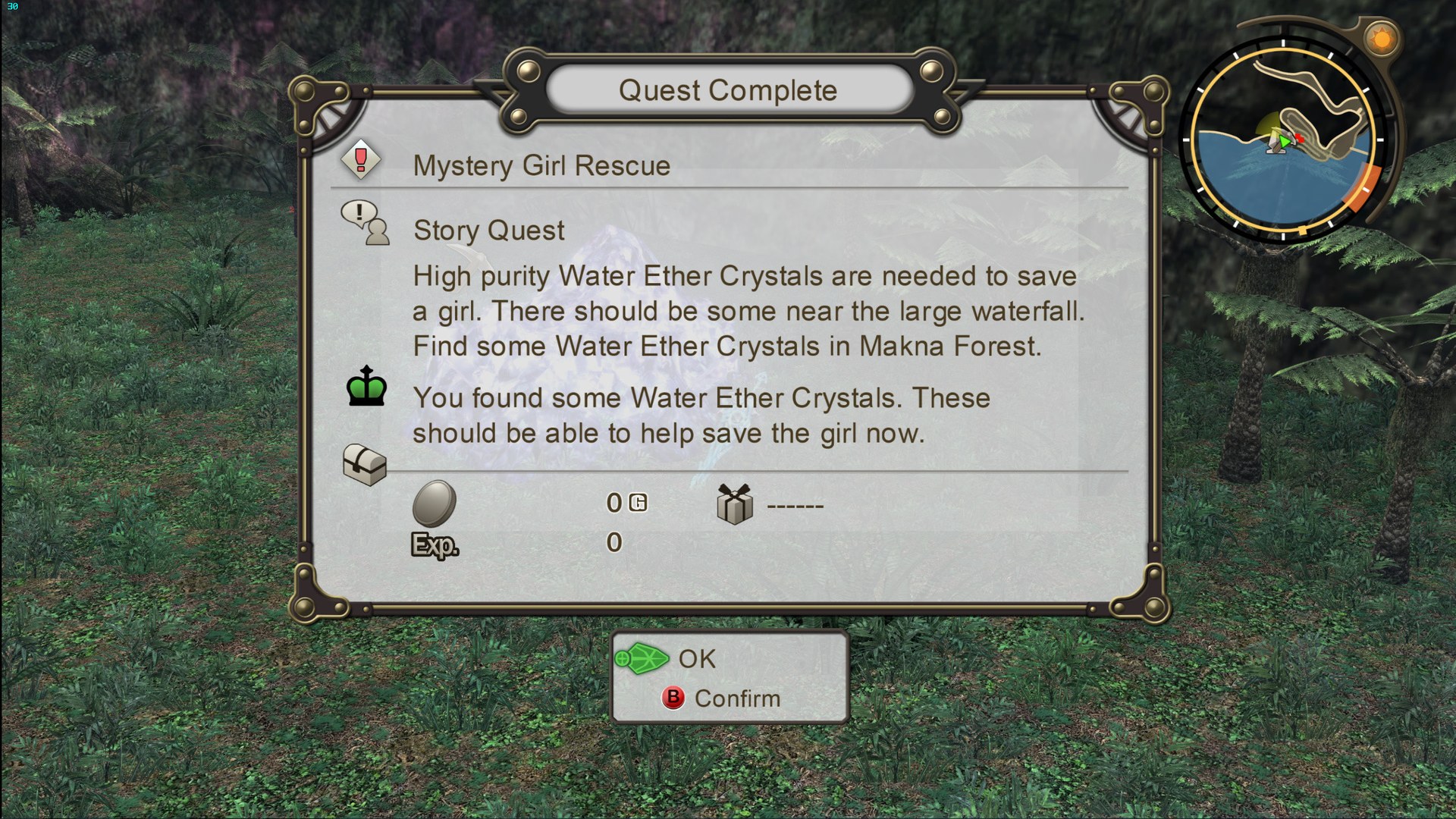
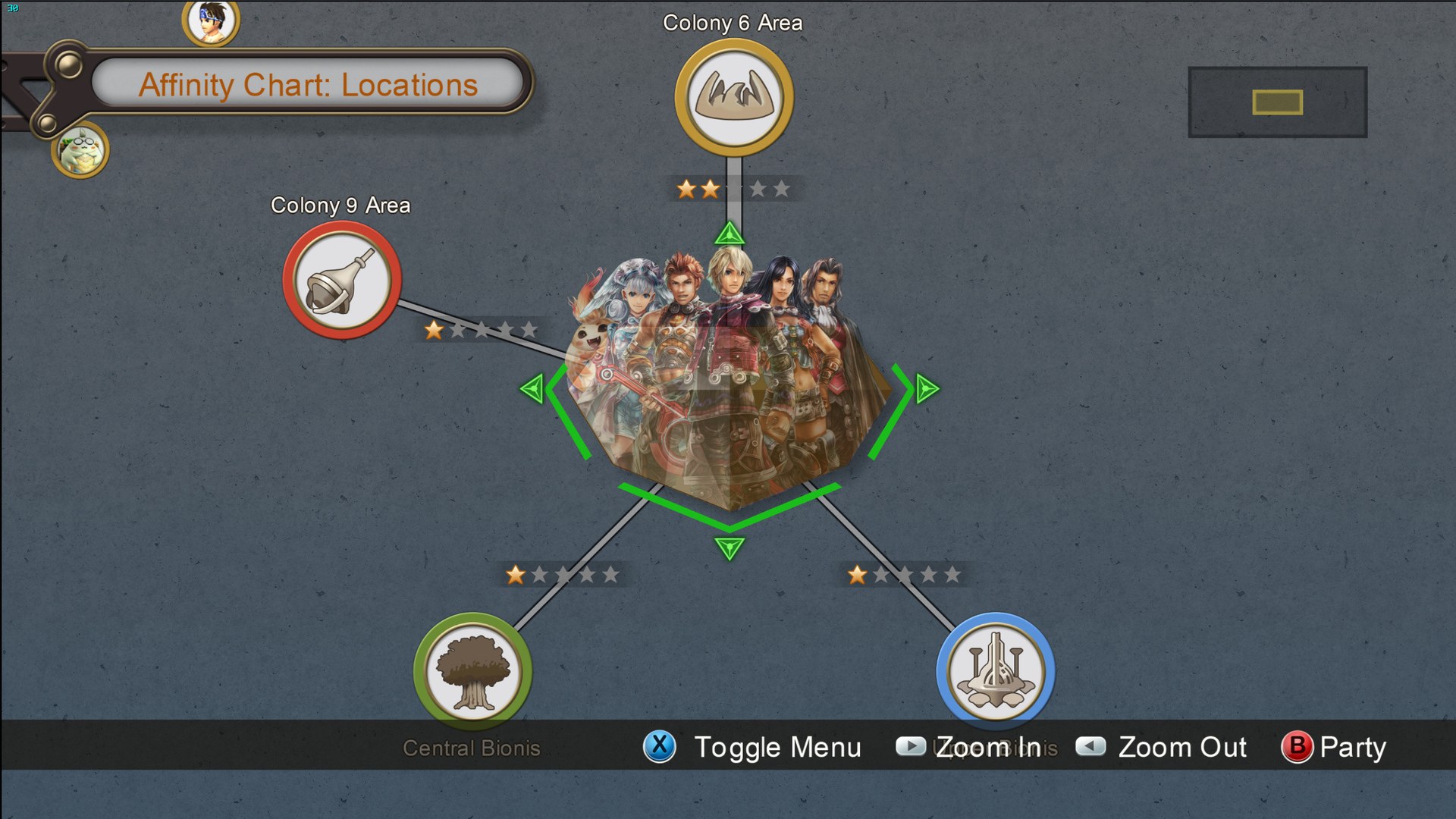
Texture pack for Xenoblade Chronicles
- Bighead and the Dolphin CommunityArtist
- 2 Oct 2026Page Updated
Details
- Artist
- Bighead and the Dolphin Community
- Original Release
- Dolphin Forums
- Page Updated
ScreenshotsView All (15)
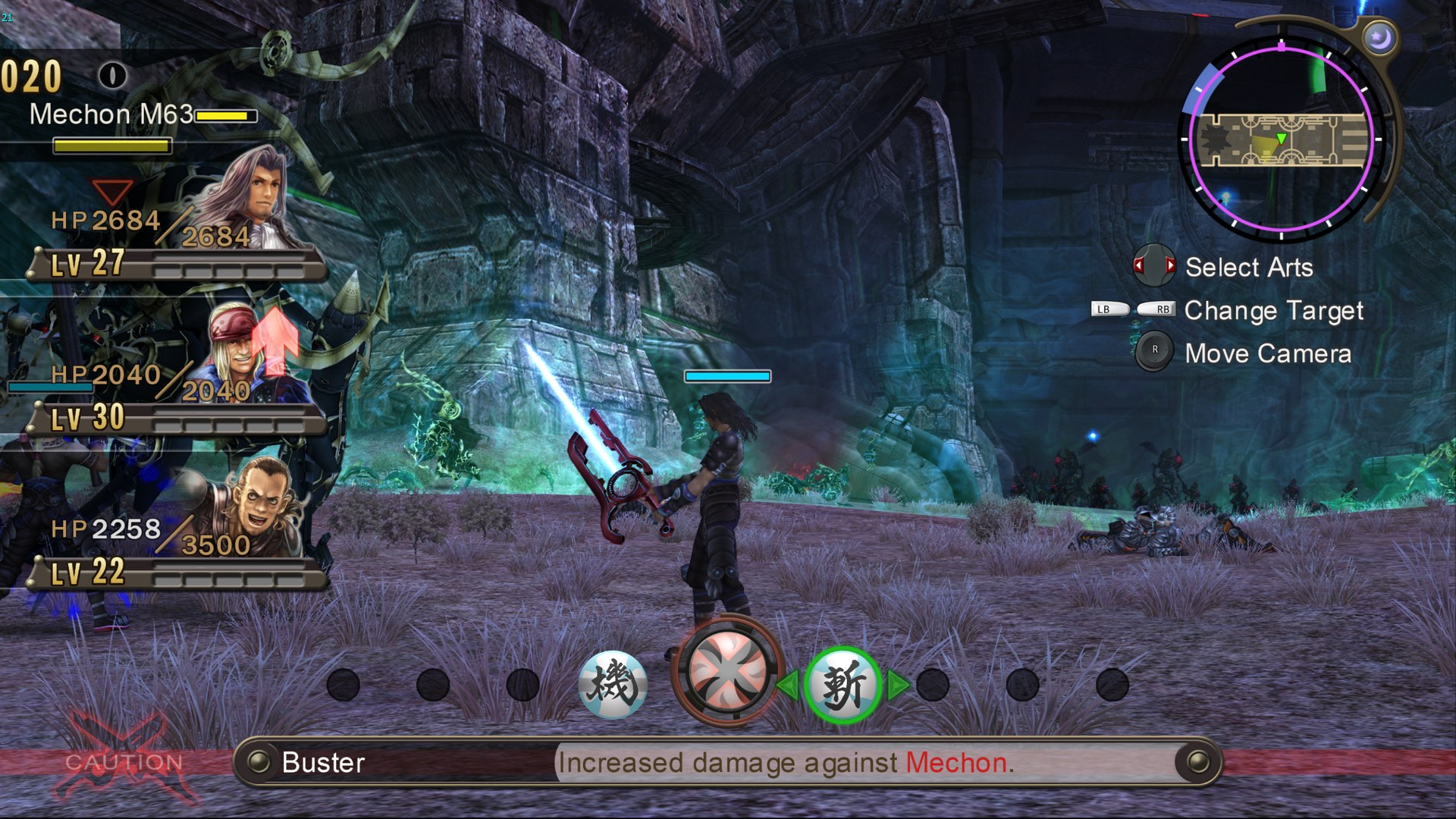
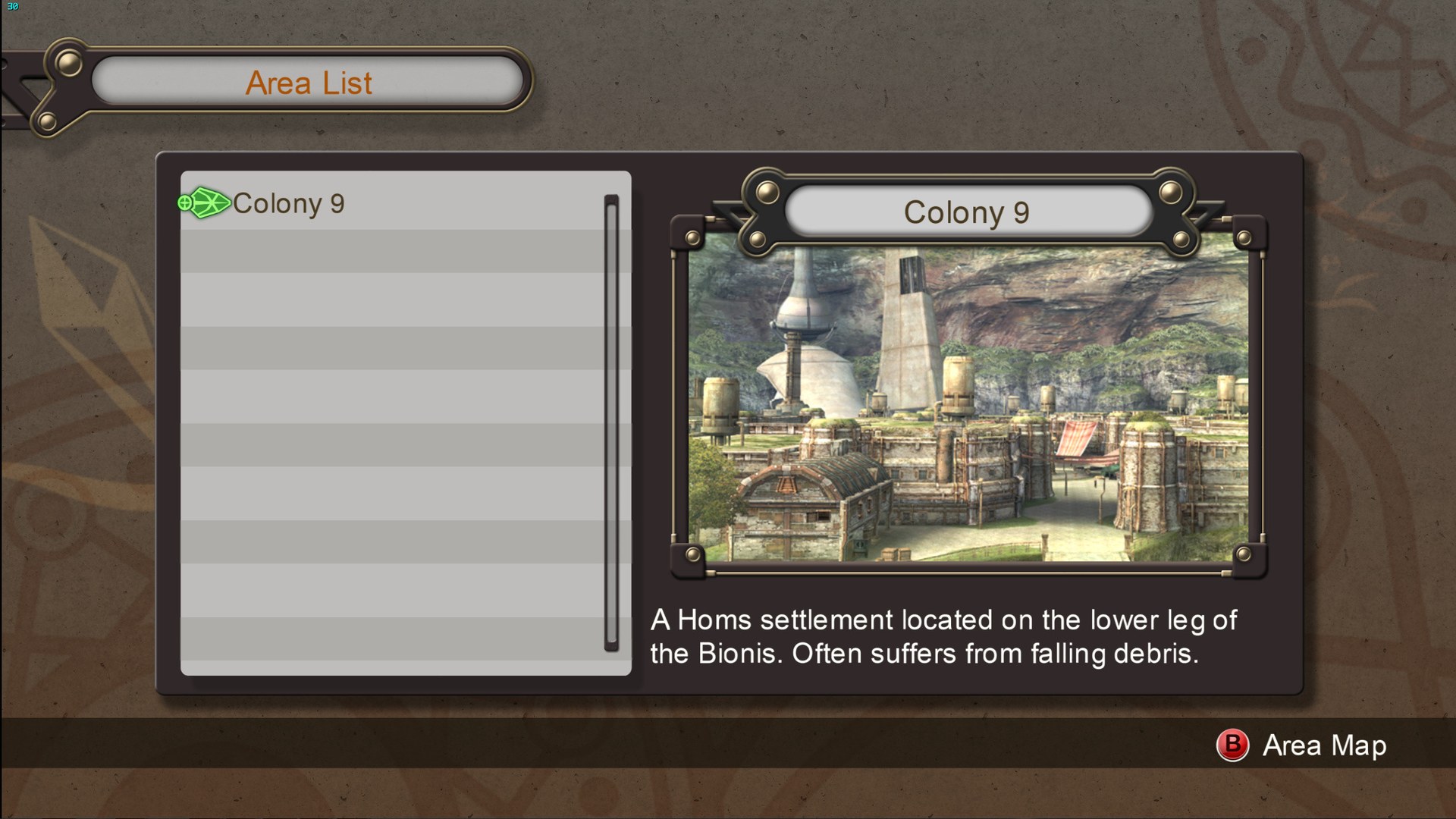

Overview
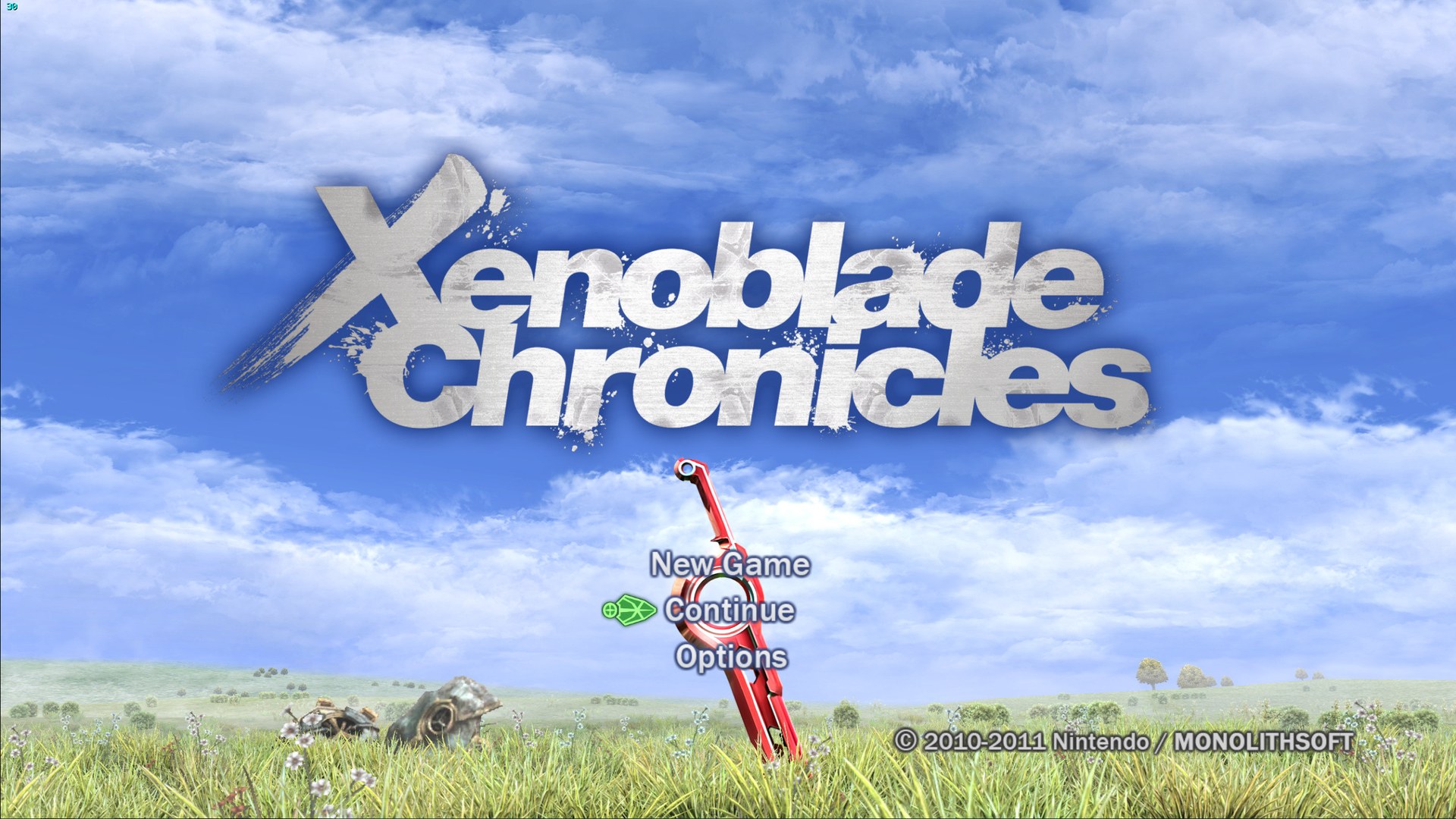
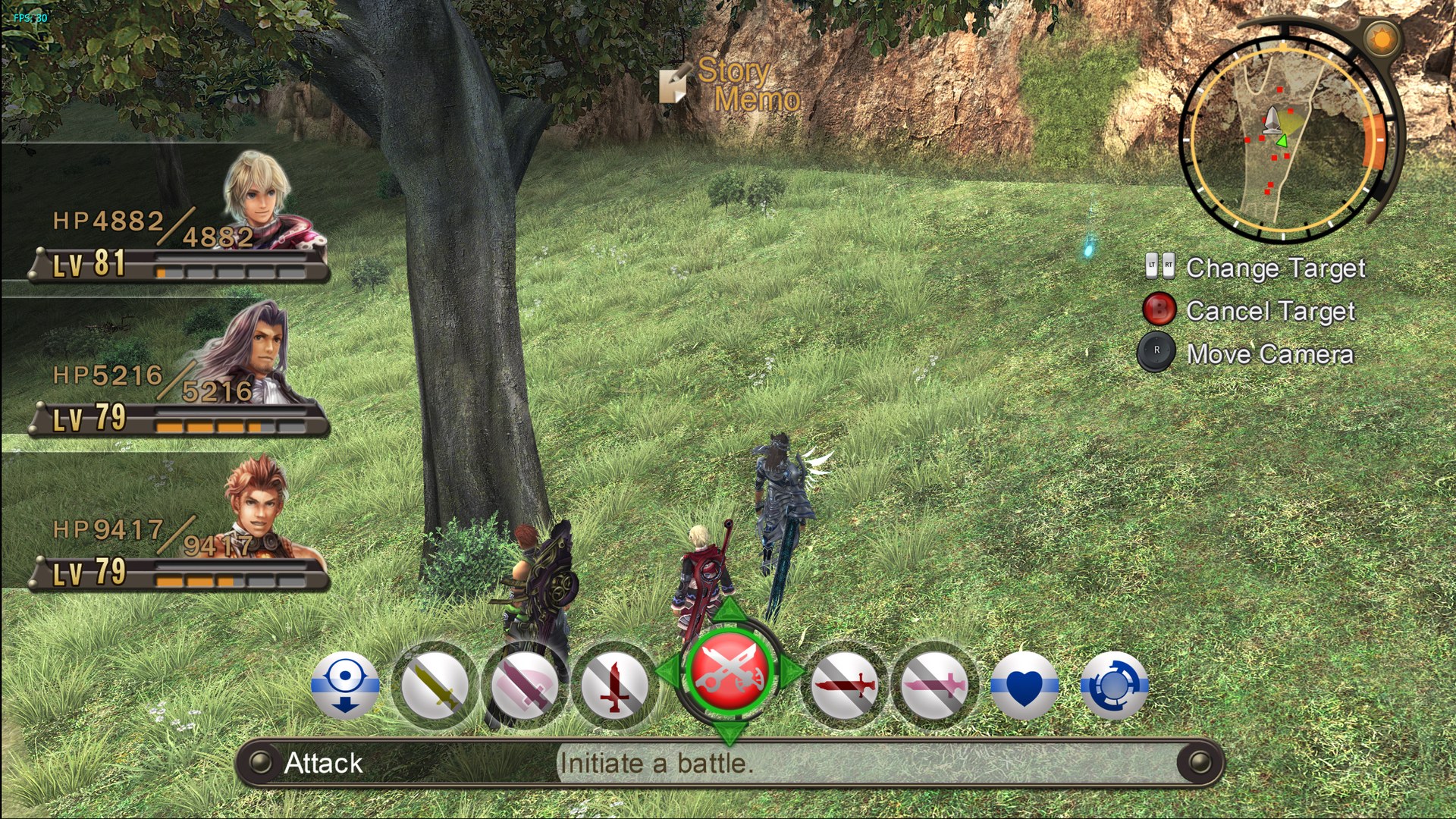
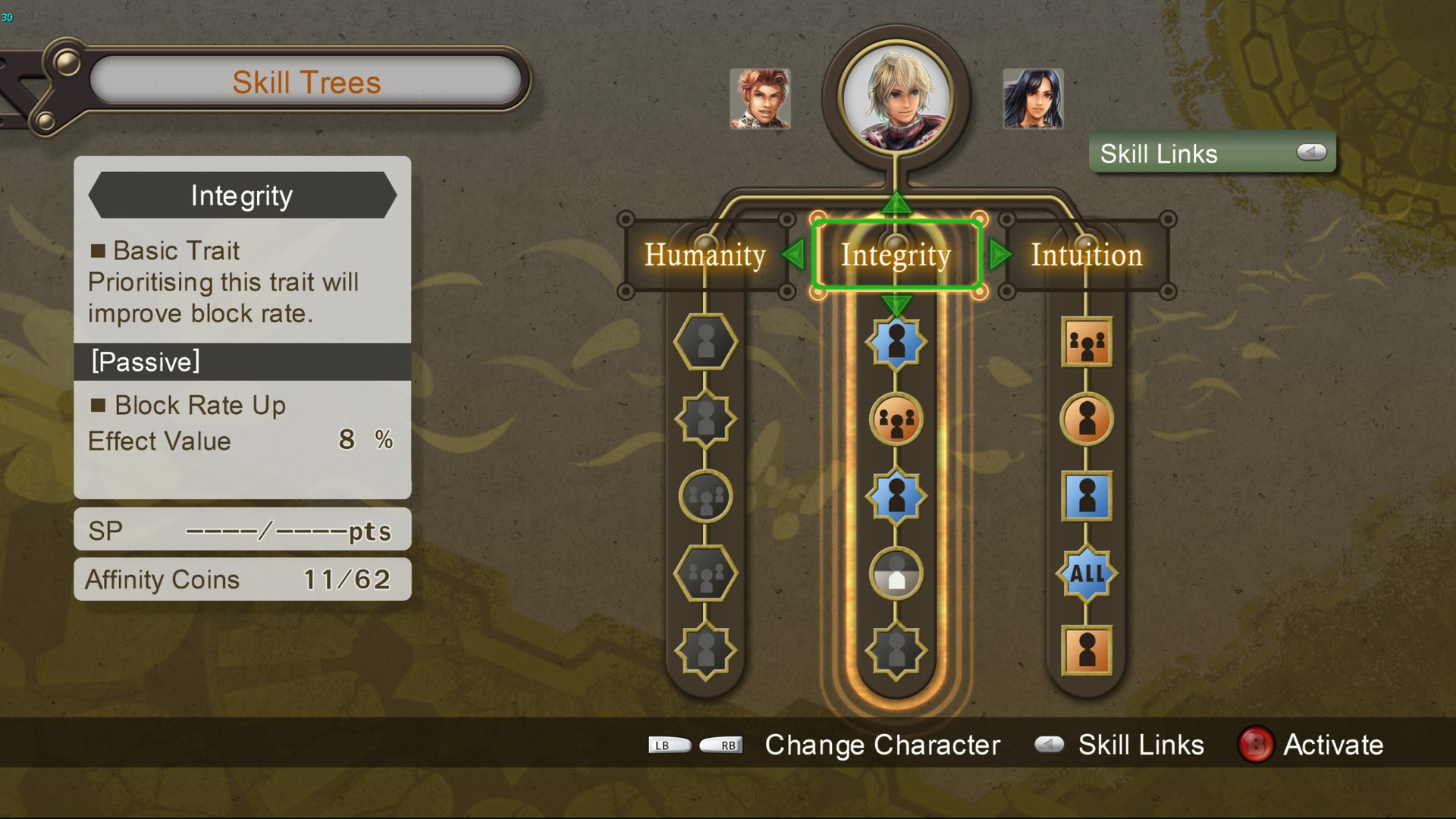
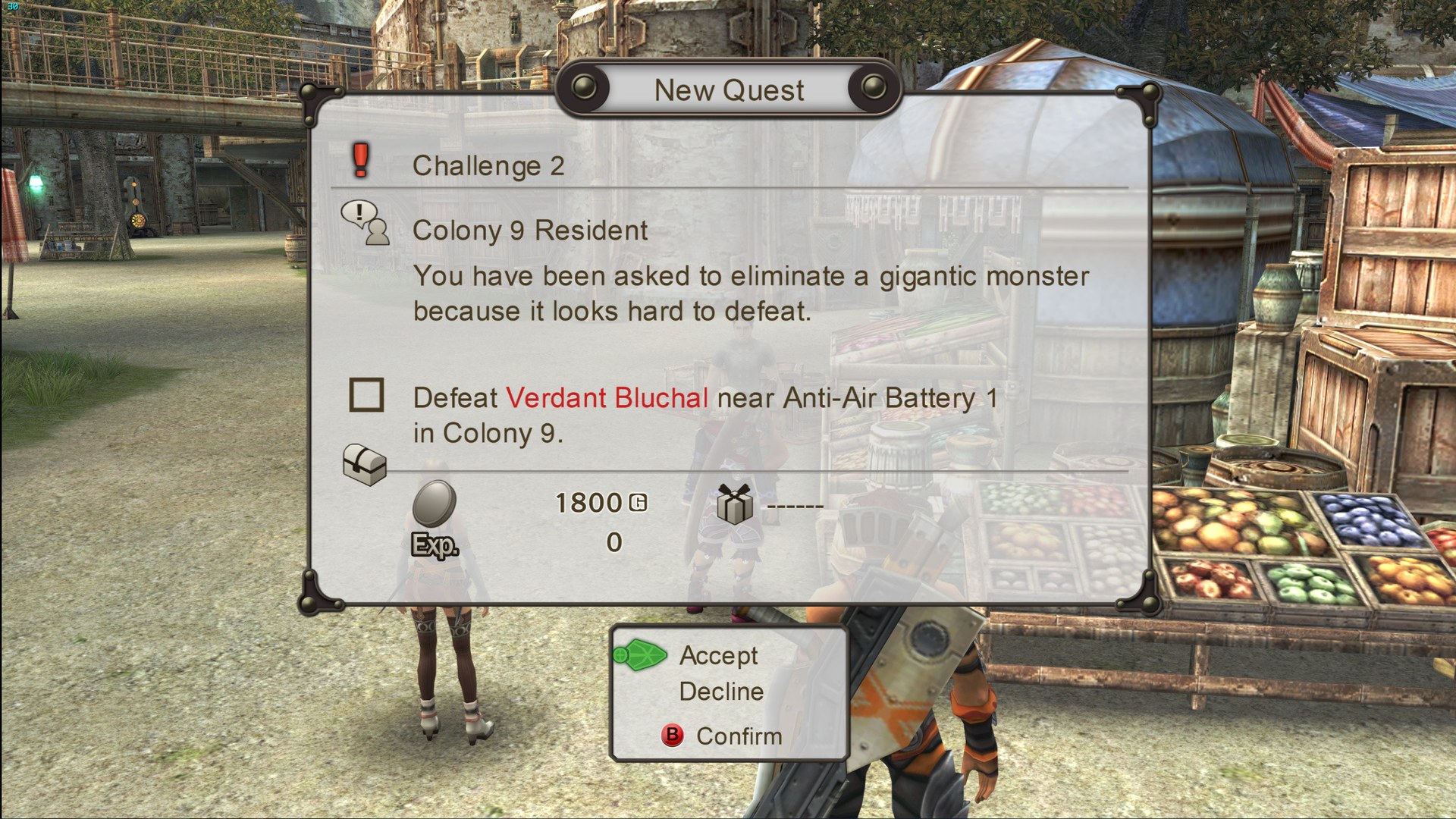
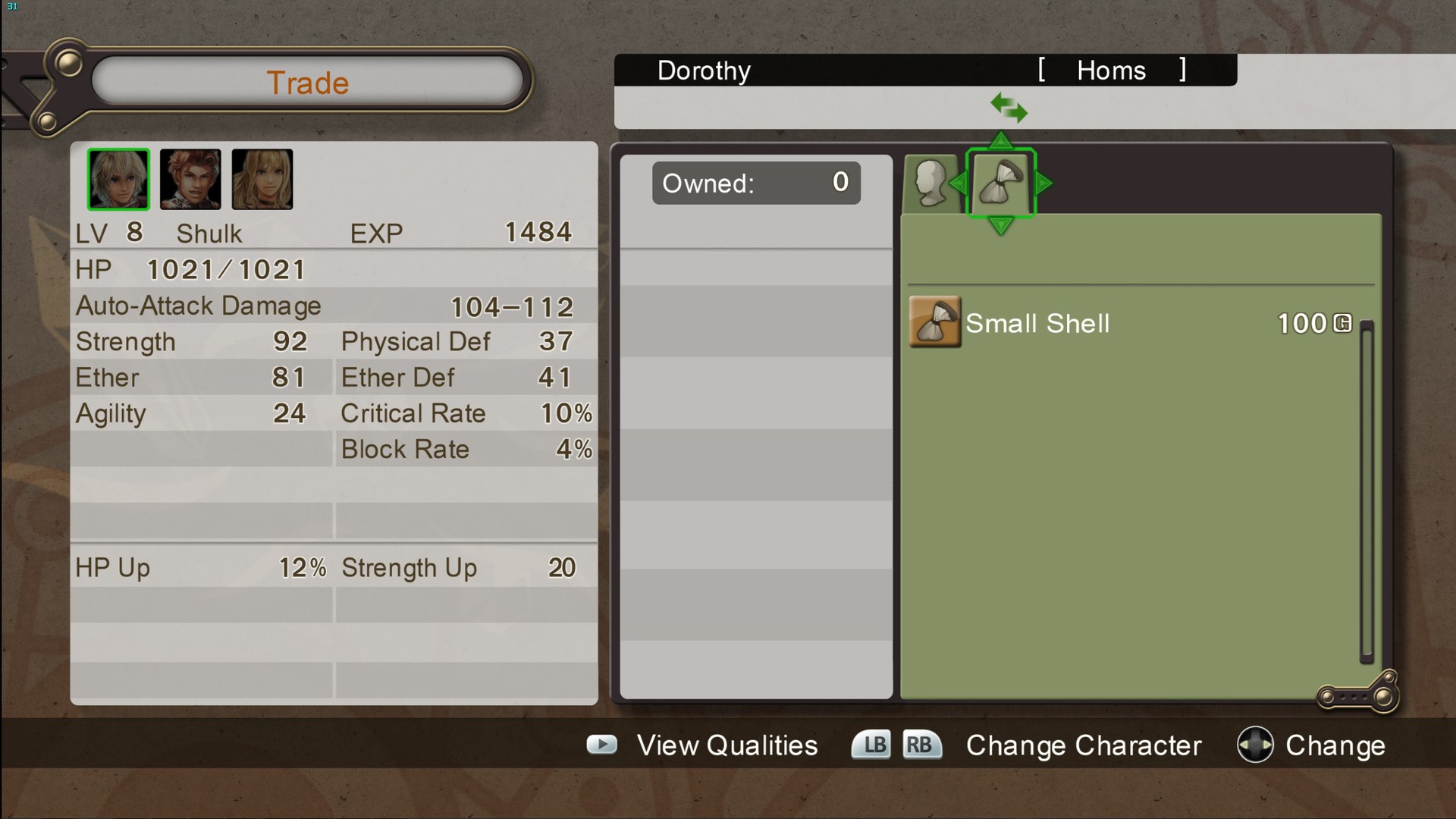
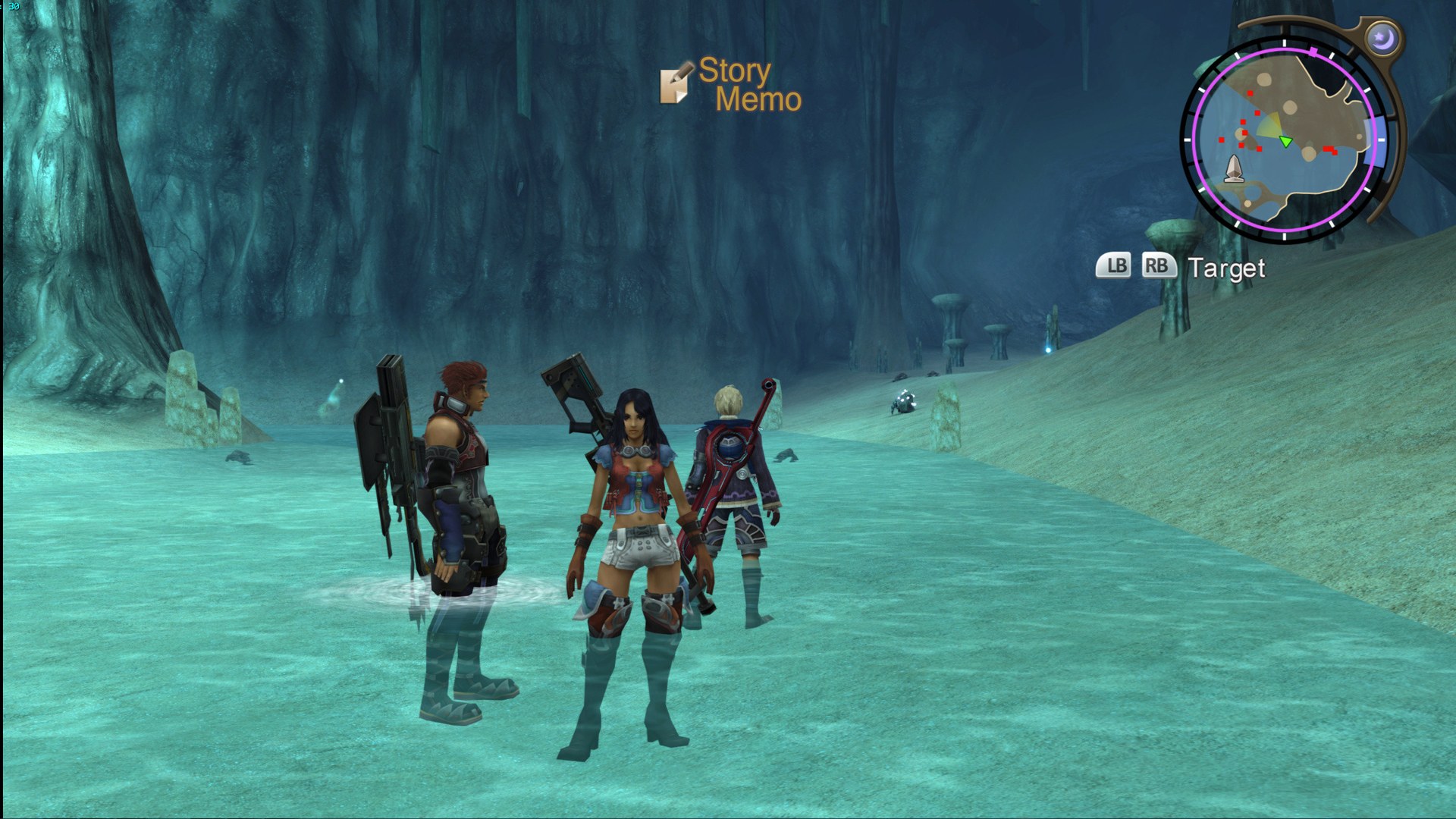
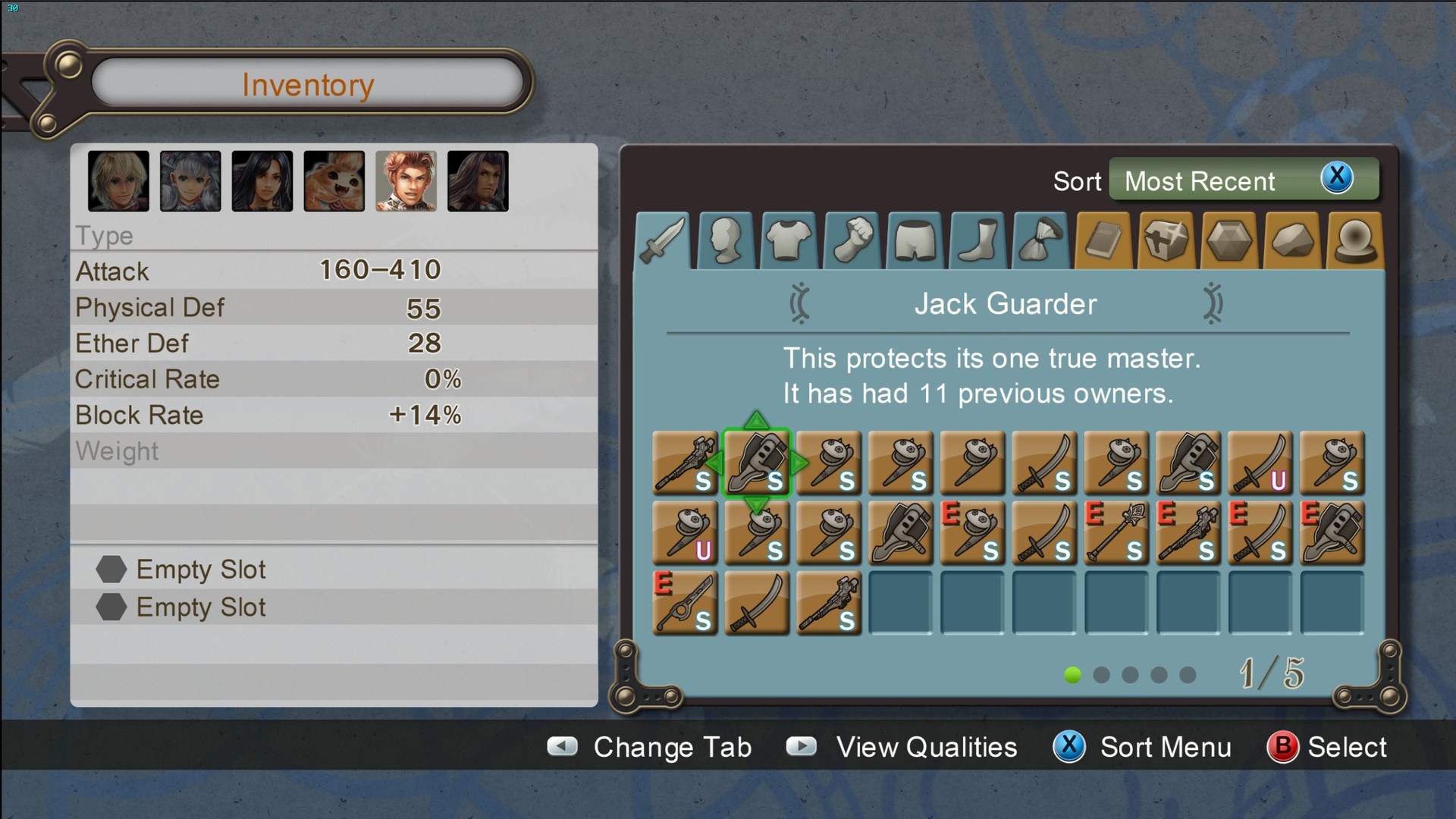
This community project sets out to give Xenoblade Chronicles as many HD textures as possible while keeping faithful to the originals. layberneth started it, poweredbykimchi maintained it next, and Bighead now leads it with help from other collaborators.
UI textures are uncompressed DDS and environments use BC7 DDS, both for the best quality. The pack needs Dolphin 5.0-6199 or newer for BC7 and “arb” suffix support, and a DX11-capable graphics card (GeForce GTX 400 or Radeon HD 5000 series and up), or the textures will not load. A current development build of Dolphin, or Dolphin Ishiiruka, is recommended.
Two builds are offered: 1080p and 2160p.
How to Set It Up
- In Dolphin, open File > Open User Folder, then go into
Load/Textures/. - Extract the download there, so you end up with a
Load/Textures/SX4/folder. - Open Graphics > Advanced and tick Load Custom Textures. Ticking Prefetch Custom Textures too stops stutter, if you have the RAM for it.