Matteoki's Wii Sports Texture Pack
Texture pack for Wii Sports
- MatteokiArtist
- 2 Oct 2026Page Updated

Overview
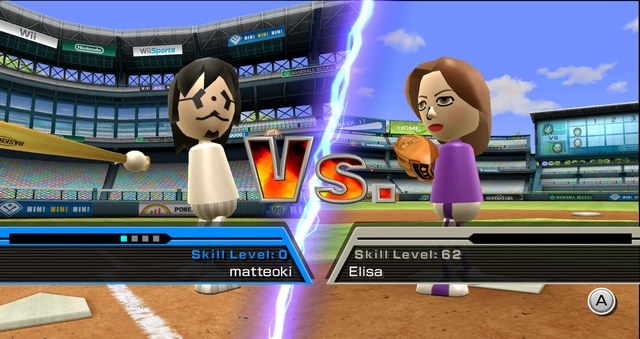
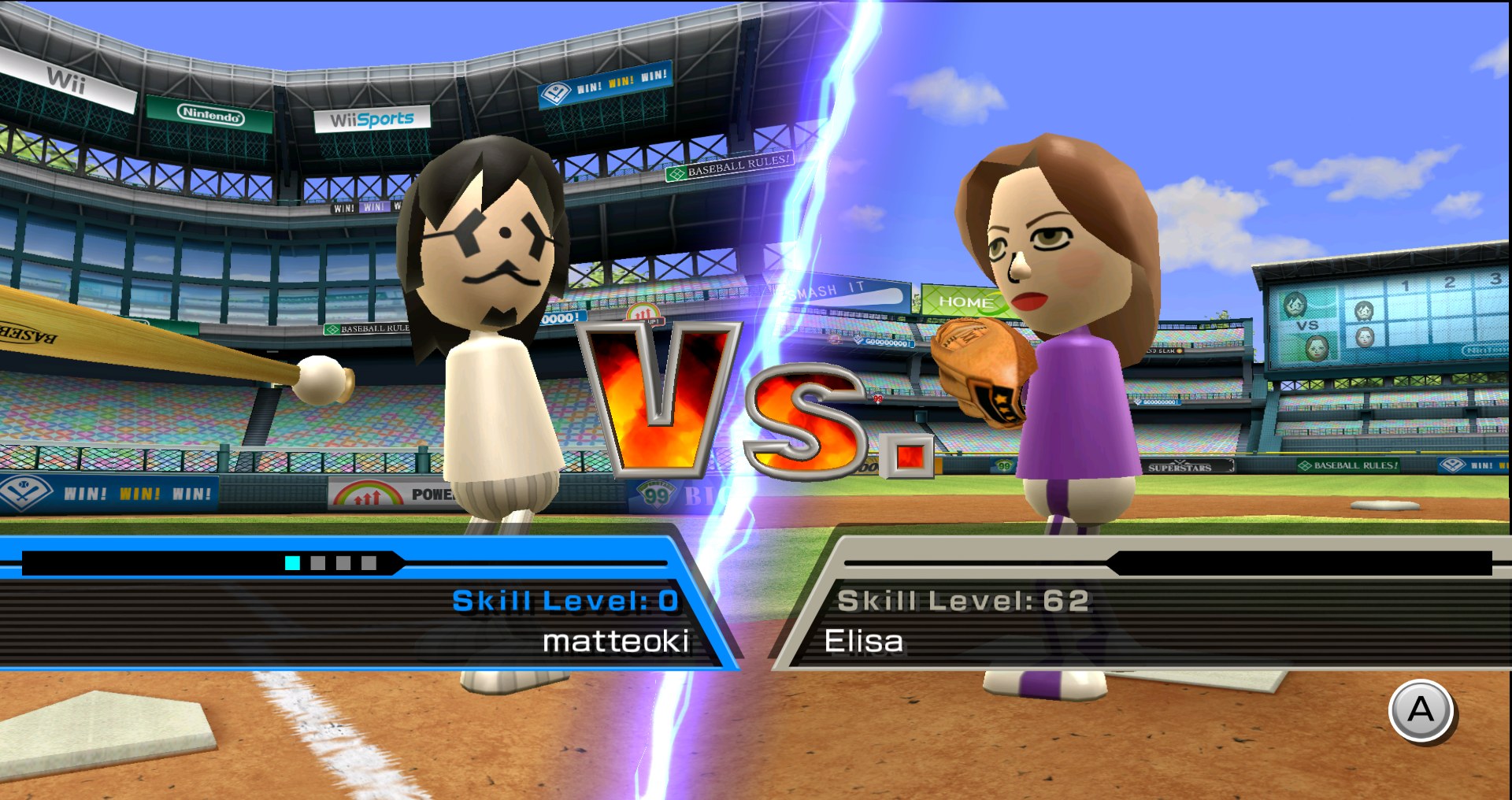
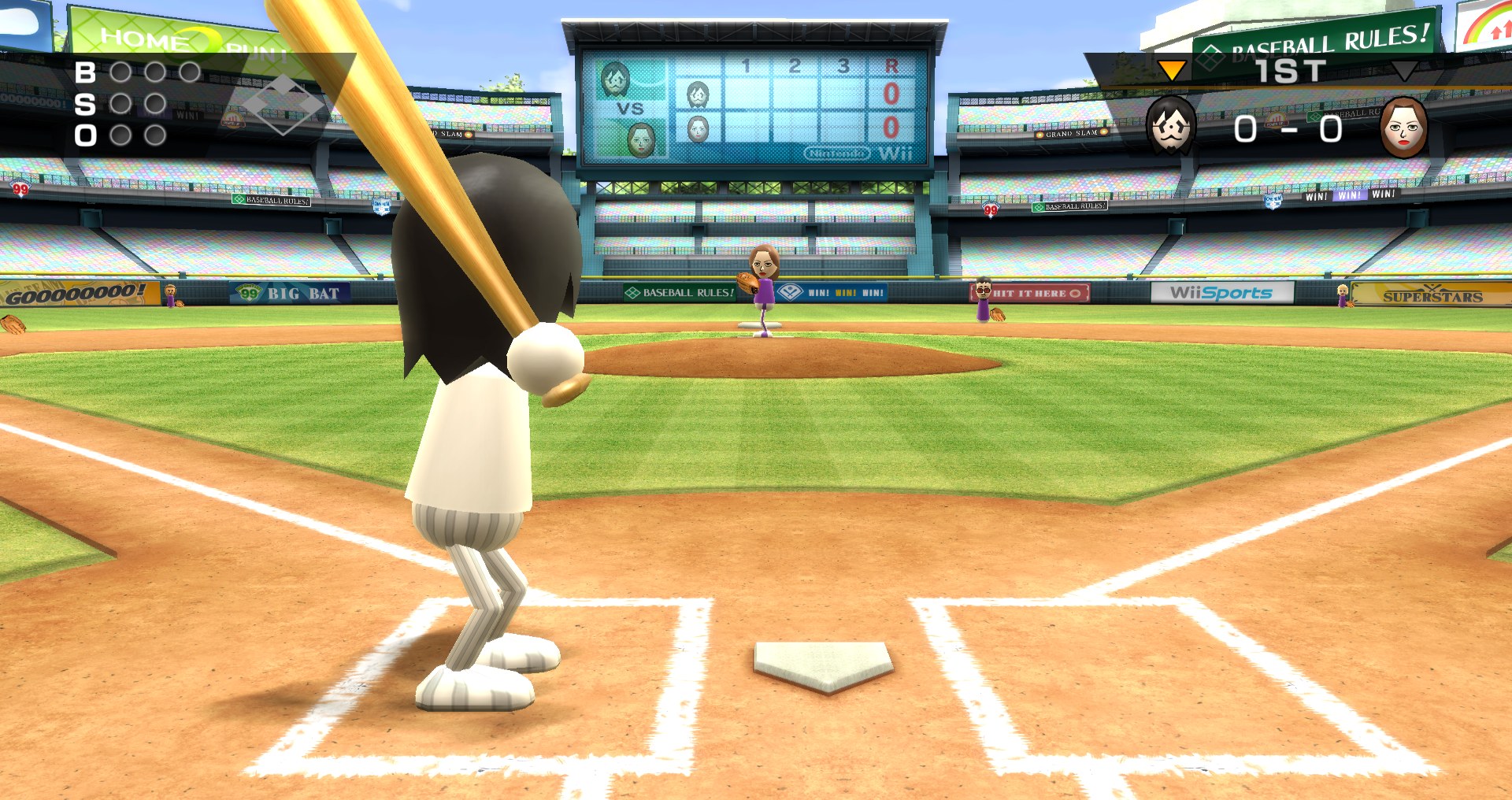
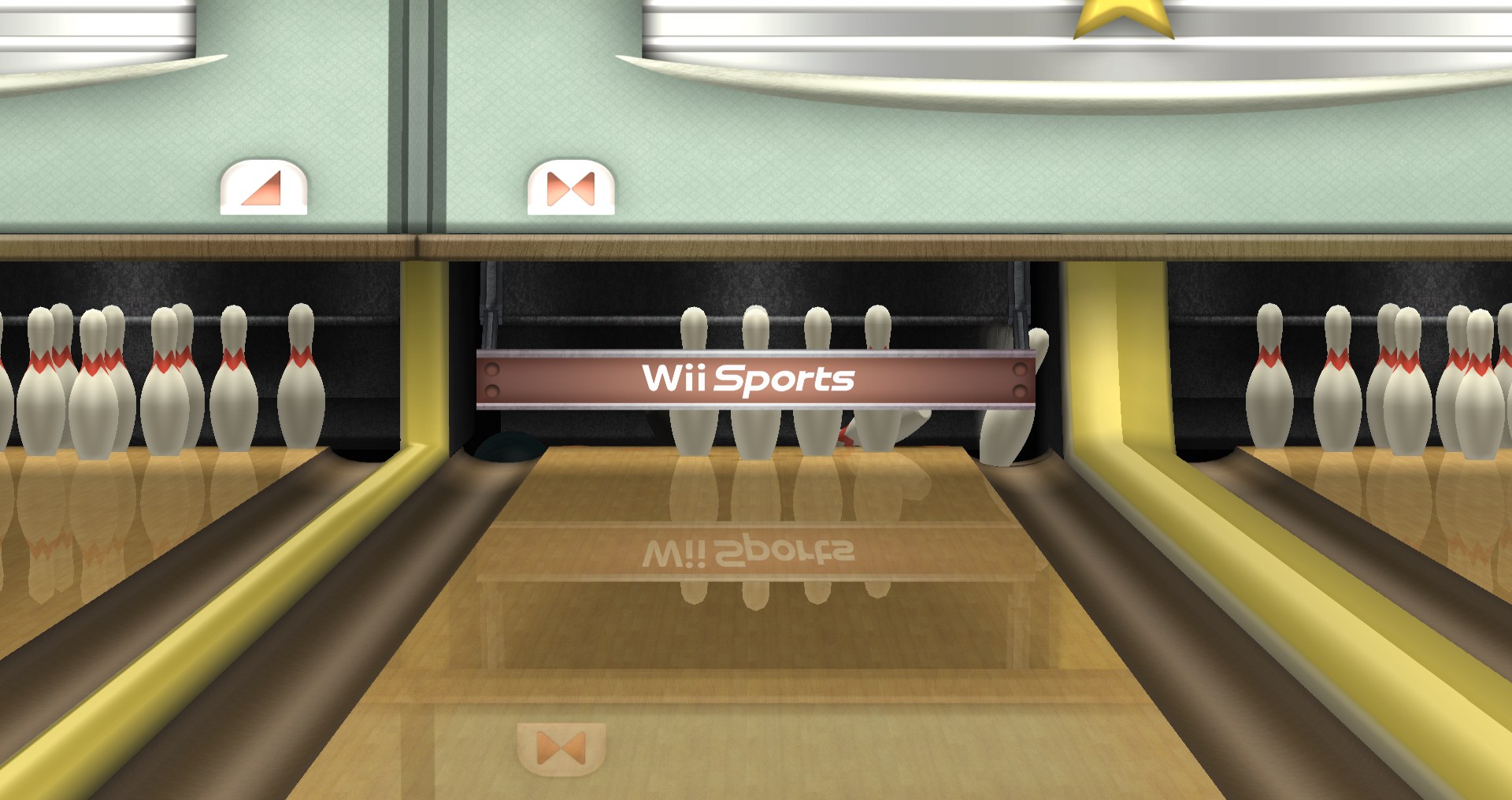
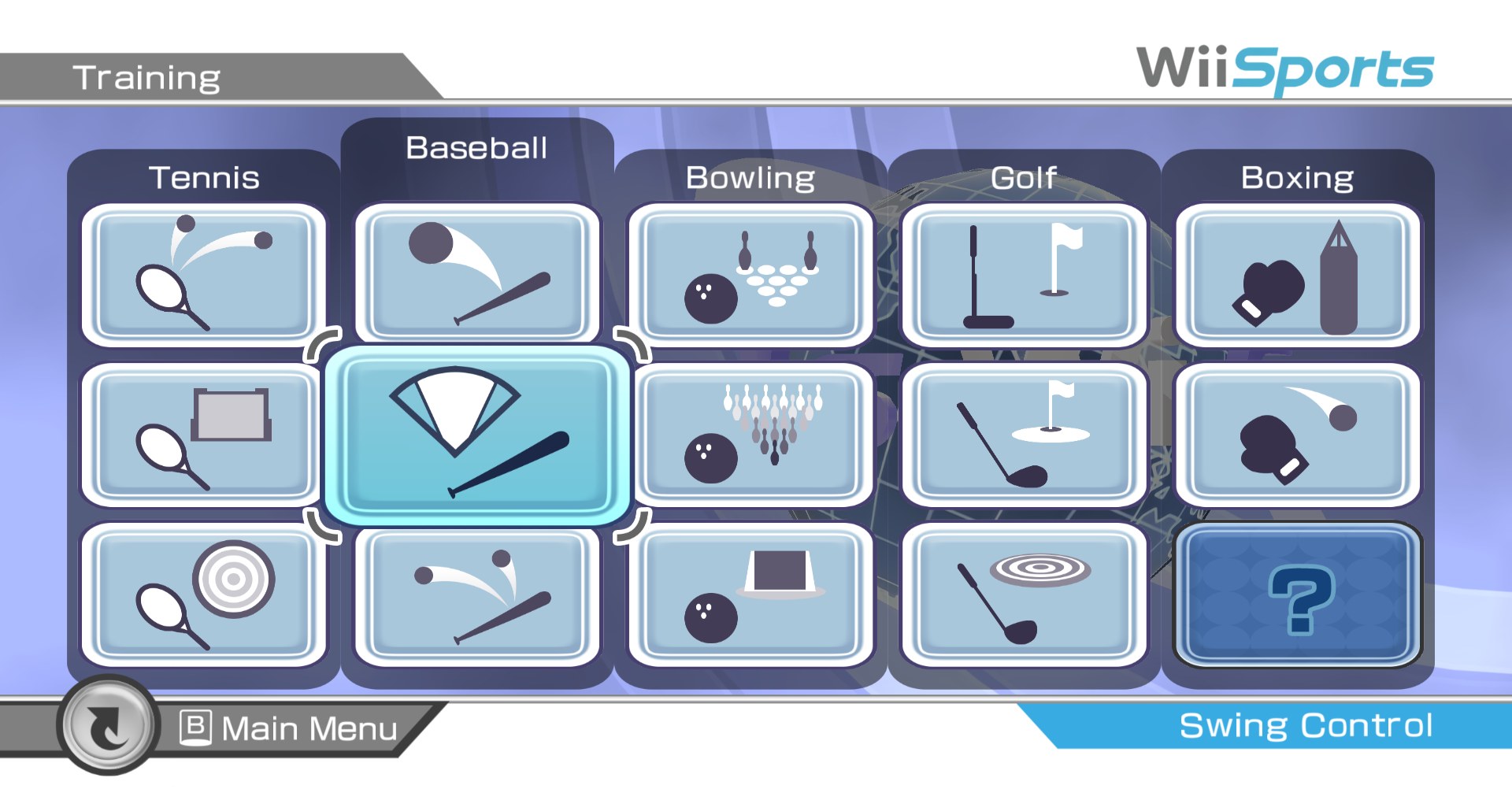
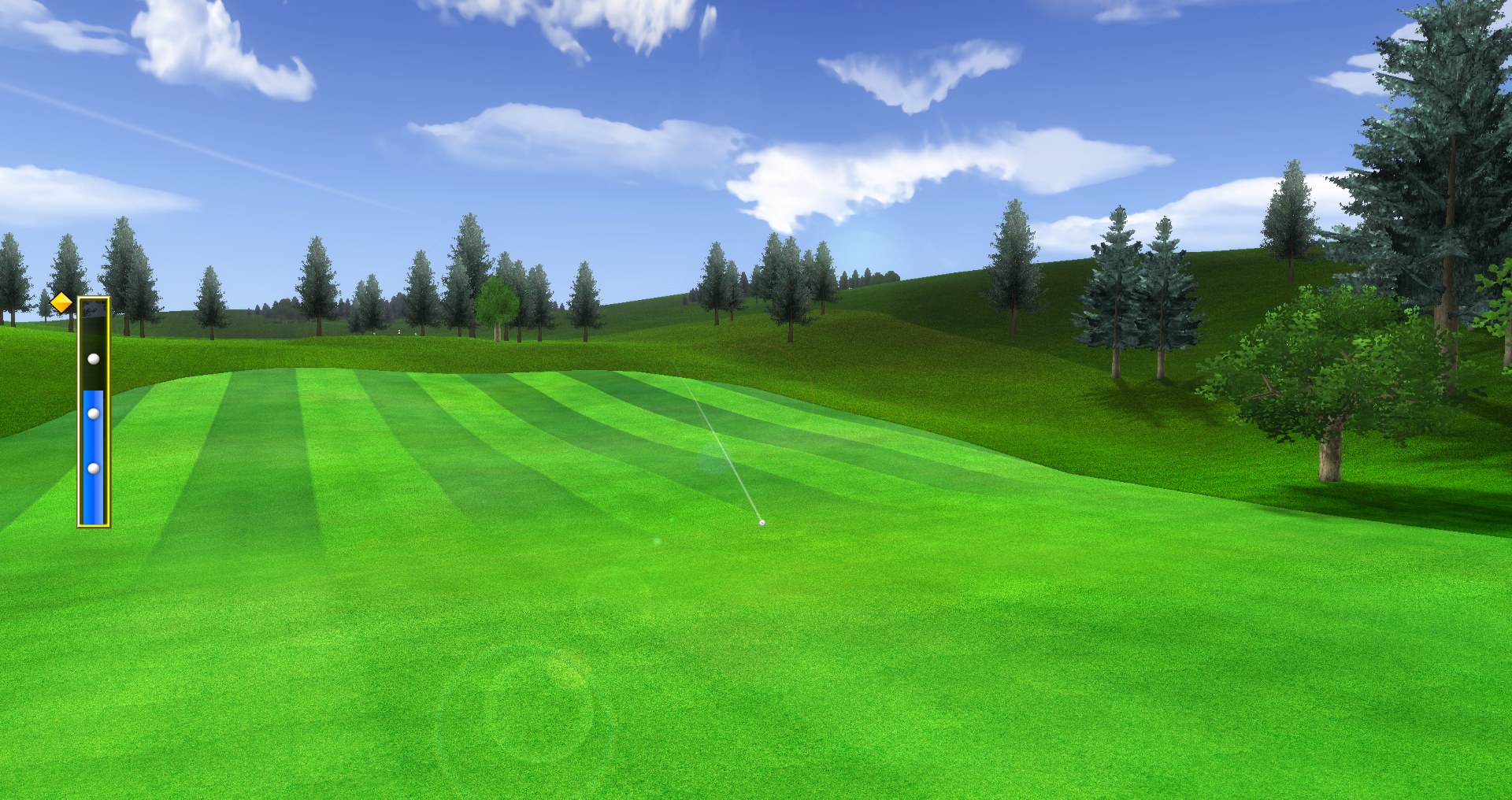
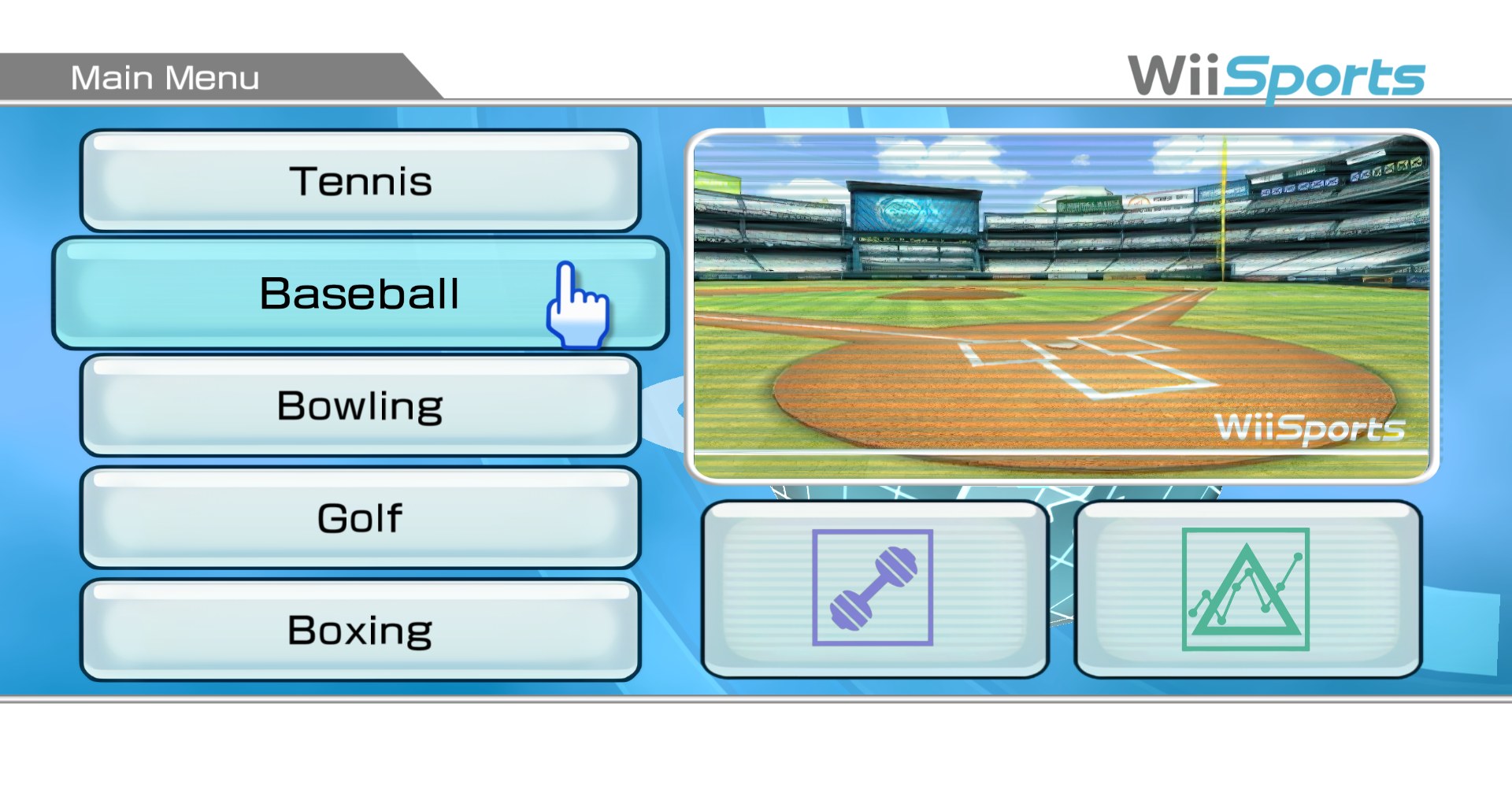
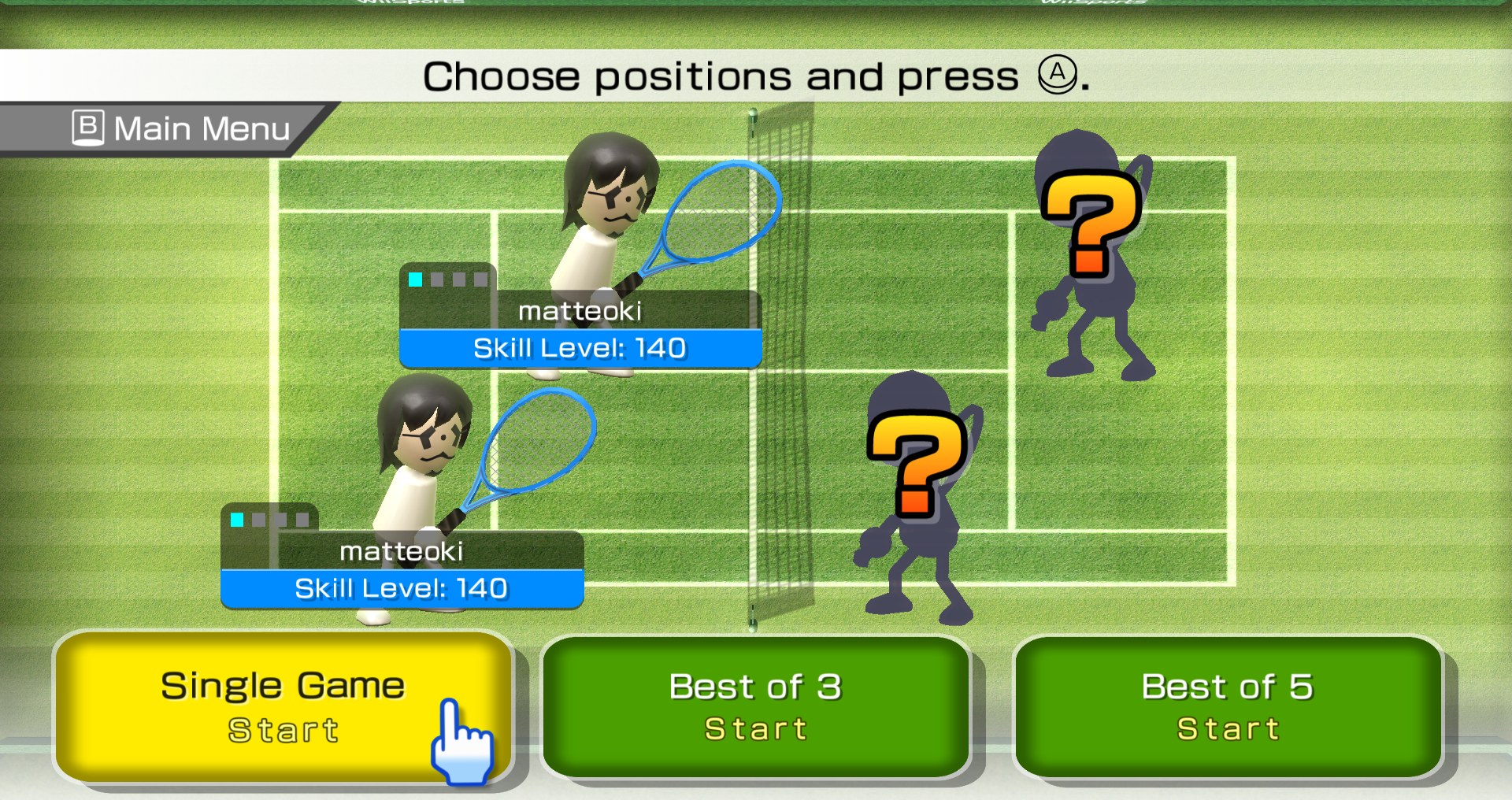
Matteoki’s Wii Sports pack replaces 2,068 textures, 1,498 of them mipmaps. It took about a month and roughly 100 hours of work.
Matteoki made it as part of Game Restorers, a group that works together on HD texture packs and teaches others how to make them.
How to Set It Up
- In Dolphin, open File > Open User Folder, then go into
Load/Textures/. - Extract the download there, so you end up with a
Load/Textures/RSP/folder. - Open Graphics > Advanced and tick Load Custom Textures. Ticking Prefetch Custom Textures too stops stutter, if you have the RAM for it.