WarioRecomp
PC port of Wario Land: Shake It!
- RecompilationPort Type
- Santiago109Developer
- 28 Oct 2026Page Updated

Details
- Developer
- Santiago109
- Port Type
- RecompilationA tool translated the game's original machine code into C automatically, which was then built as a native PC program.
- AI Use
- Not statedThe developers haven't said whether they used AI.
- Source Code
- GitHub
- Page Updated
Platform Support
- Windows
Screenshots
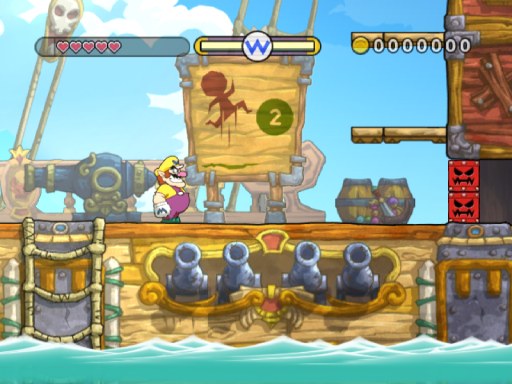
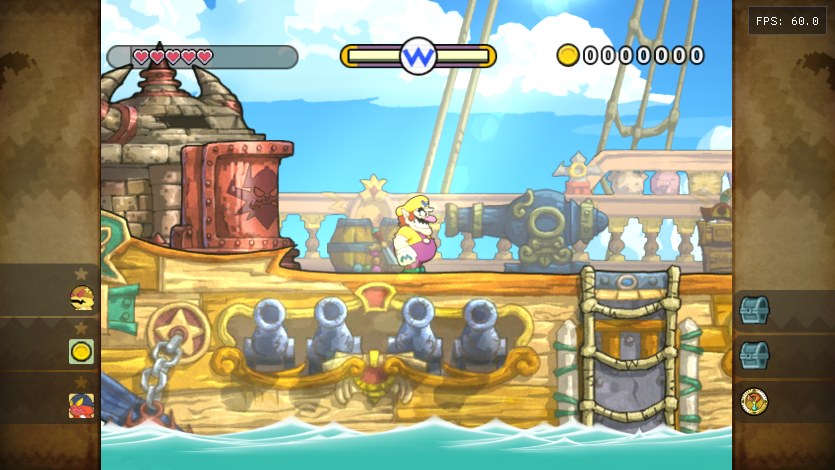
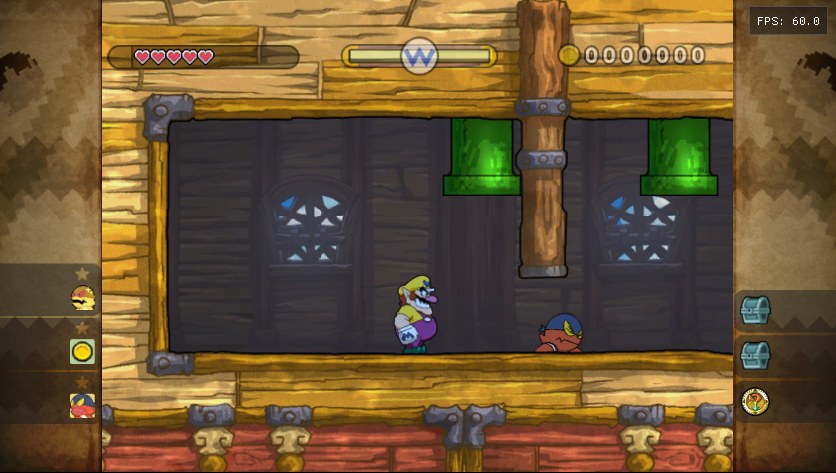
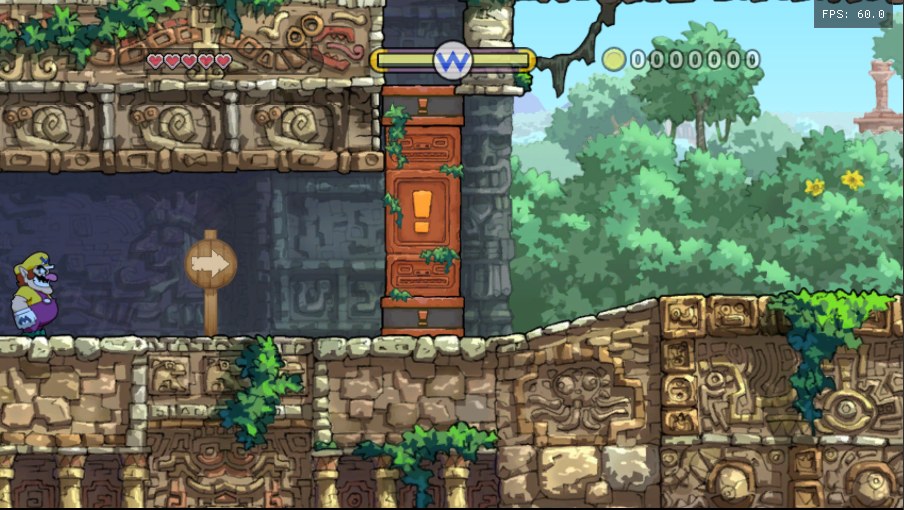
.iso, .wbfs, .ciso, .rvz, .wia or .gcz image of your own disc. 64-bit Windows 10 or 11, a Direct3D 12 or Vulkan graphics card, about 3 GB of free space for the build (4.4 GB more if the launcher extracts the image) and 16 GB of RAM recommended.Overview
WarioRecomp, by Santiago109, is an unofficial native PC port of Wario Land: Shake It!, Good-Feel’s 2008 platformer for the Wii. The game’s PowerPC code is statically recompiled to C++ with WiiCompiled, and the Wii’s video, audio, controller, disc and save libraries are replaced with native Windows code, so it runs as an ordinary program rather than in an emulator.
The author calls it a testing build: the game boots, saves and can be played, but parts of it are still untested and graphical glitches or crashes are expected. It renders at 480p up to 1440p through Direct3D 12 or Vulkan, with true 16:9 widescreen, an experimental mode that removes the side panels from levels, windowed or fullscreen display and optional frame interpolation to 120 FPS.
The sideways Wii Remote is mapped to keyboards and controllers, with shaking on the triggers and tilting on the shoulder buttons or the left stick; a DualSense can also be tilted like the remote. The launcher holds the display, graphics, audio and control settings, imports the disc, backs up saves before every start, and can dump textures and load high-resolution replacements. The download contains nothing from the game: the launcher checks the player’s own US disc and builds the port from it on their computer.
How to Set It Up
- Download the zip and extract it to a folder of its own, such as
D:\WarioRecomp. - Open
WarioLauncher.exe, press Install and choose your disc image and a folder to extract it to. - Wait while the launcher builds the port on your computer (15 to 45 minutes, offline: the compiler is in the download), then press Play.