CDAMJC and Razius's Super Mario Galaxy Texture Pack
Texture pack for Super Mario Galaxy
- CDAMJC and RaziusArtist
- 2 Oct 2026Page Updated
Overview
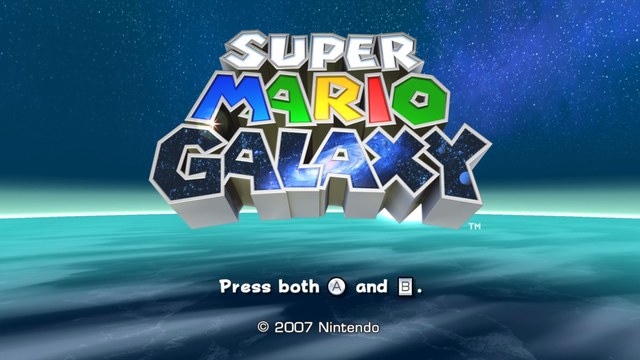
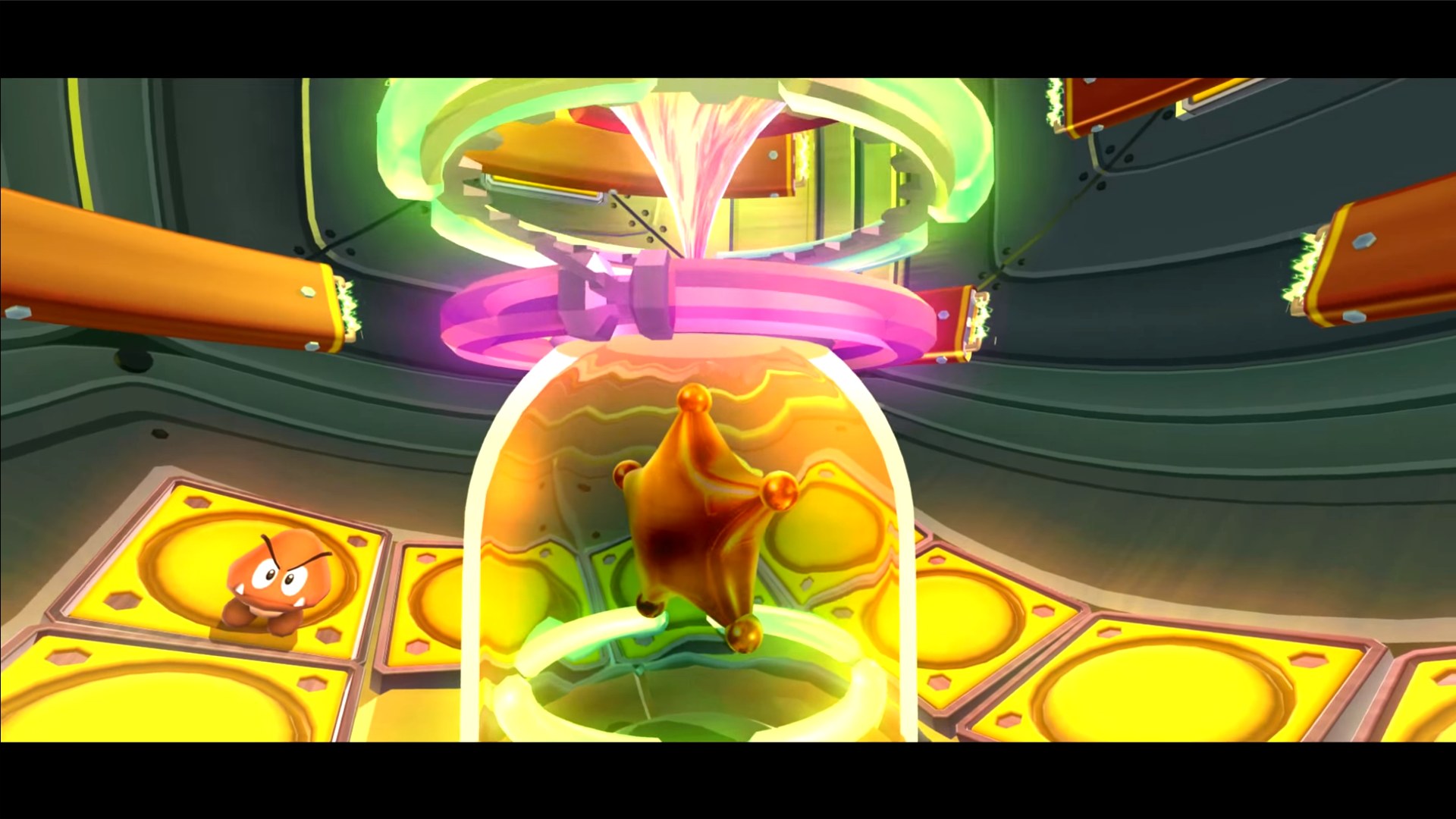
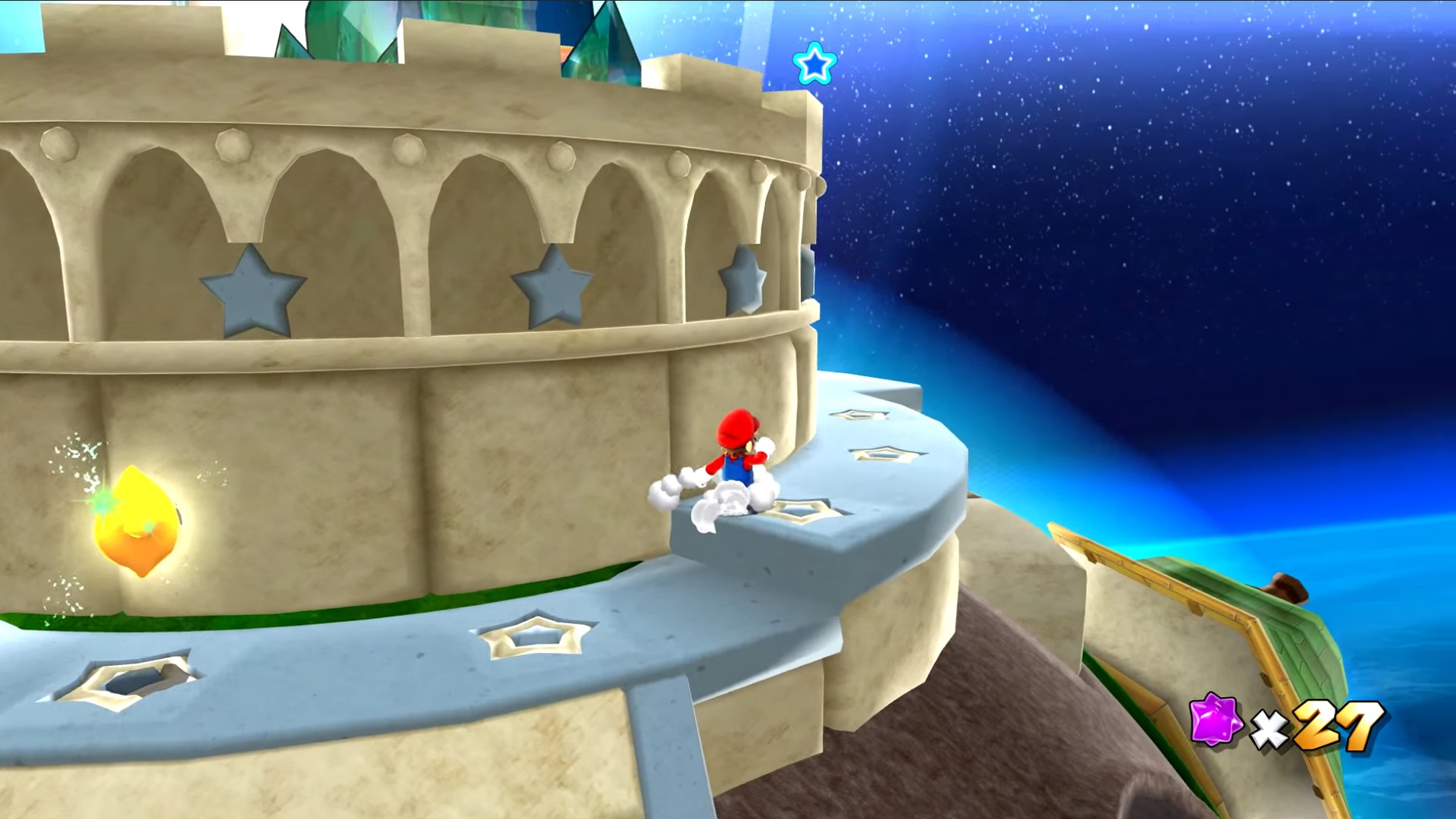
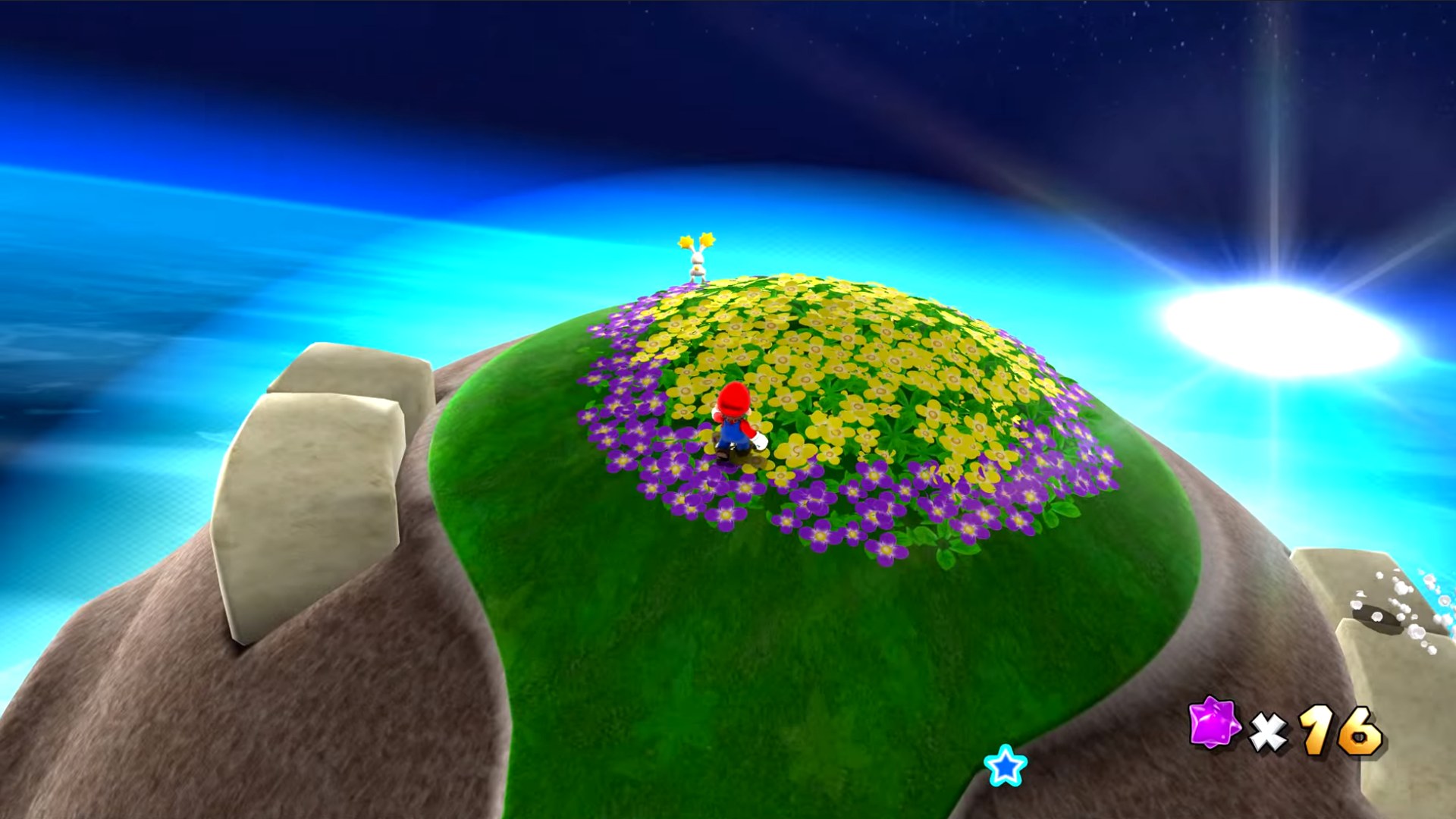
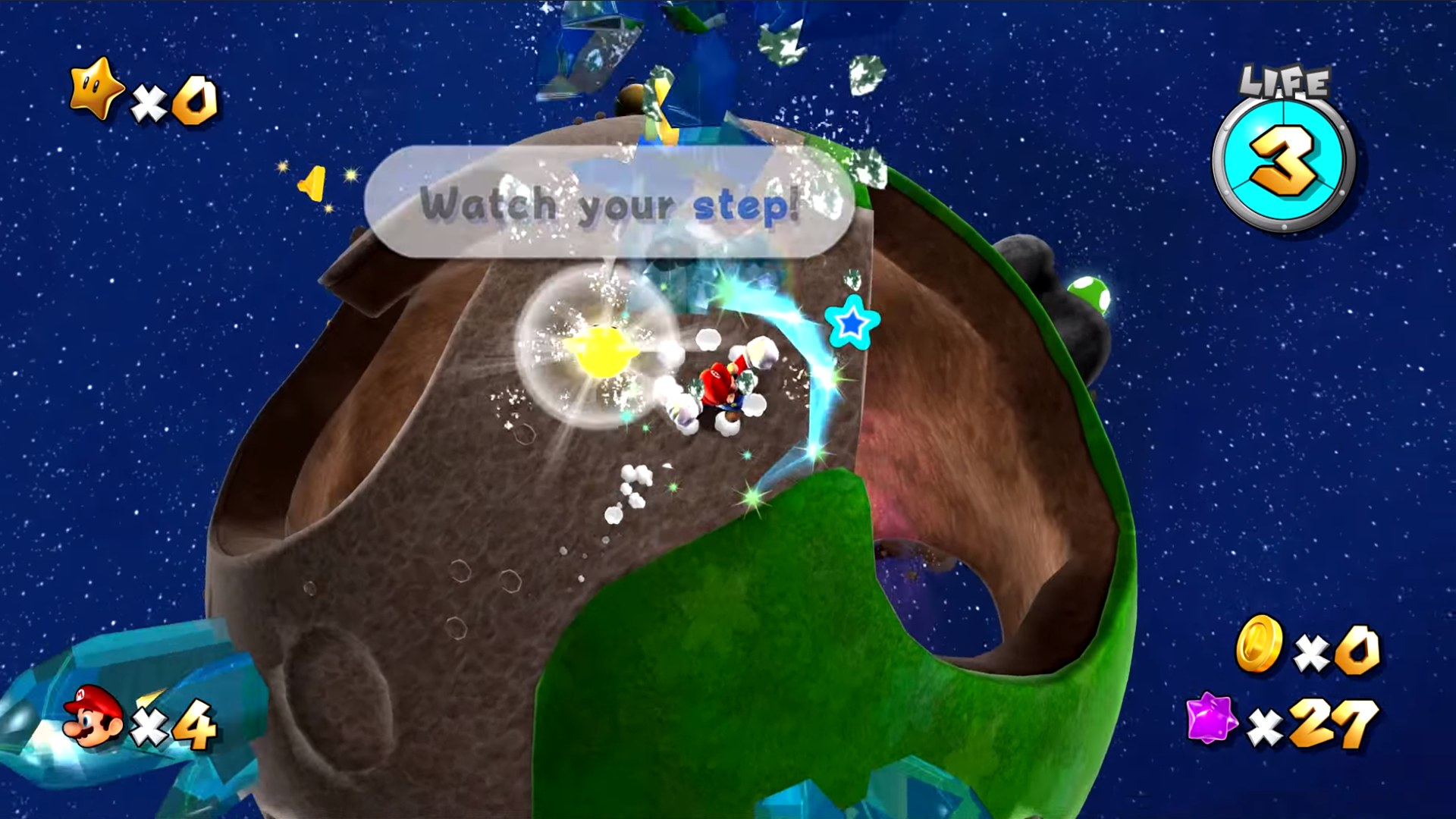
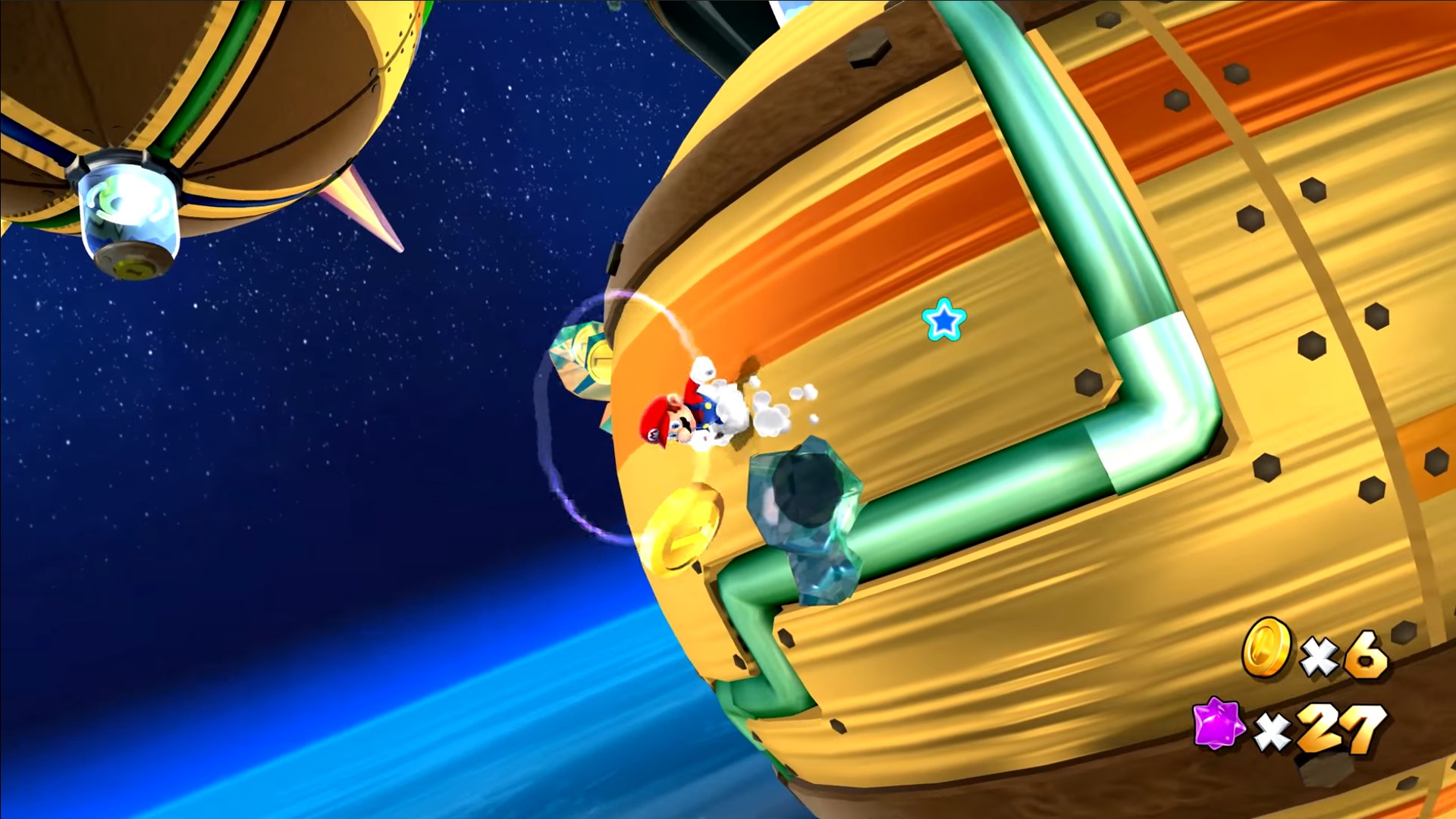
CDAMJC and Razius’s retexture gives Super Mario Galaxy high resolution textures in place of the originals. It comes in a 1080p build and a 2160p build for 4K screens, so pick the one that matches the resolution the game is played at. The 2160p textures also come as PNG, which is much larger than the DDS builds.
How to Set It Up
- In Dolphin, open File > Open User Folder, then go into
Load/Textures/. - Extract the download there, so you end up with a
Load/Textures/RMG/folder. - Open Graphics > Advanced and tick Load Custom Textures. Ticking Prefetch Custom Textures too stops stutter, if you have the RAM for it.