Giodude's Sonic and the Black Knight Texture Pack
Texture pack for Sonic and the Black Knight
- GiodudeArtist
- 2 Oct 2026Page Updated
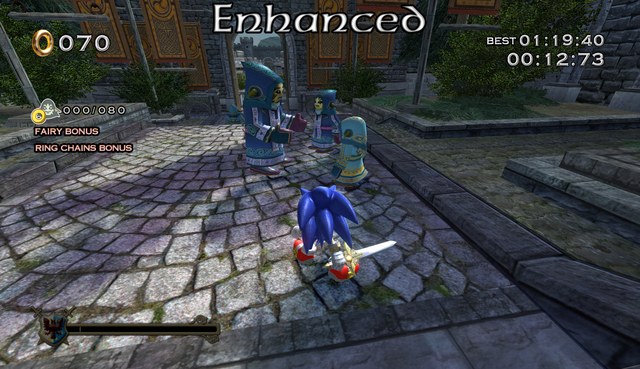
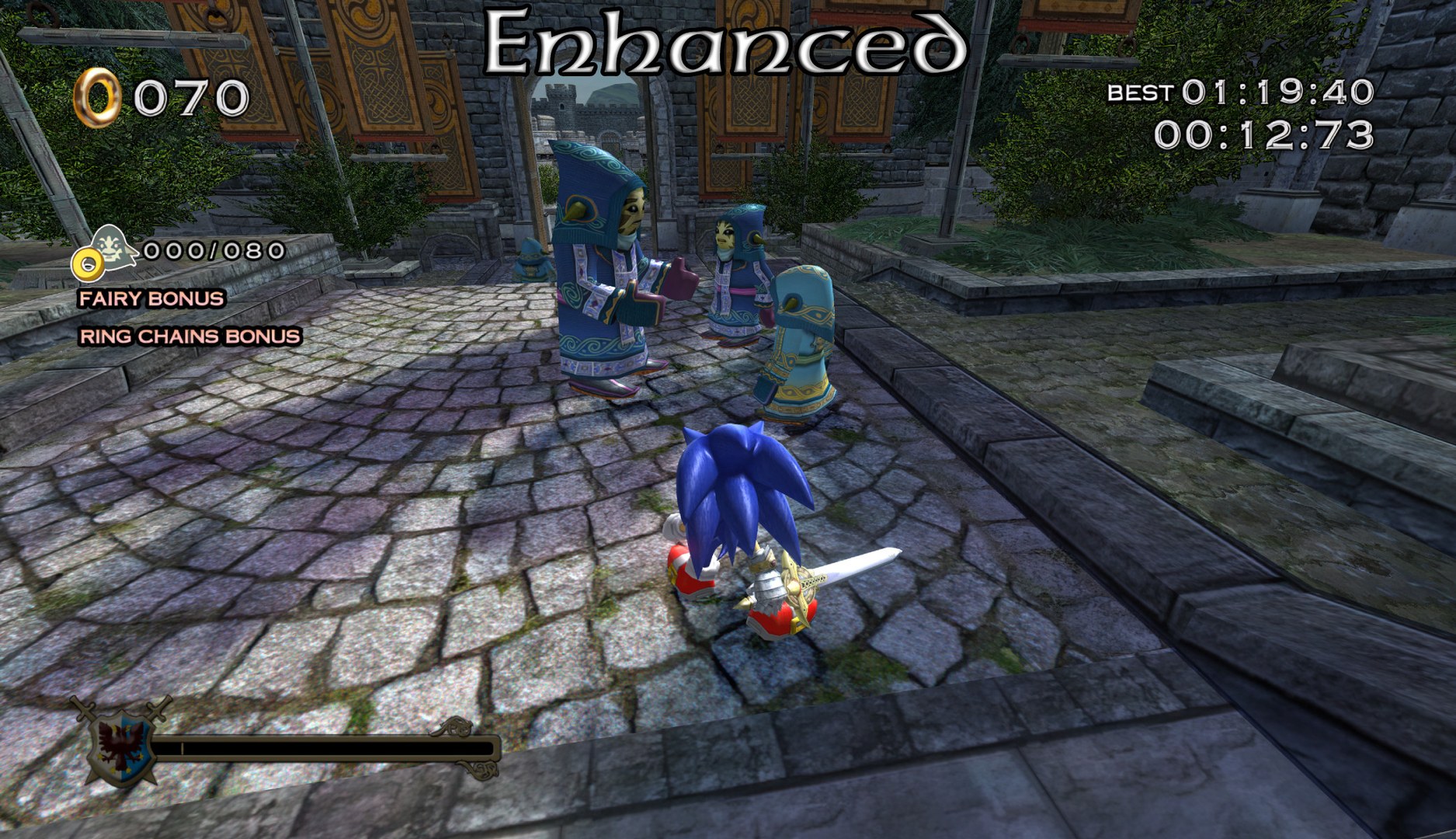
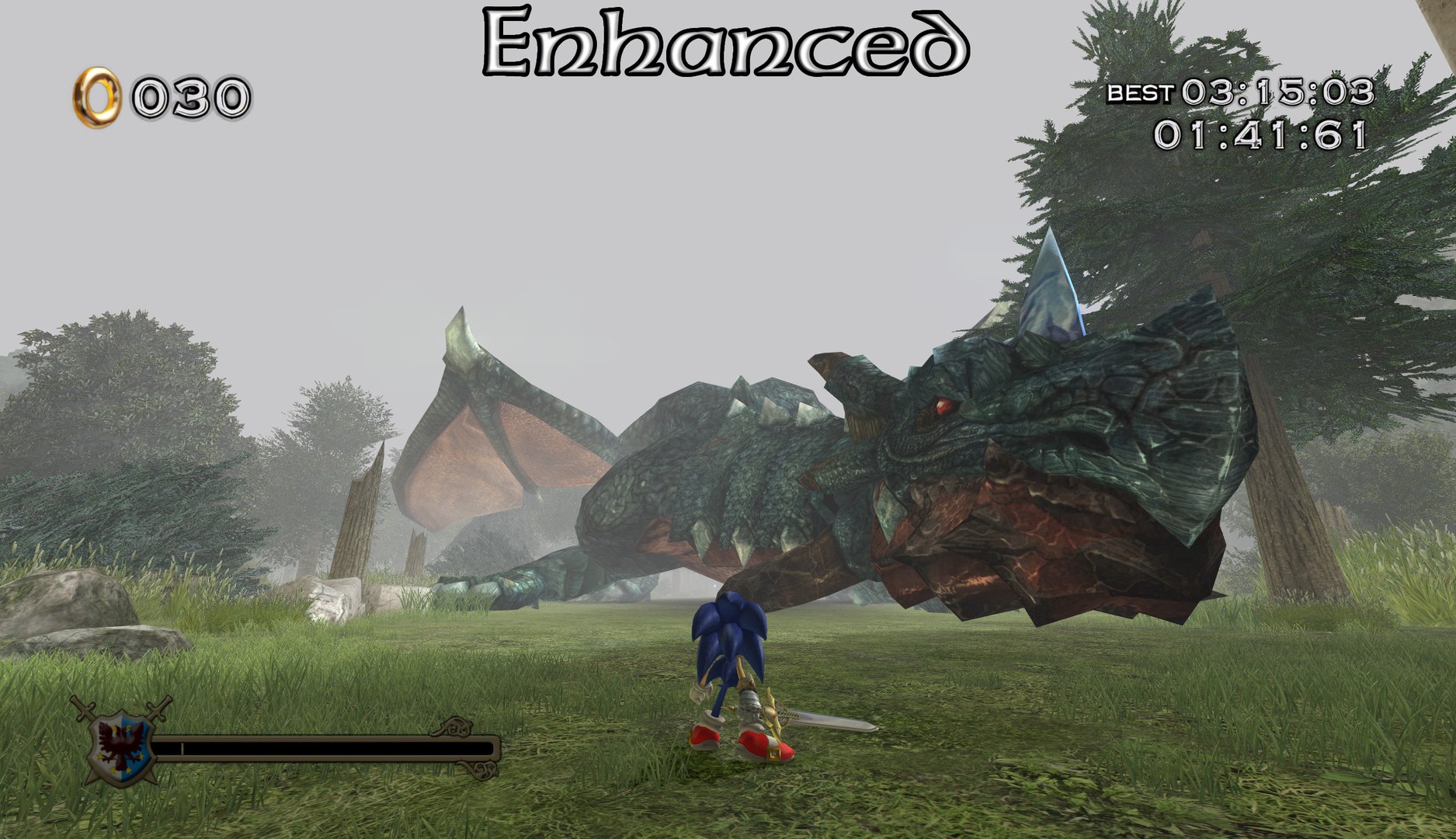
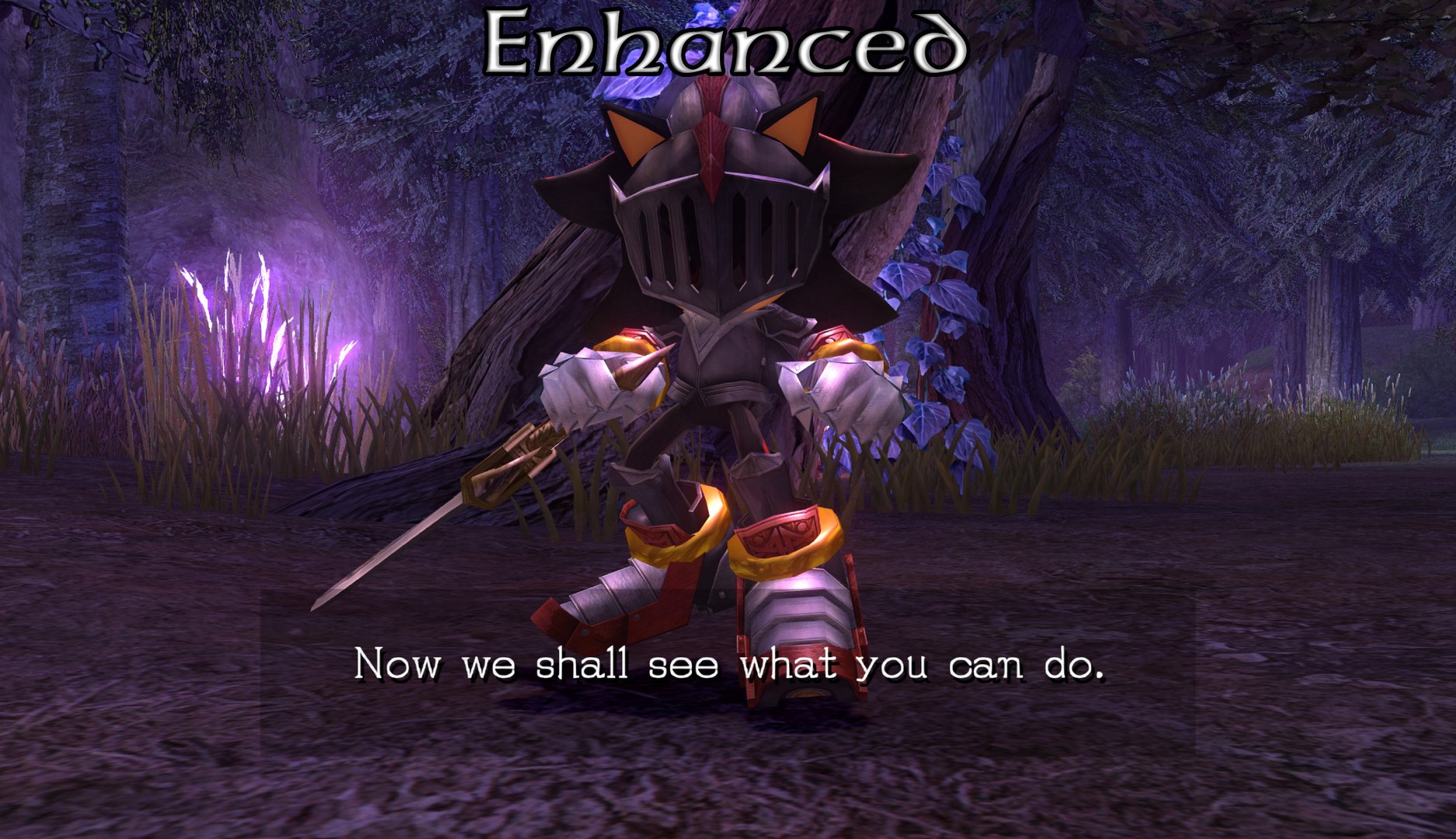
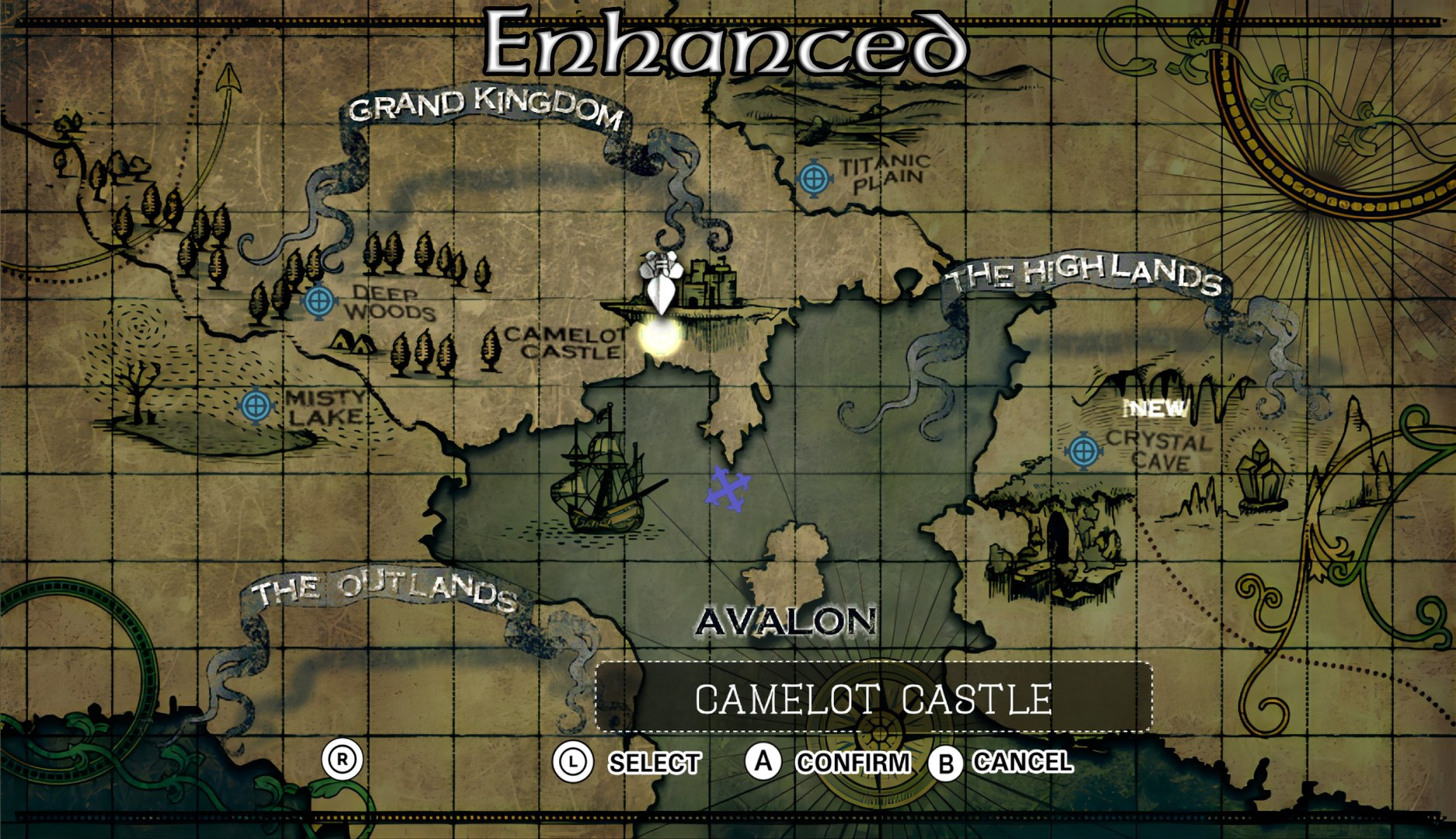
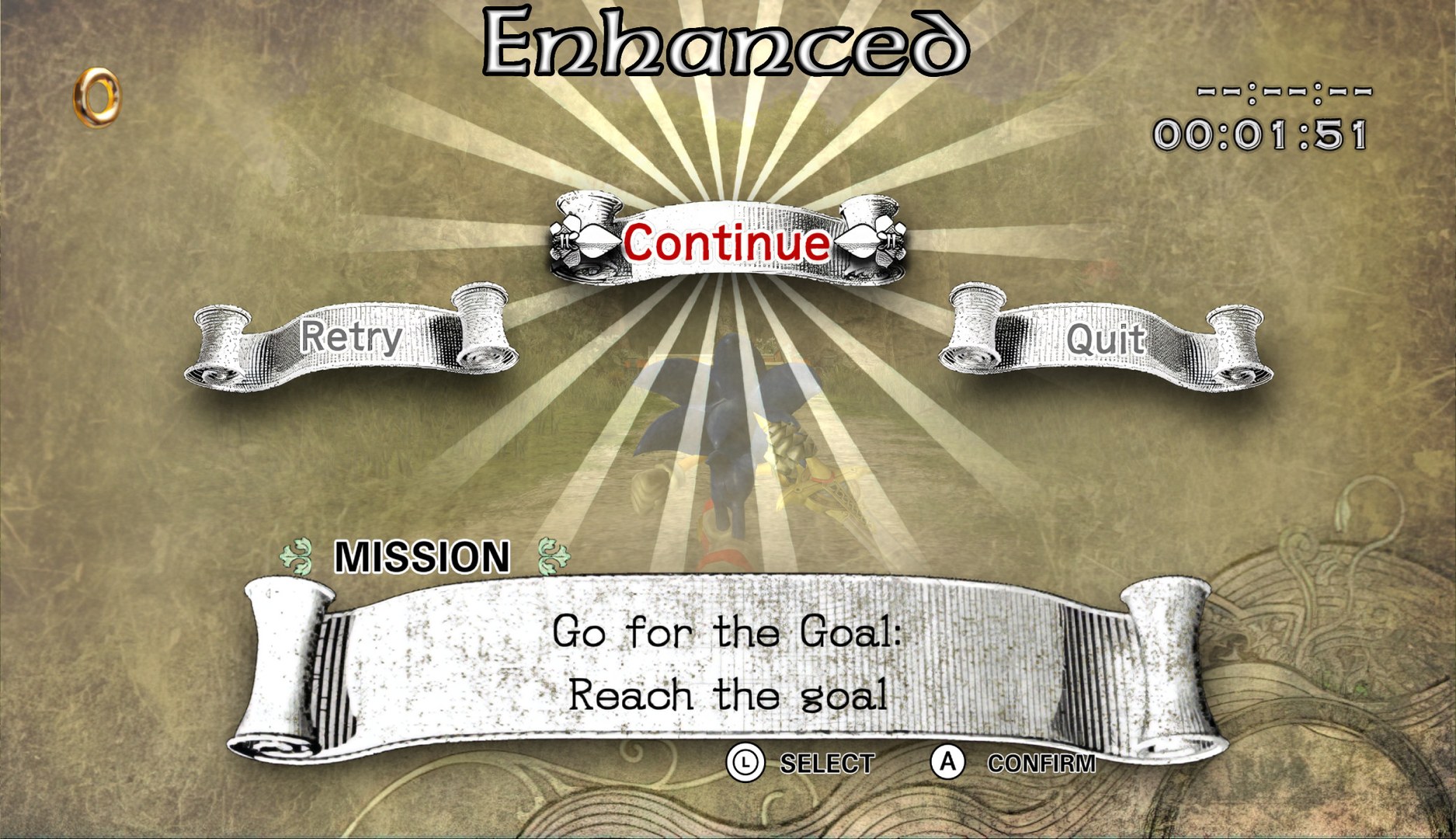
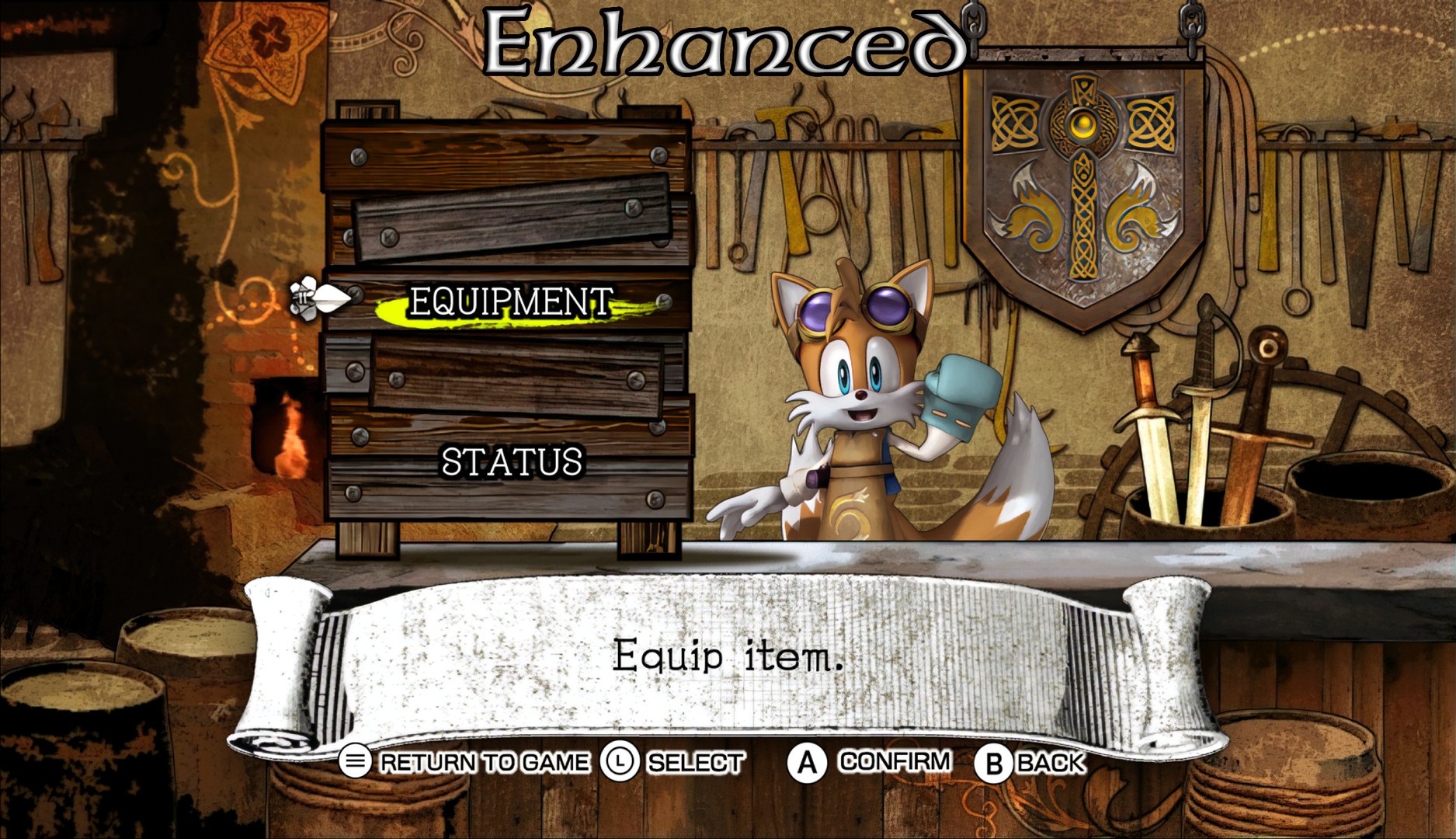
Overview
Giodude replaced almost every texture in Sonic and the Black Knight with versions upscaled through ESRGAN (the 4x-AnimeSharp, 4x_BSRGAN and 8x_NMKD-Typescale_175k models) and Gigapixel. The full PNG set and the smaller DDS set hold the same textures.
How to Set It Up
- In Dolphin, open File > Open User Folder, then go into
Load/Textures/. - Extract the download there, so you end up with a
Load/Textures/REN/folder. - Open Graphics > Advanced and tick Load Custom Textures. Ticking Prefetch Custom Textures too stops stutter, if you have the RAM for it.