Apothicx's Sengoku Basara: Samurai Heroes Texture Pack
Texture pack for Sengoku Basara: Samurai Heroes
- ApothicxArtist
- 2 Oct 2026Page Updated
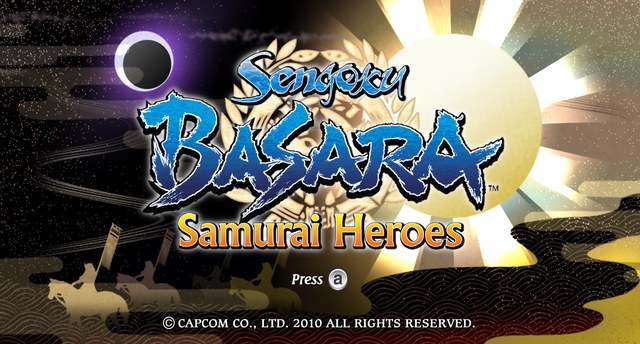
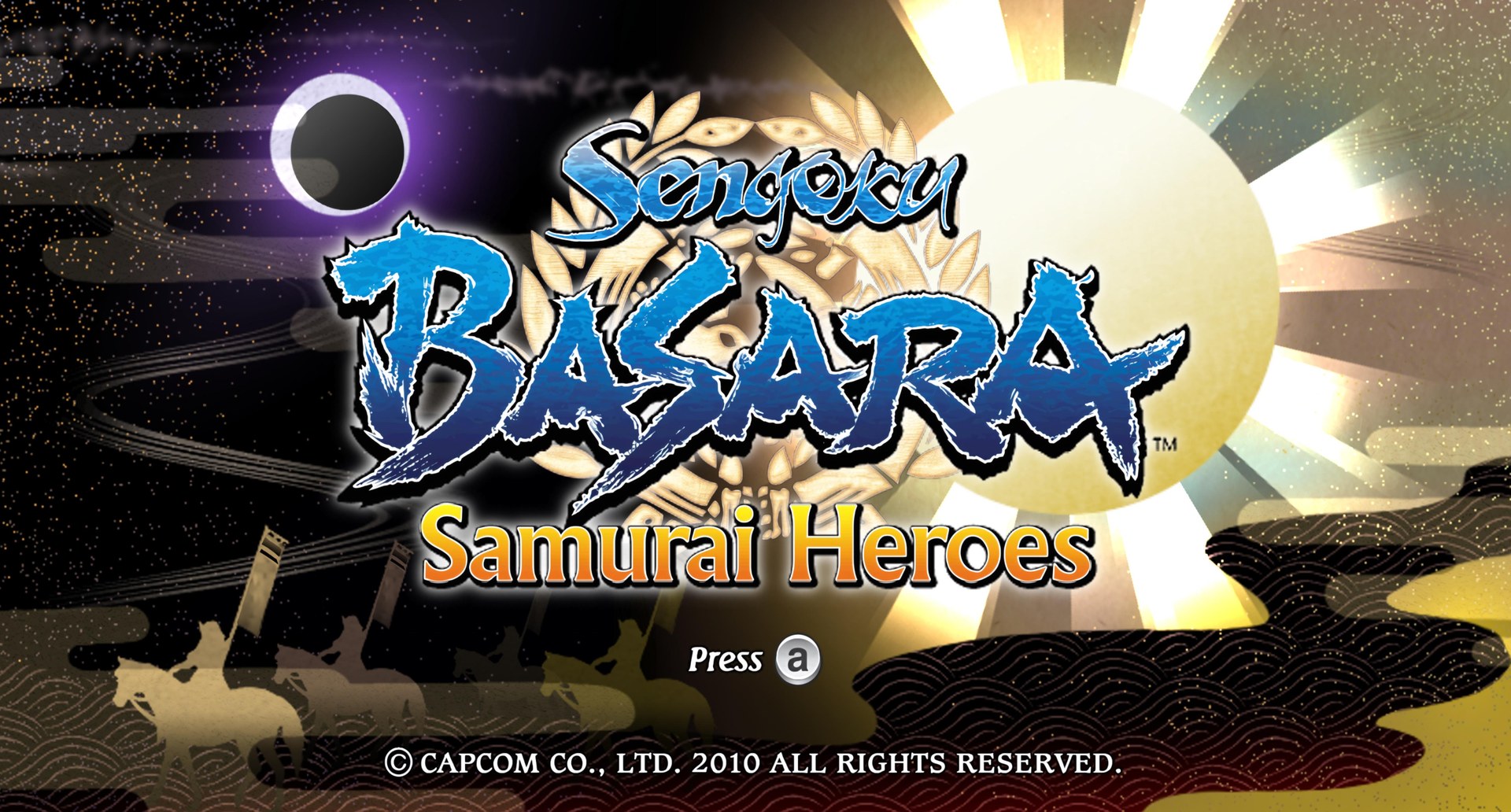
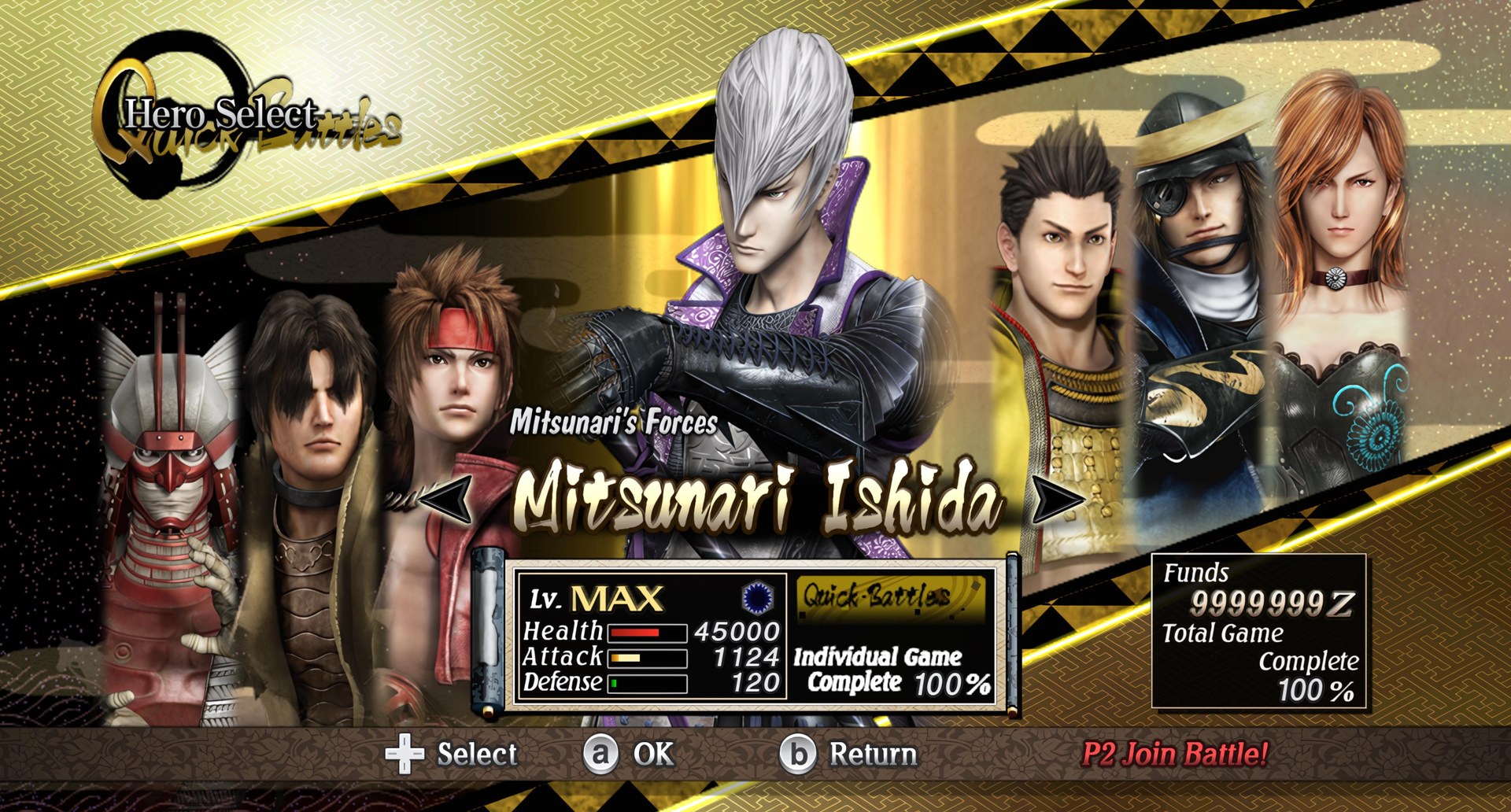
Overview
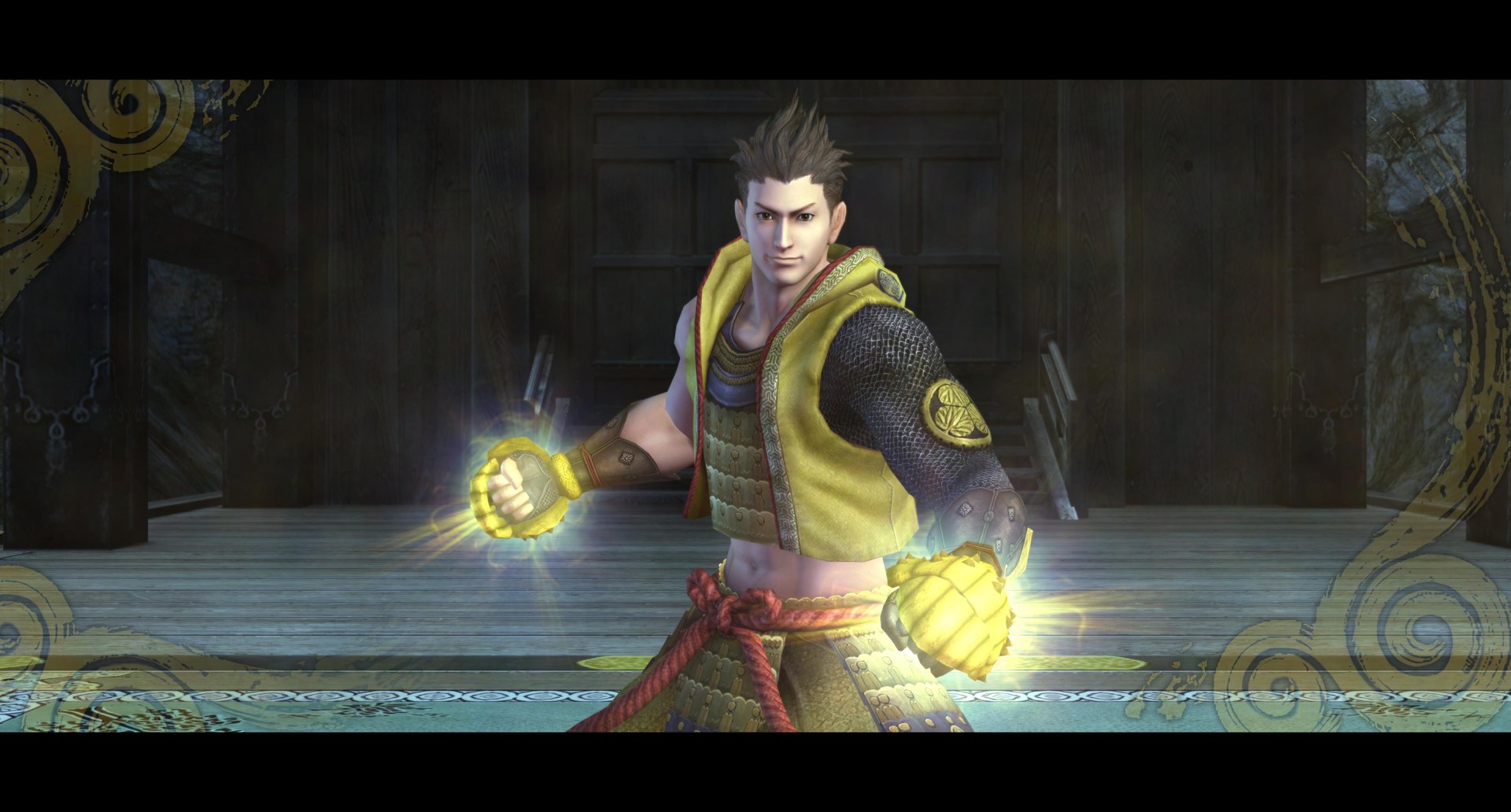
Apothicx made this UHD 4K pack after finding that the Wii version of Sengoku Basara: Samurai Heroes had no high resolution textures at all. Along with the general upscale, it refines the UI and subtitles, and it was built to stay light enough for smooth performance in Dolphin. The aim is a clean, faithful look that feels like a remaster without departing from the original style.
All testing was done on the NTSC (USA) release, which runs at a better framerate and supports Gecko codes. The PAL version can use the pack too, but it was not tested there.
How to Set It Up
- In Dolphin, open File > Open User Folder, then go into
Load/Textures/. - Extract the download there, so you end up with a
Load/Textures/SB3/folder. - Open Graphics > Advanced and tick Load Custom Textures. Ticking Prefetch Custom Textures too stops stutter, if you have the RAM for it.