Gsprfdude's Rune Factory Frontier Texture Pack
Texture pack for Rune Factory Frontier
- GsprfdudeArtist
- 2 Oct 2026Page Updated
Overview
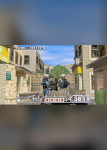
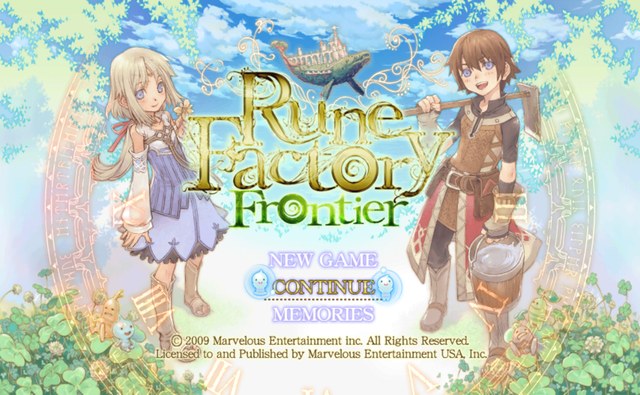
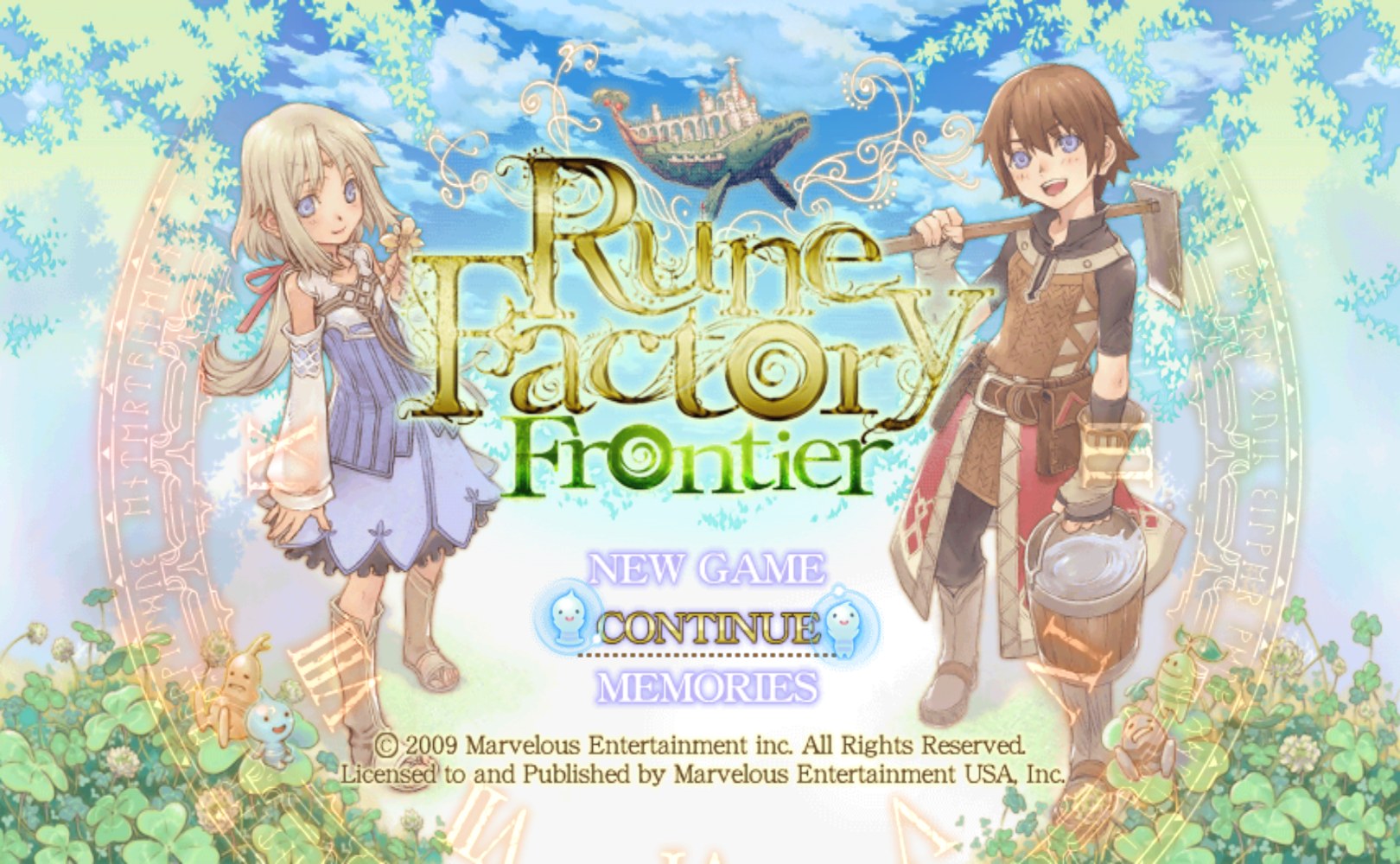
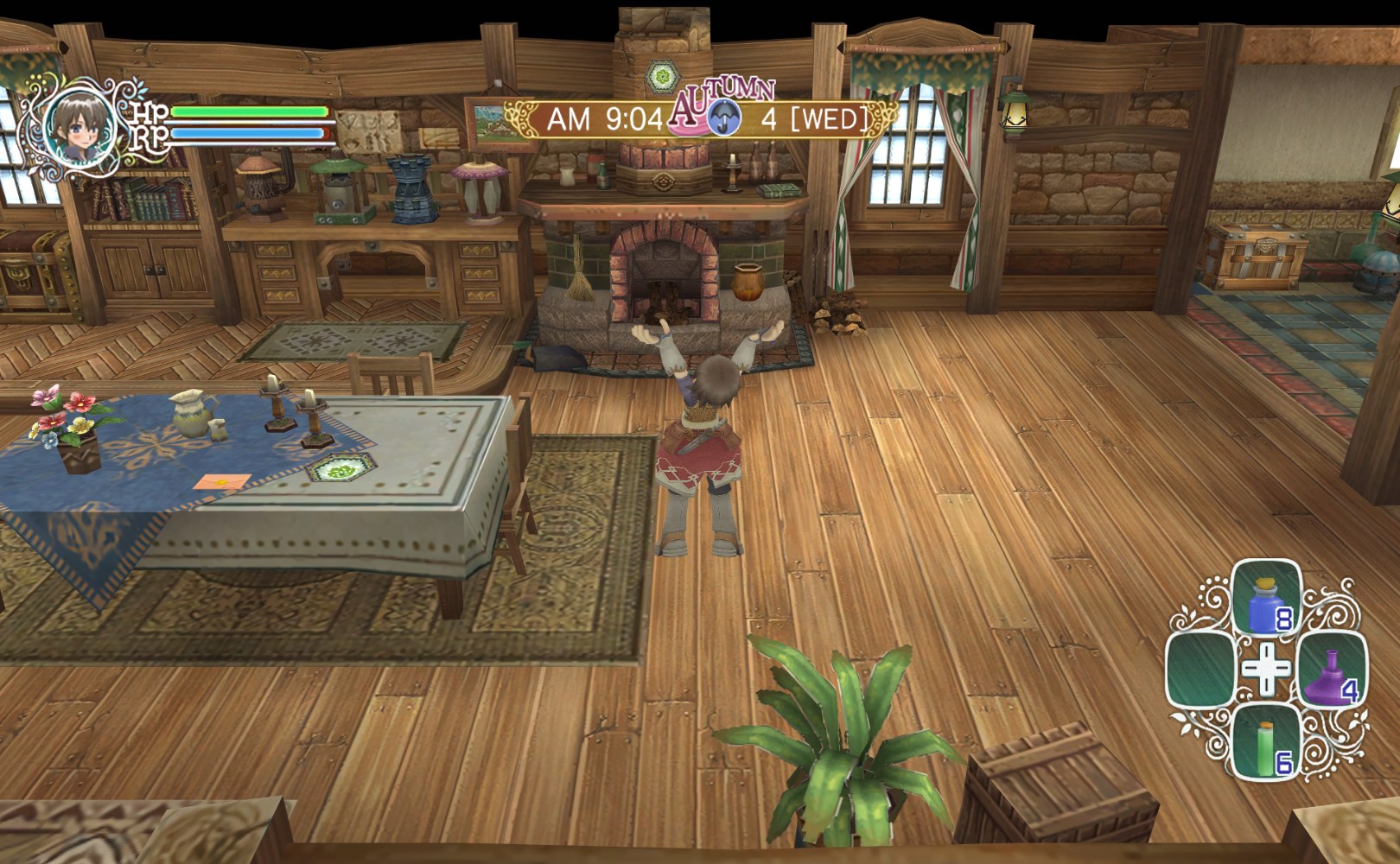
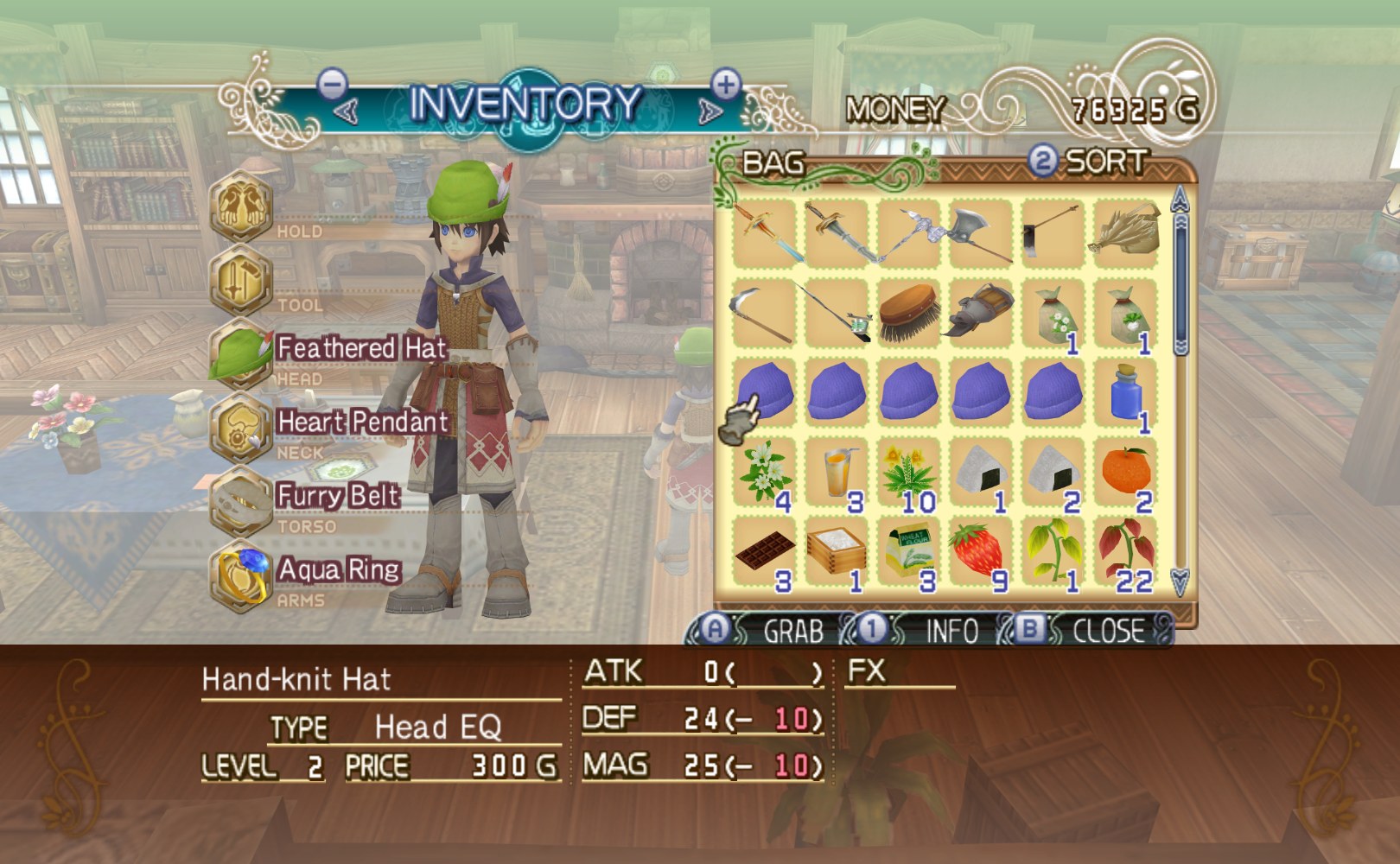
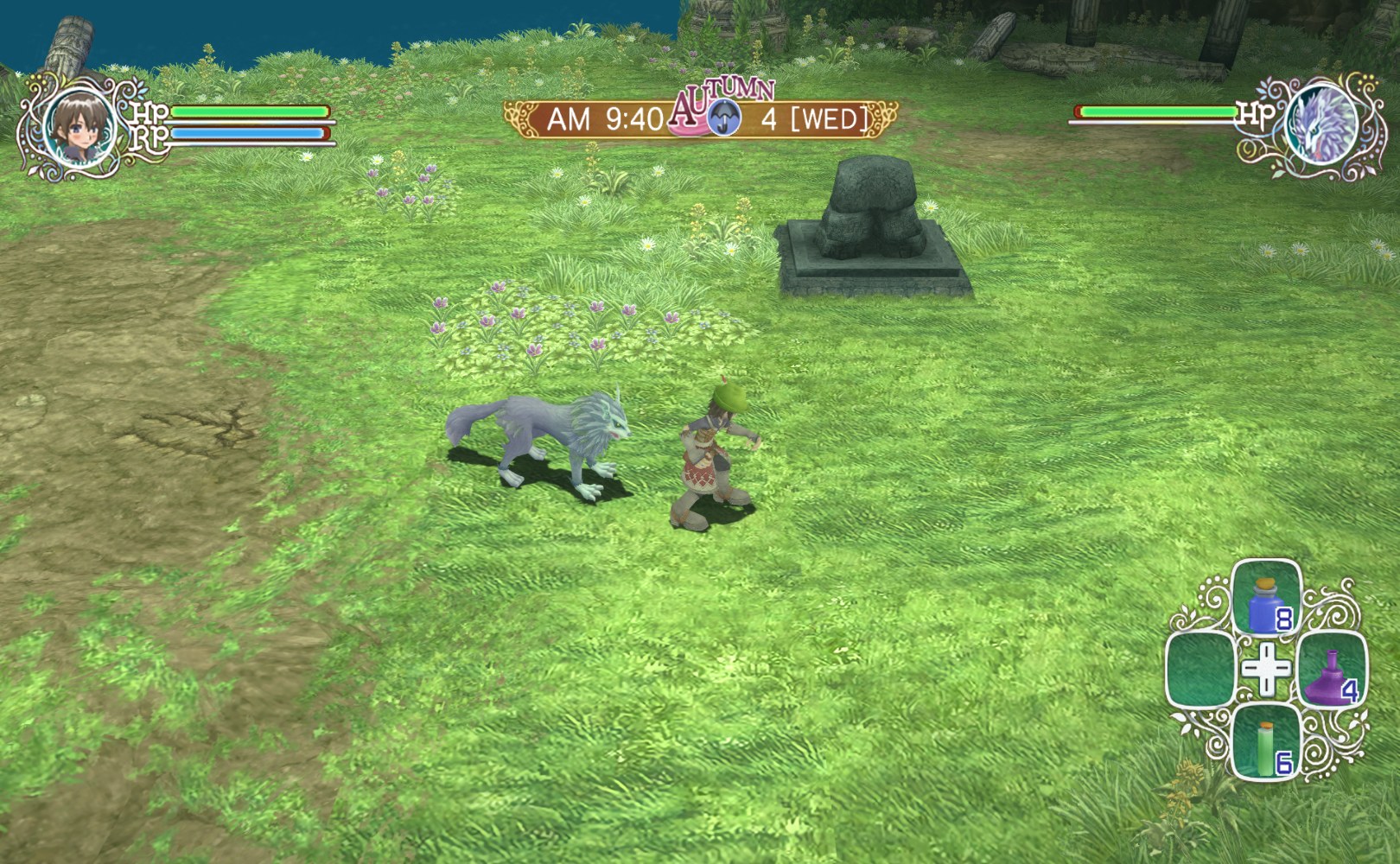
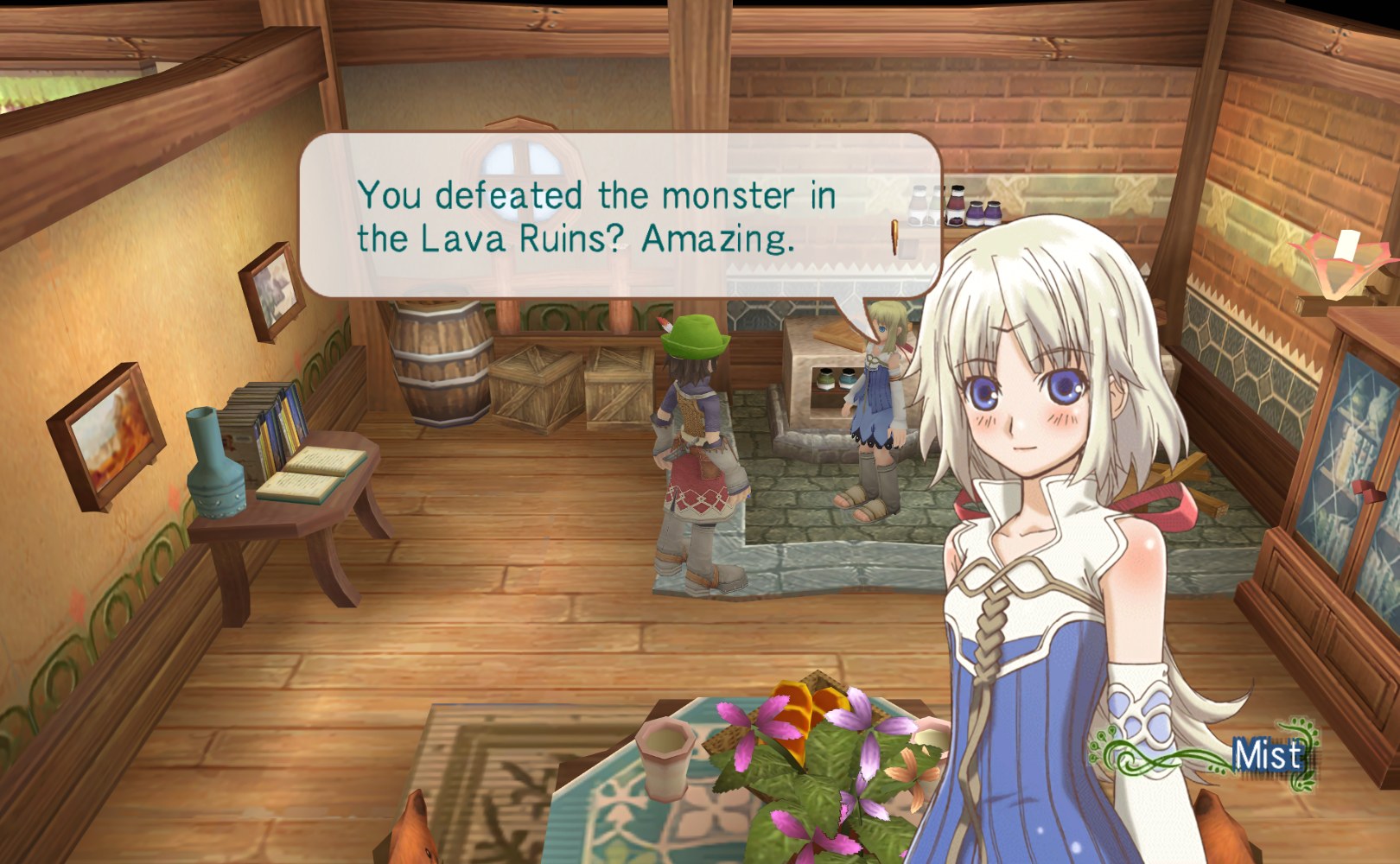
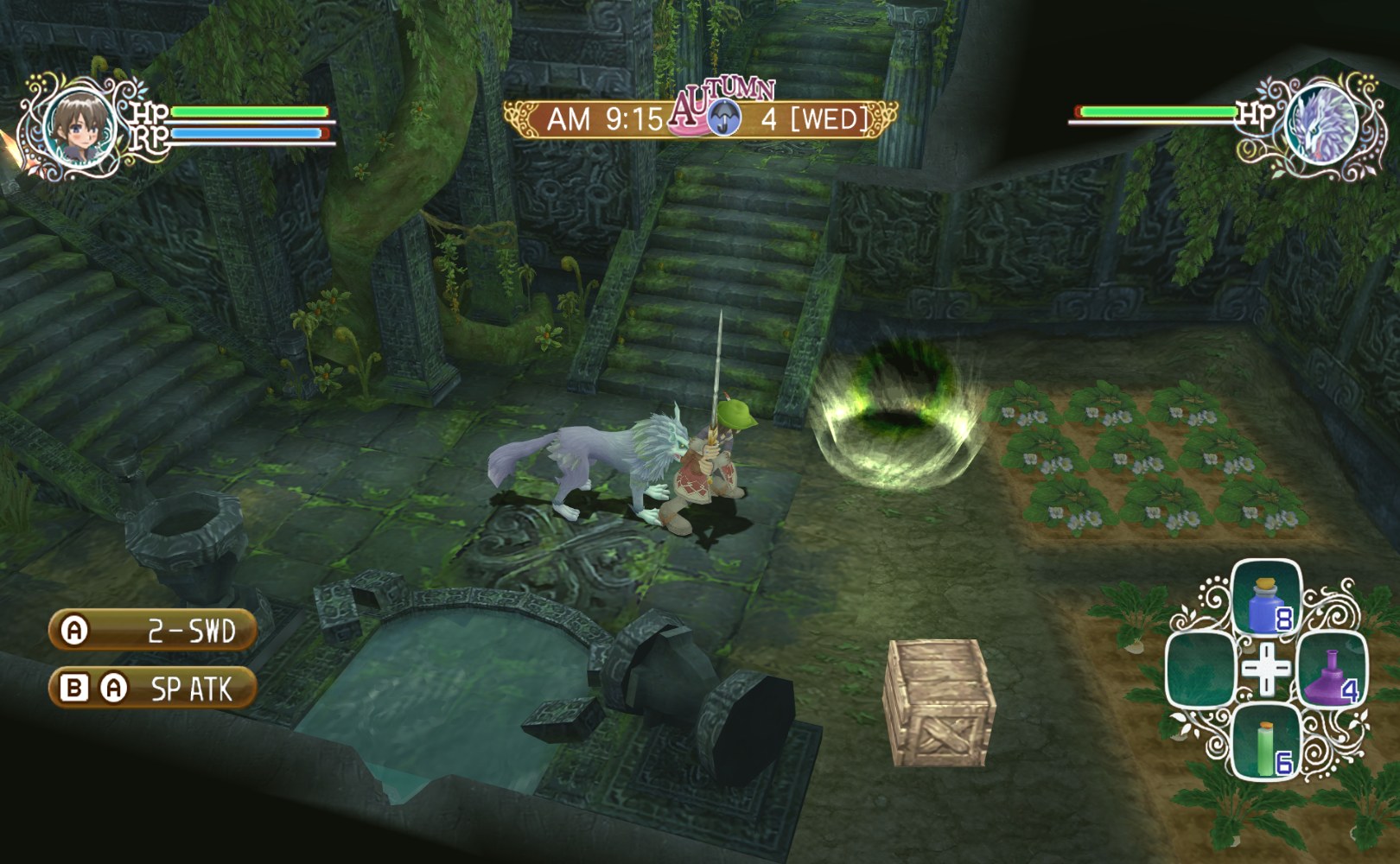
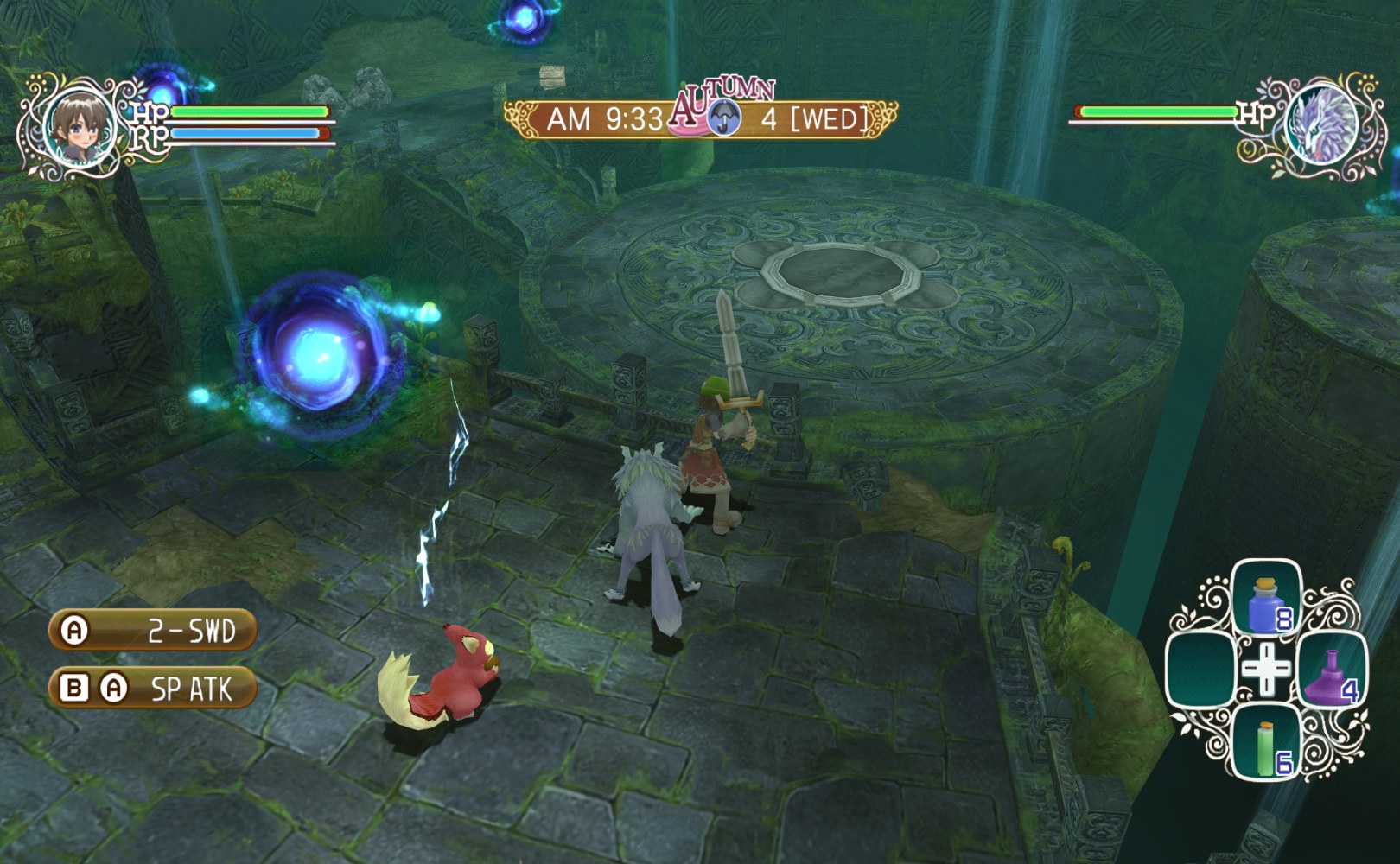
Gsprfdude used AI upscaling to make most of Rune Factory Frontier’s textures larger and more detailed, taking care to keep the game’s original art style intact.
The pack is a work in progress. It was released once enough of the game was covered to make a clear difference, and not every texture has been done.
How to Set It Up
- In Dolphin, open File > Open User Folder, then go into
Load/Textures/. - Extract the download there, so you end up with a
Load/Textures/RUF/folder. - Open Graphics > Advanced and tick Load Custom Textures. Ticking Prefetch Custom Textures too stops stutter, if you have the RAM for it.