plusnine's Punch-Out!! Texture Pack
Texture pack for Punch-Out!!
- plusnineArtist
- 2 Oct 2026Page Updated
Overview
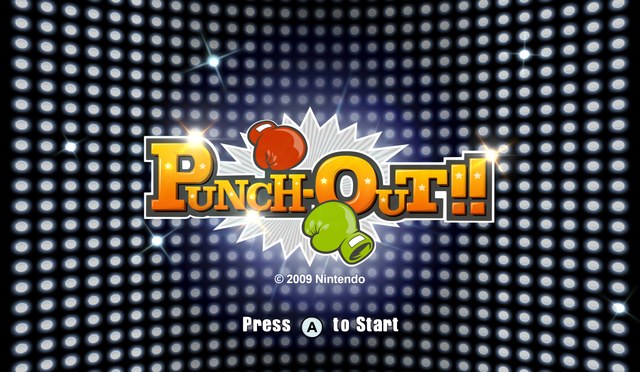
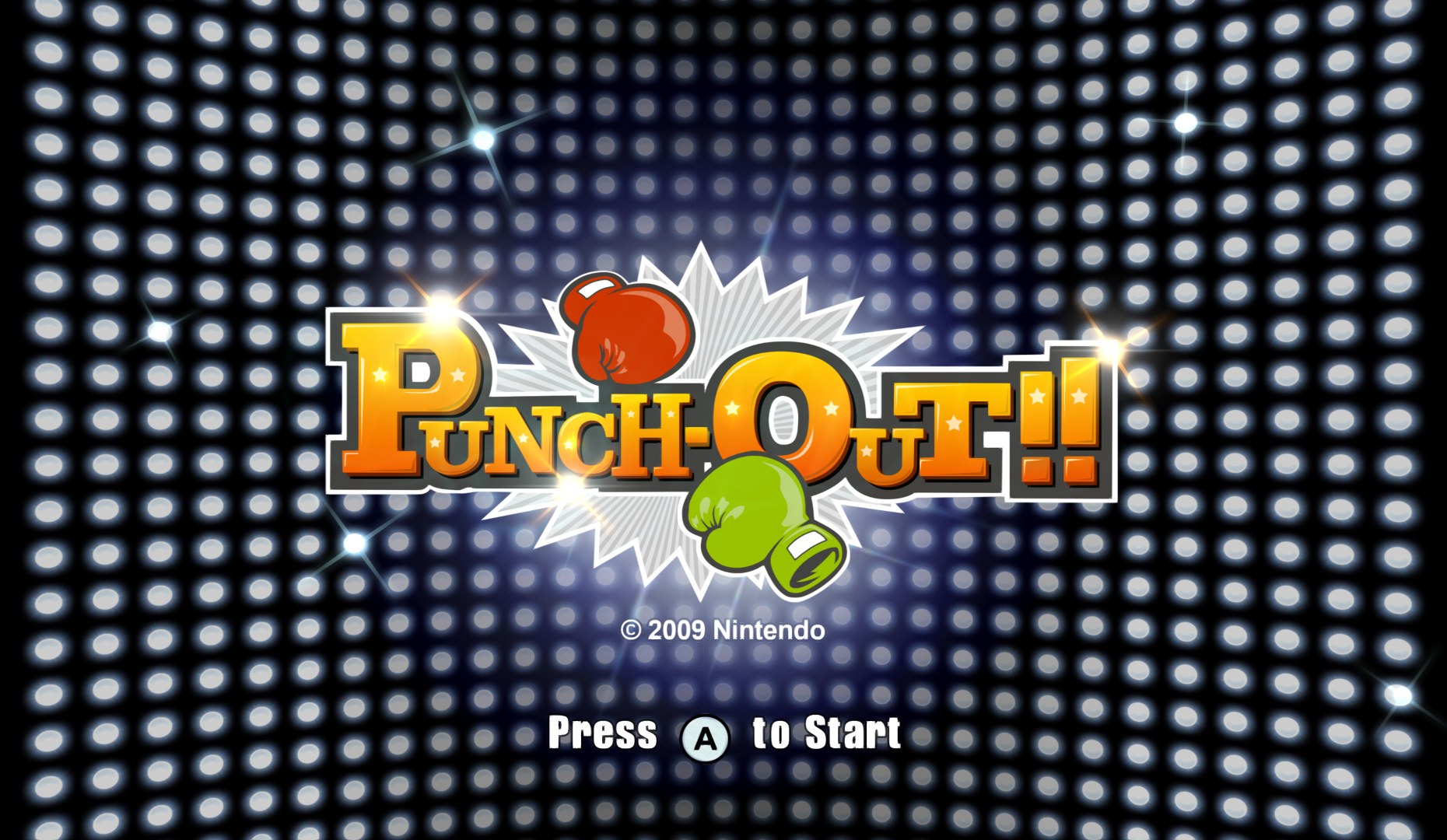
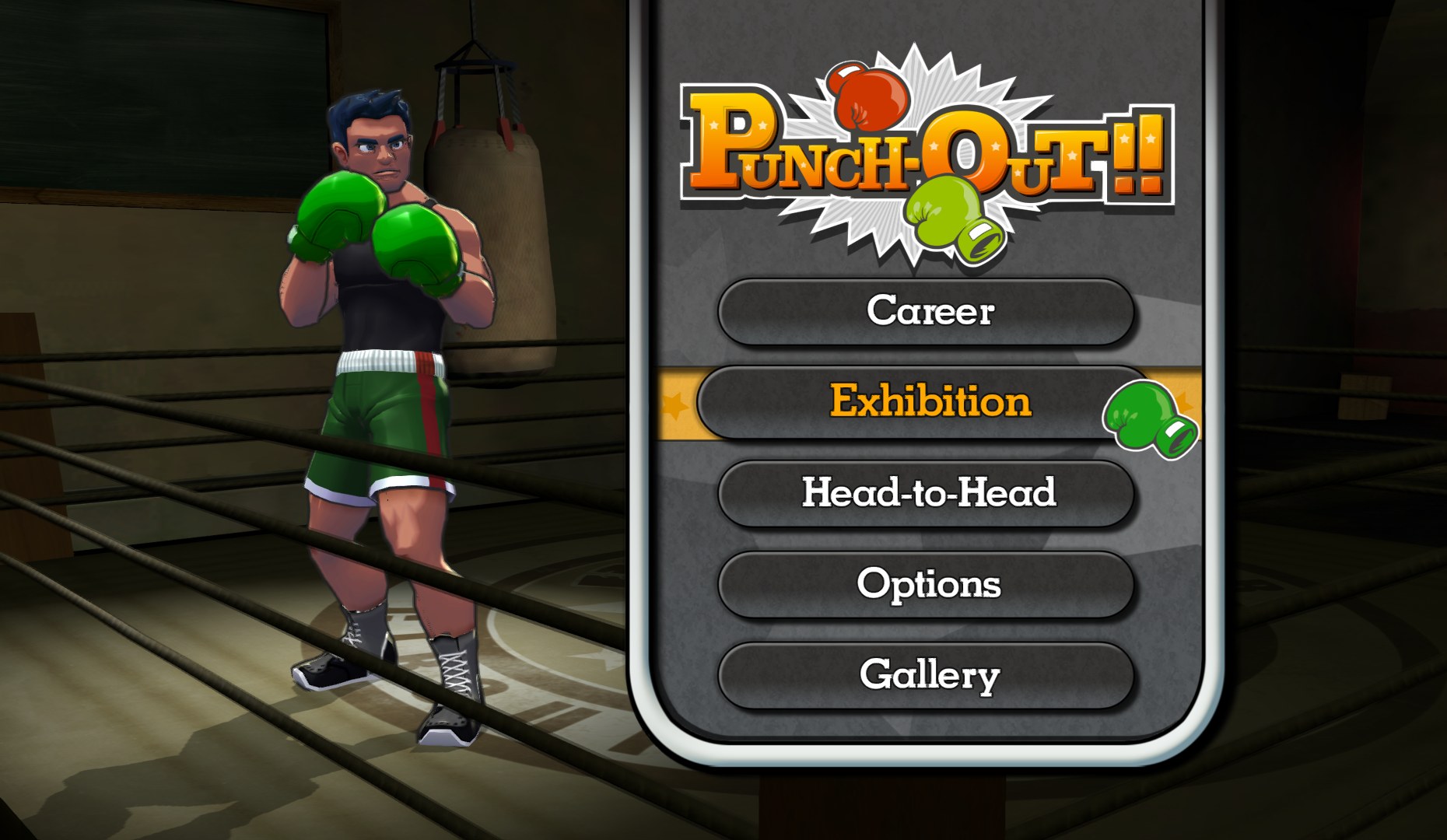
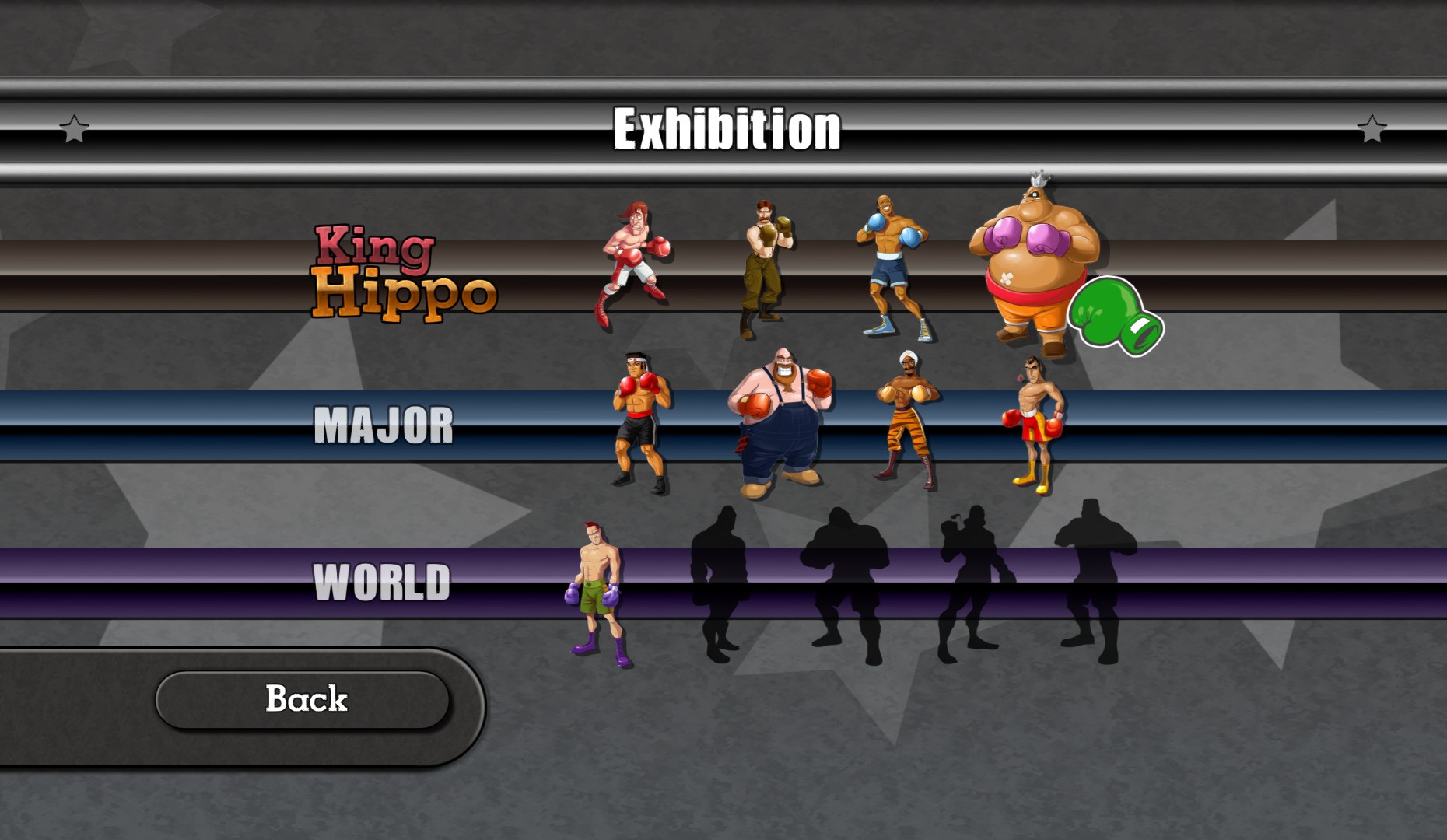
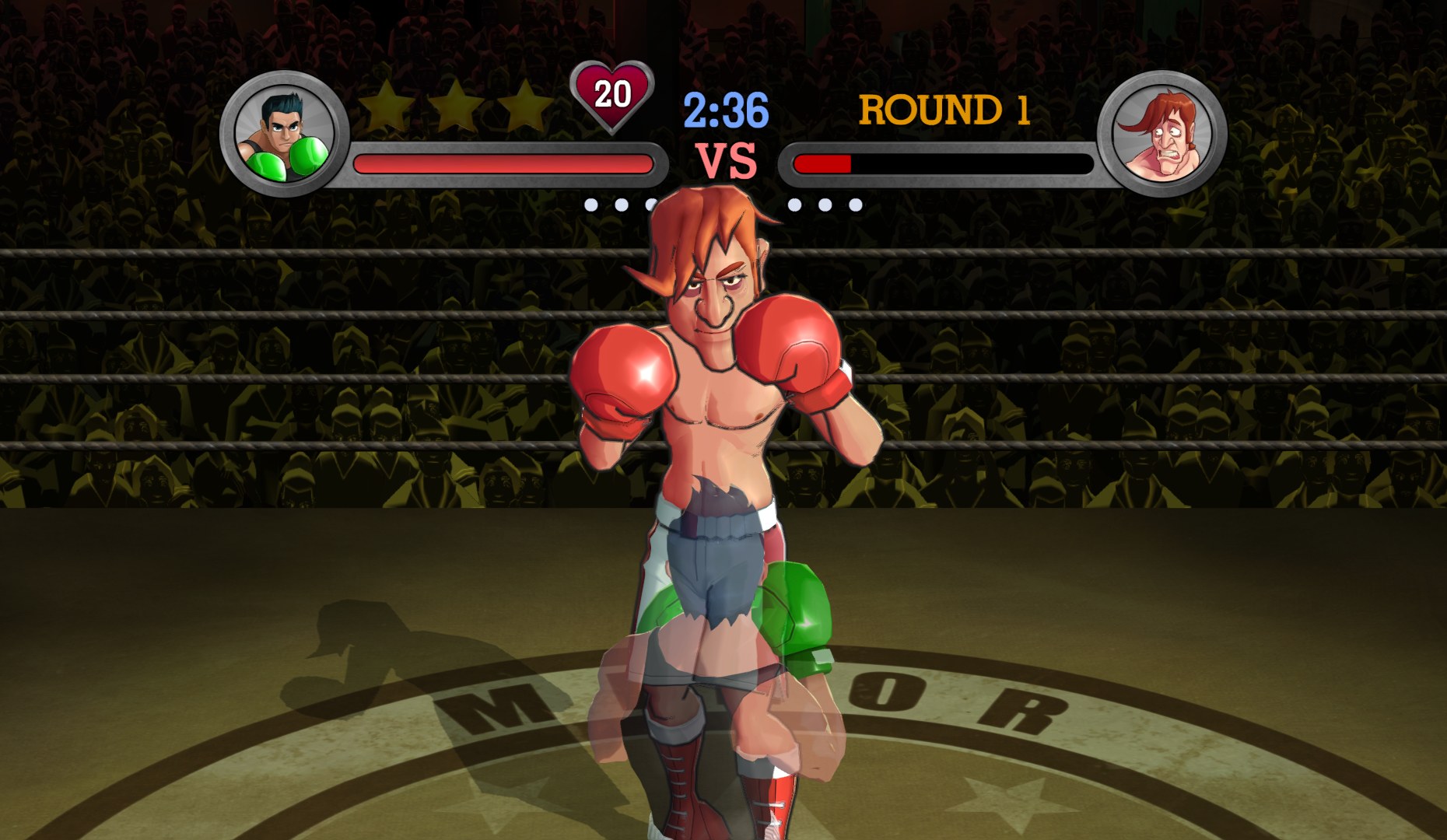
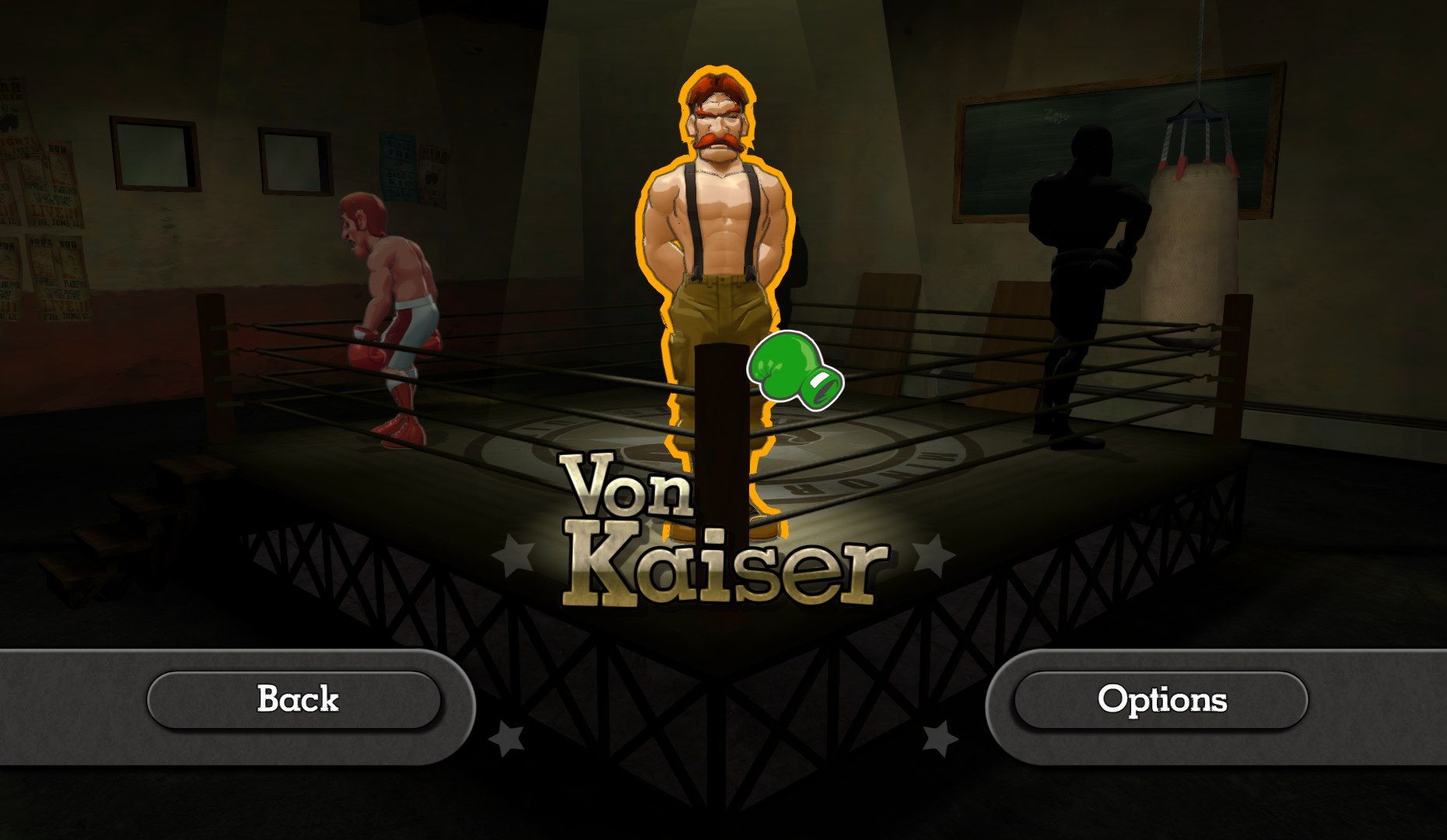
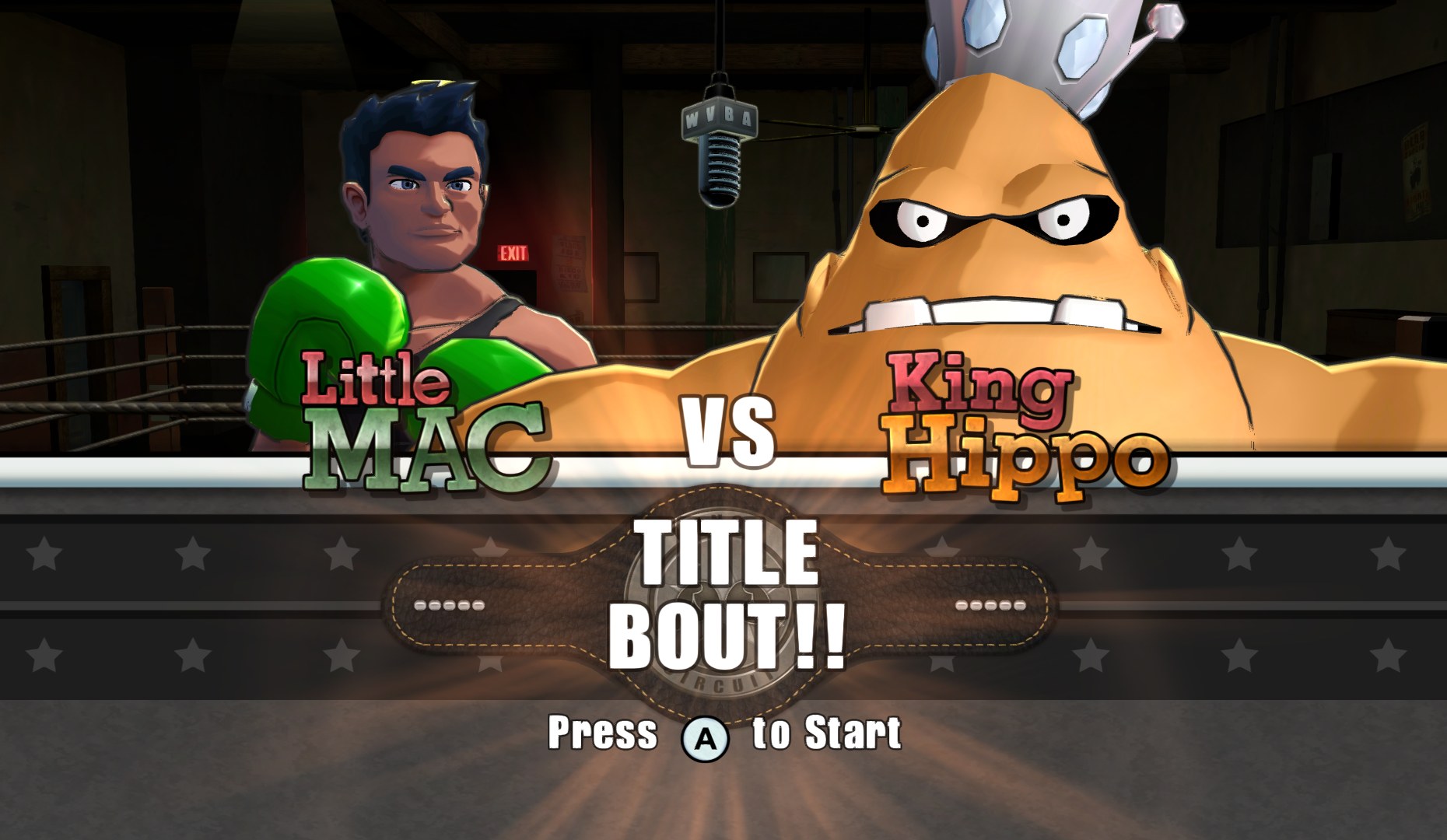
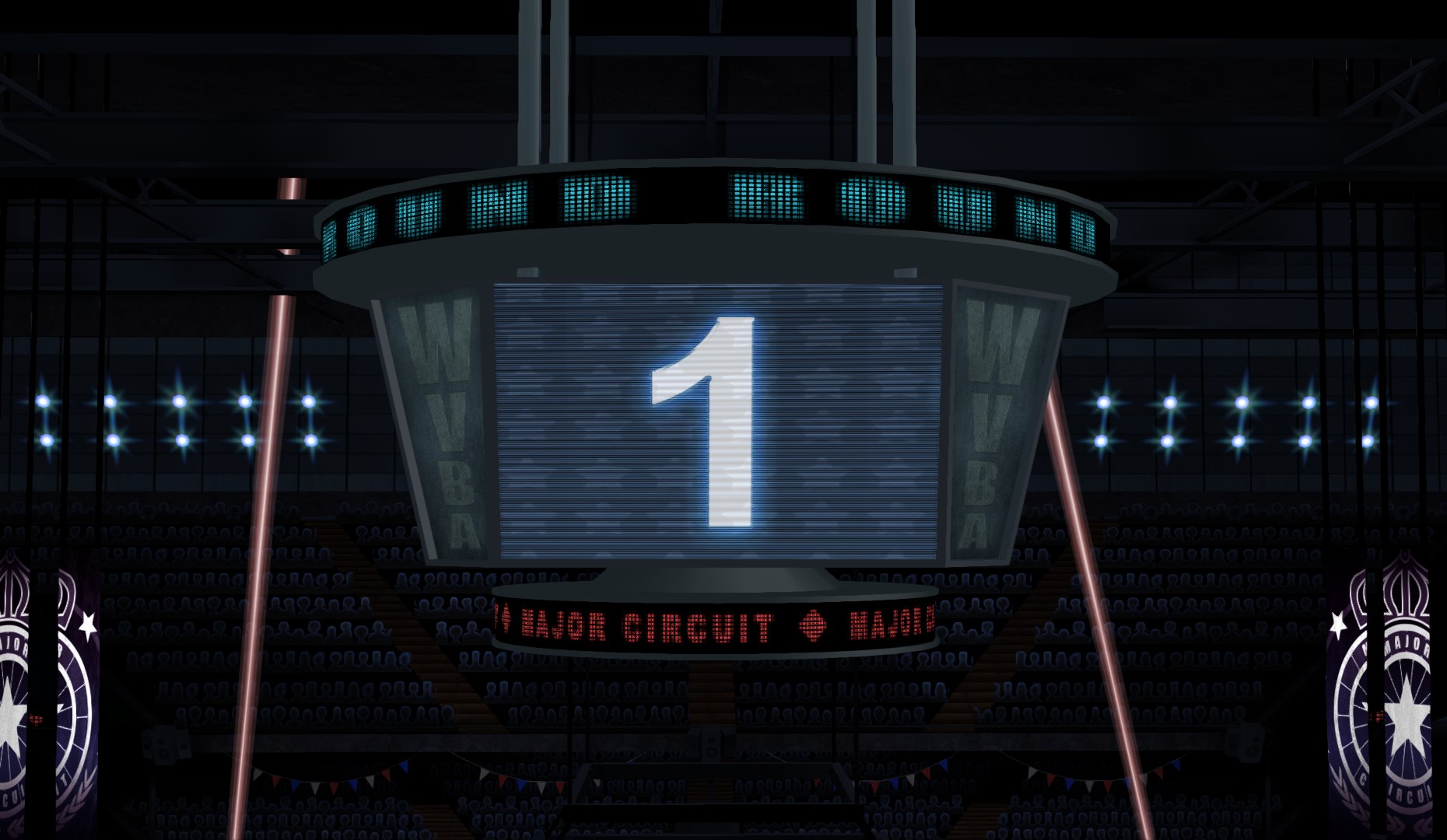
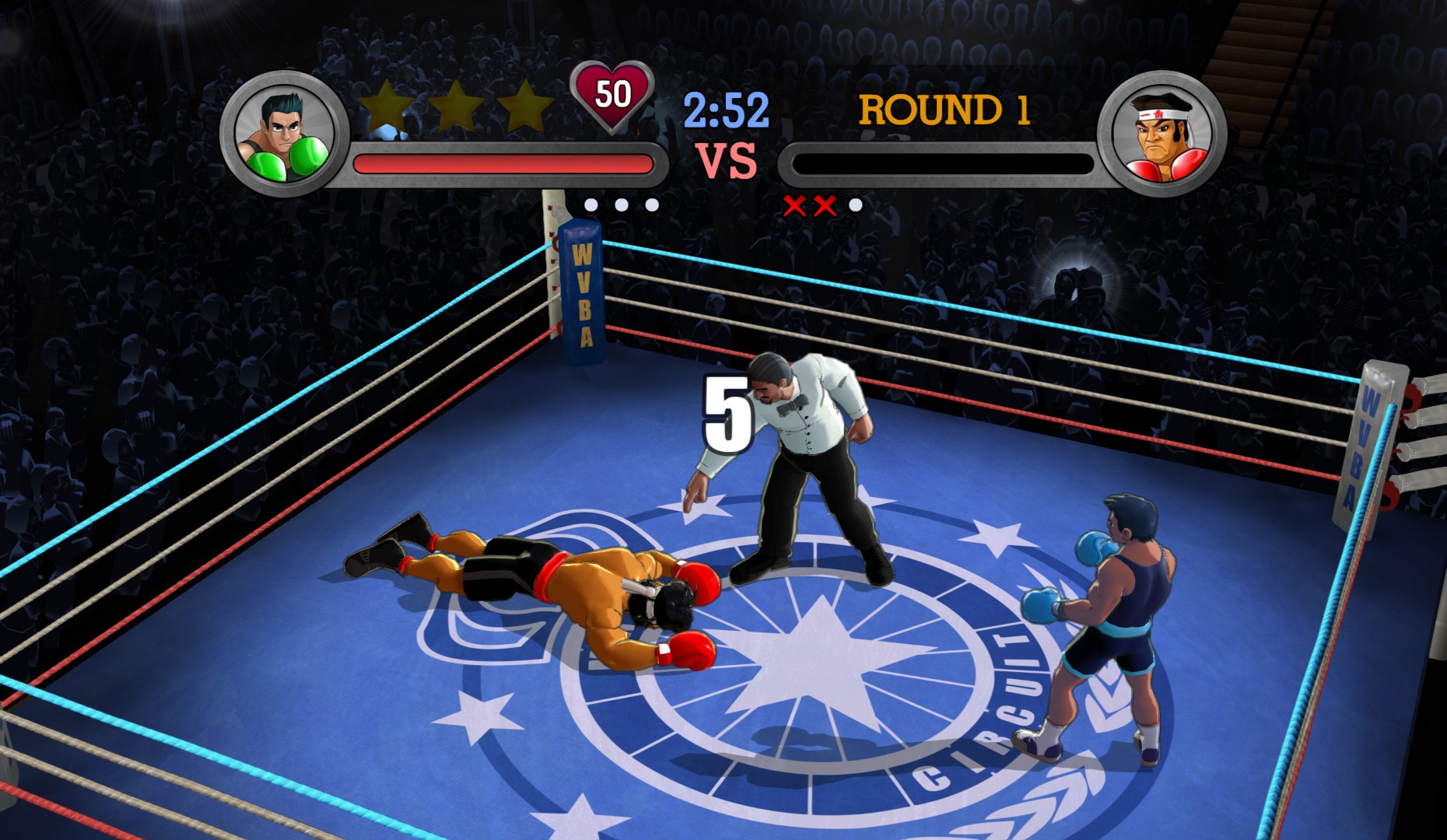
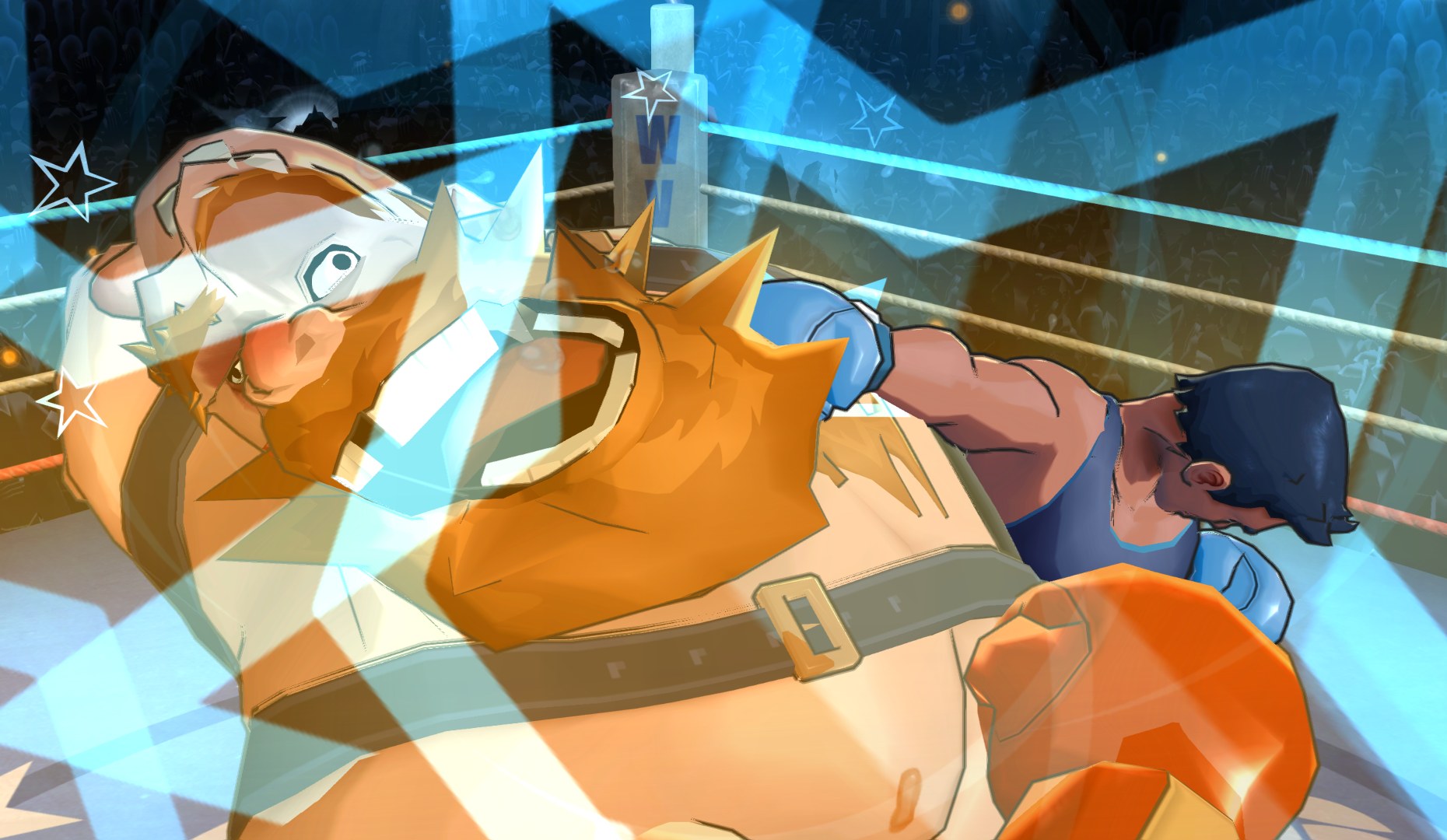
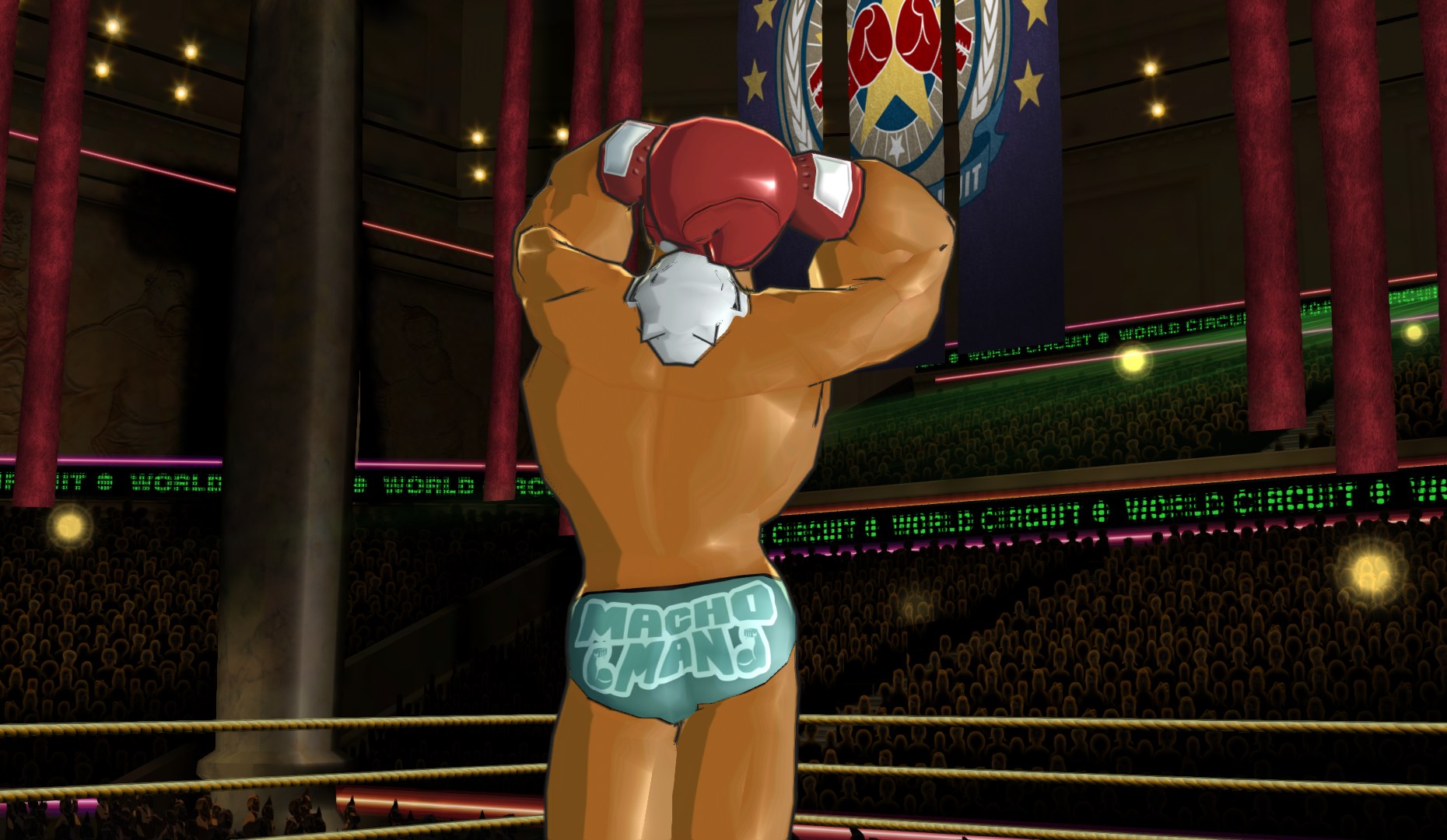
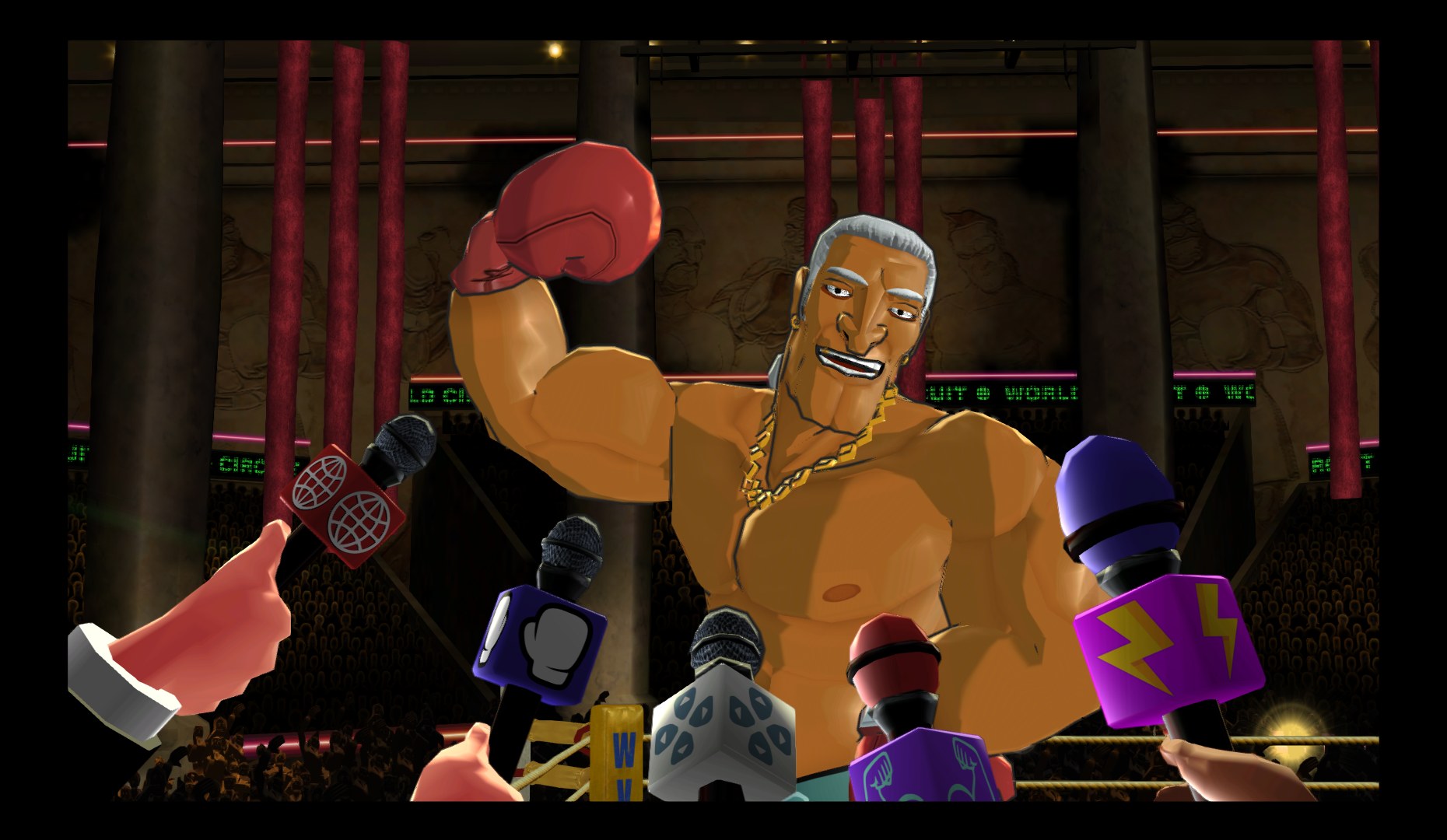
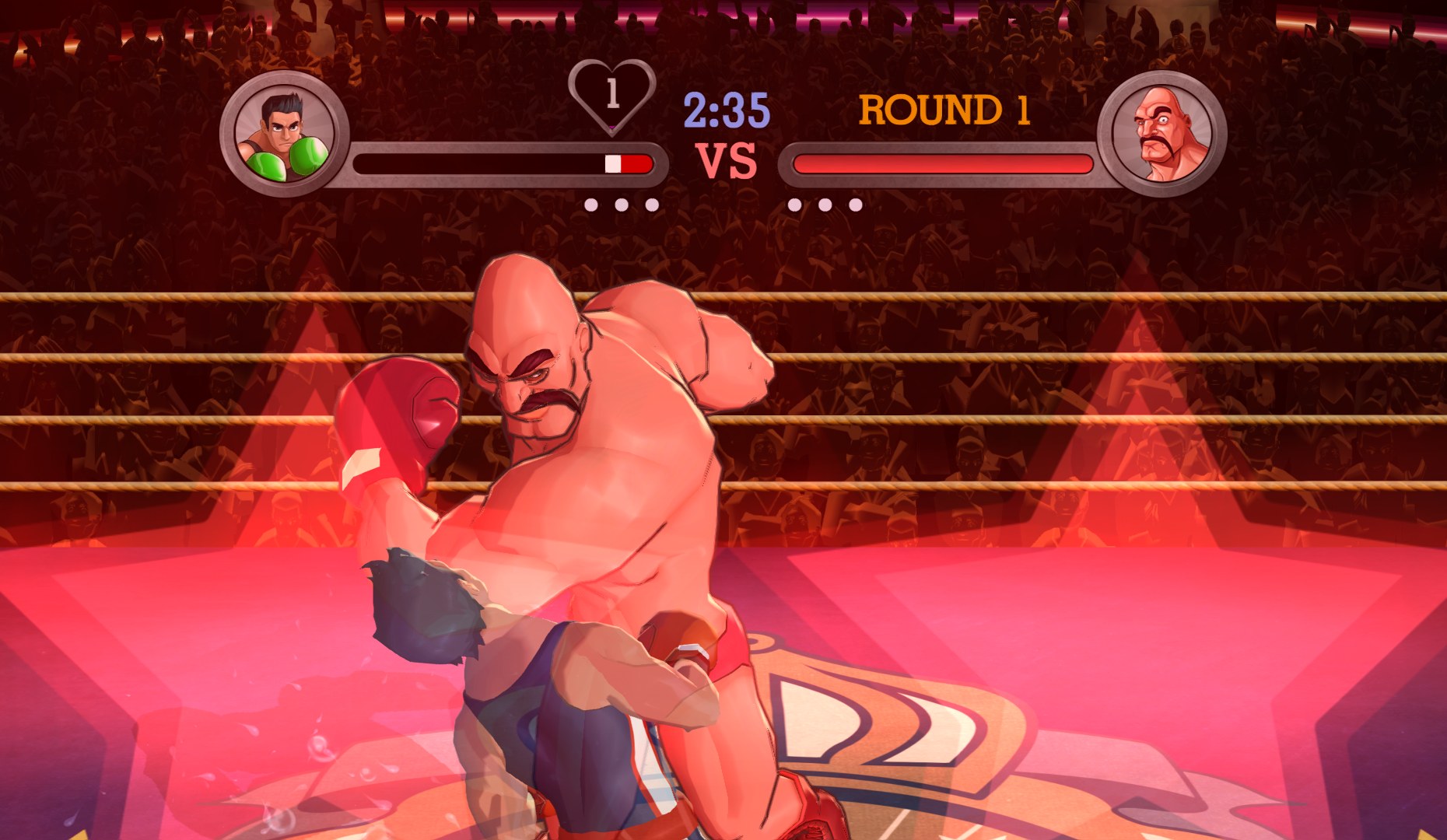
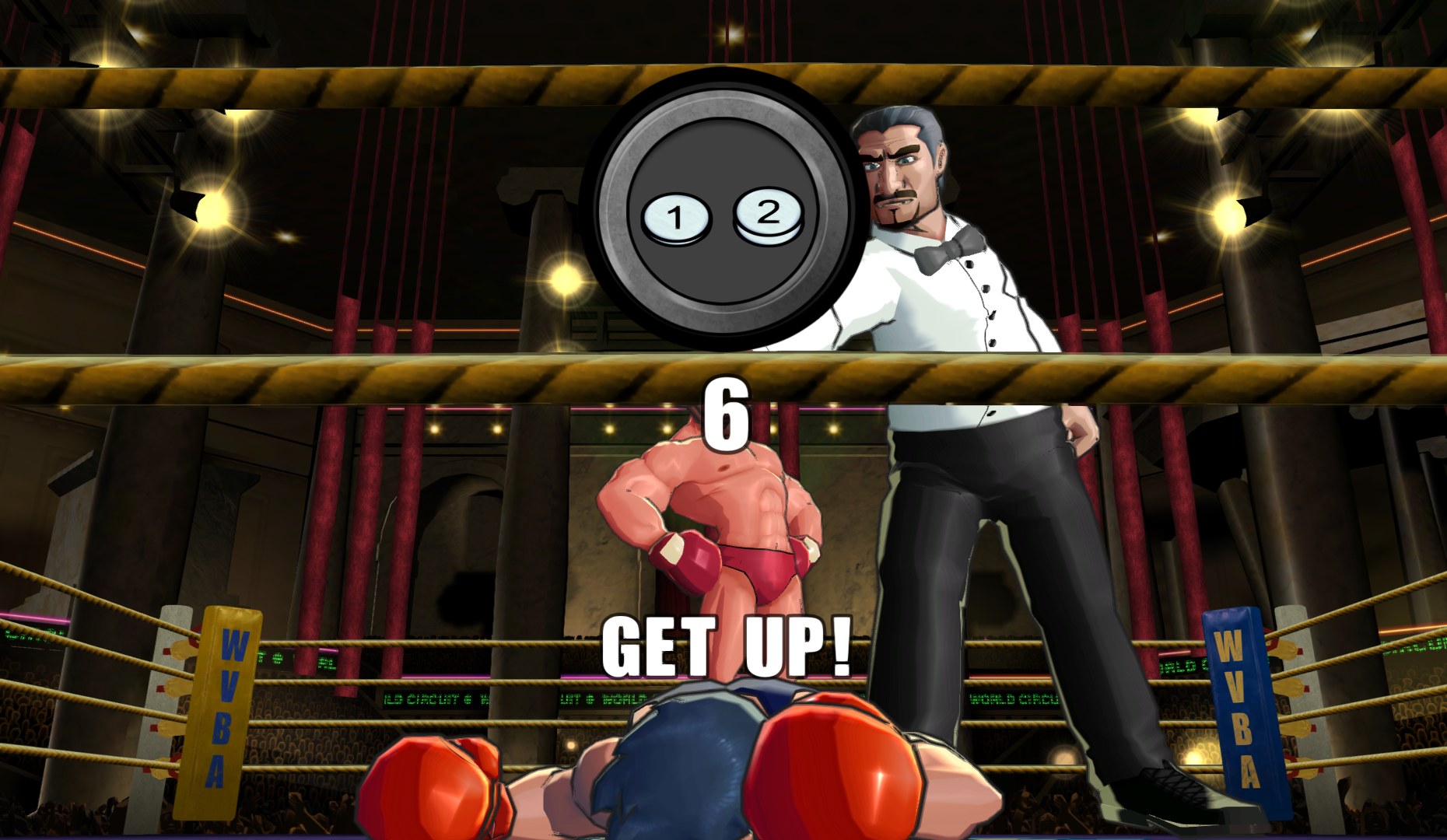
plusnine began by reworking Punch-Out!!’s title screen, menus and HUD, then went further and scaled up most of the in-game particle effects. Fighter portraits were redone to suit the refreshed interface, and the arenas and a few other bits received upgrades as well.
It was built for the North American release (R7PE01) and has not been tried with other regions. This is version 0.6, which moved many textures into new or corrected locations and dropped the files that were left unchanged, so delete an older folder before installing it over v0.5.
How to Set It Up
- In Dolphin, open File > Open User Folder, then go into
Load/Textures/. - Extract the download there, so you end up with a
Load/Textures/R7P/folder. - Open Graphics > Advanced and tick Load Custom Textures. Ticking Prefetch Custom Textures too stops stutter, if you have the RAM for it.